Digital Dashes
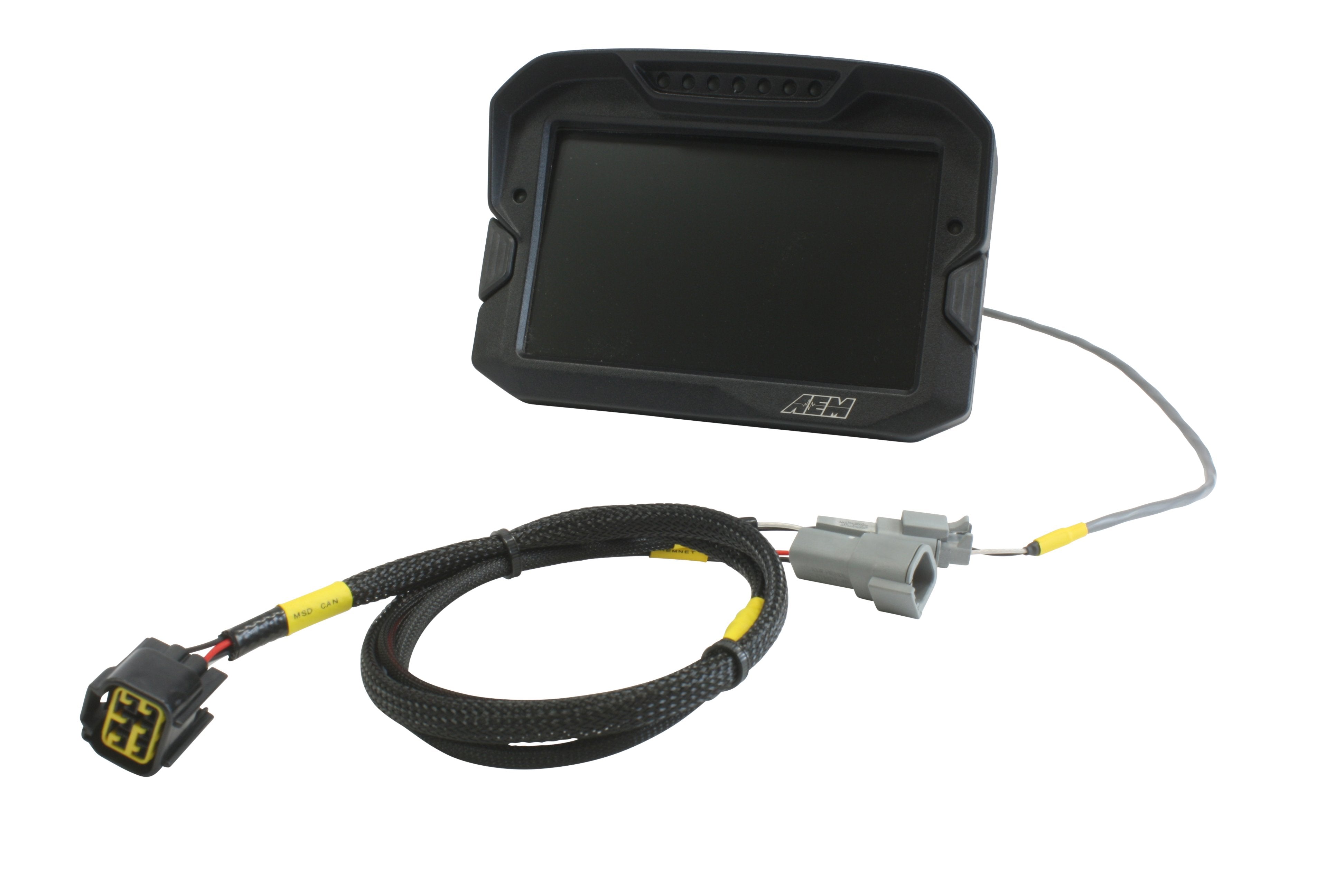
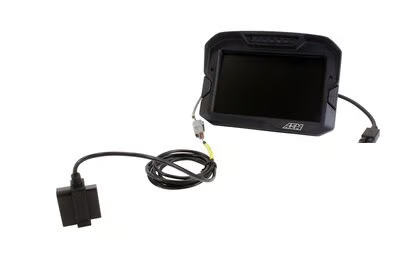
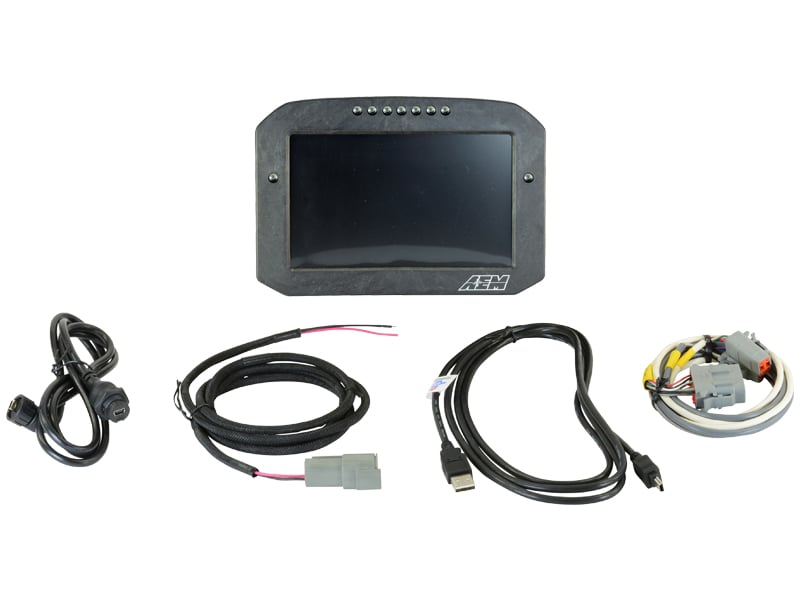
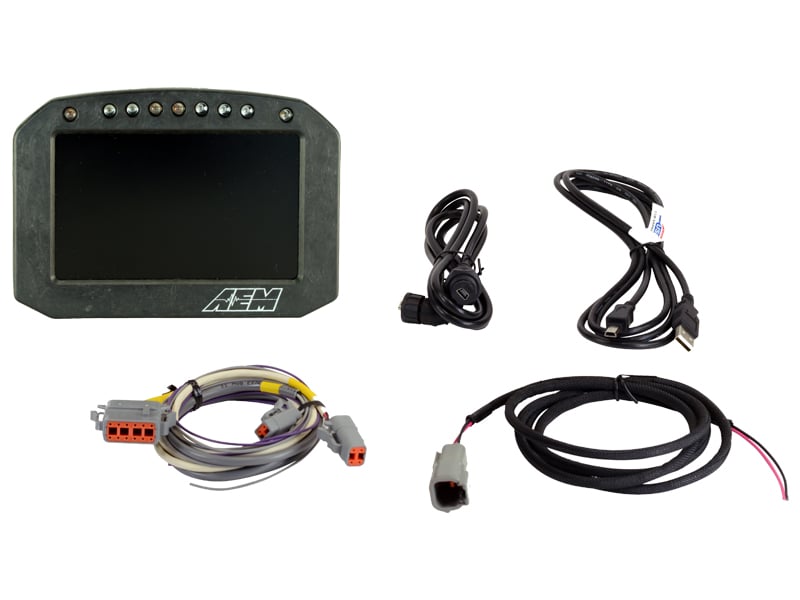
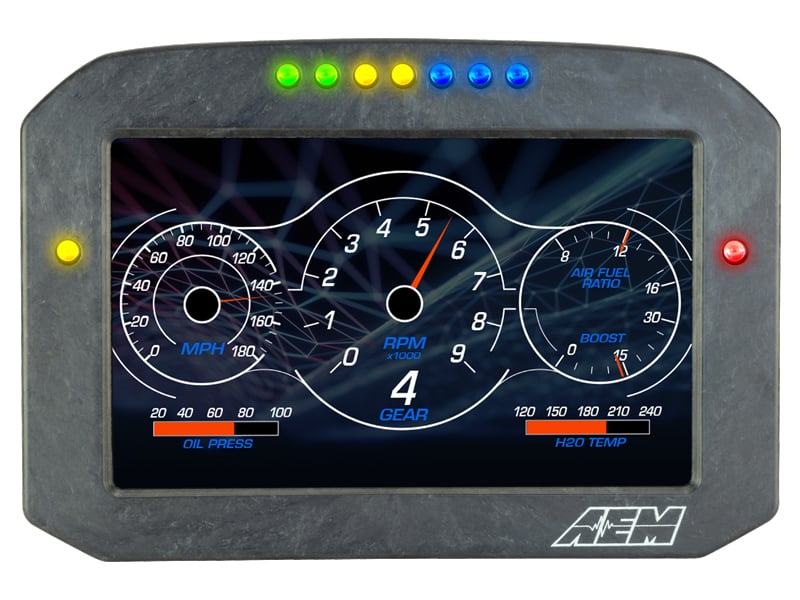
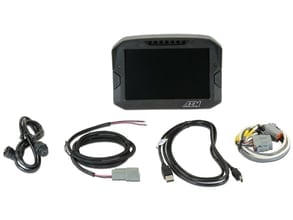
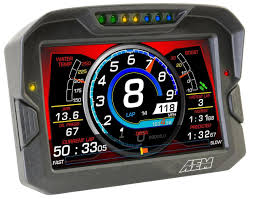
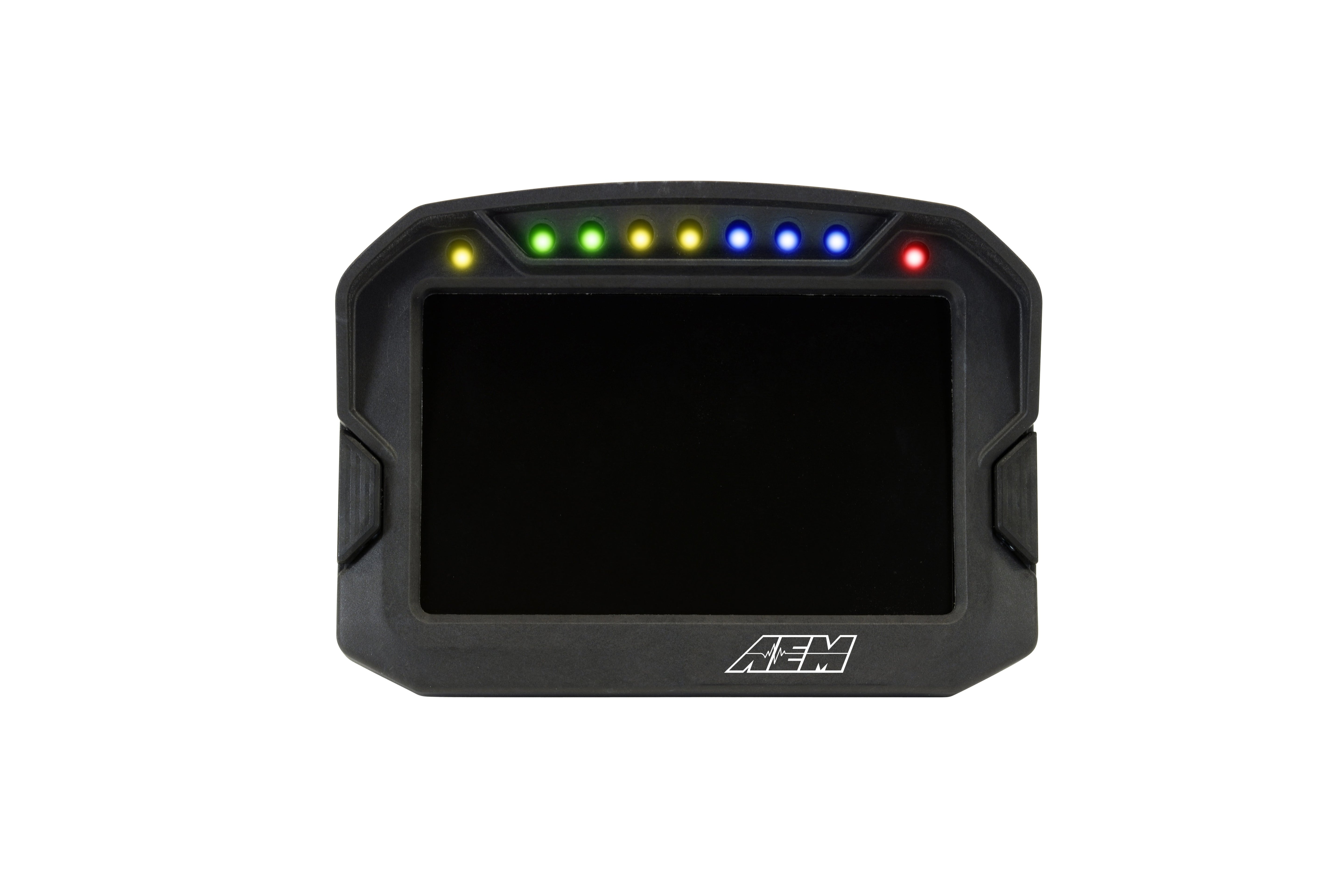
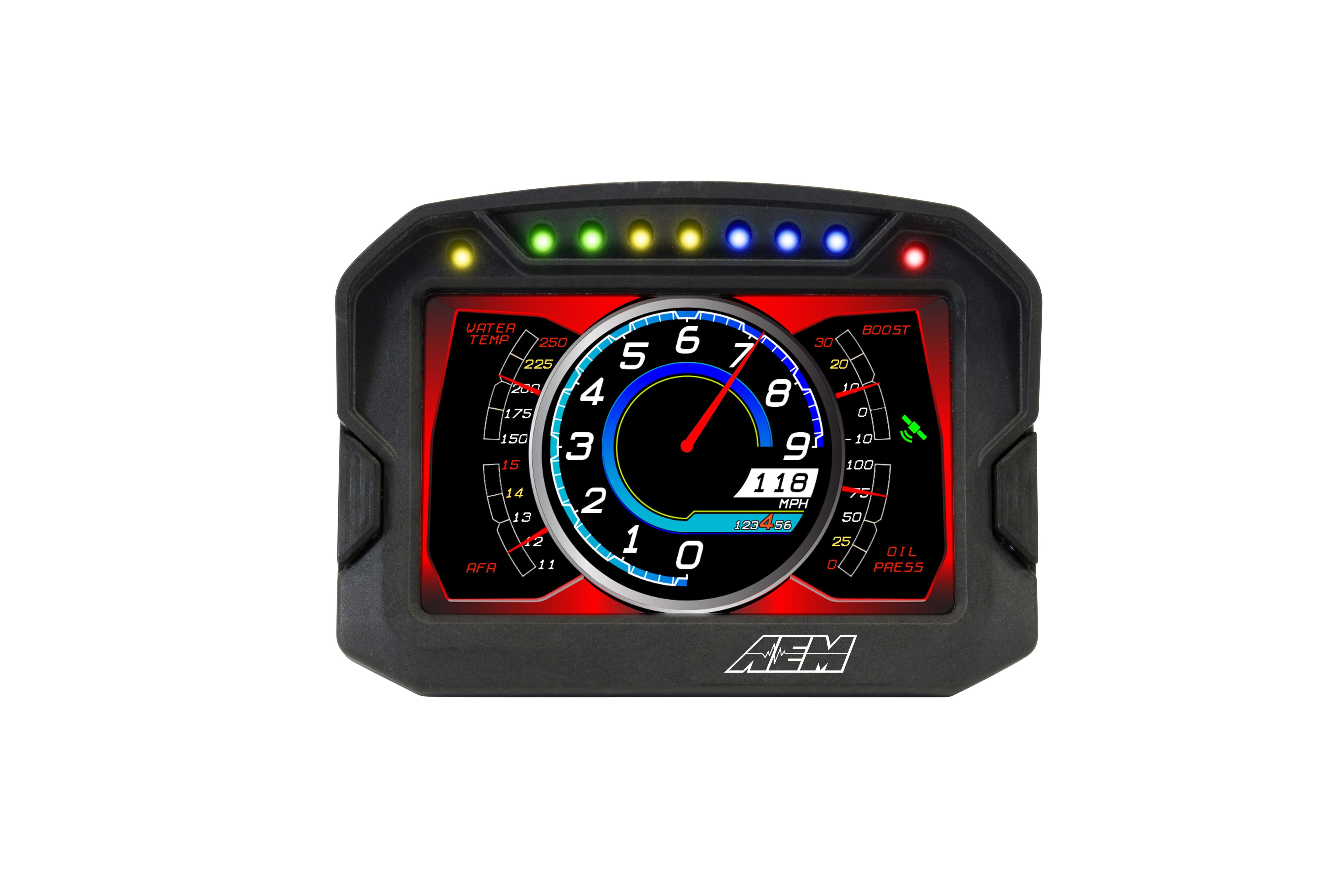
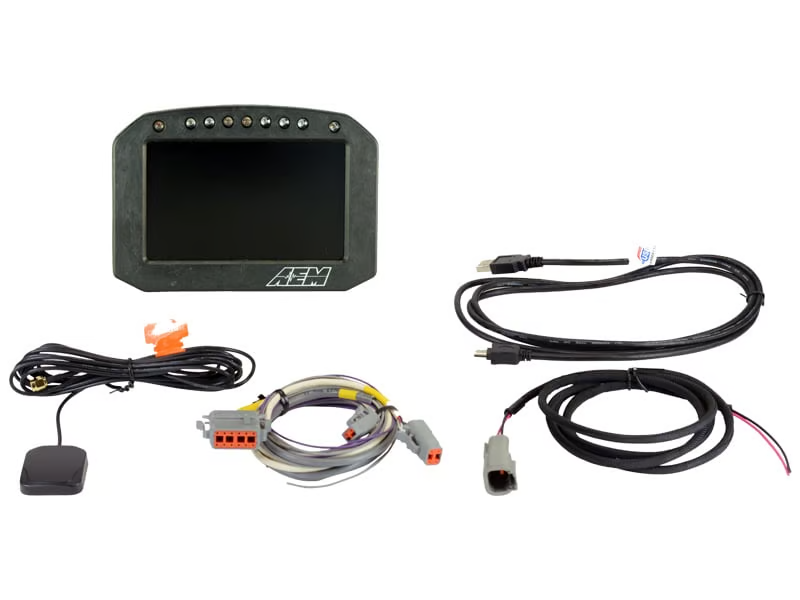
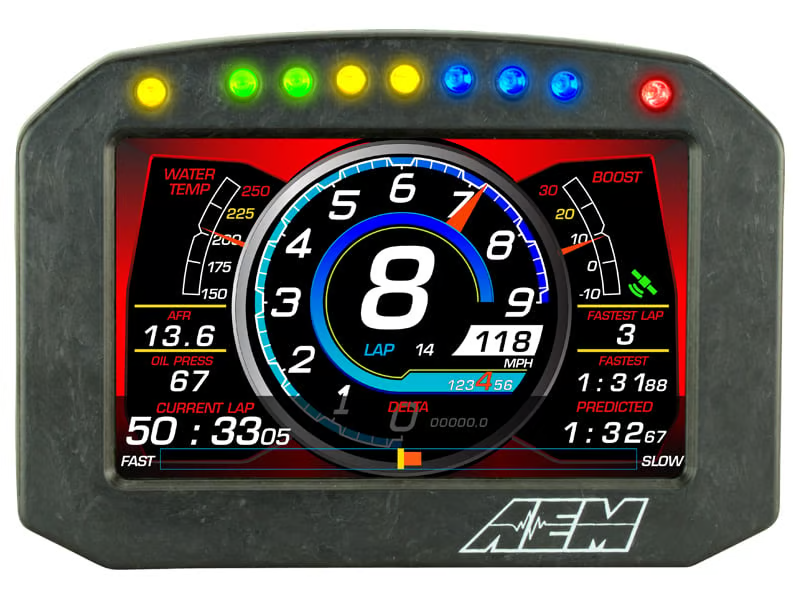
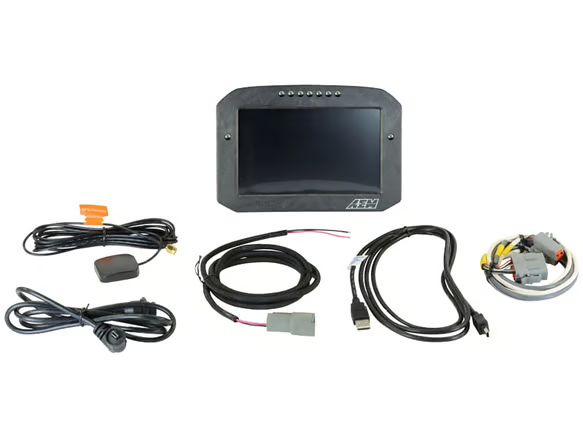
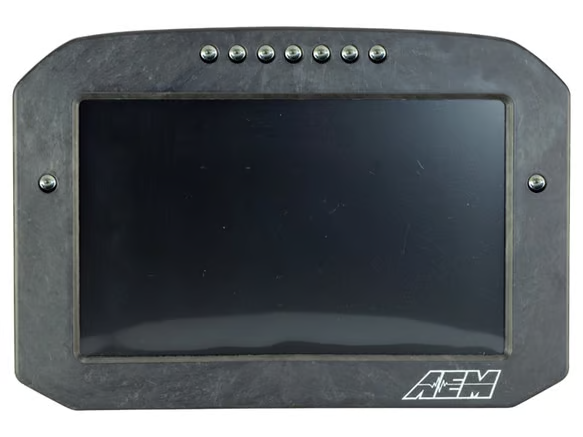
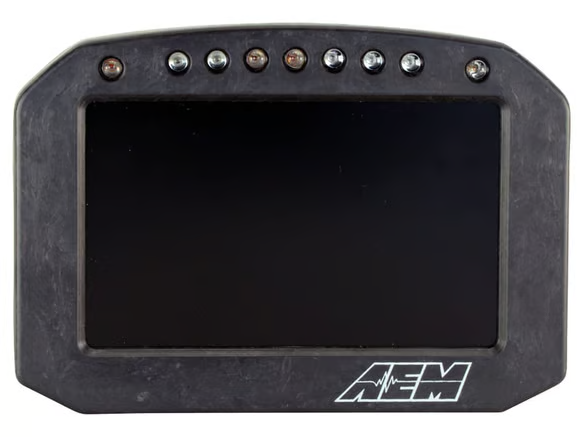
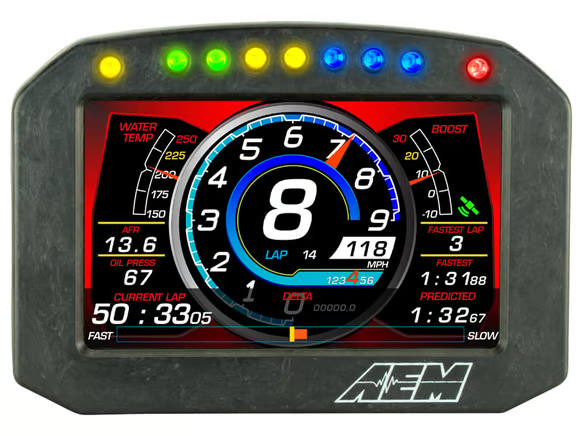
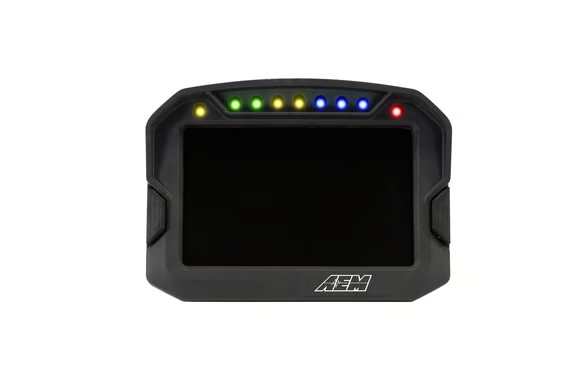
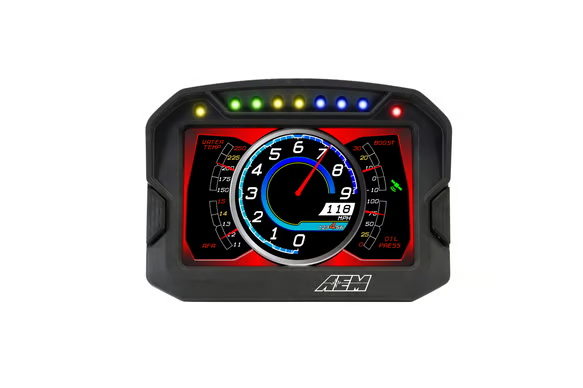
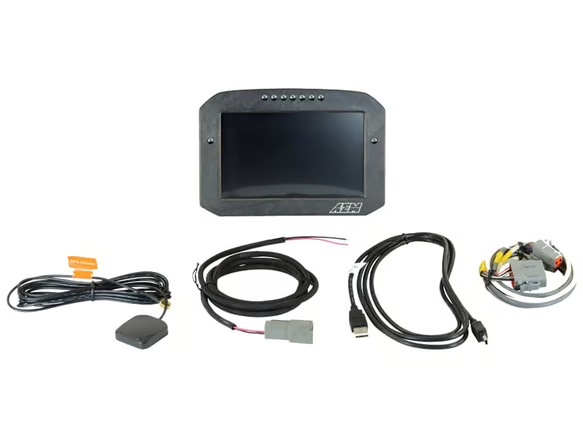
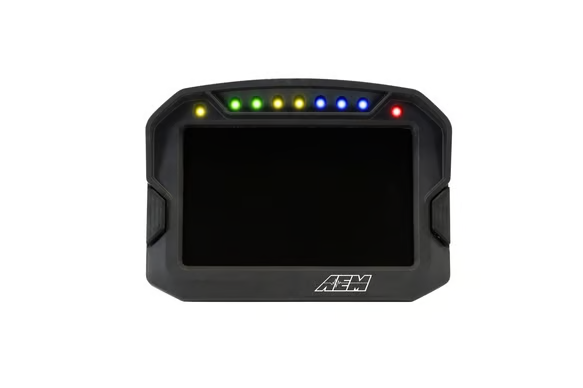
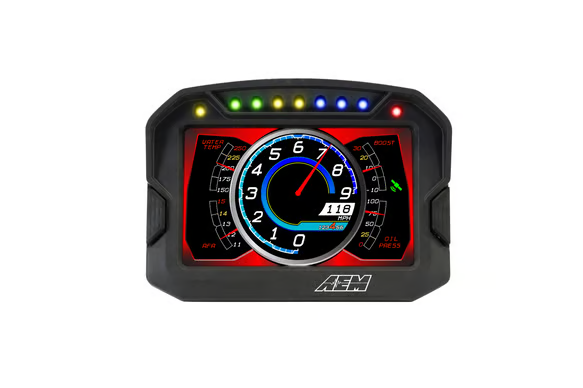
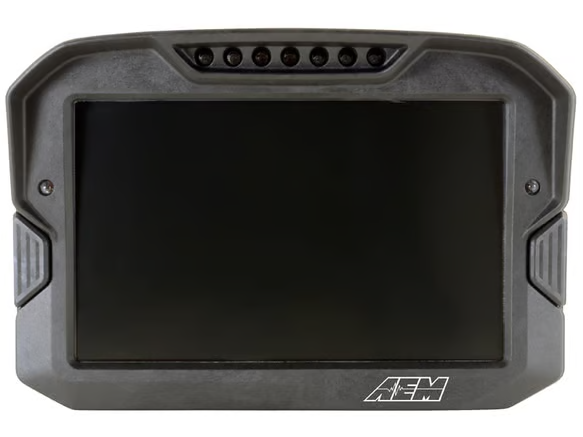
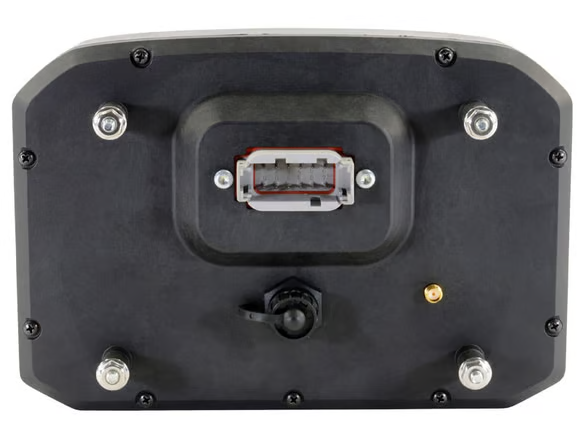
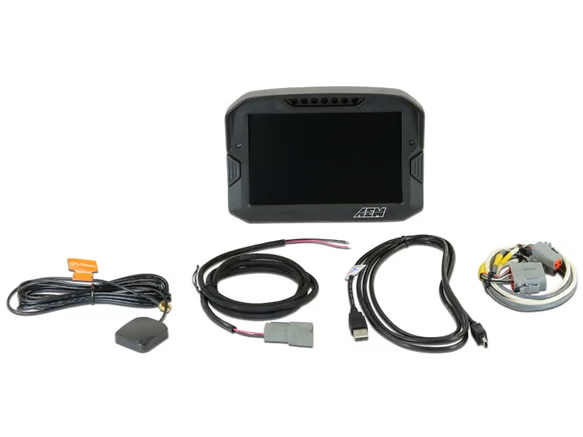
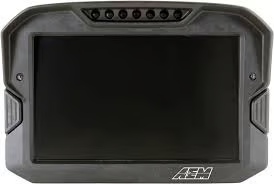
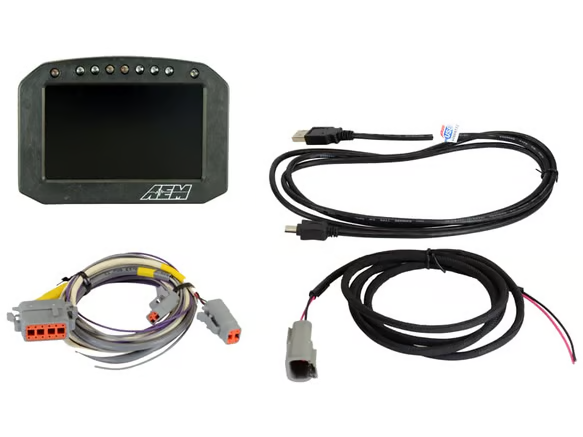
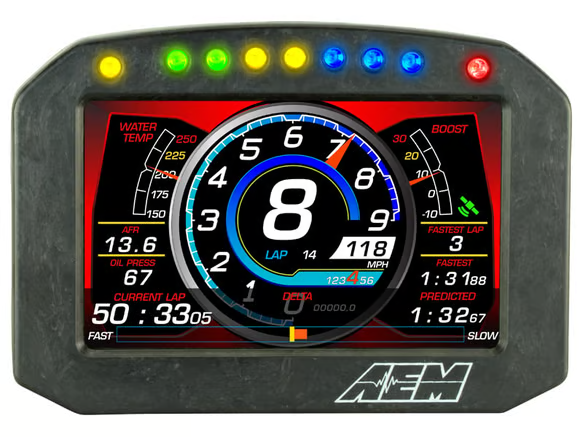
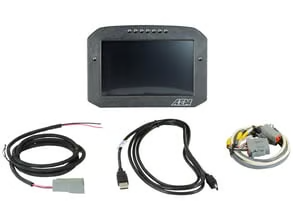
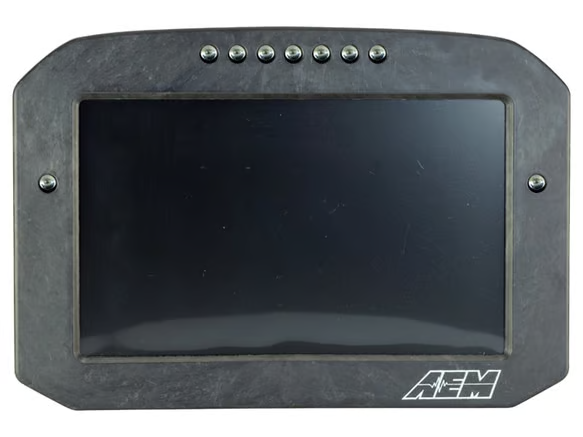
A digital dash displays engine and vehicle data on a single screen. It can replace or add to a cluster of individual gauges. This range includes universal AEM CD-5 and CD-7 Carbon digital dash displays and the Link MXS Strada Dash Street Edition, plus the harnesses, CAN modules and accessories used to connect and expand them. Browse the wider range in Engine Management and Electrical.
Shop by Product Type
This collection includes:
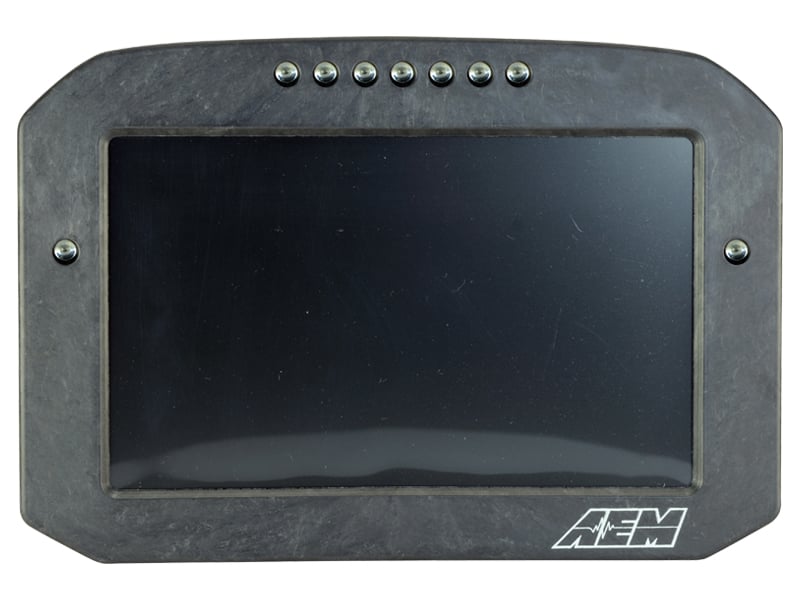
- AEM CD-5 and CD-7 Carbon Digital Dash Displays: available in standard and Carbon Flat Panel versions, with non-logging, logging, GPS and logging-with-GPS variants.
- Link MXS Strada Dash: the Street Edition, listed as universal.
- Adapter harnesses and cables: the AEM CD-7/CD-7L Plug and Play Adapter Harness, the AEM CD Dash Plug and Play Adapter Harness (OBDII CAN) and the AEM X-Series AEMnet Cable.
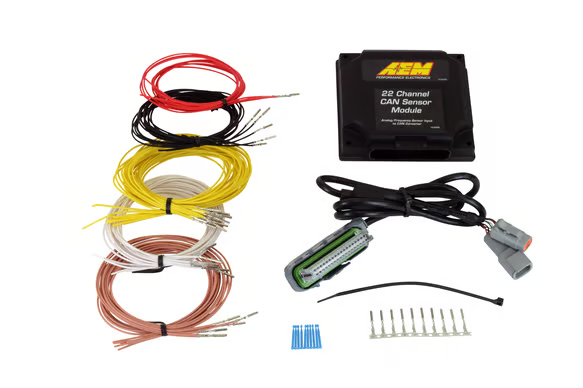
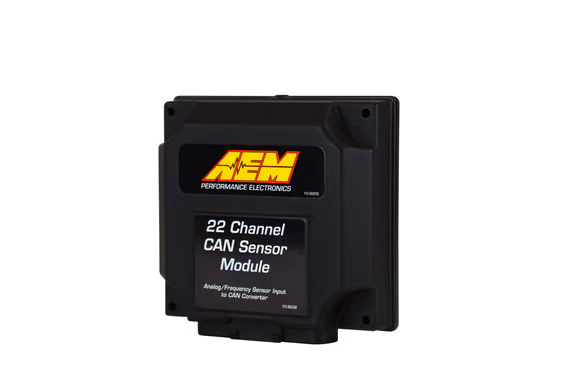
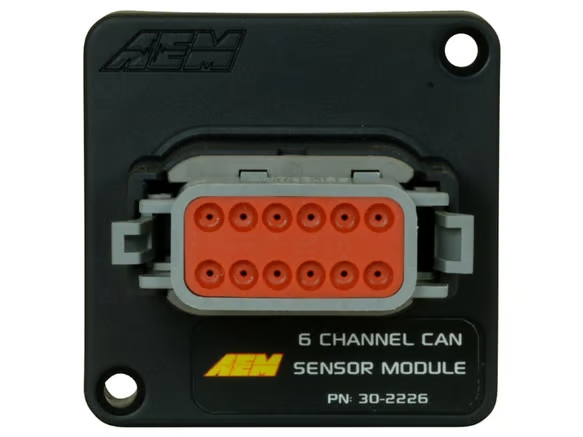
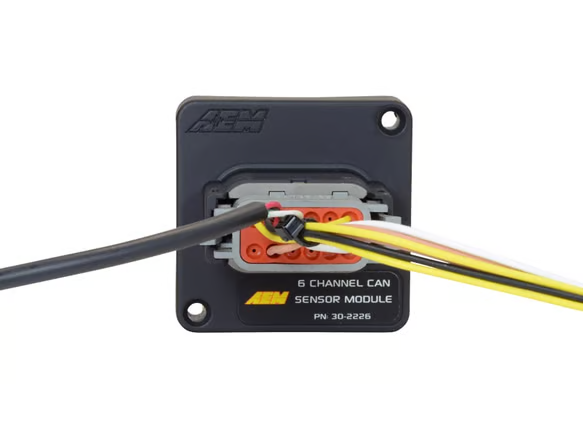
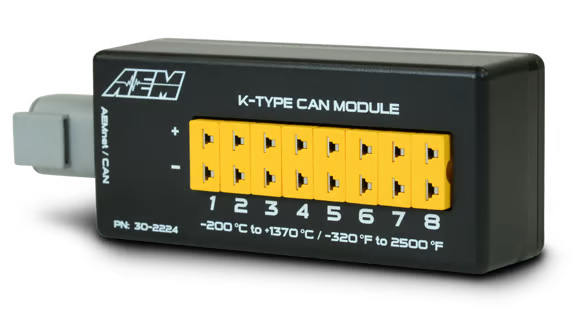
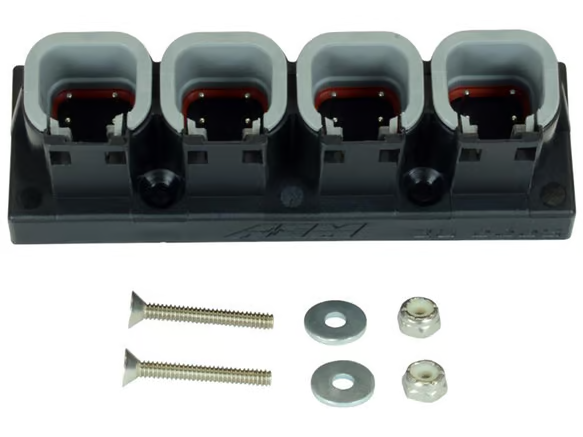
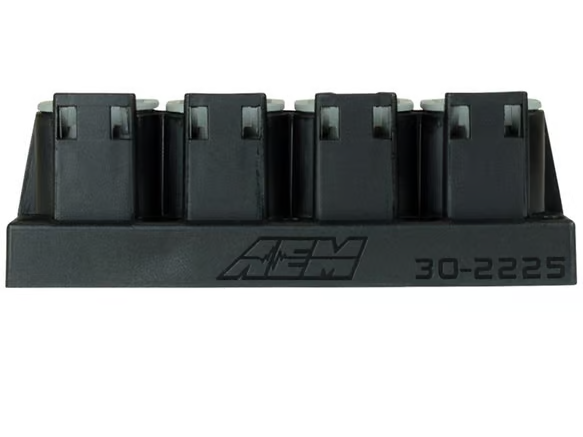
- CAN expansion: the AEM 6 Channel CAN Module, the 22 Channel CAN Sensor Module, the 8 Channel CAN EGT Module (K-Type) and the AEMnet CAN Hub (4 Port Deutsch DTM).
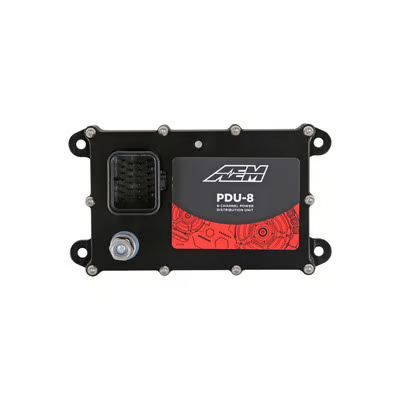
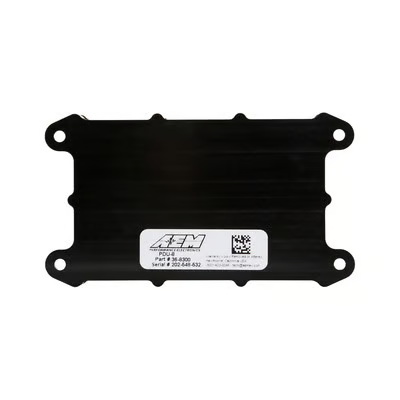
- Power and logging: the AEM PDU-8 8-Channel Power Distribution Unit and the AEM EV CAN Logger.
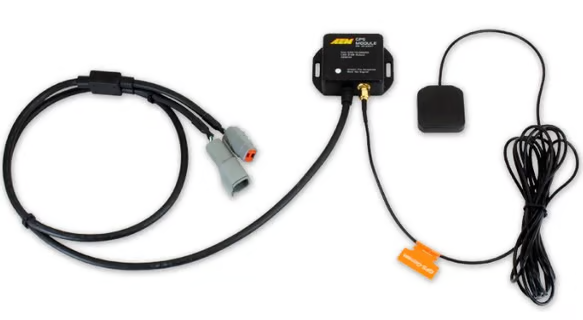
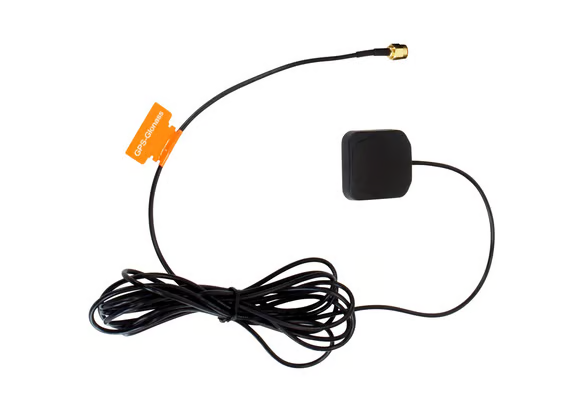
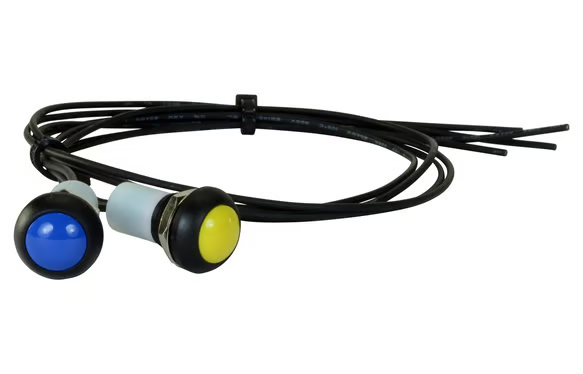
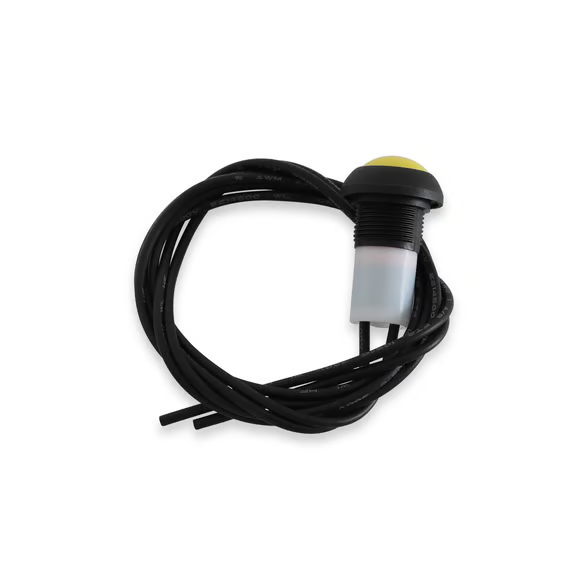
- Accessories: the AEM CD Carbon Dash 2-Button External Button Kit and the AEM GPS Replacement Antenna.
Related categories:
Choosing the Right Part
- Display size: AEM Carbon dashes come in CD-5 and CD-7 models. Check the product page for exact dimensions before planning your mounting location.
- Panel style: model codes with an "F" (for example CD-5F and CD-7F) are Carbon Flat Panel versions. Models without the "F" are the standard Carbon dash.
- Logging: models with an "L" (for example CD-5L and CD-7FL) are logging versions. Models without the "L" are non-logging.
- GPS: models with a "G" (for example CD-5G and CD-7FLG) include GPS. A replacement GPS antenna is also available.
- Connection: work out how the dash will receive data from your ECU or vehicle, whether through a plug and play adapter harness, OBDII CAN or AEMnet. Then choose the matching harness, cable or hub.
- Extra inputs: if you need more sensor or EGT channels, the AEM CAN modules add inputs over CAN.
Installation & What You'll Need
Installation by a professional is recommended. Depending on your setup, you may also need:
- A compatible adapter harness or AEMnet cable
- A CAN hub to connect multiple devices
- CAN modules for additional sensors
- An external button kit for in-car control
- A suitable mounting position in the cabin
Before you buy, confirm with your ECU manufacturer which data your ECU outputs, so you know what the dash will be able to display.
FAQ
What do the letters in AEM CD dash model names mean?
F means Carbon Flat Panel, L means logging and G means GPS. For example, the CD-7FLG is a Carbon Flat Panel dash with logging and GPS.
Are these digital dashes vehicle-specific?
The dashes and accessories in this collection are listed as universal. Contact our team if you need help with your setup.
Is there a plug and play harness for AEM CD dashes?
Yes. The range includes the AEM CD-7/CD-7L Plug and Play Adapter Harness and the AEM CD Dash Plug and Play Adapter Harness for OBDII CAN.
Can I add buttons to an AEM CD Carbon dash?
Yes. The AEM CD Carbon Dash 2-Button External Button Kit is available in this collection.
Need help choosing? Contact our team at sales@chicaneaustralia.com.au.