
MINI Cooper S / JCW (R53) 2002–2007 Performance Parts & Upgrades
The first BMW-era MINI Cooper S (R53) was sold new in Australia from 2002 to 2007, with a supercharged 1.6L four-cylinder driving the front wheels. It was updated in late 2004, and John Cooper Works versions were also offered. This page lists the parts we stock for the R53, led by ALTA pulleys, intercooler couplers and supercharger tools, with HARDRACE arms and bushings, AST and Öhlins coilovers, Scorpion and Borla exhausts, an aFe intake, SPL Parts suspension, a Wavetrac differential and a Link ECU.
Shop by Vehicle
- MINI Cooper S / JCW (R56): the turbo model that replaced it
- MINI Cooper S / JCW (F56)
- View all brands
Popular upgrades for the R53 Cooper S
- Supercharger and pulleys: ALTA lightweight crank pulleys, an adjustable tensioner stop, a supercharger pulley removal tool and intercooler couplers.
- Intake: the aFe Magnum FORCE Stage-2 intake and ALTA cone filters.
- Exhaust: Scorpion and Borla cat-back systems, sports cats and de-cat pipes.
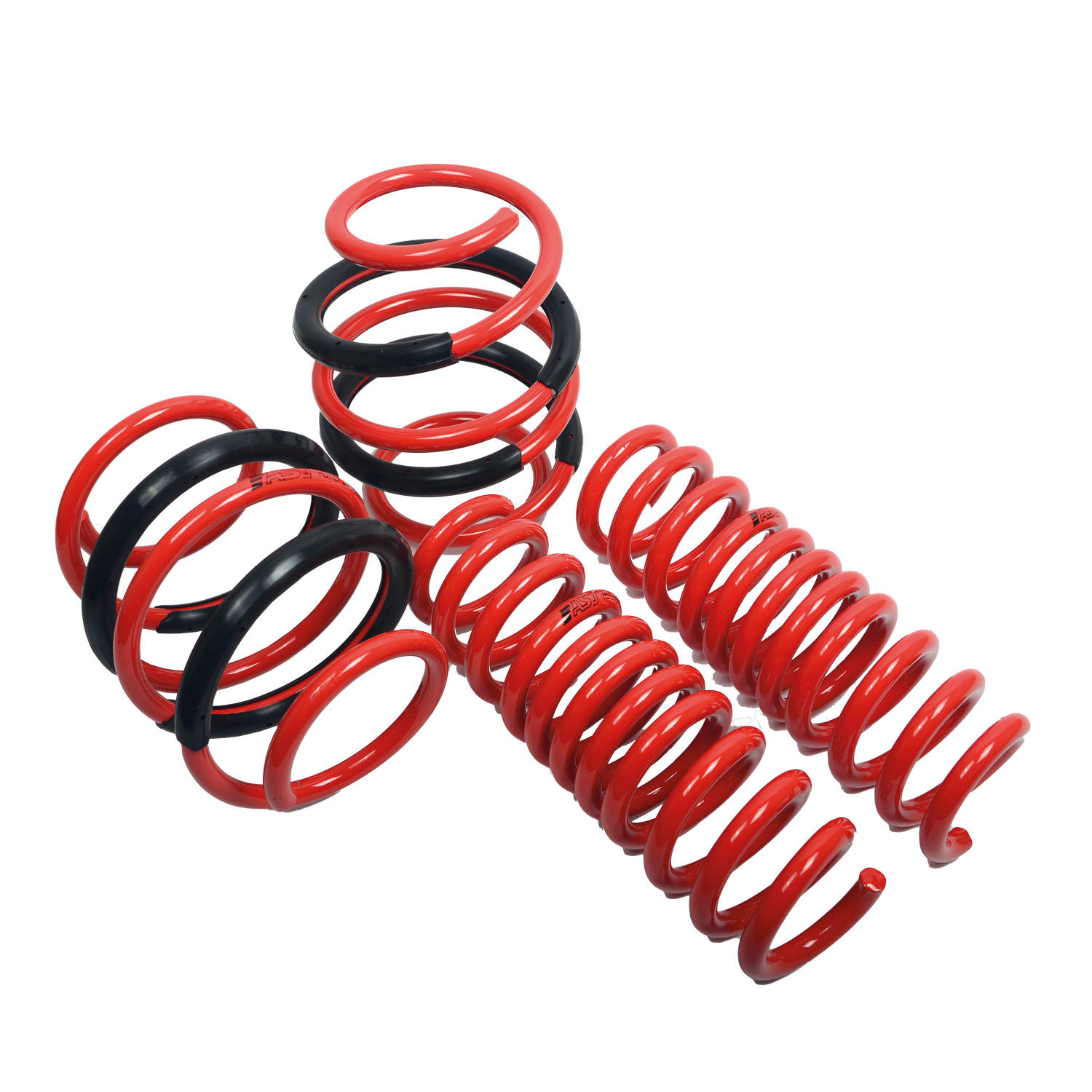
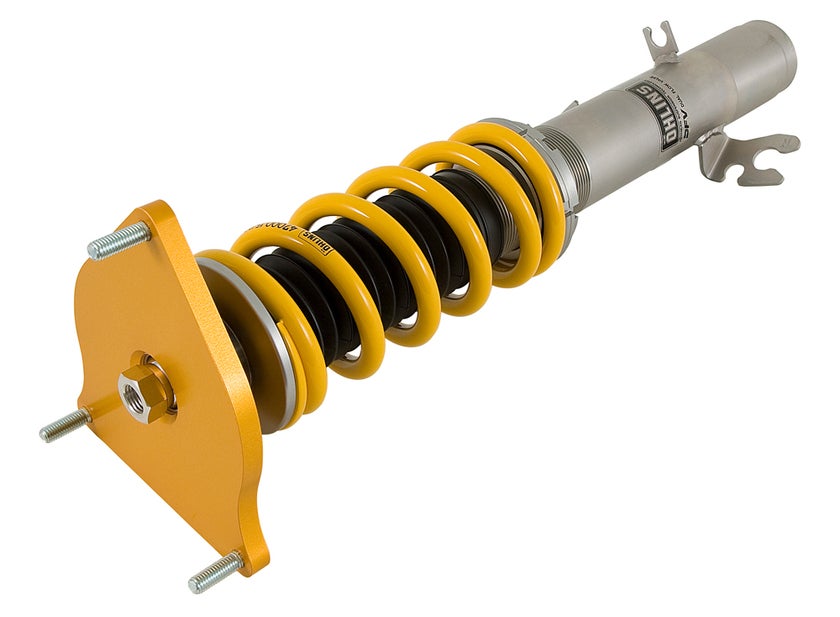
- Suspension: AST coilovers and lowering springs, Öhlins coilovers, HARDRACE camber arms, roll centre adjuster spacers, sway bar links and bushes, and SPL Parts arms.
- Driveline and electronics: a Wavetrac limited slip differential and a Link plug-in ECU.
Choosing the Right Part
- R53 or R56: the R53 is supercharged and the R56 is turbocharged, so engine, intake and exhaust parts do not swap. Some suspension parts do, so check the title.
- Pulley changes: smaller supercharger pulleys add boost and usually need a matching belt and tune. Ask us before you order.
- Brakes: JCW-braked cars use different brake parts, so match any brake upgrade to what is fitted.
Installation
Have a qualified workshop fit supercharger, suspension and exhaust parts. Get a wheel alignment after any suspension change. Pulley and ECU changes need a tune to suit; ask us if you're unsure.
Need help choosing? Contact our team at sales@chicaneaustralia.com.au.





SKU: X-AMP-INT-208