
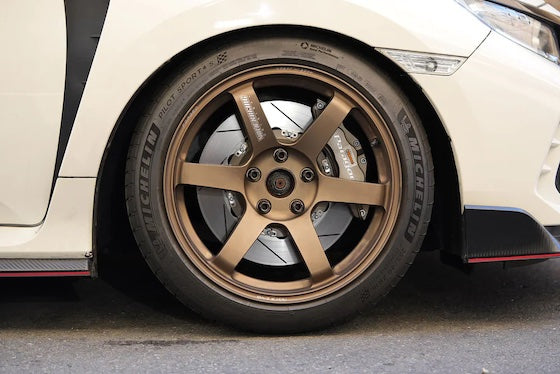

Porsche Cayman 987.2 Performance Parts & Upgrades
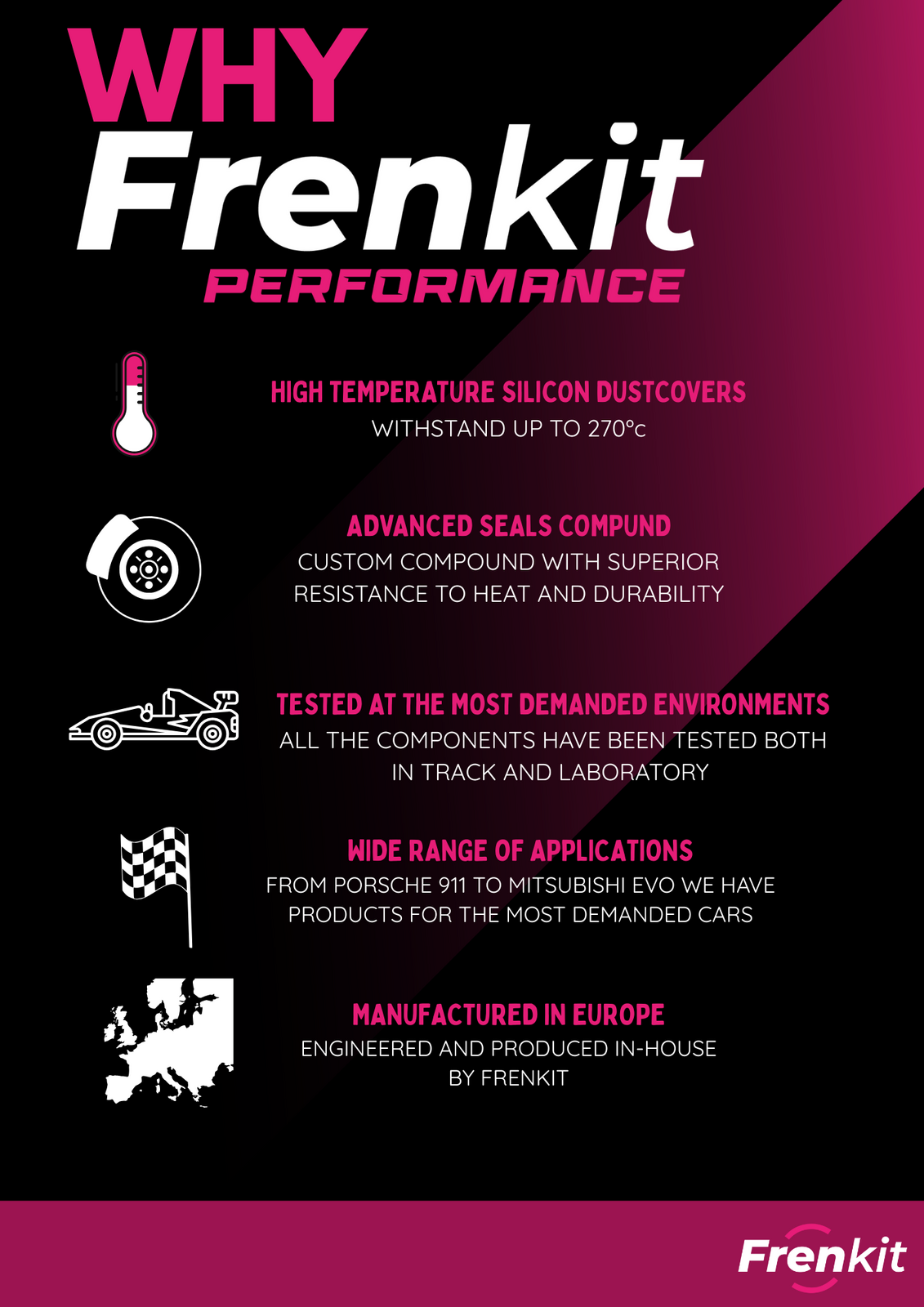
The Porsche Cayman (987.2) was sold new in Australia from late 2008 to 2012. The update gave the base Cayman a 2.9L flat-six and offered the PDK dual-clutch gearbox, with the engine mid-mounted and driving the rear wheels. This page lists the parts we stock for the 987.2 Cayman, including Wavetrac PDK diffs and carrier bearings, SPL and HARDRACE arms and links, Brembo, AP Racing and Paragon brake kits, Frenkit caliper rebuild kits, the APR Performance GTC-300 wing, and AST, Öhlins and MOTON coilovers.
Shop by Vehicle
- Porsche Cayman S (987.2)
- Porsche Cayman R (987.2)
- Porsche Cayman (987.1): the earlier 987
- Porsche Boxster (987.2): the roadster twin
- Porsche 718 Cayman (982)
- View all brands
Popular upgrades for the 987.2 Cayman
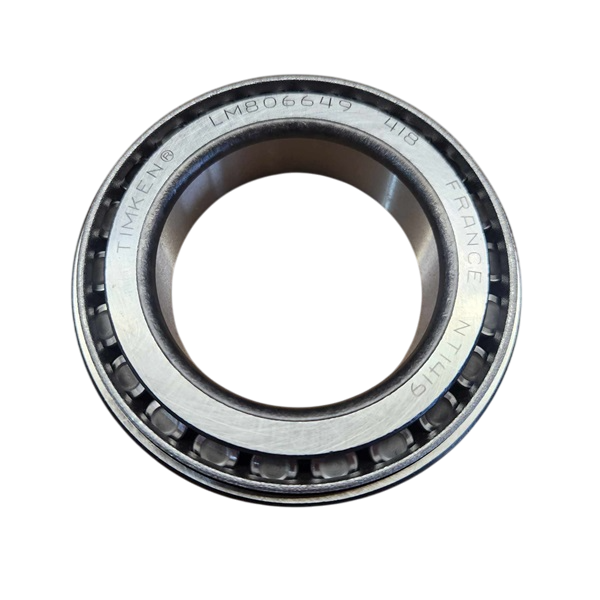
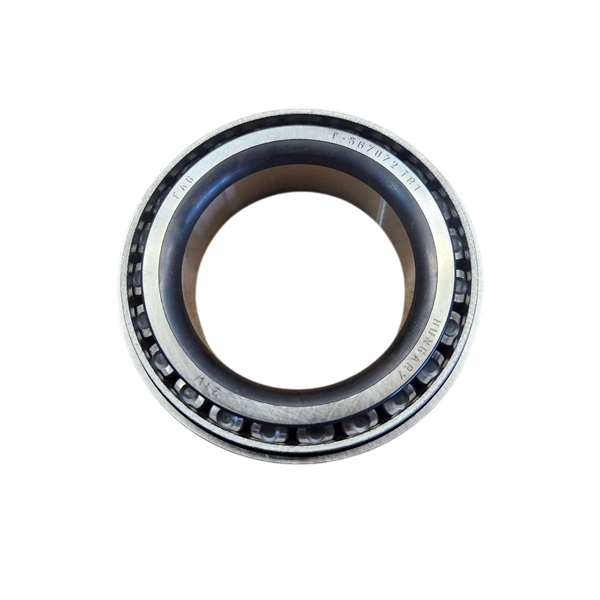
- Drivetrain: Wavetrac limited slip differentials for PDK, and PDK inner and outer carrier bearings.
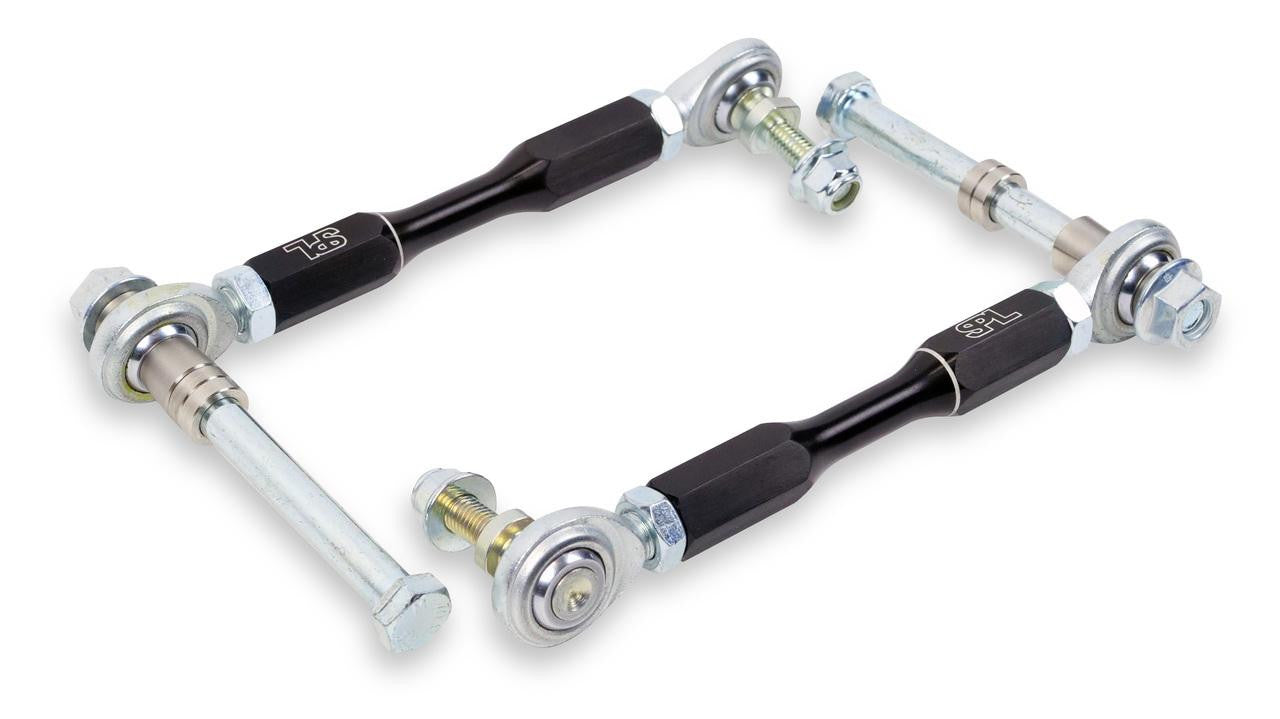
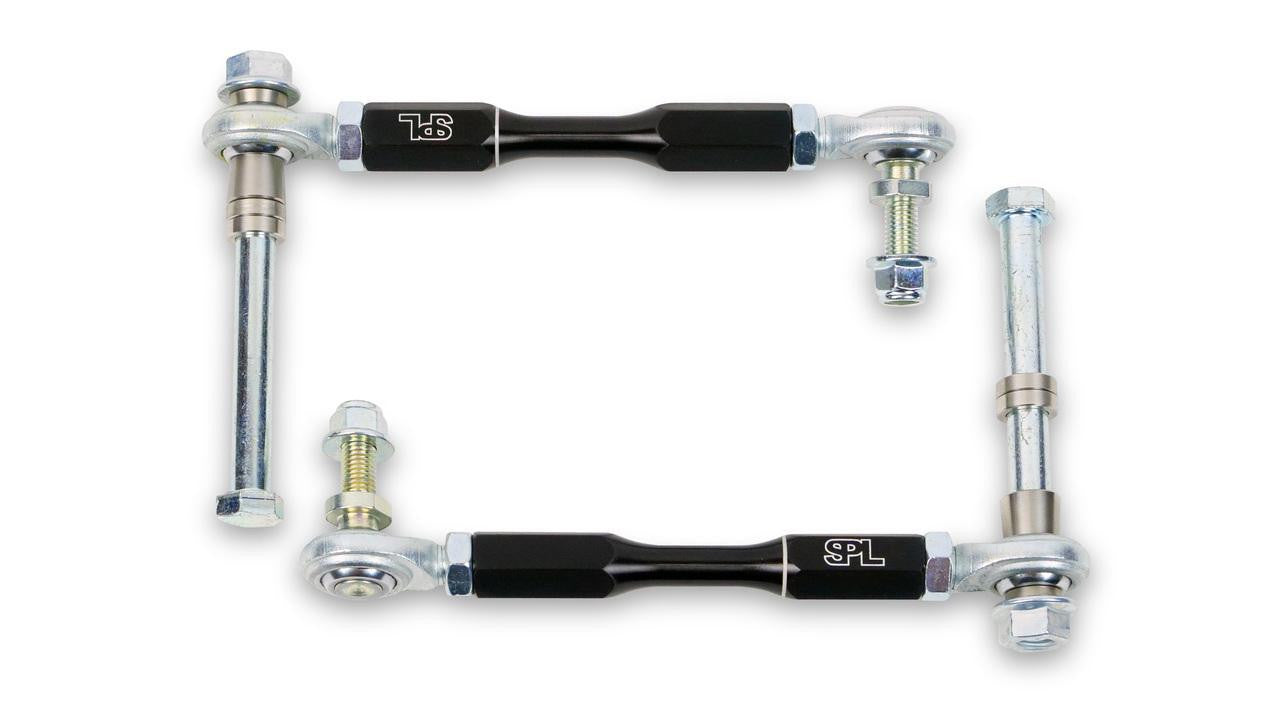
- Arms and links: HARDRACE caster, lower, toe and track arms and tie rod ends, SPL caster, traction and toe arms, front and rear lower control arm kits, and SPL and Torque Solution end links.
- Suspension: AST, Öhlins Road & Track and MOTON coilovers, AST lowering springs and the Öhlins EDC cancellation kit.
- Brakes: Brembo GT, GT-S and Pista front kits, the AP Racing CP9660 kit, a Paragon 6-piston front kit and Frenkit front caliper rebuild kits.
- Aero: the APR Performance GTC-300 adjustable carbon fibre wing.
Choosing the Right Part
- PDK or manual: the Wavetrac parts on this page are for PDK cars. Manual cars need a different diff.
- 987.1 or 987.2: most suspension, brake and aero parts fit both, but PDK parts are 987.2 only.
- Springs: AST lowering springs are made separately for the Cayman and Boxster.
- PASM: cars with adaptive dampers may need the Öhlins EDC cancellation kit with coilovers.
Installation
Have a qualified workshop fit suspension, brake and engine parts. Get a wheel alignment after any suspension change and bleed and road-test the brakes after brake work. Differential and gearbox work needs a specialist; ask us if you're unsure.
Need help choosing? Contact our team at sales@chicaneaustralia.com.au.











SKU: APR-987-9660-356-32-ANO-DX


SKU: BREMBO-987-GT-355-32-PG

SKU: BREMBO-987-GTS-355-32-PG

SKU: BREMBO-987-PISTA-355-32-PG


