
Mitsubishi Lancer Evolution III (CE9A) 1995–1996 Performance Parts & Upgrades
The Lancer Evolution III (CE9A) was the last Evo on the first-generation platform, built for Japan from 1995 to 1996 and now found here as a JDM import. It kept the 2.0L 4G63T turbo engine and all-wheel drive of the Evo II, with revised aero, in GSR and RS form. This page lists the parts we stock for the Evo III, including GSC Power-Division engine parts, Injector Dynamics injectors, Radium fuel parts, HARDRACE coilovers and bushes, GFB and Turbosmart blow off valves, a Link ECU and Alcon and Paragon brakes.
Shop by Vehicle
Popular upgrades for the Evo III
- Engine: GSC Power-Division Evo 1-3 camshafts and valvetrain, Supertech valves, AEM cam gears and genuine Mitsubishi oil filters.
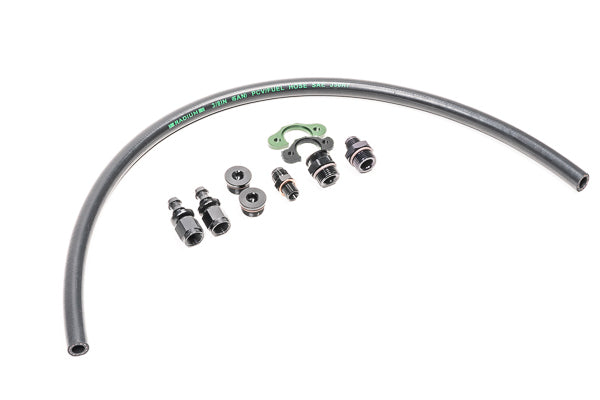
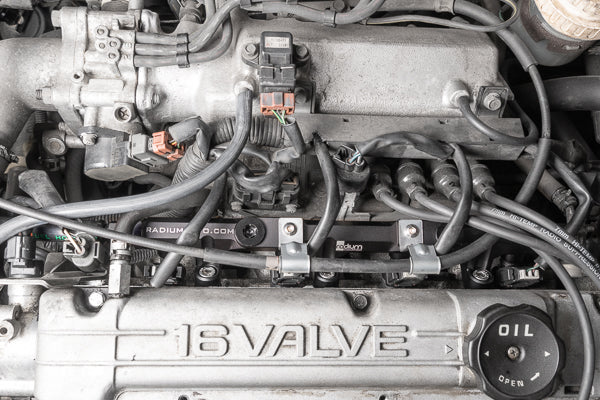
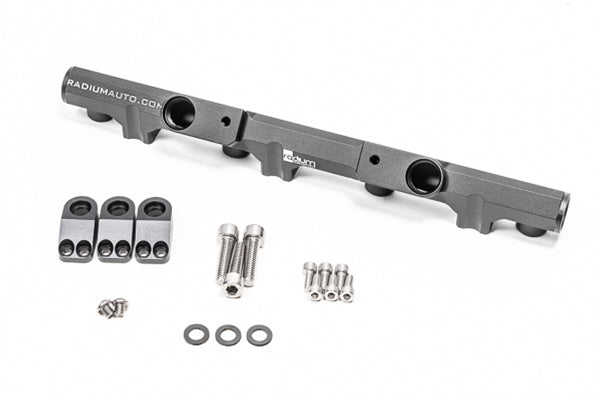
- Fuel: Injector Dynamics XDS injectors with Radium fuel line kits and filters.
- Boost: GFB and Turbosmart blow off valves.
- Suspension: HARDRACE HS Spec coilovers, camber kits, toe arms and rear bushes.
- Brakes and ECU: Alcon and Paragon front big brake kits, Frenkit caliper rebuild kits and the Link EVOLink plug-in ECU.
Choosing the Right Part
- Generation: Evo I, II and III share most parts. Anything listed for Evo IV-IX only will not fit the CE9A.
- Injector size: pick injectors to suit your power goal and fuel. Ask us or your tuner if unsure.
- Tune: cams, injectors and boost changes all need a tune, such as on the Link ECU.
Installation
Engine internals, fuel and ECU work should be done by an experienced engine builder or tuner. Have suspension and brake parts fitted by a qualified workshop, get a wheel alignment afterwards, and bleed and road-test the brakes after brake work.
Need help choosing? Contact our team at sales@chicaneaustralia.com.au.