
Mazda MX-5 (NC) 2005–2015 Performance Parts & Upgrades
The Mazda MX-5 (NC) was sold new in Australia from 2005 to 2015, with a 2.0L four-cylinder driving the rear wheels. It shares much of its suspension with the RX-8 (SE3P), so many arms and coilovers here fit both cars. This page lists every part we stock for the NC, from HARDRACE and SPL suspension arms and links to AST, MOTON and Öhlins coilovers, Borla and Scorpion cat-back exhausts, APR wings, a Koyorad radiator and a Paragon big brake kit.
Shop by Vehicle
- Mazda MX-5 (NB): the model before the NC
- Mazda MX-5 (ND): the lighter 2015-on model
- Mazda RX-8 (SE3P): shares many suspension parts
- Mazda MX-5 (NA)
- Mazda RX-7 (FD)
- View all brands
Popular upgrades for the MX-5 NC
- Suspension: AST, MOTON and Öhlins coilovers, AST lowering springs, and HARDRACE and SPL camber, toe, trailing and traction arms, end links and lockout kits.
- Exhaust: Borla twin-tip and Scorpion 63.5mm cat-back exhausts.
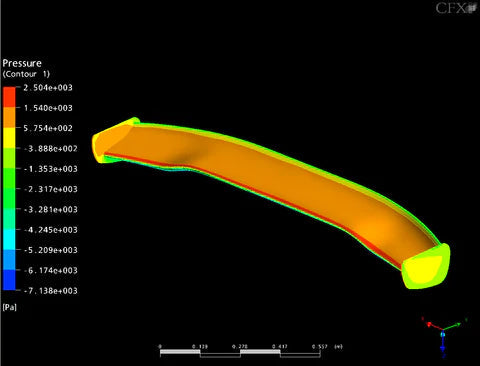
- Aero: APR GT-250 and GTC-200 adjustable wings.
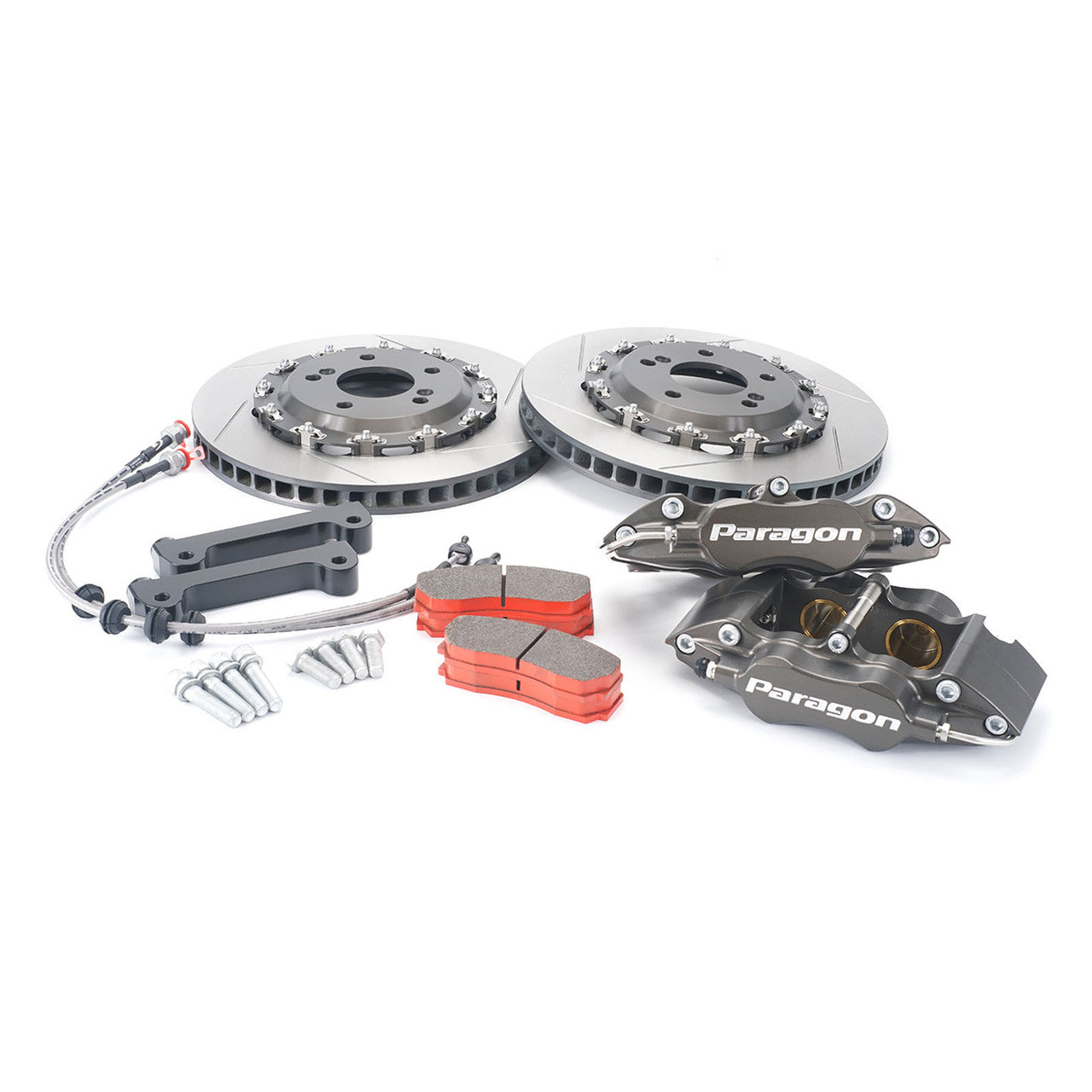
- Brakes: a Paragon 4-piston front big brake kit.
- Engine and fuel: Koyorad radiators, HARDRACE engine mounts, Injector Dynamics injectors and Radium fuel pressure adaptors.
Choosing the Right Part
- MX-5 or RX-8: many arms are listed for both cars, but end links, toe arms and some bushes are NC only. Check the title.
- Alignment parts: camber, toe and lockout kits are made to be fitted as a set. Plan the full alignment change before you buy.
- Wheel clearance: the Paragon big brake kit needs larger wheels than many stock sizes, so check the wheel size listed.
- Older cars: check bushes for wear first, and look for parts a previous owner has already changed.
Installation
Most parts here are bolt-on, but suspension and brake work should be done by a qualified workshop. Get a wheel alignment after any suspension change, and bleed and road-test the brakes after brake work. Always follow the maker's instructions and torque settings.
Need help choosing? Contact our team at sales@chicaneaustralia.com.au.

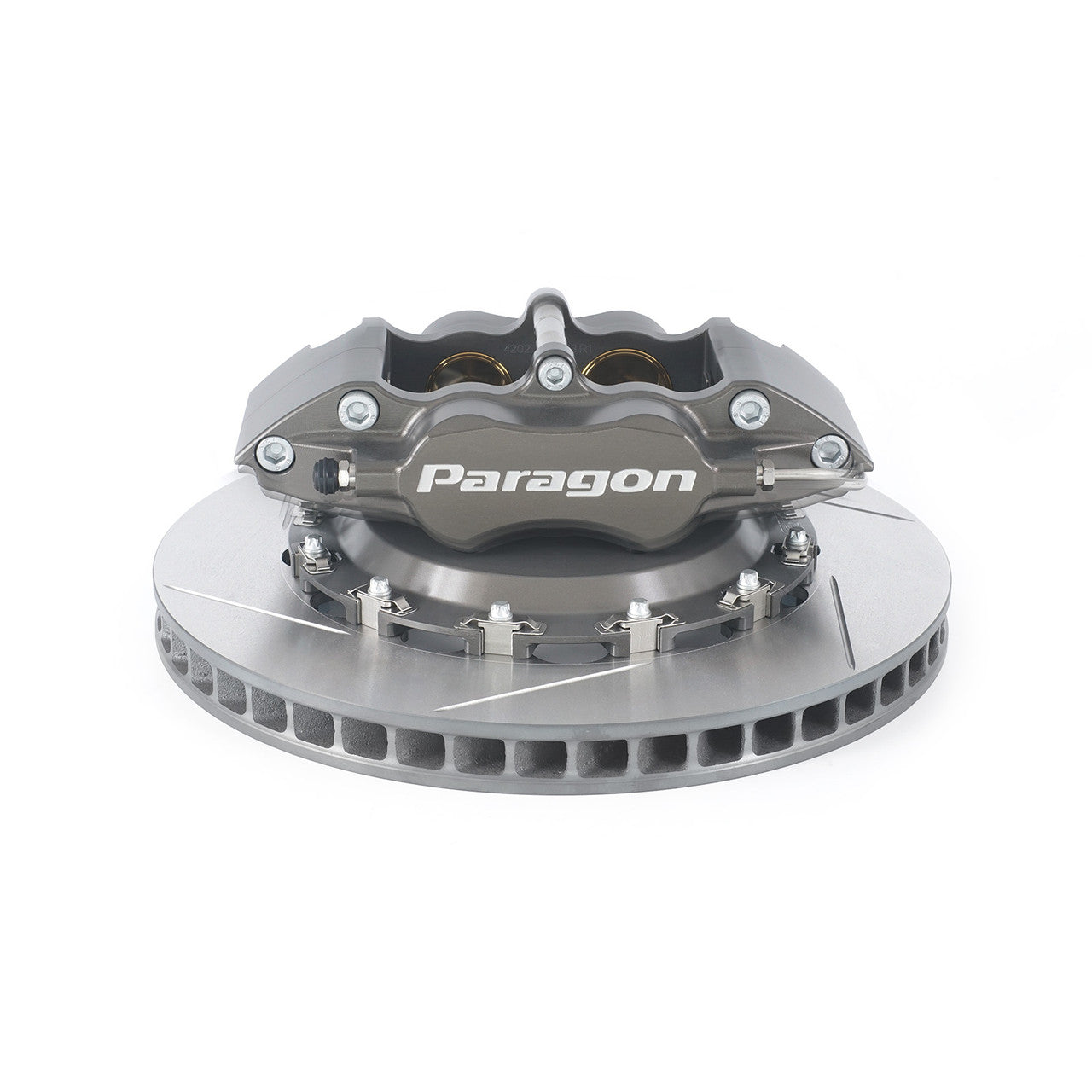

SKU: PBK.06.073.330.280.TL.03.02.P2.F