
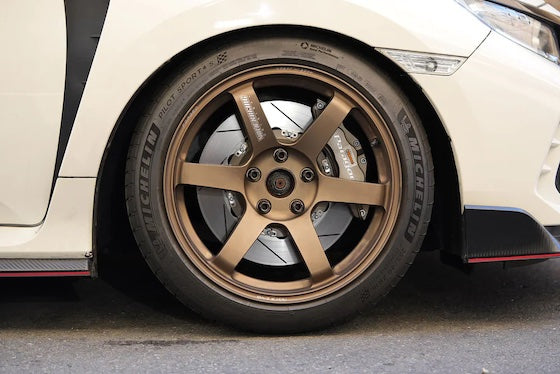

Hyundai i30 Sedan N (CN7) 2021+ Performance Parts & Upgrades
The Hyundai i30 Sedan N (CN7) has been sold new in Australia since late 2021 and is known overseas as the Elantra N. It uses the same 2.0L turbo four-cylinder as the i30 N hatch, driving the front wheels through a six-speed manual or eight-speed dual-clutch gearbox, and was facelifted for 2024. This page lists the parts we stock for the CN7, including aFe intakes, AWE and Borla exhausts, HARDRACE and SPL Parts suspension, a Koyorad radiator and Alcon, AP Racing, Brembo and Paragon brakes.
Shop by Vehicle
- Hyundai i30 N (PDE): the hatch with the same 2.0L turbo
- Hyundai i30 N (PDE, 2018-2021)
- Hyundai i20 N (BC3)
- View all brands
Popular upgrades for the i30 Sedan N
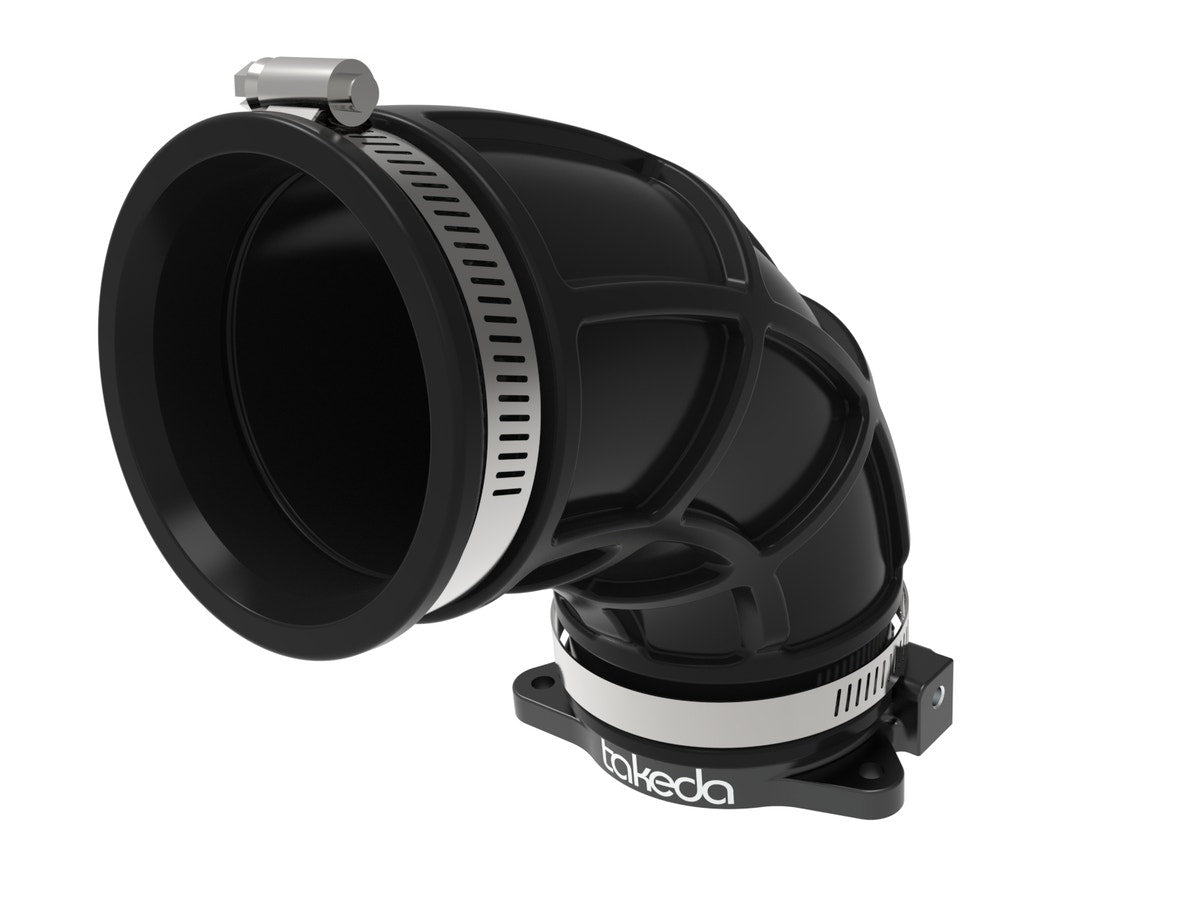
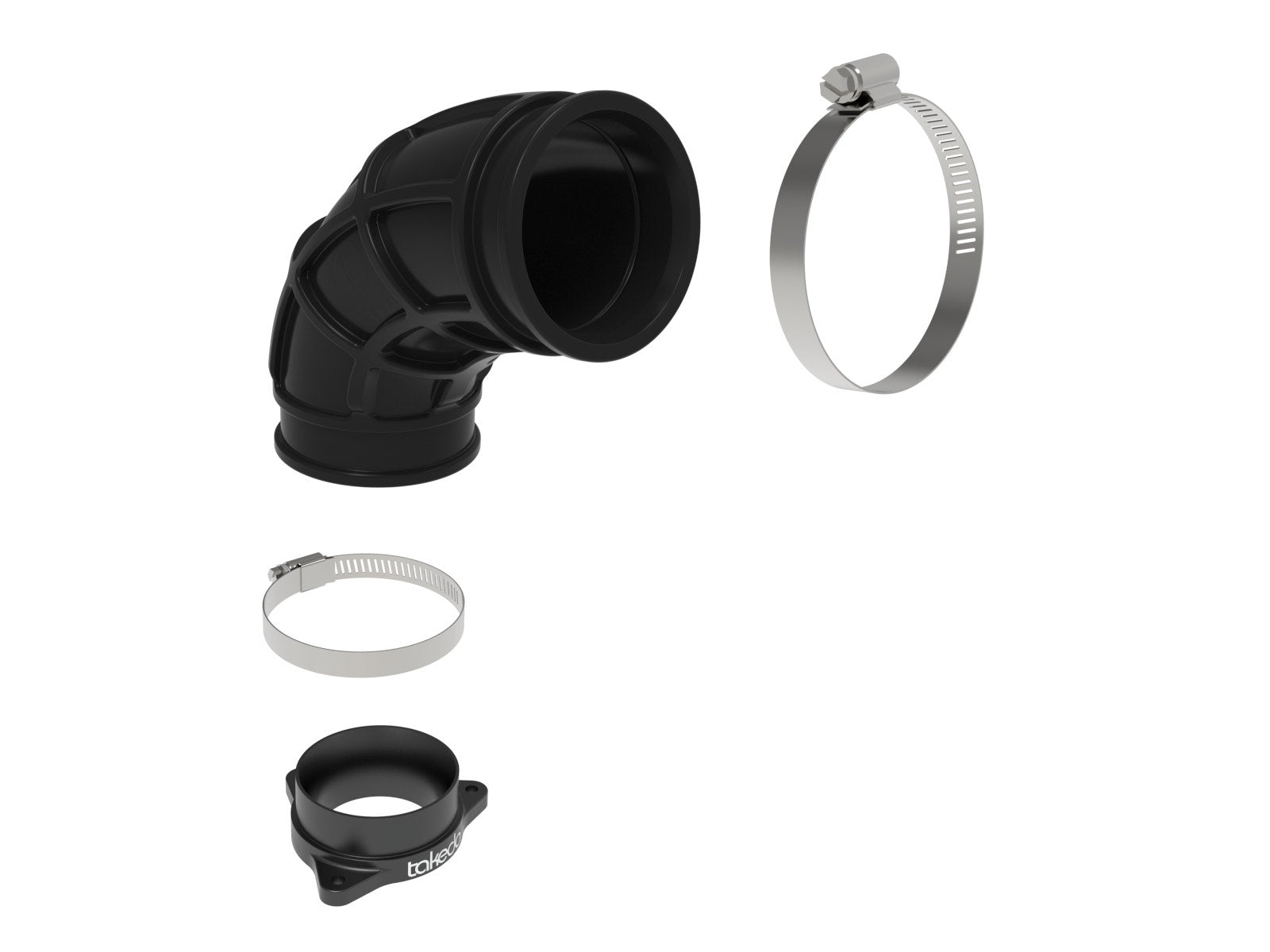
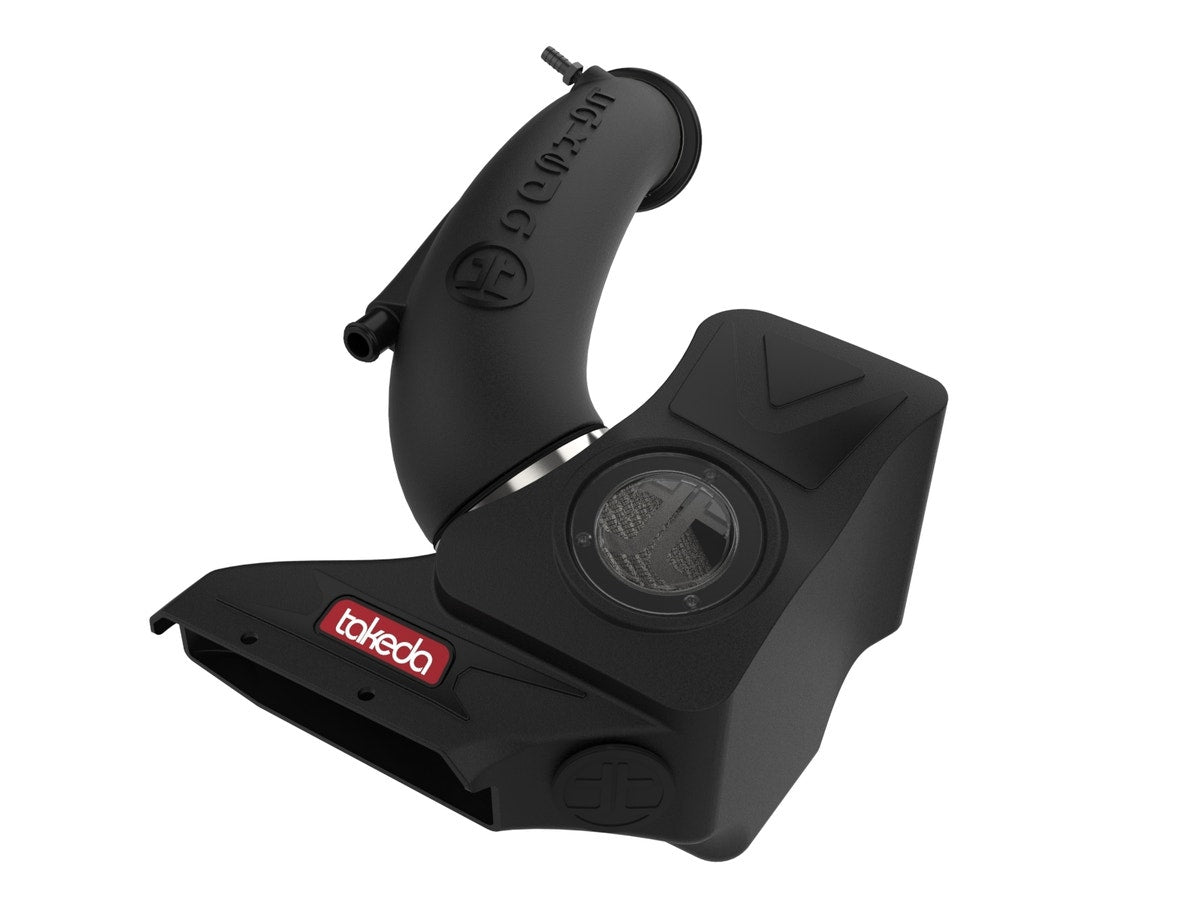
- Intake and turbo: aFe Takeda Momentum and Stage-2 cold air intakes and the aFe turbo inlet pipe.
- Exhaust: the AWE Exhaust Suite and Borla cat-back systems.
- Suspension: AST lowering springs, a HARDRACE 28mm rear sway bar, HARDRACE rear toe and camber kits, and SPL Parts alignment parts and camber lockout kits.
- Brakes: front big brake kits from Alcon, AP Racing and Brembo, Paragon 2-piece rotors and titanium pad shims.
- Cooling: the Koyorad aluminium radiator.
Choosing the Right Part
- Sedan or hatch: the CN7 shares its engine with the i30 N hatch but not its body. Engine parts often fit both; suspension and exhaust parts are usually made for one.
- Elantra N names: some titles say Elantra N (CN7). That is the same car as the Australian i30 Sedan N.
- Brake upgrades: Paragon front rotors are 360 x 30mm and fit both the CN7 and the facelifted PDE hatch. Big brake kits may need larger wheels, so check clearance first.
Installation
Have a qualified workshop fit suspension, brake and engine parts. Get a wheel alignment after any suspension change, and bleed and road-test the brakes after brake work. Always follow the maker's instructions and torque settings.
Need help choosing? Contact our team at sales@chicaneaustralia.com.au.
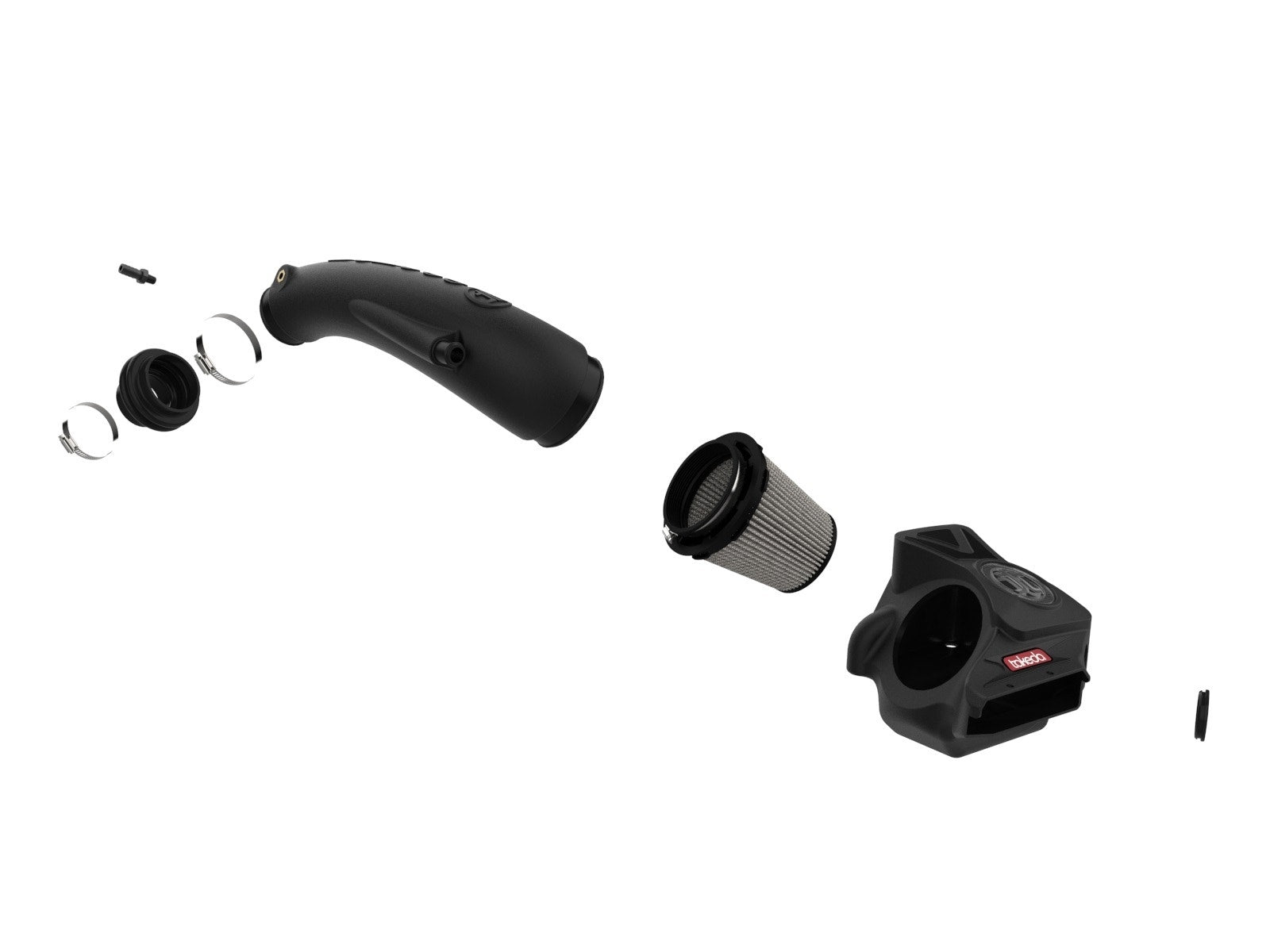





SKU: ASTLS-24-114


SKU: P2R.219.314.200.19400.08.03.01.R





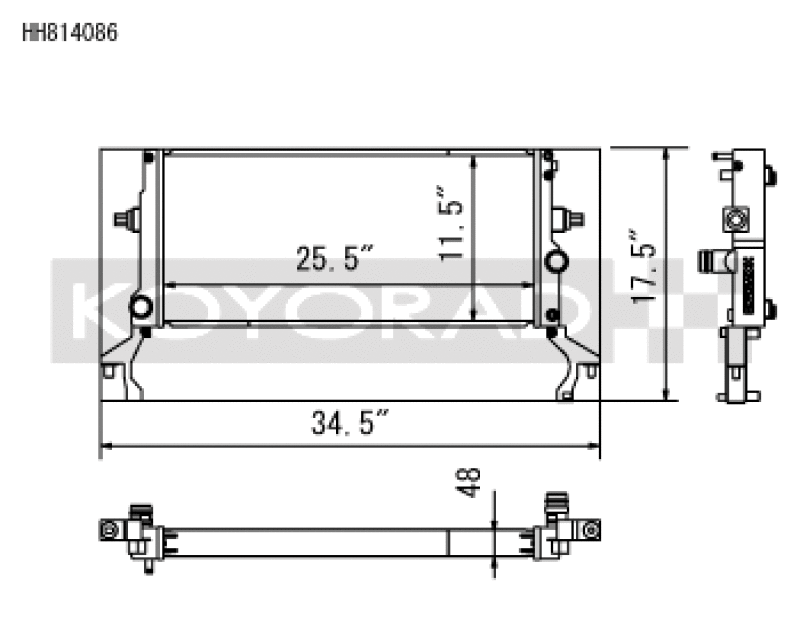






SKU: APR-CN7-9660-356-32-ANO-DX


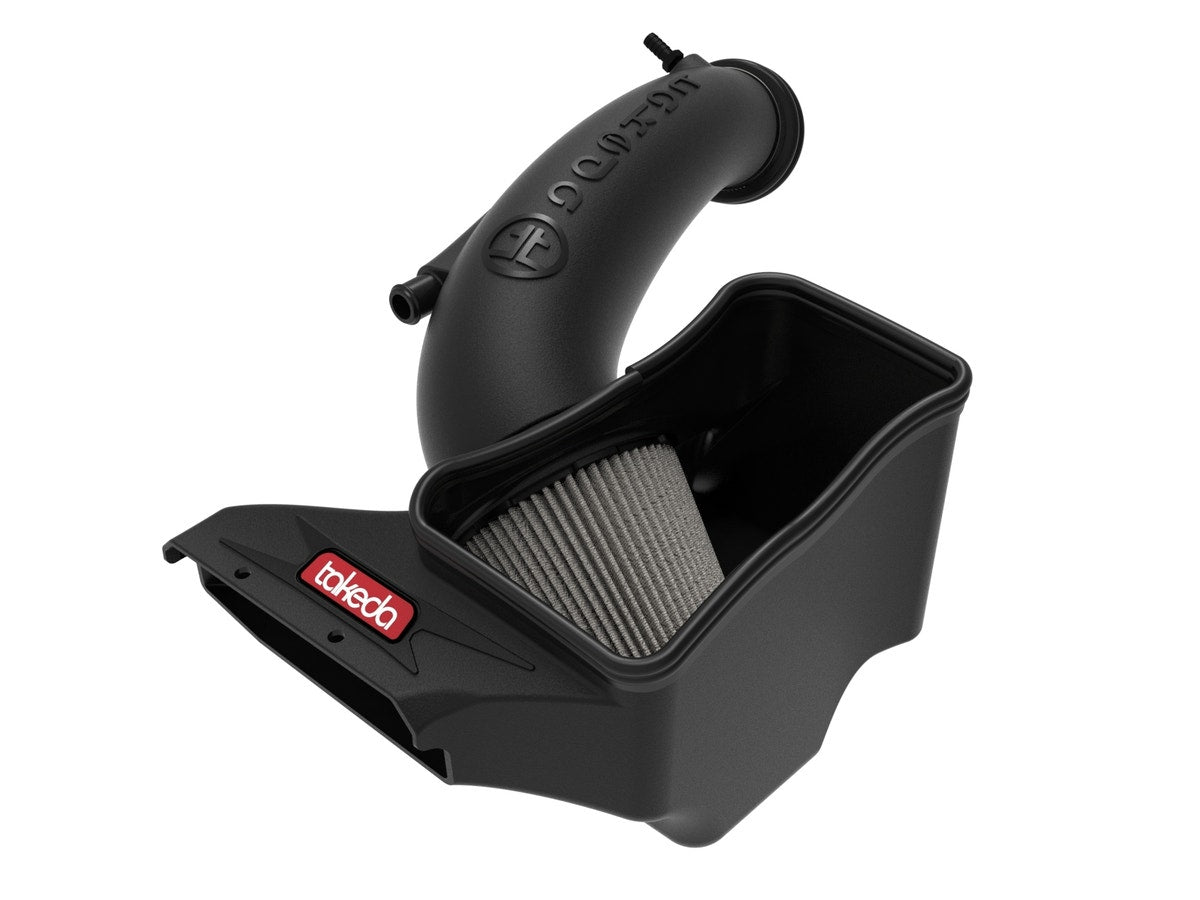
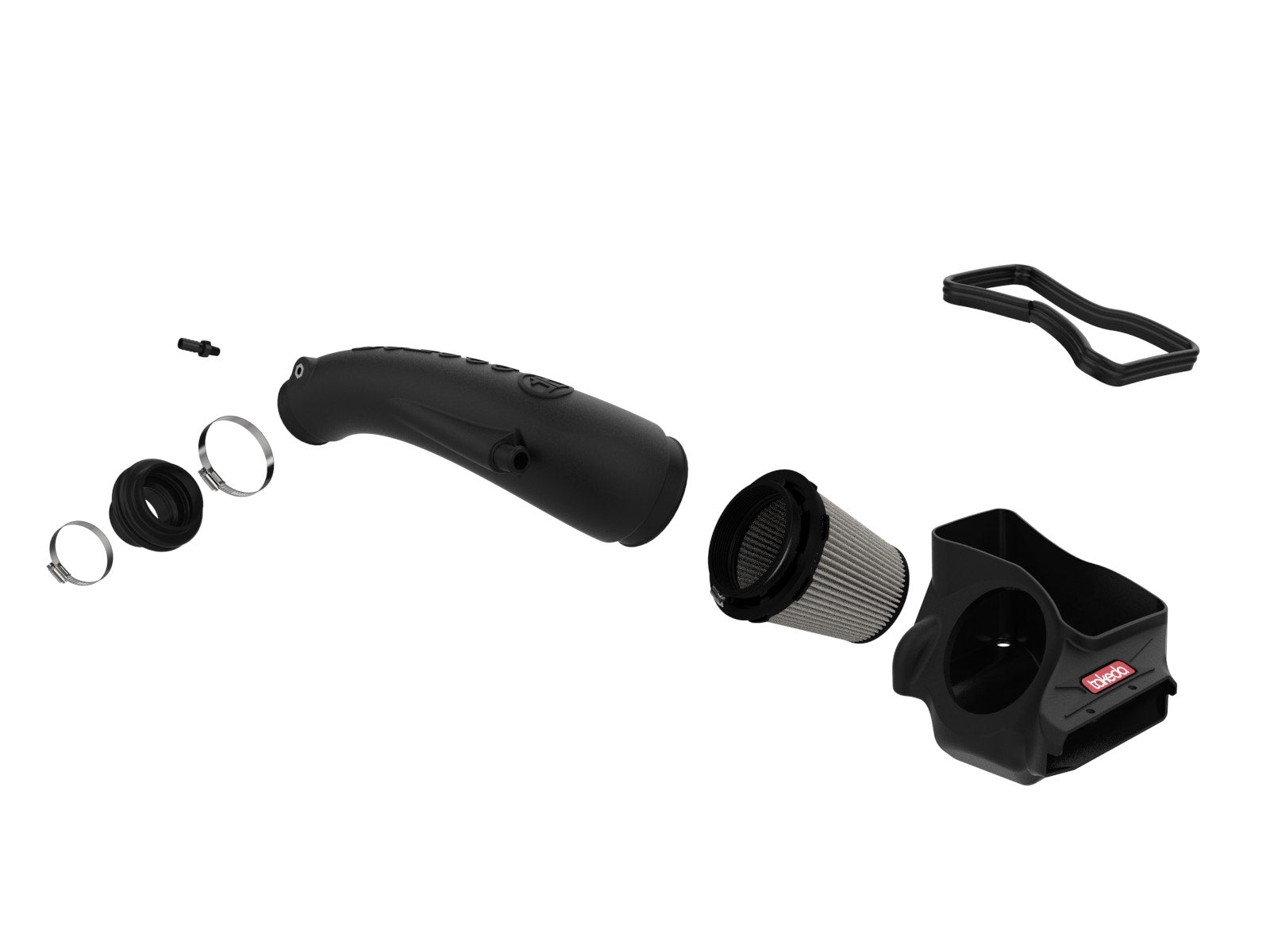
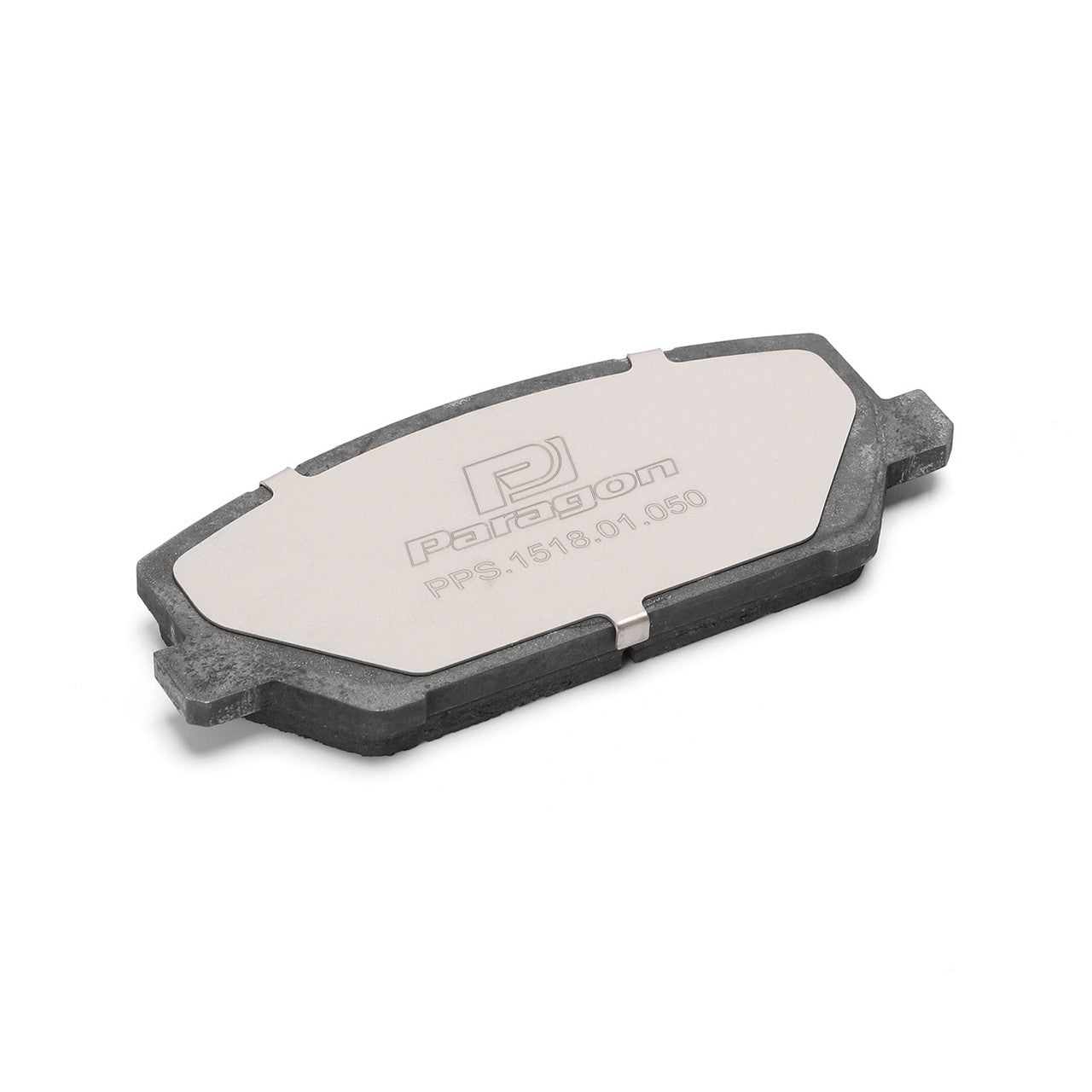
SKU: PPS.1518.01.050
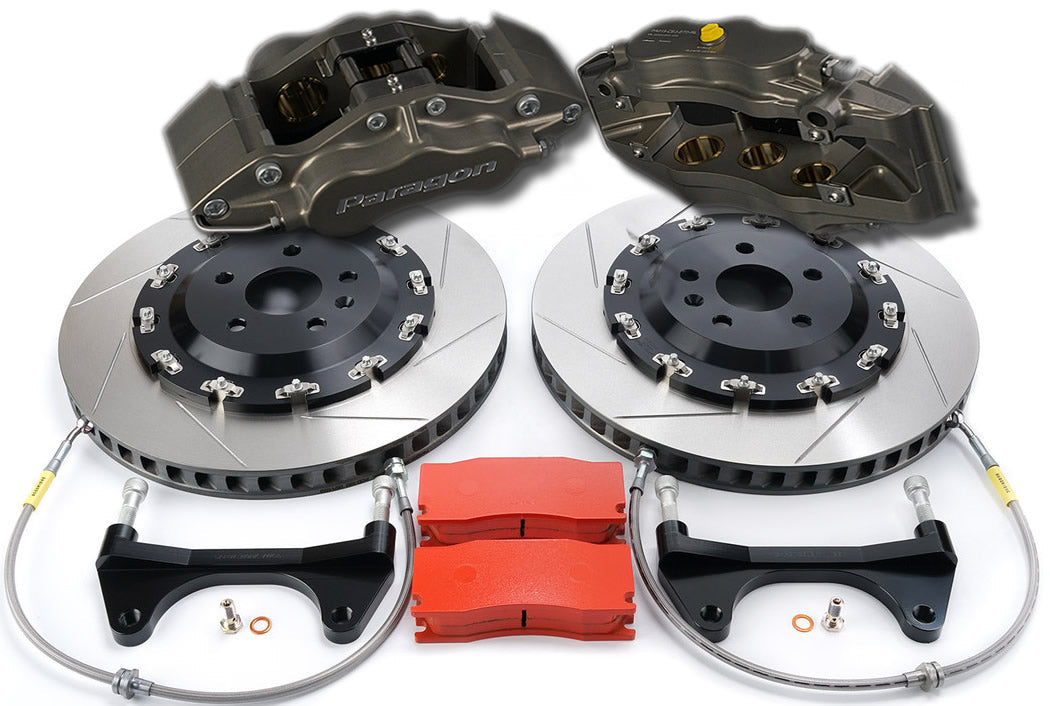
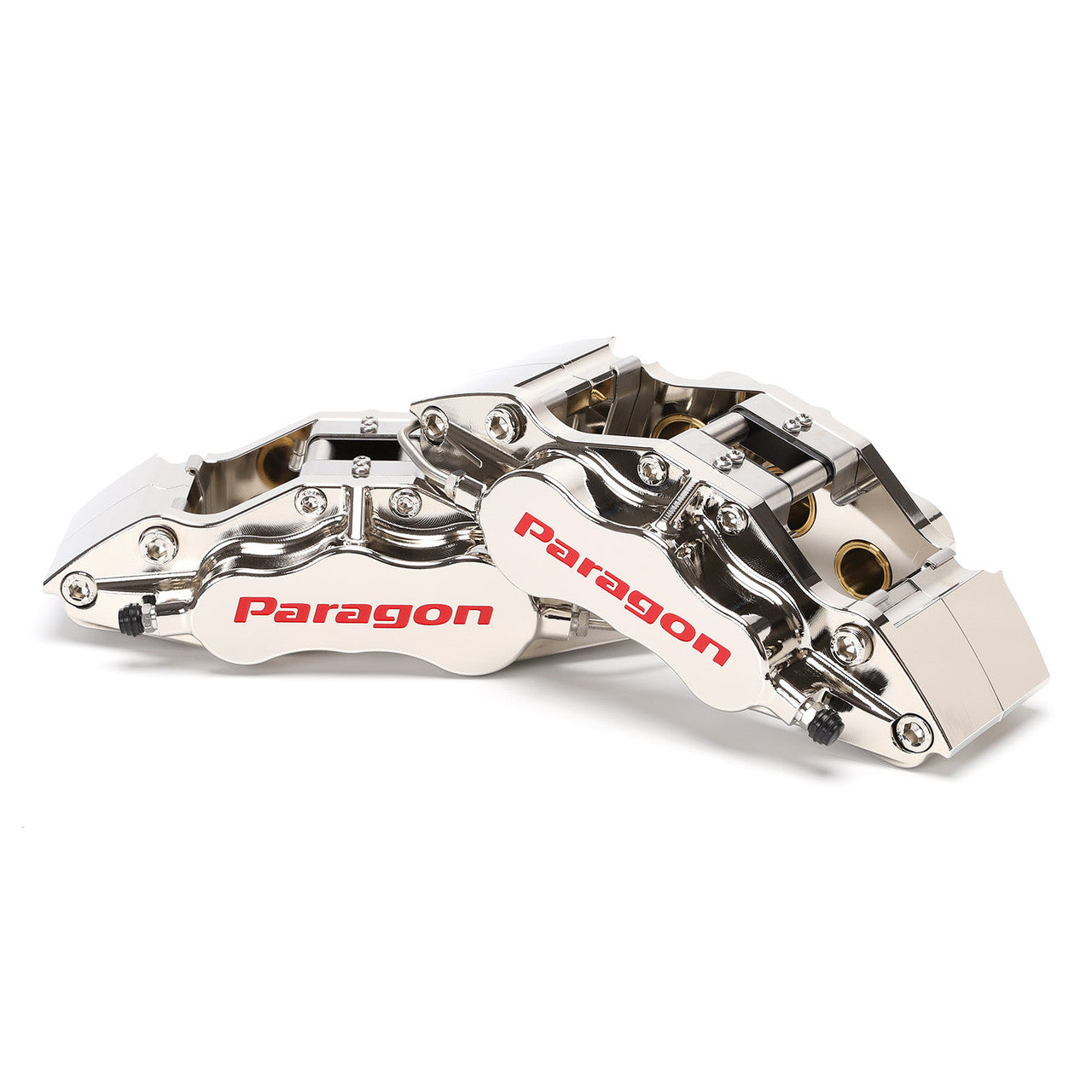
SKU: PBK.02.219.355.320.TL.01.02.P2.F
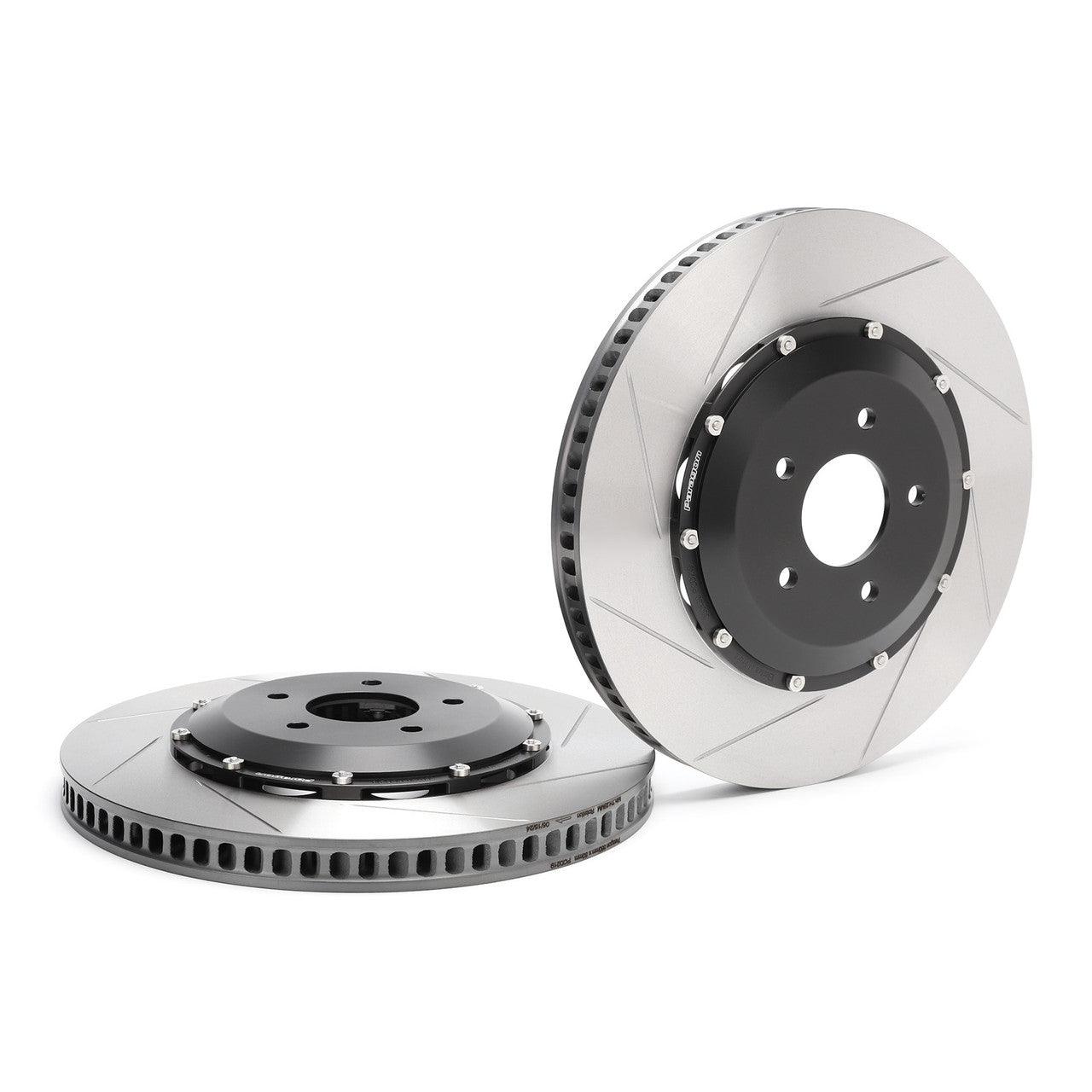
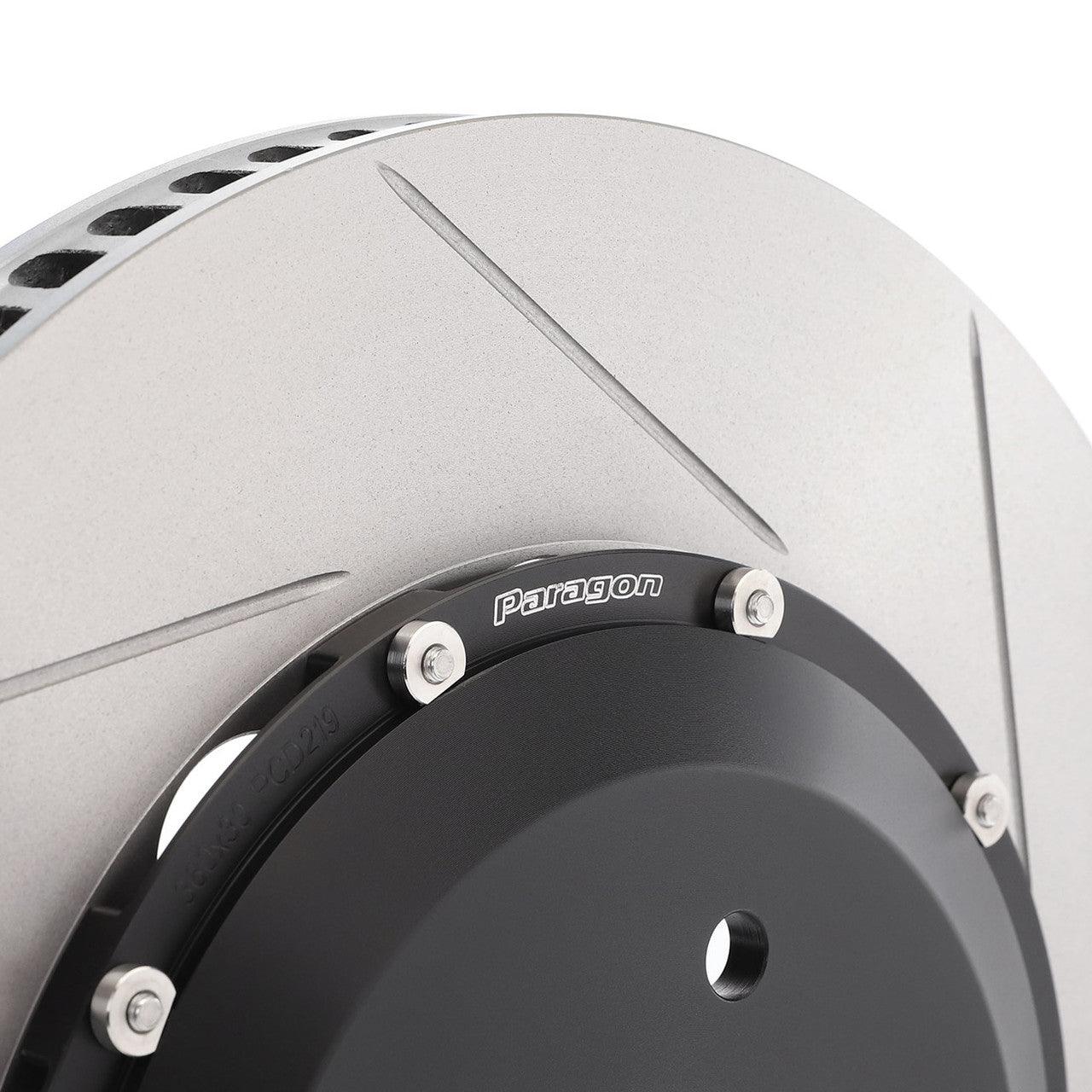
SKU: P2R.219.360.300.21900.08.01.01.F