
AEM CAN Dash Displays & Modules
AEM CAN Dash Displays & Modules
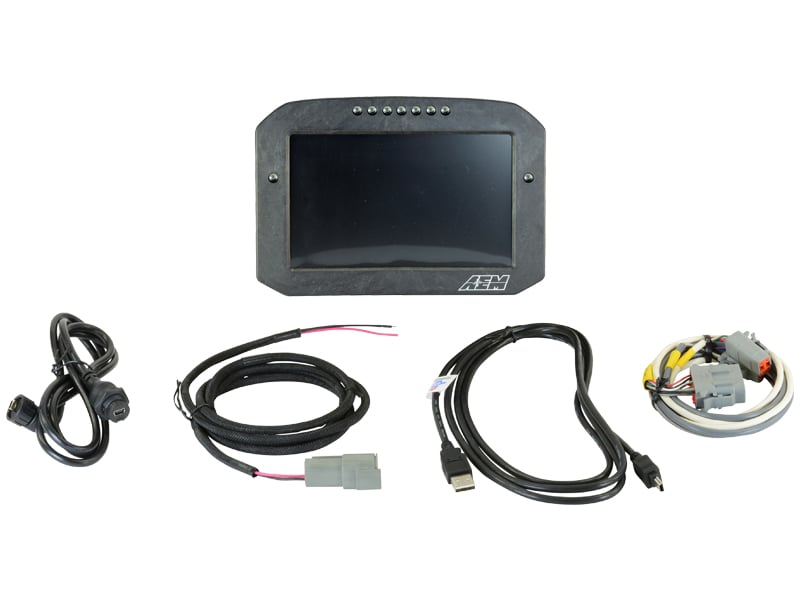
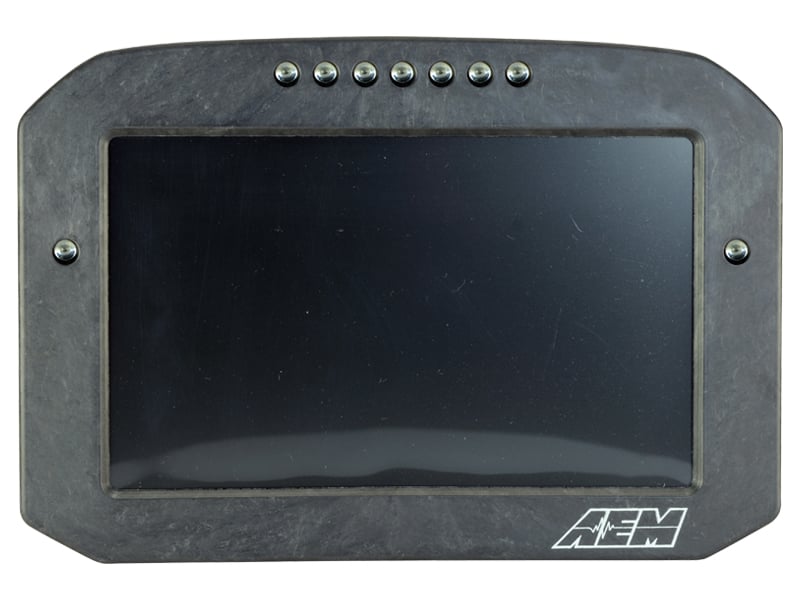
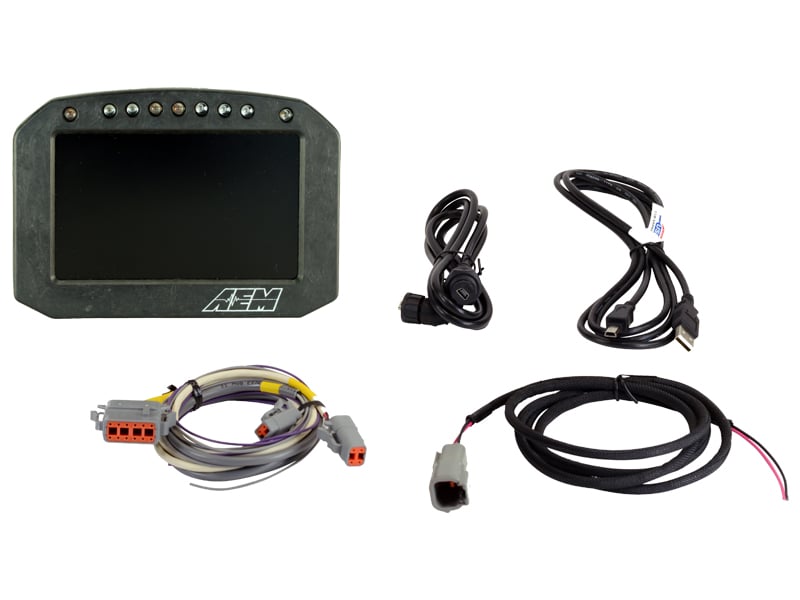
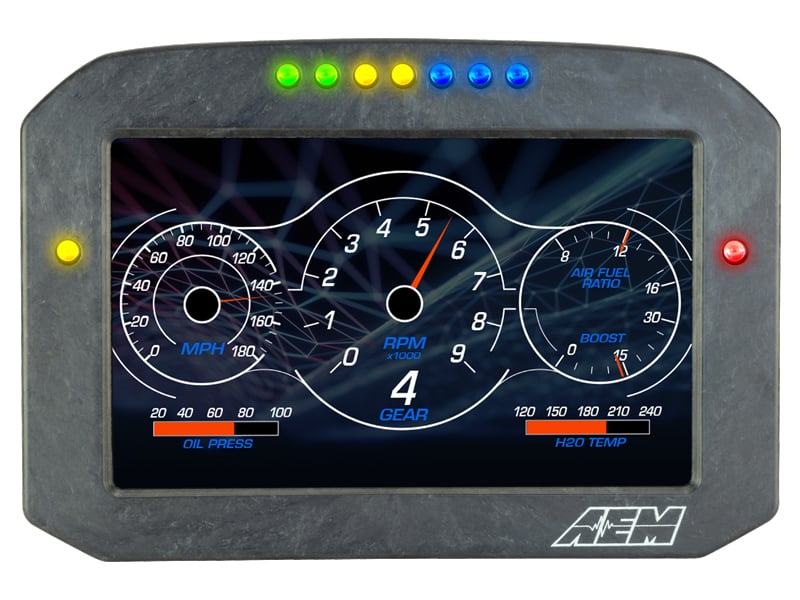
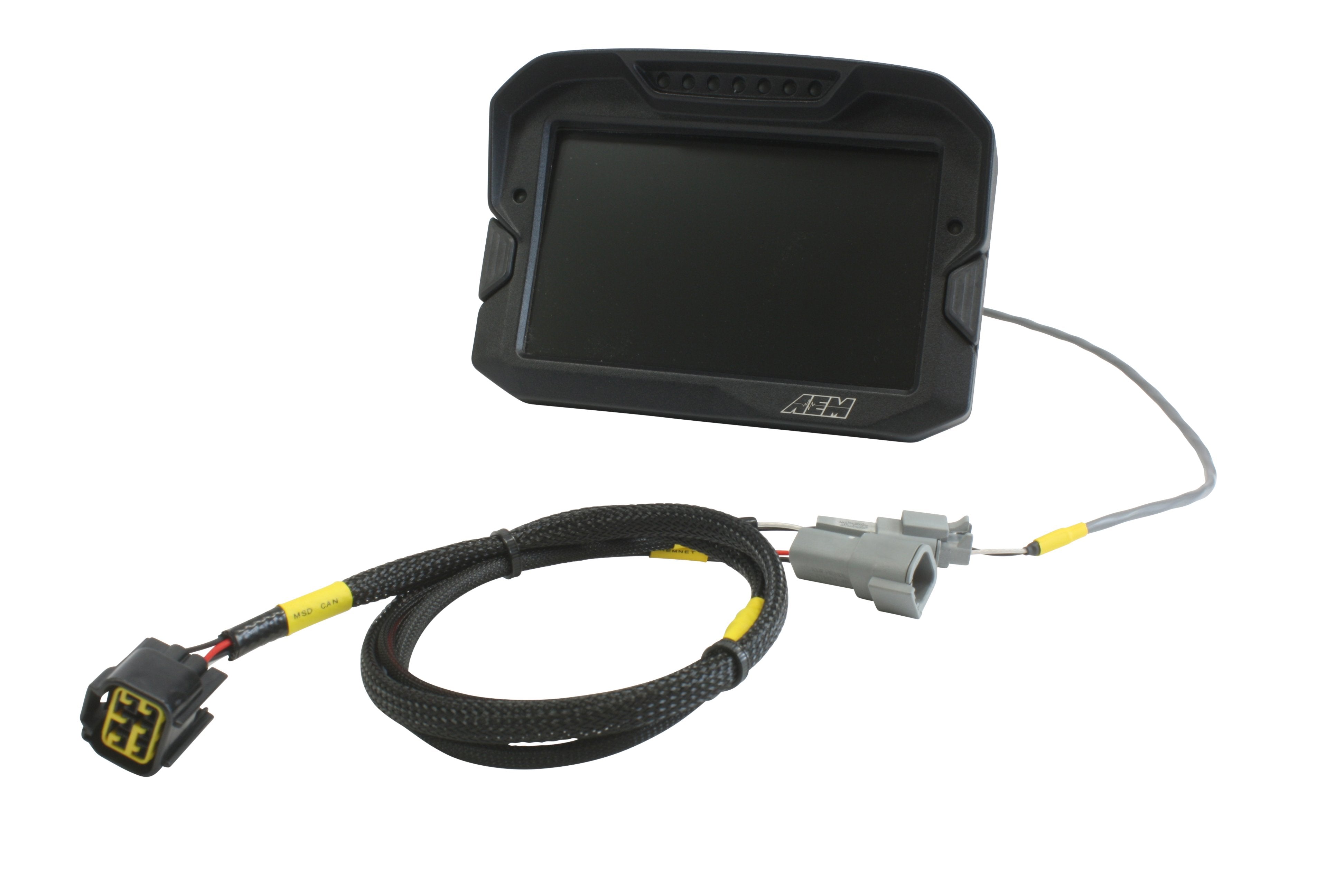
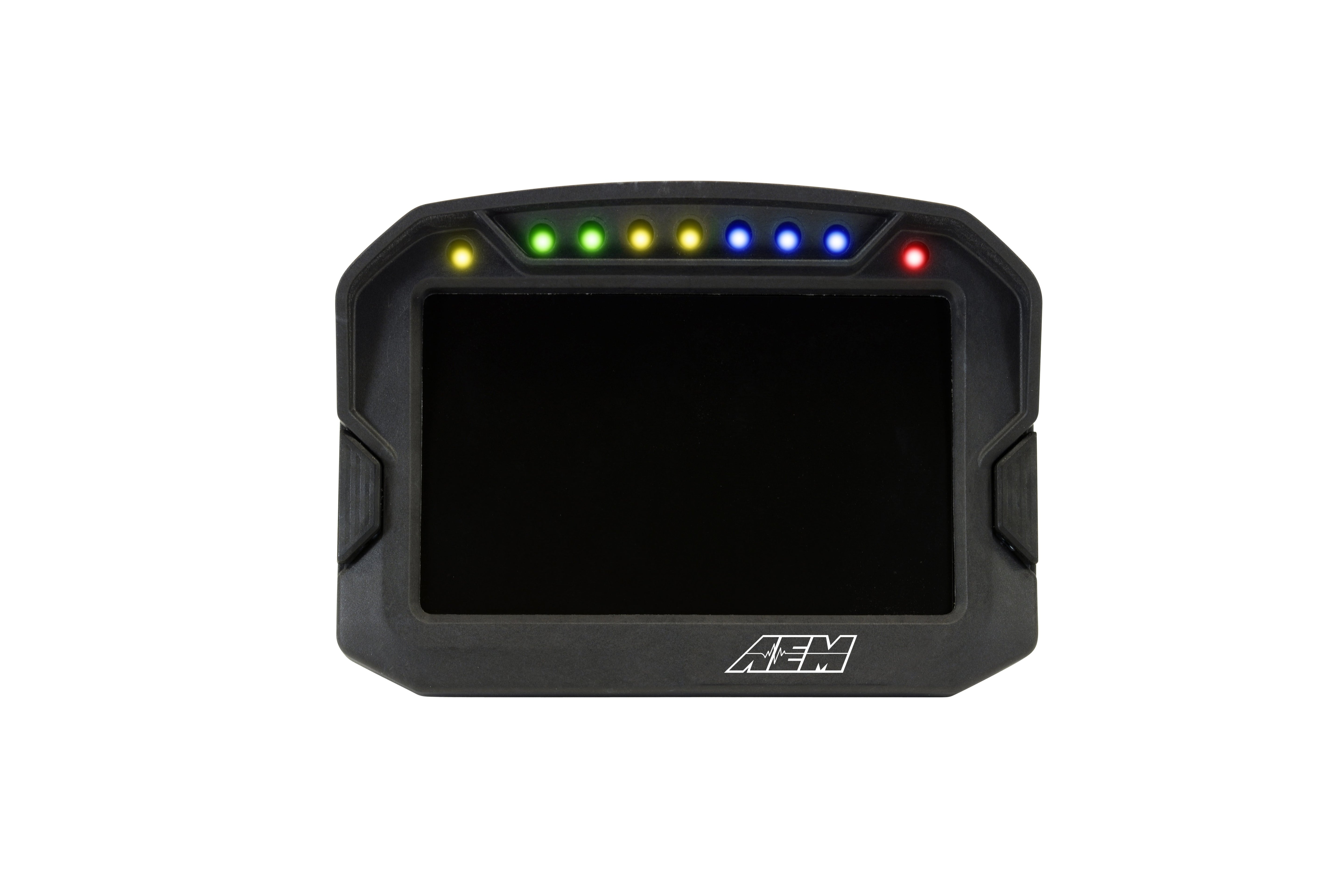
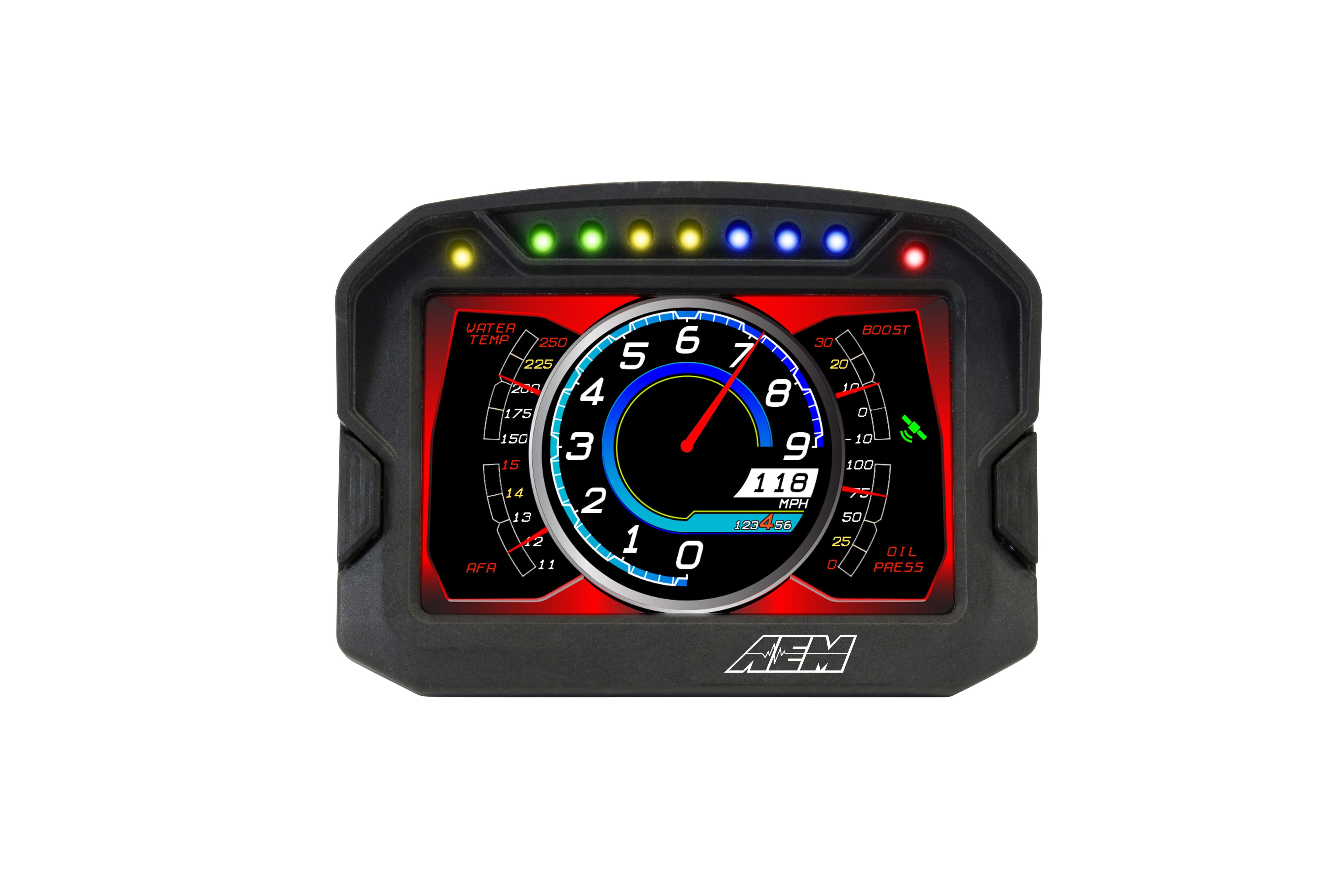
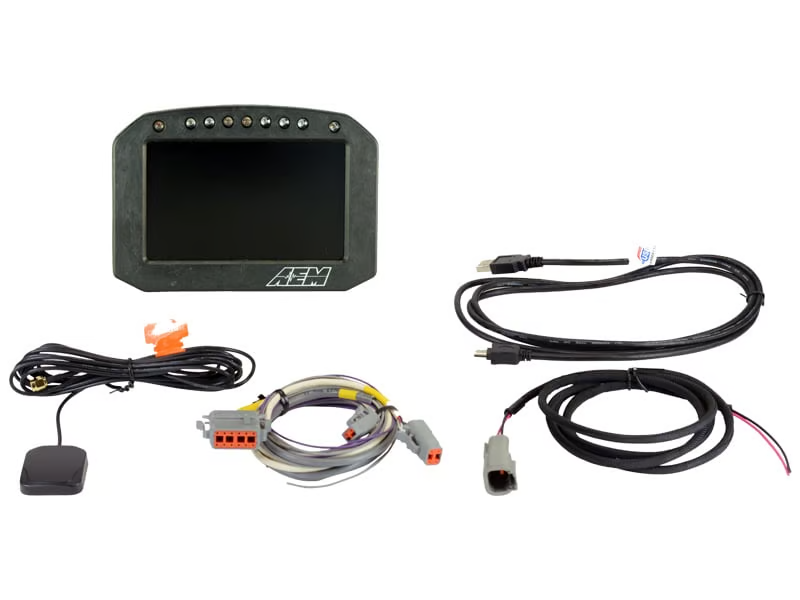
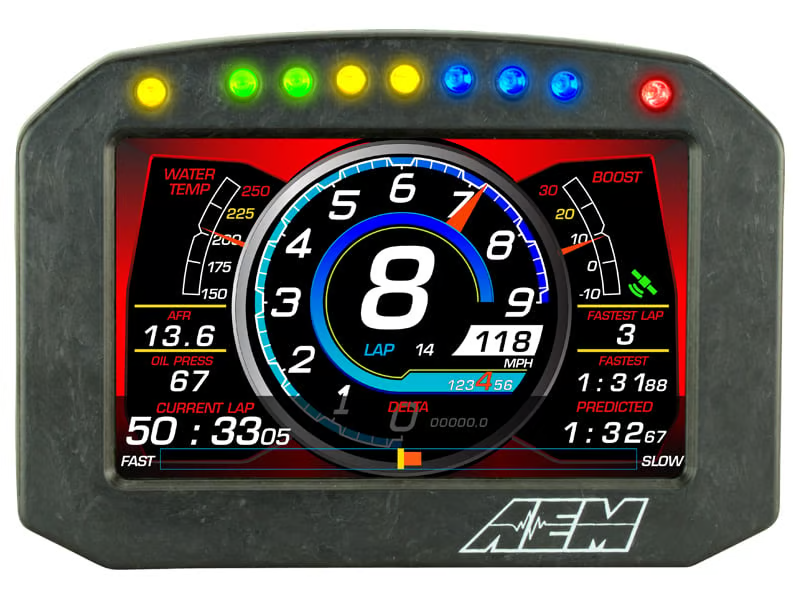
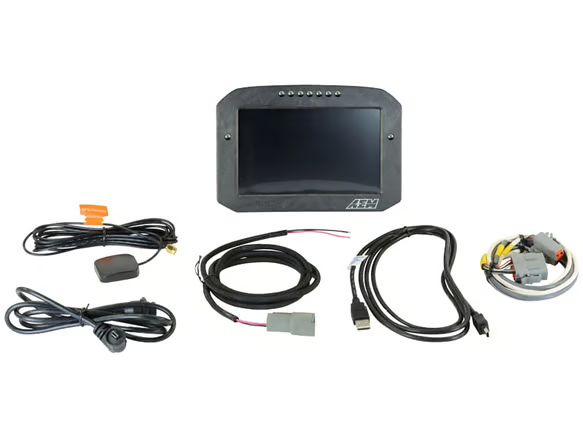
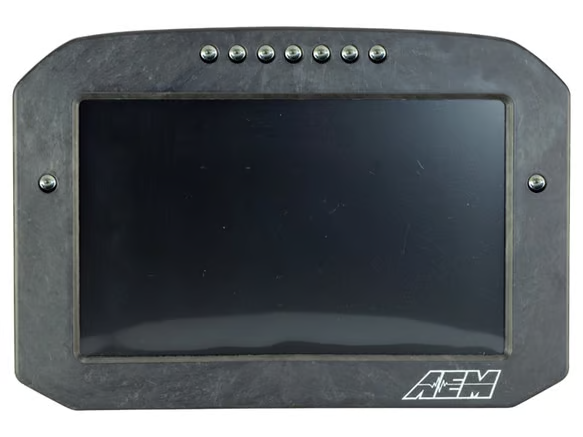
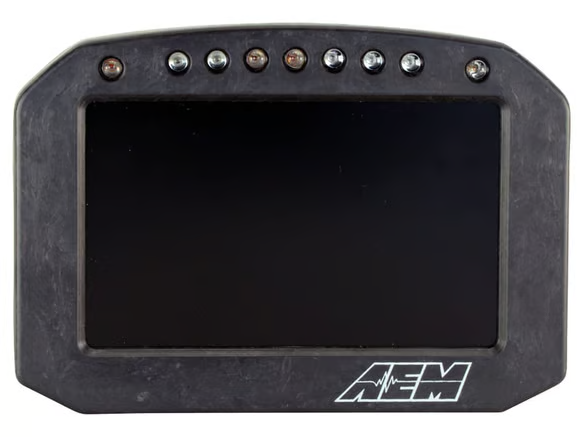
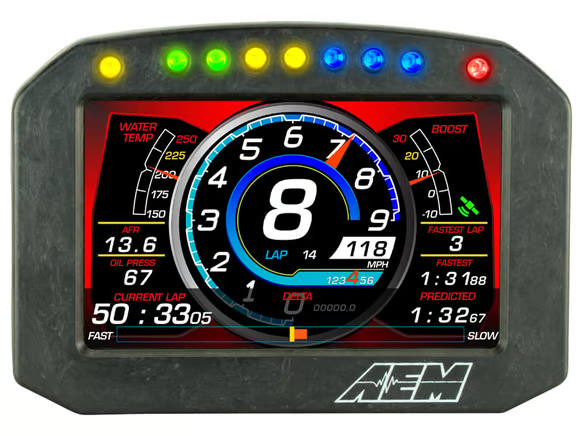
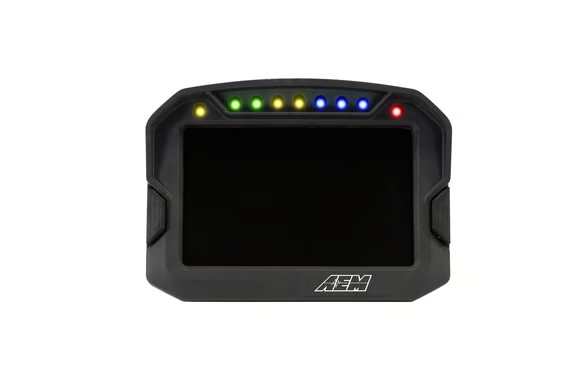
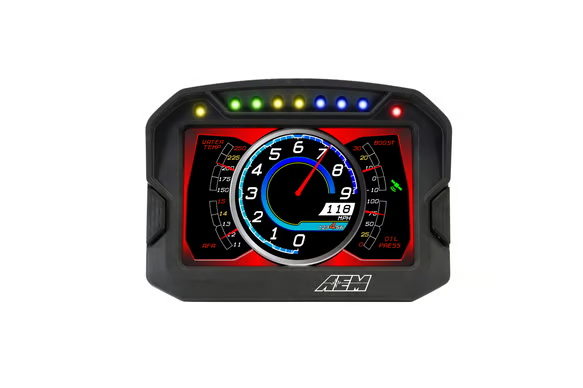
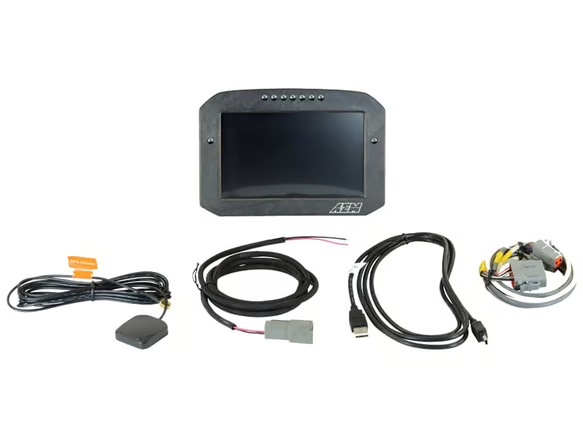
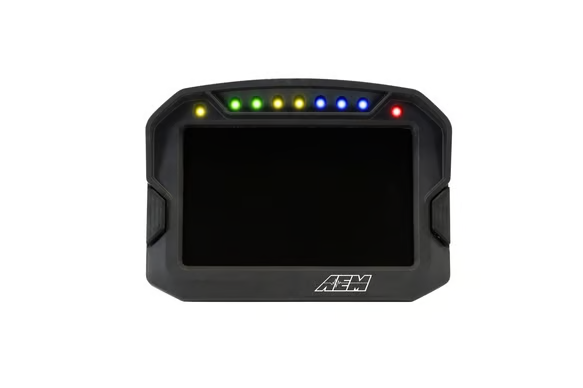
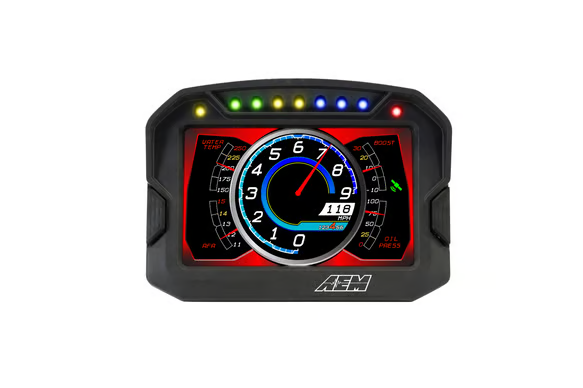
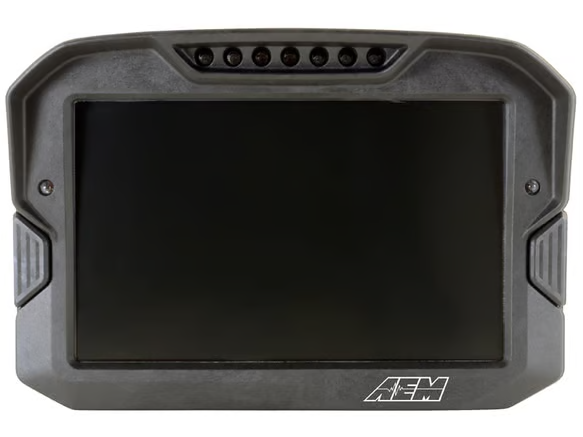
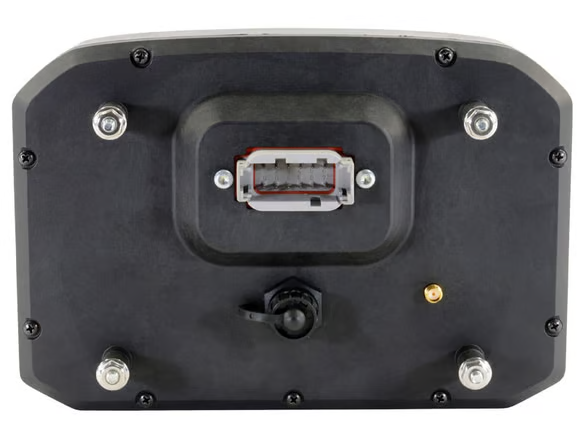
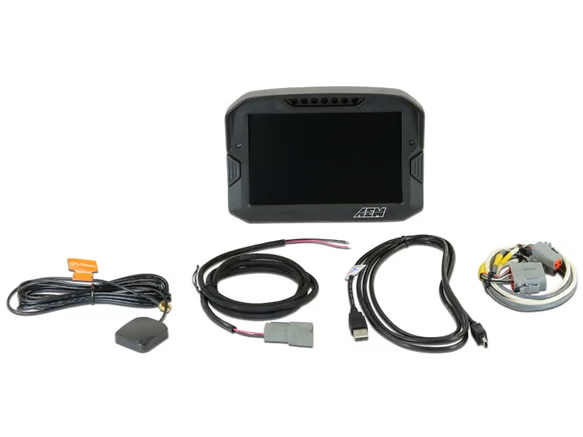
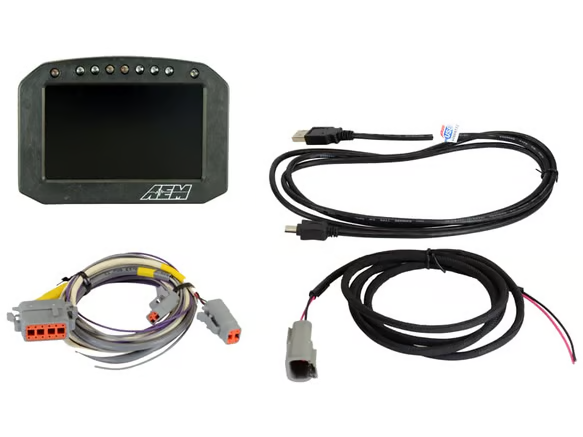
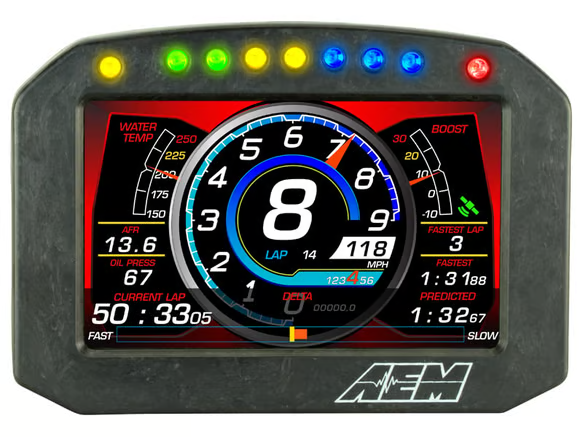
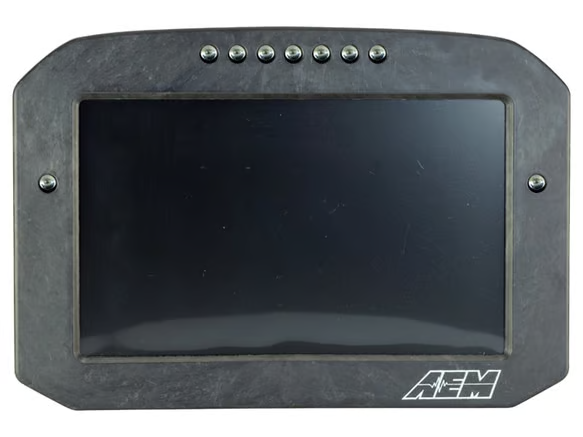
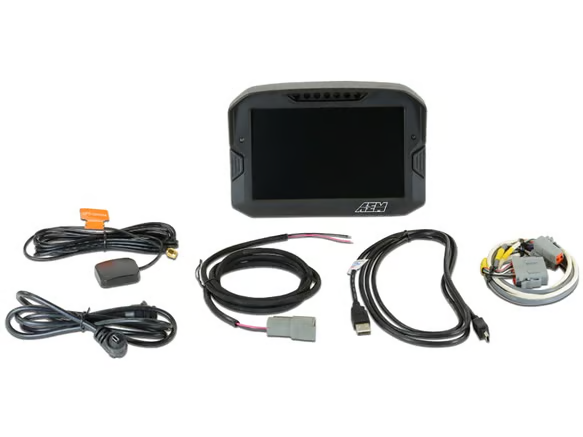
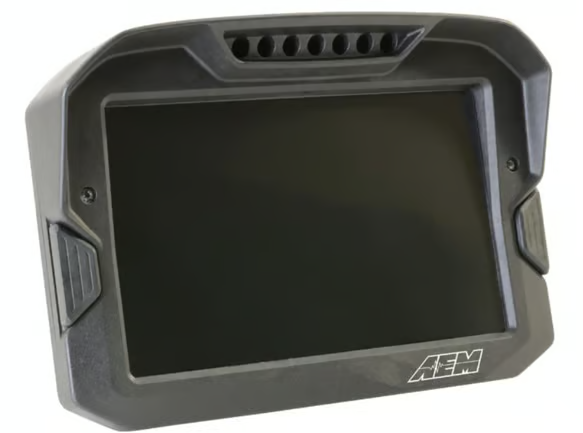
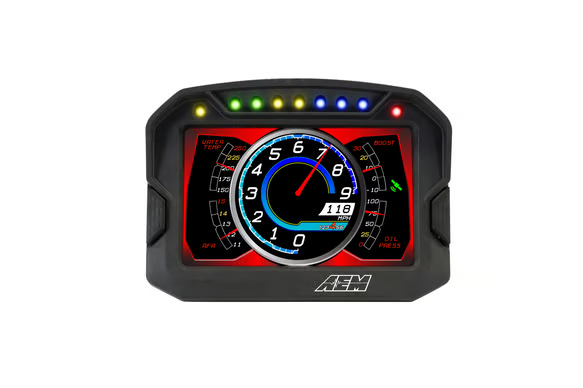
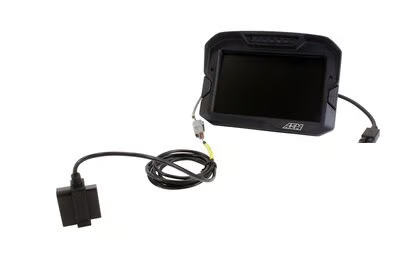
AEM Electronics CD-series carbon digital dash displays present engine and vehicle data on a configurable full-colour screen, with data arriving over CAN bus from a compatible ECU or from AEM CAN expansion modules. This range covers CD-5 and CD-7 dashes in standard and flat panel housings, logging and non-logging versions, GPS and non-GPS versions, plus AEMnet CAN hubs, CAN sensor and EGT modules, plug and play adapter harnesses, external button kits and replacement GPS antennas.
Shop by Product Type
- CD-5 dash displays – 5-inch carbon housing in standard and flat panel (F) forms, with logging (L) and GPS (G) variants such as CD-5L, CD-5G and CD-5FLG.
- CD-7 dash displays – 7-inch carbon housing in standard and flat panel forms, including CD-7, CD-7L, CD-7G, CD-7LG and the flat panel CD-7F series.
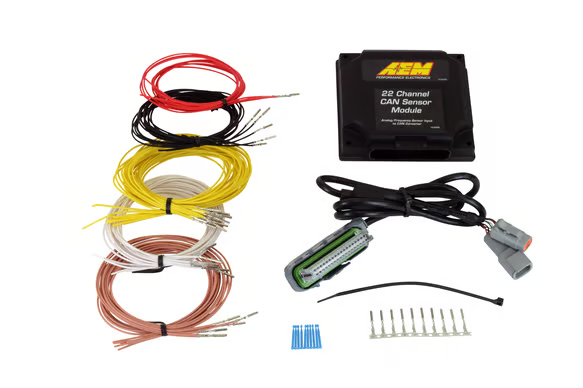
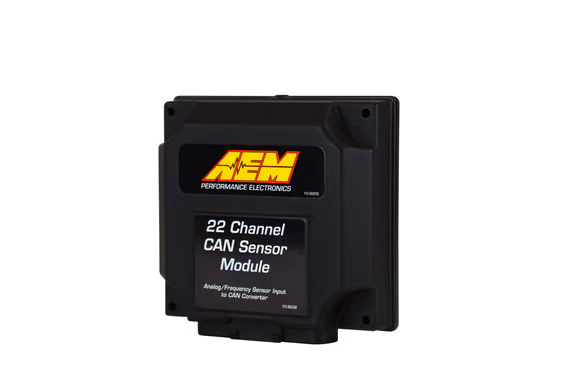
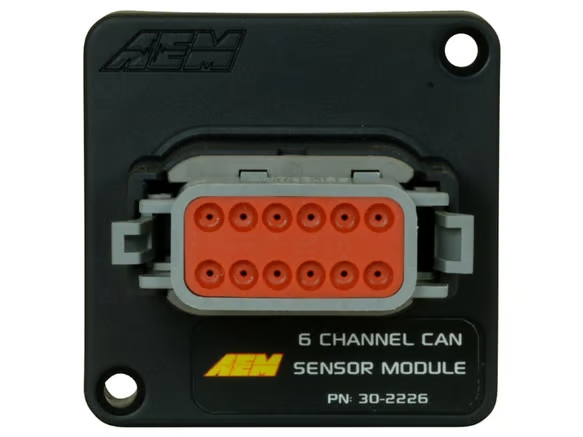
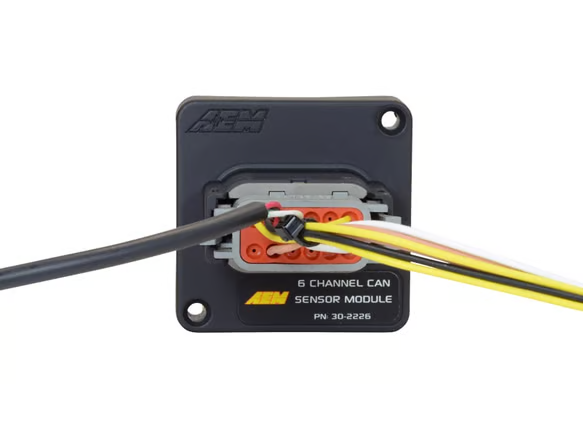
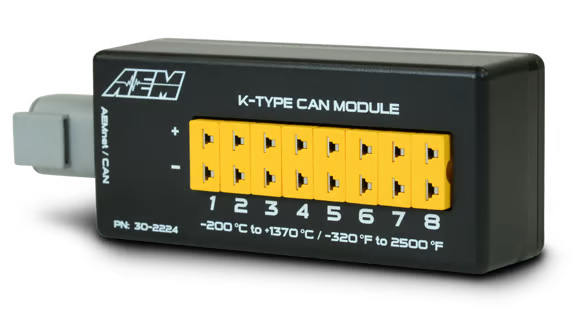
- CAN expansion modules – 6 channel and 22 channel CAN sensor modules and an 8 channel K-type CAN EGT module for adding inputs to the CAN network.
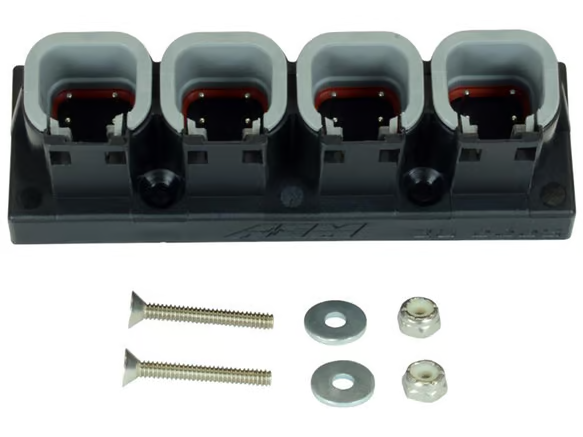
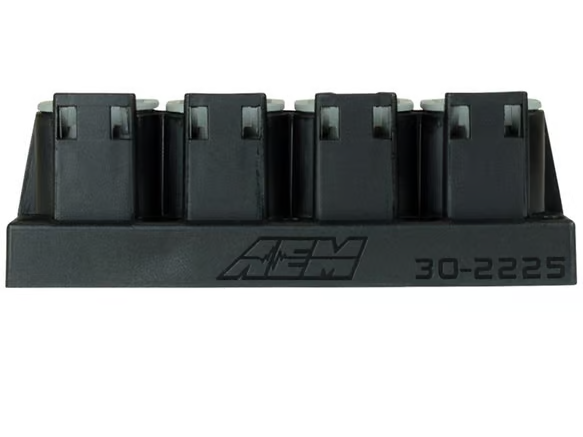
- AEMnet CAN hub – 4 port Deutsch DTM hub for connecting multiple AEMnet devices.
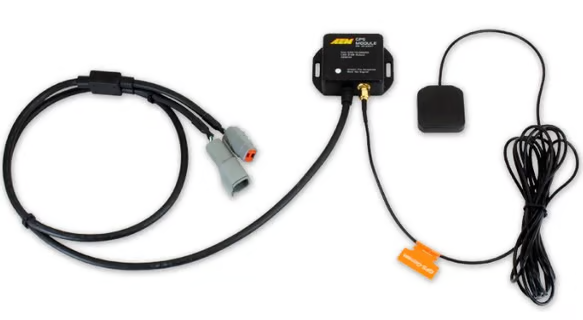
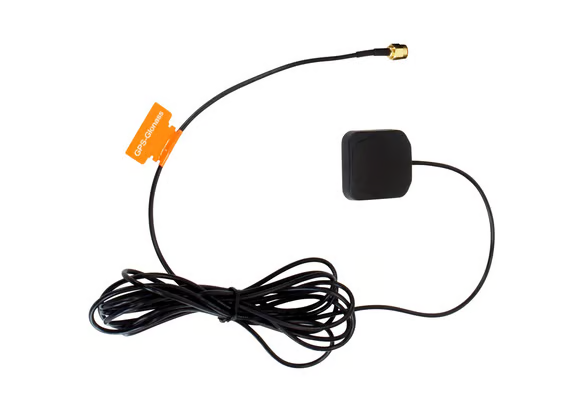
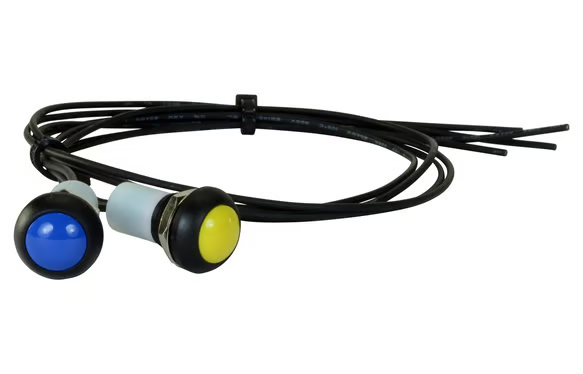
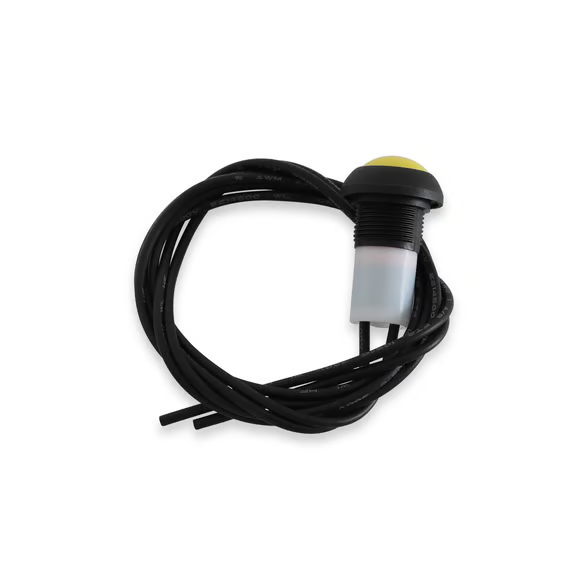
- Harnesses and accessories – CD dash plug and play adapter harnesses, OBDII CAN adapter harness, 2-button external button kit and replacement GPS antenna.
Choosing the Right Part
These items are sold as universal fitment, so selection is driven by your electronics package rather than chassis codes such as CT9A, BNR34 or FK8. Work through the following:
- Screen size and housing – CD-5 (5-inch) or CD-7 (7-inch); an "F" in the model code indicates the flat panel housing for flush or panel mounting.
- Logging – an "L" in the model code indicates internal data logging; non-logging dashes display data only.
- GPS – a "G" in the model code indicates GPS capability; the replacement antenna suits GPS-equipped dashes.
- Data source – confirm your ECU broadcasts a CAN stream the dash can read, or choose the OBDII CAN adapter harness for compatible OBDII vehicles.
- Extra inputs – if you need more analogue, digital or thermocouple channels than your ECU provides, add a CAN sensor module or CAN EGT module and connect via an AEMnet hub.
Always check the manufacturer's current documentation and compatibility list for your ECU and vehicle before ordering.
Installation & What You'll Need
A typical installation involves mounting the dash where it is visible and secure, routing the main harness away from heat and ignition noise, supplying switched power and a clean earth, and connecting CAN high and CAN low to the ECU or AEMnet network with correct termination. Expansion modules, hubs and sensors are wired into the same CAN network, and sensors must be assigned in the dash or module setup software before data will display.
You may need a laptop with the relevant AEM setup software, the correct plug and play adapter harness or Deutsch DTM connectors and pins, crimping tools, heat shrink, loom protection, fuses and mounting hardware. Because this work involves vehicle wiring, CAN network configuration and safety-critical displays, installation and configuration by a professional auto electrician or performance workshop is recommended.
FAQ
What is the difference between the CD-5 and CD-7? Screen size – the CD-5 uses a 5-inch display and the CD-7 a 7-inch display. Feature sets are otherwise similar across matching variants.
What do the letters after the model number mean? F is the flat panel housing, L indicates internal logging and G indicates GPS; combinations such as FLG include all three.
Can I use a CD dash without an aftermarket ECU? On many CAN-equipped OBDII vehicles the OBDII CAN adapter harness allows the dash to read factory data. Check the manufacturer's vehicle compatibility information first.
Need help choosing the right AEM CAN dash or module? Contact our team at sales@chicaneaustralia.com.au.