
BMW M2 CS F87 Performance Parts & Upgrades
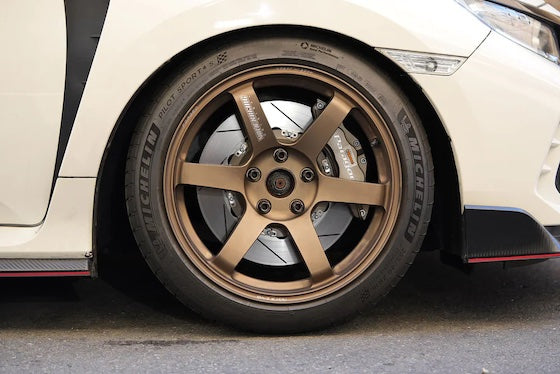
The BMW M2 CS F87 was a limited-run model, sold new in Australia from 2020 to 2021. It uses the S55 3.0L twin-turbo inline-six of the M2 Competition with rear-wheel drive, and adds a carbon fibre roof and bonnet. This page lists the parts we stock for the CS, including Dinan front and rear brake sets, adjustable coilovers, heat exchanger, ignition coils and carbon trim, Paragon 6-piston and 4-piston big brake kits and 2-piece rotors, AP Racing fitting kits, HARDRACE rear arms and a Scorpion GPF-back exhaust and downpipes.
Shop by Vehicle
- BMW M2 Competition F87: same S55 engine and chassis
- BMW M2 F87: the original M2
- BMW M2 G87: the next generation
- BMW M3 Competition F80
- BMW M240i G42
- View all brands
Popular upgrades for the M2 CS
- Big brake kits: Dinan front and rear brake sets in black or red with drilled or slotted rotors, Paragon 6-piston front and 4-piston rear kits, and AP Racing rear fitting kits.
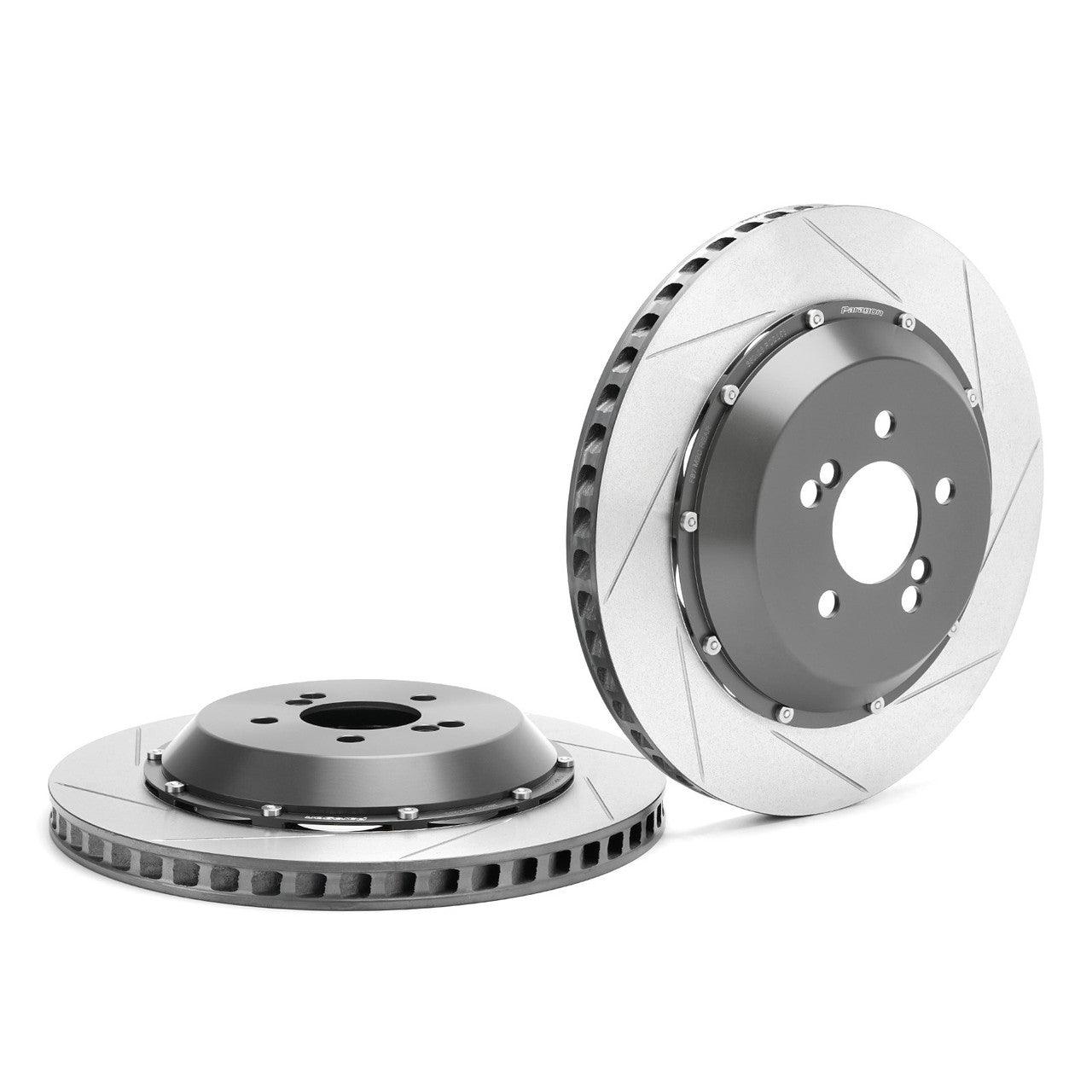
- Rotors: Paragon 2-piece rotors, 400 x 36mm front and 380 x 28mm rear.
- Suspension: Dinan adjustable coilovers and HARDRACE rear camber, toe and lower arms.
- Engine and cooling: Dinan heat exchanger, ignition coils in black, blue or red, and iridium spark plugs.
- Exhaust and trim: Scorpion GPF-back system and downpipes, plus Dinan carbon engine and mirror covers.
Choosing the Right Part
- CS or Competition: the CS shares its engine and chassis with the M2 Competition, so most Competition parts fit. Carbon body parts are the exception, as the CS has its own roof and bonnet.
- Wheel size: Dinan's front brake sets are made for 20in wheels. Check your wheels before ordering.
- Rotor and caliper match: Paragon lists the caliper colours its rotors suit. Match them to the calipers on your car.
Installation
Have brakes, suspension and engine parts fitted by a qualified workshop. Bleed and road-test the brakes after any brake work, and get a wheel alignment after suspension changes. A downpipe change will need a tune to suit.
Need help choosing? Contact our team at sales@chicaneaustralia.com.au.
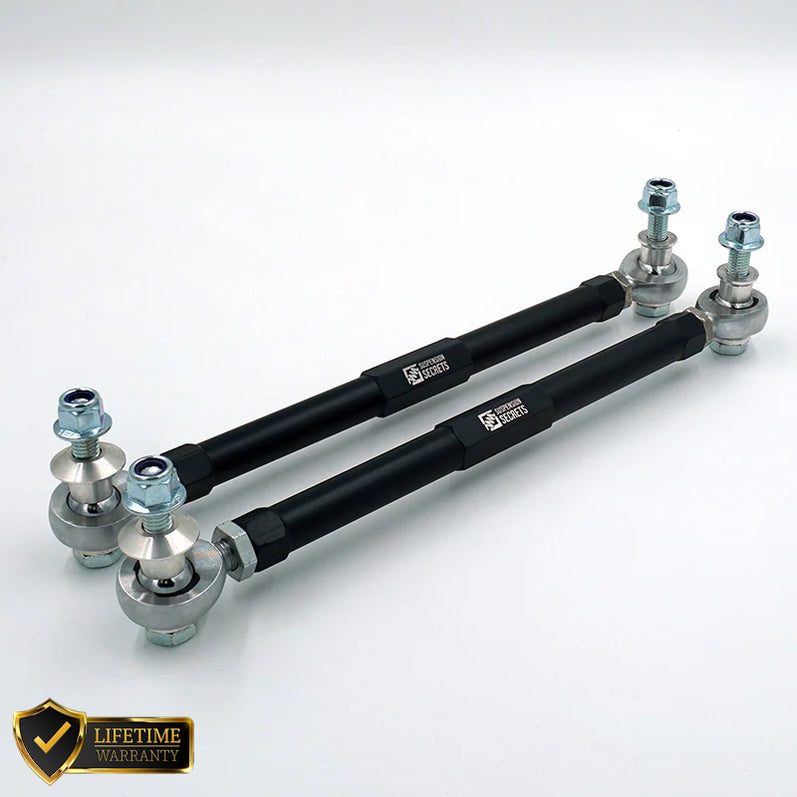
SKU: SS-FRONT-LINKS-F87
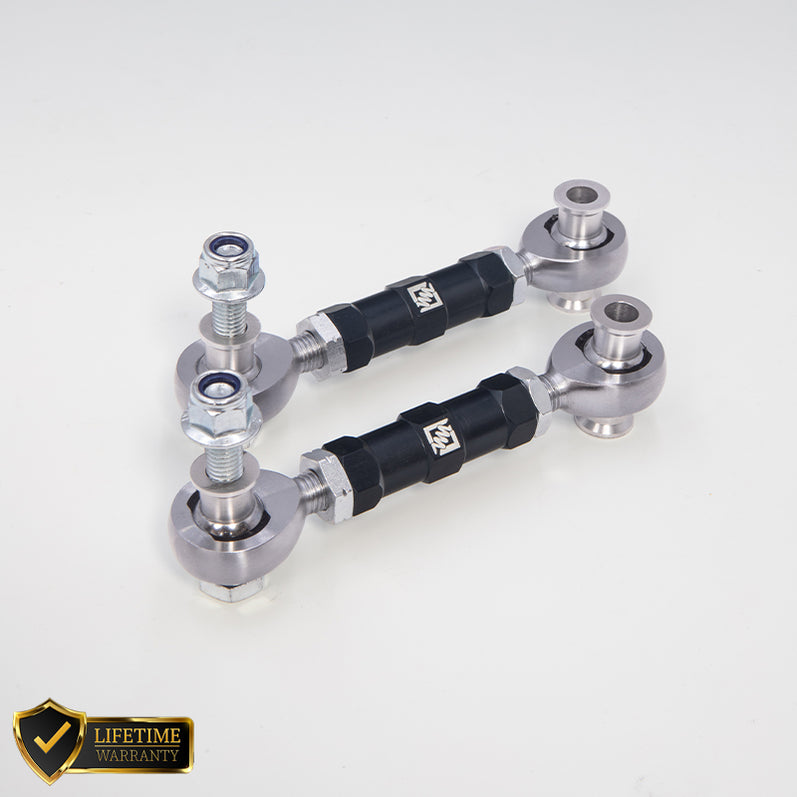
SKU: SS-REAR-LINKS-F87
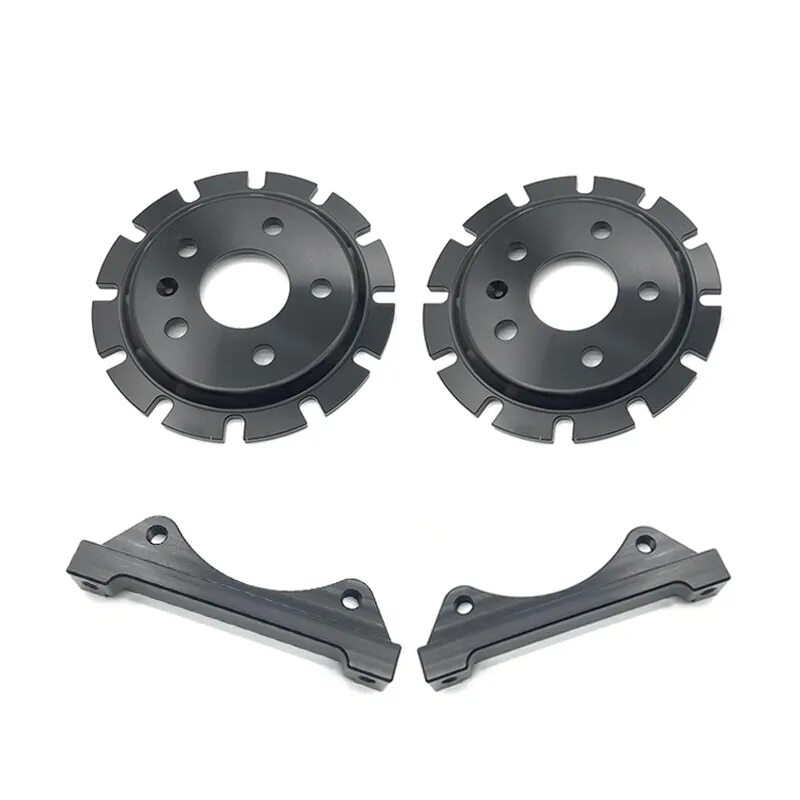

SKU: APR-BMW-F8X-RHK-365x30


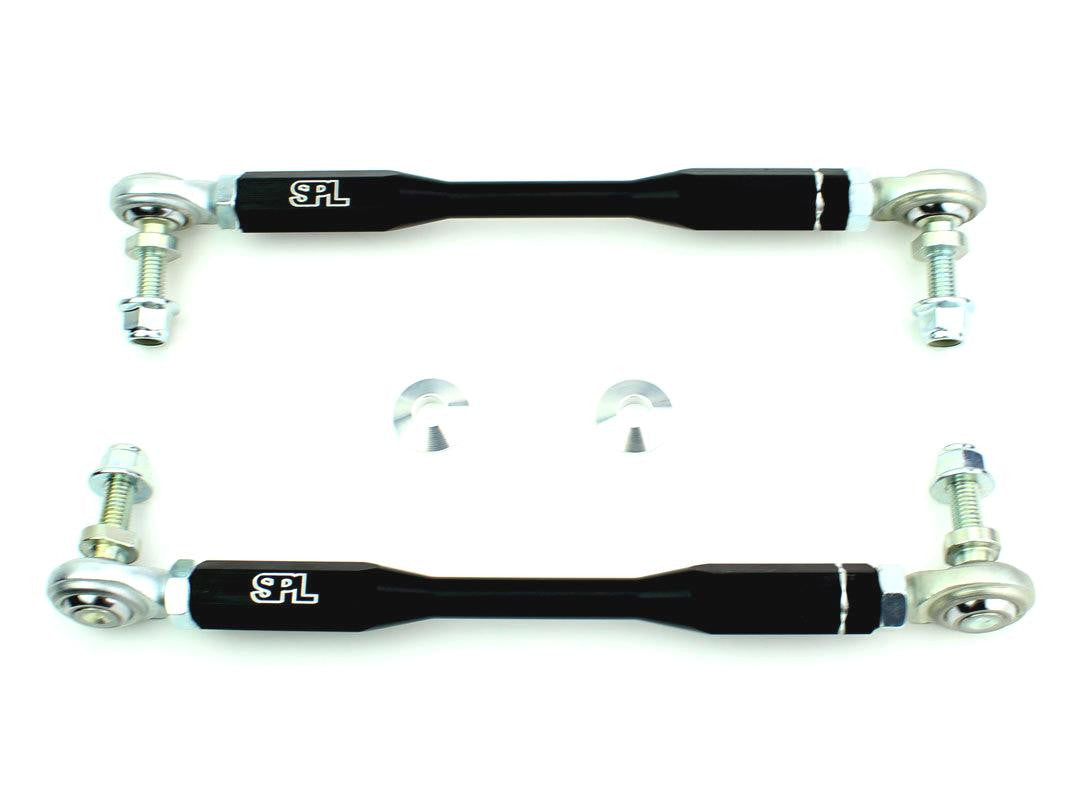


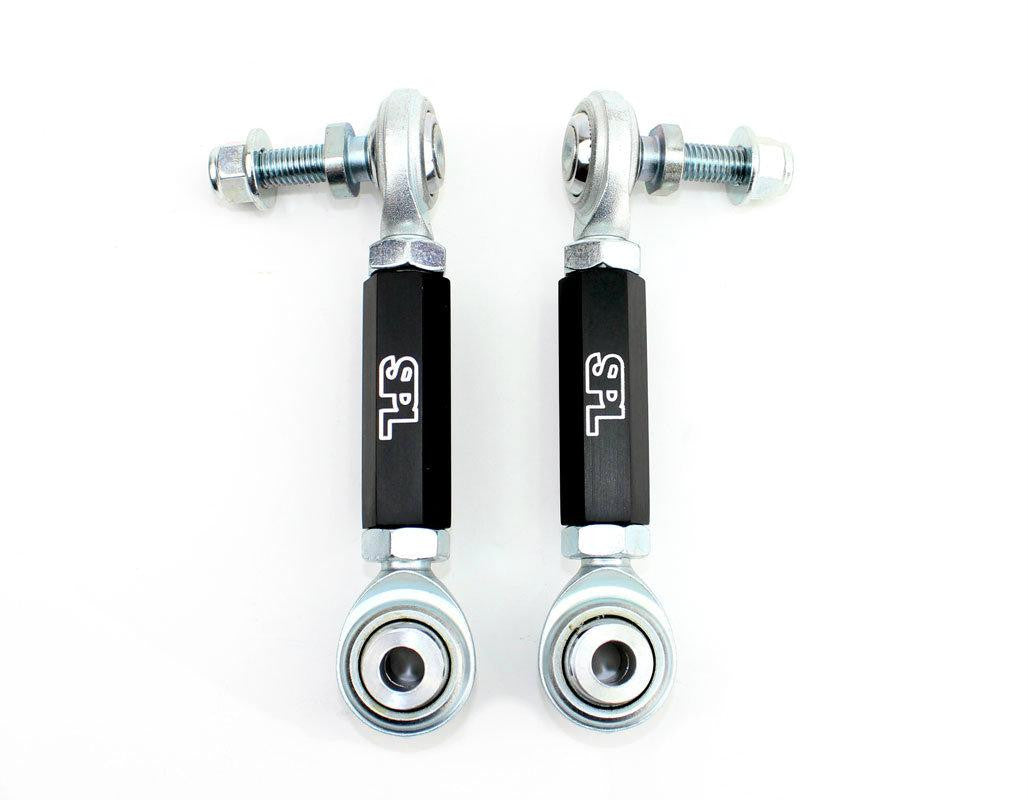


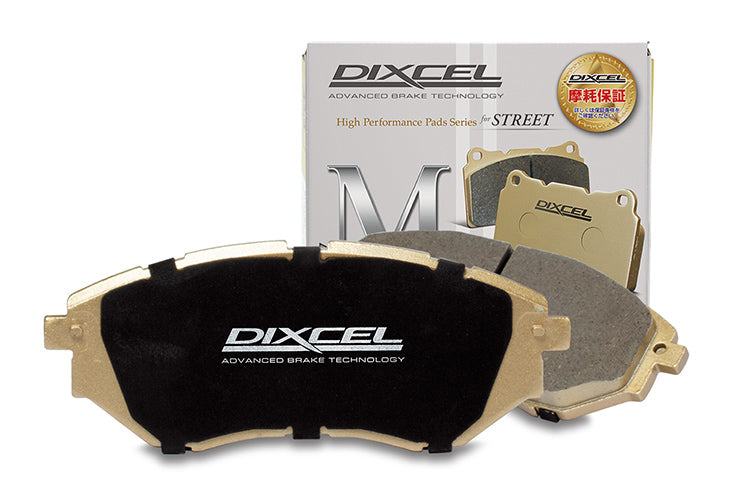

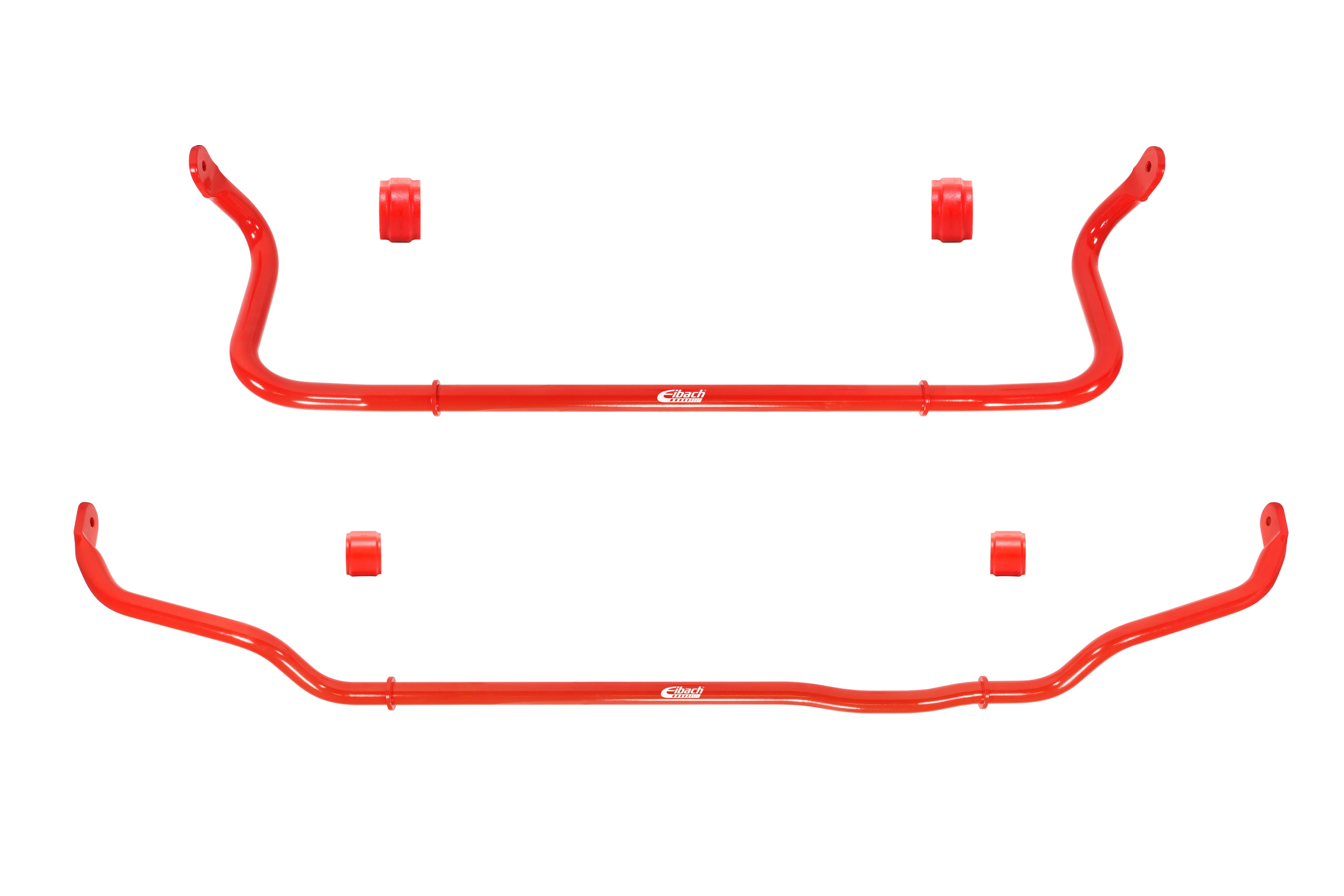

SKU: E40-20-031-03-11
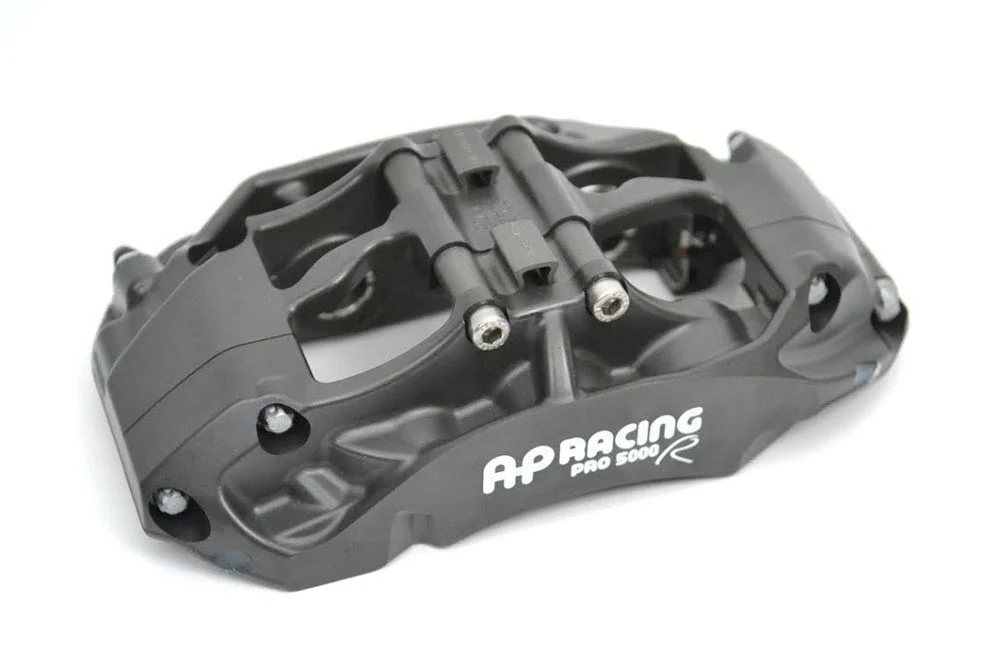

SKU: APF-BMW-F8X-9665-378x36
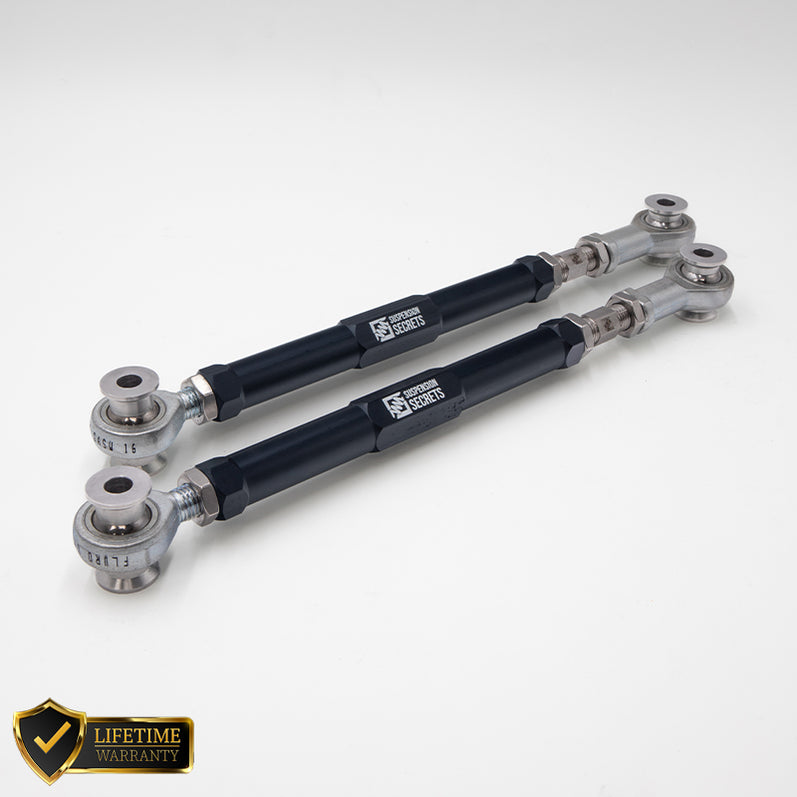
SKU: SS-REAR-TOE-F87
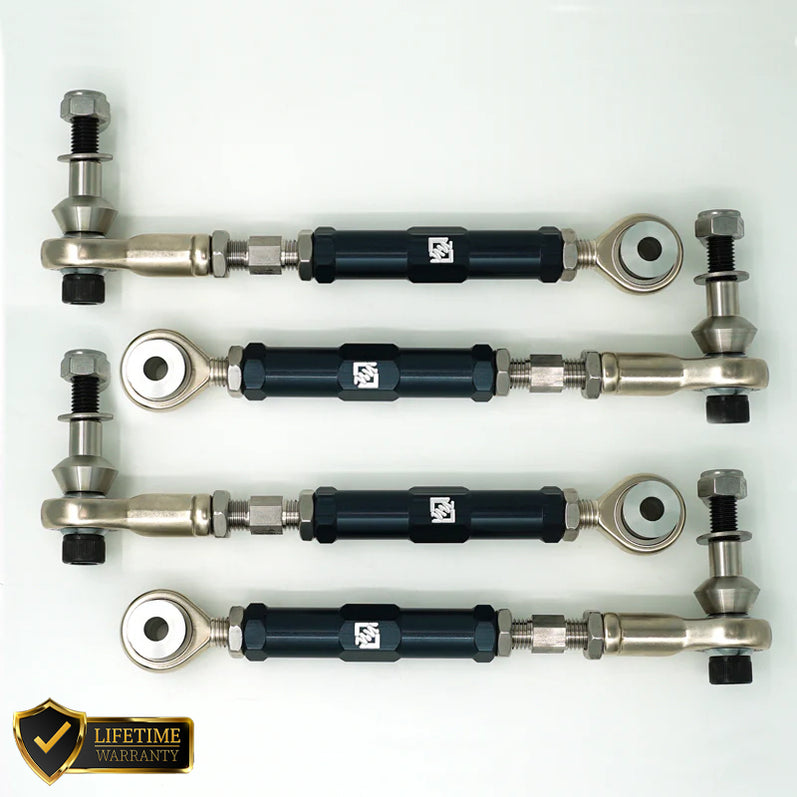
SKU: SS-REAR-CAMBER-F87-NO
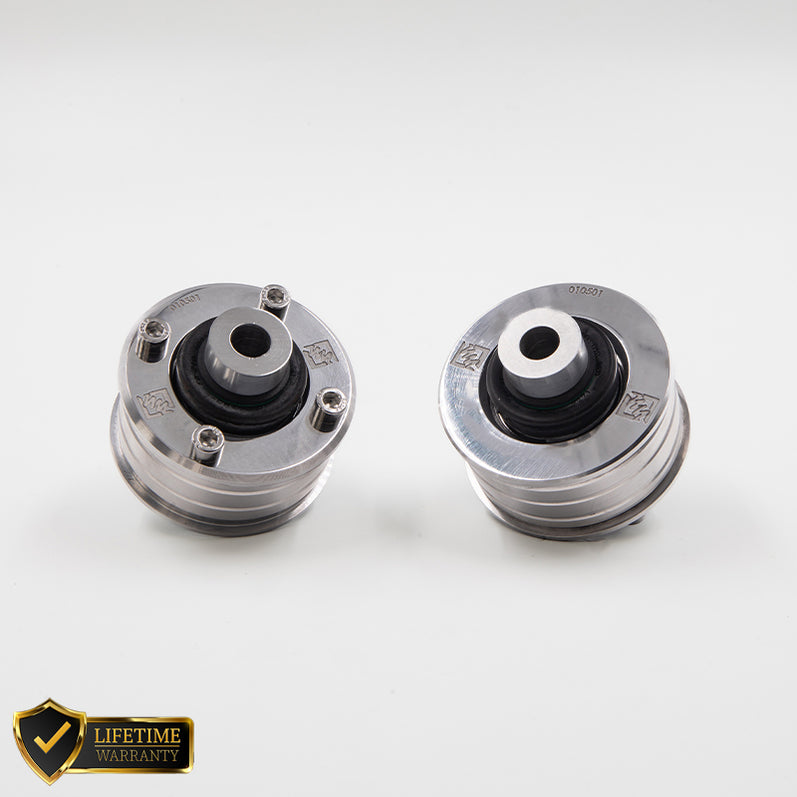
SKU: SS-FRONT-BUSHES-F87
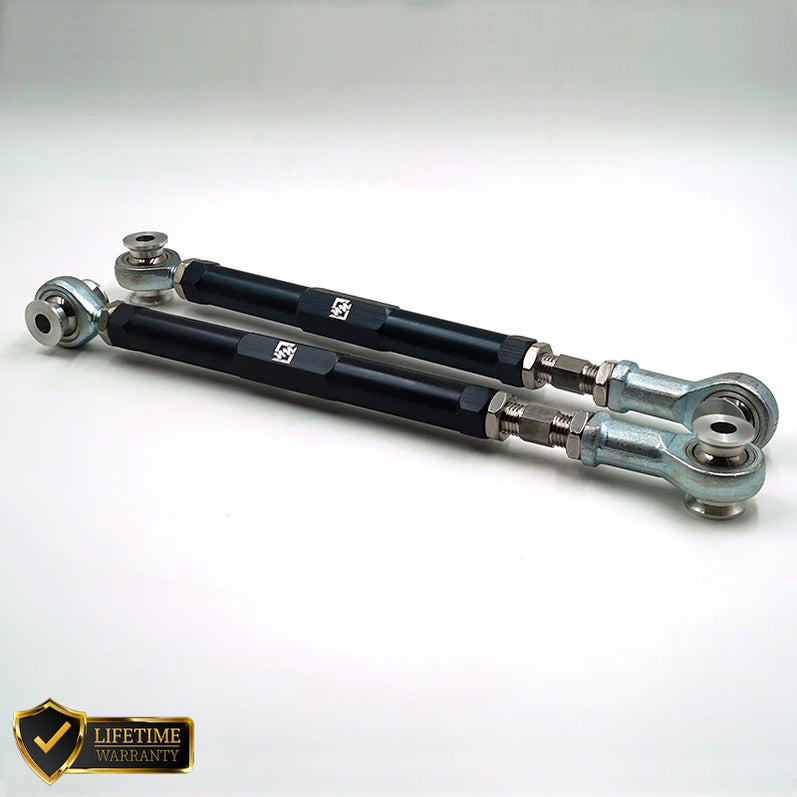
SKU: SS-REAR-TRACTION-F87
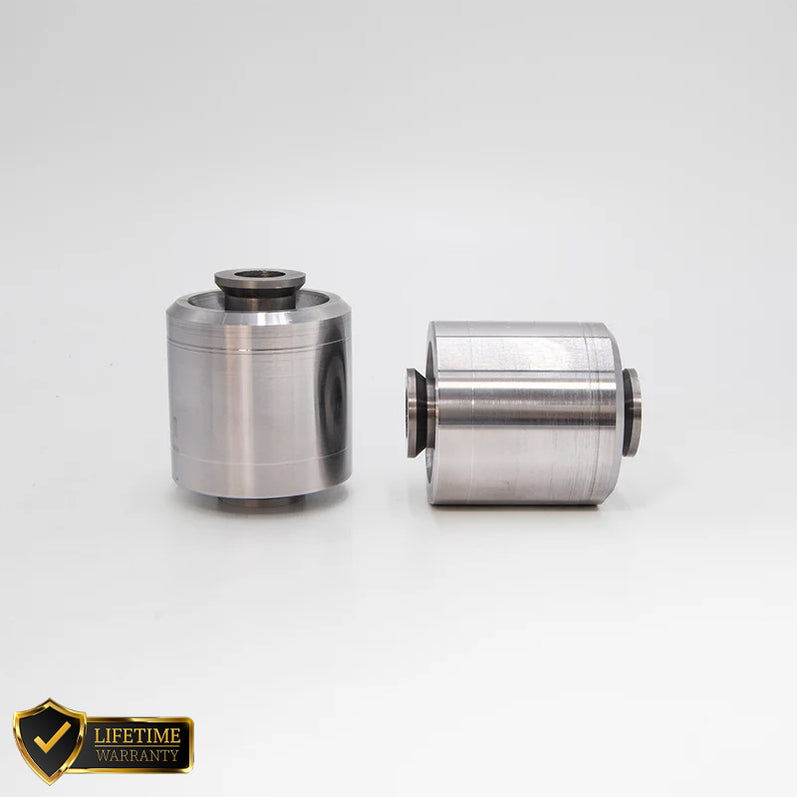
SKU: SS-REAR-BUSHES-F87
SKU: P2R.013.380.280.25300.08.01.01.R
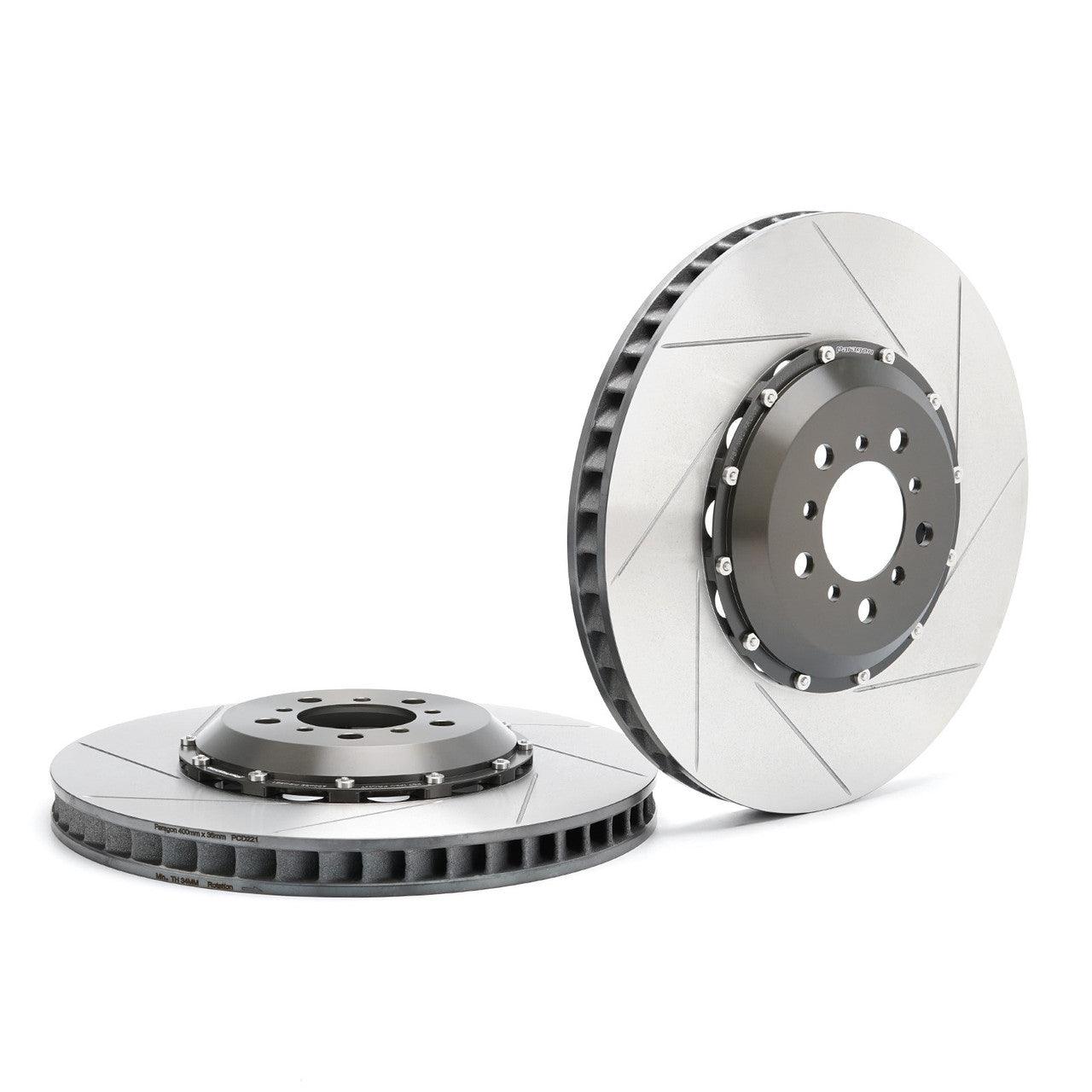
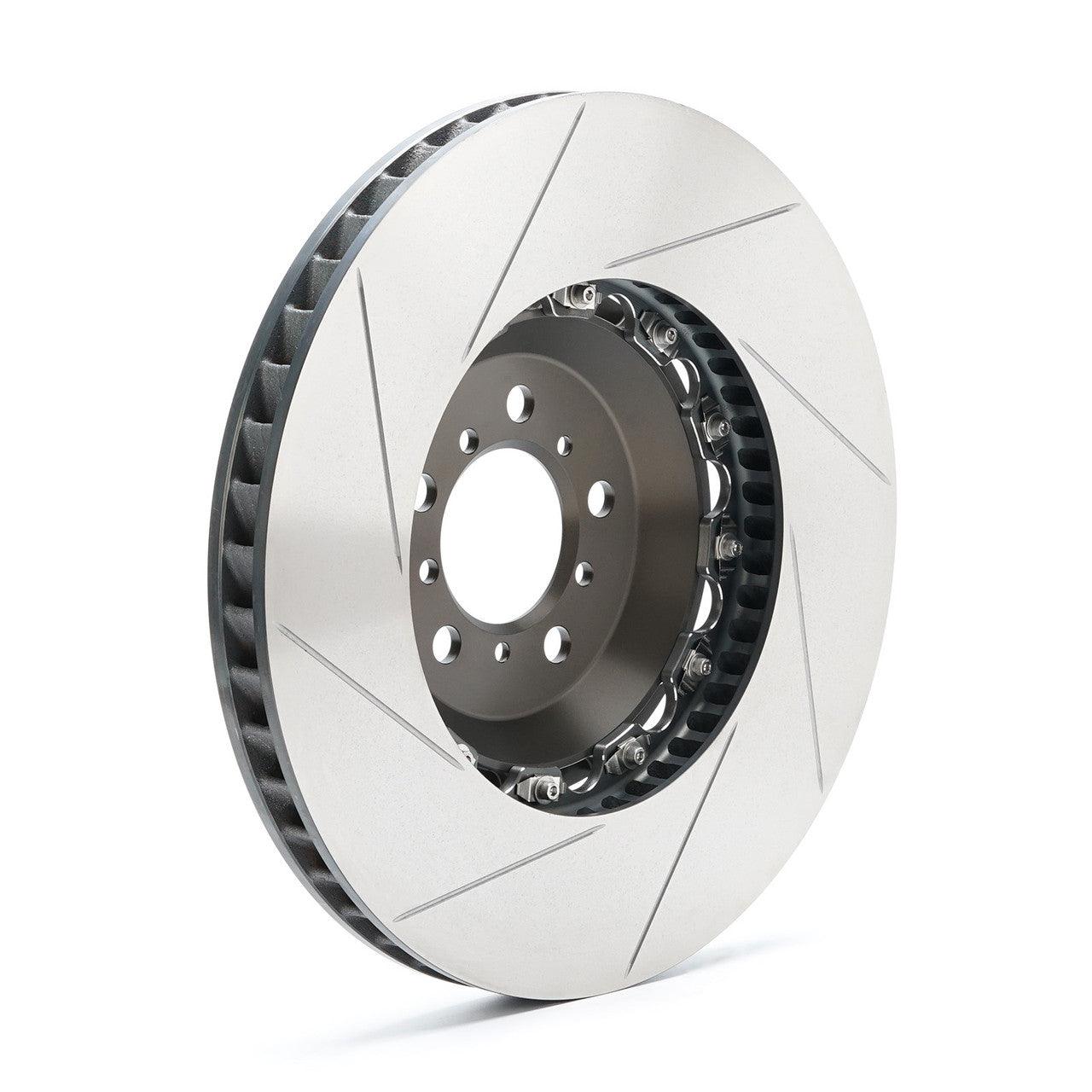
SKU: P2R.013.400.360.22100.09.01.01.F



SKU: ALCON-F80-CAR89-378-36-PG-ENP


