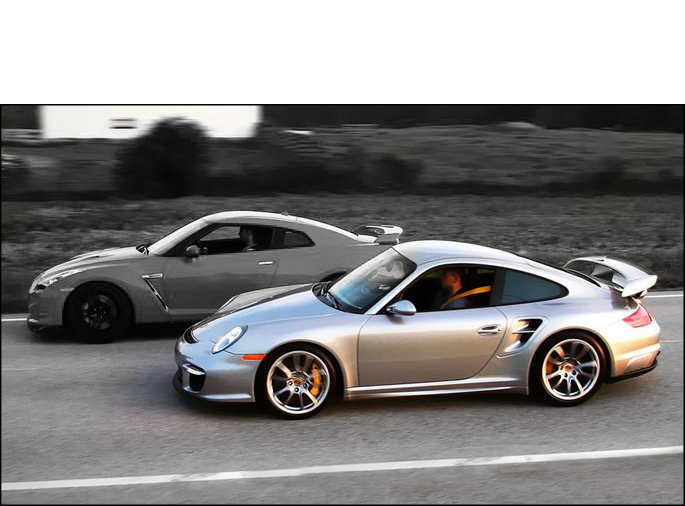

Porsche 911 Turbo (996) 2000–2004 Performance Parts & Upgrades
The Porsche 911 Turbo (996) and Turbo S were sold new in Australia from 2000 to 2004. They use a twin-turbo 3.6L Mezger flat-six with all-wheel drive and a wider body than the Carrera. This page lists the parts we stock for them, including Wagner Tuning intercoolers, Turbosmart wastegate actuators, the COBB Accessport and Syvecs ECU, Radium Engineering fuel system parts, GSC Power-Division valve guides, AWD coilovers and a Wavetrac differential.
Shop by Vehicle
Popular upgrades for the Turbo 996
- Boost and cooling: Wagner Tuning Competition EVO2 and Performance intercoolers and Turbosmart IWG75 wastegate actuators.
- Tuning: COBB Accessport V3 and the Syvecs S7Plus plug-in ECU.
- Fuel: Radium Engineering fuel pump kit, fuel surge tank install kit and fuel filter kit.
- Engine: GSC Power-Division bronze valve guides and Viton valve stem seals for the Mezger engine.
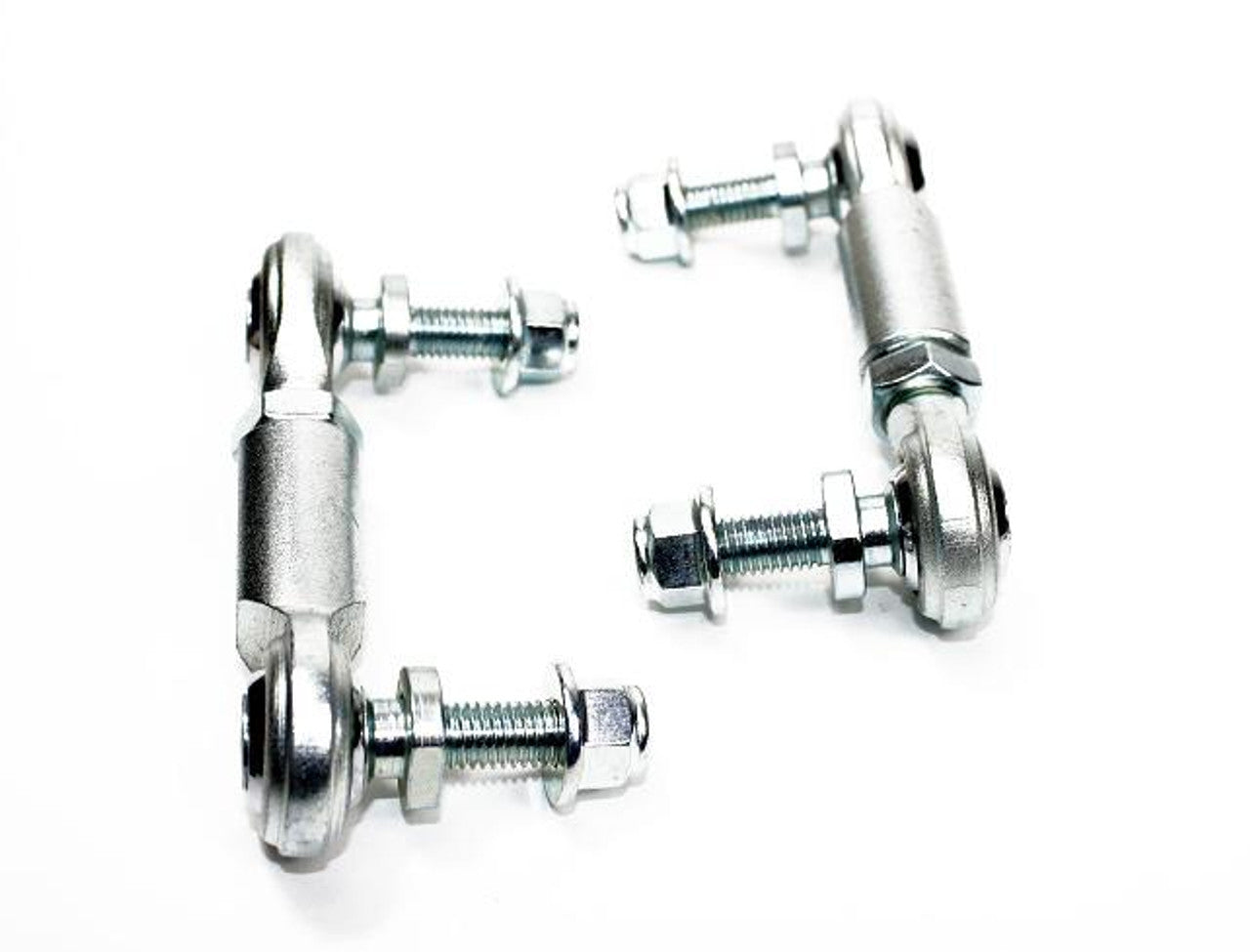
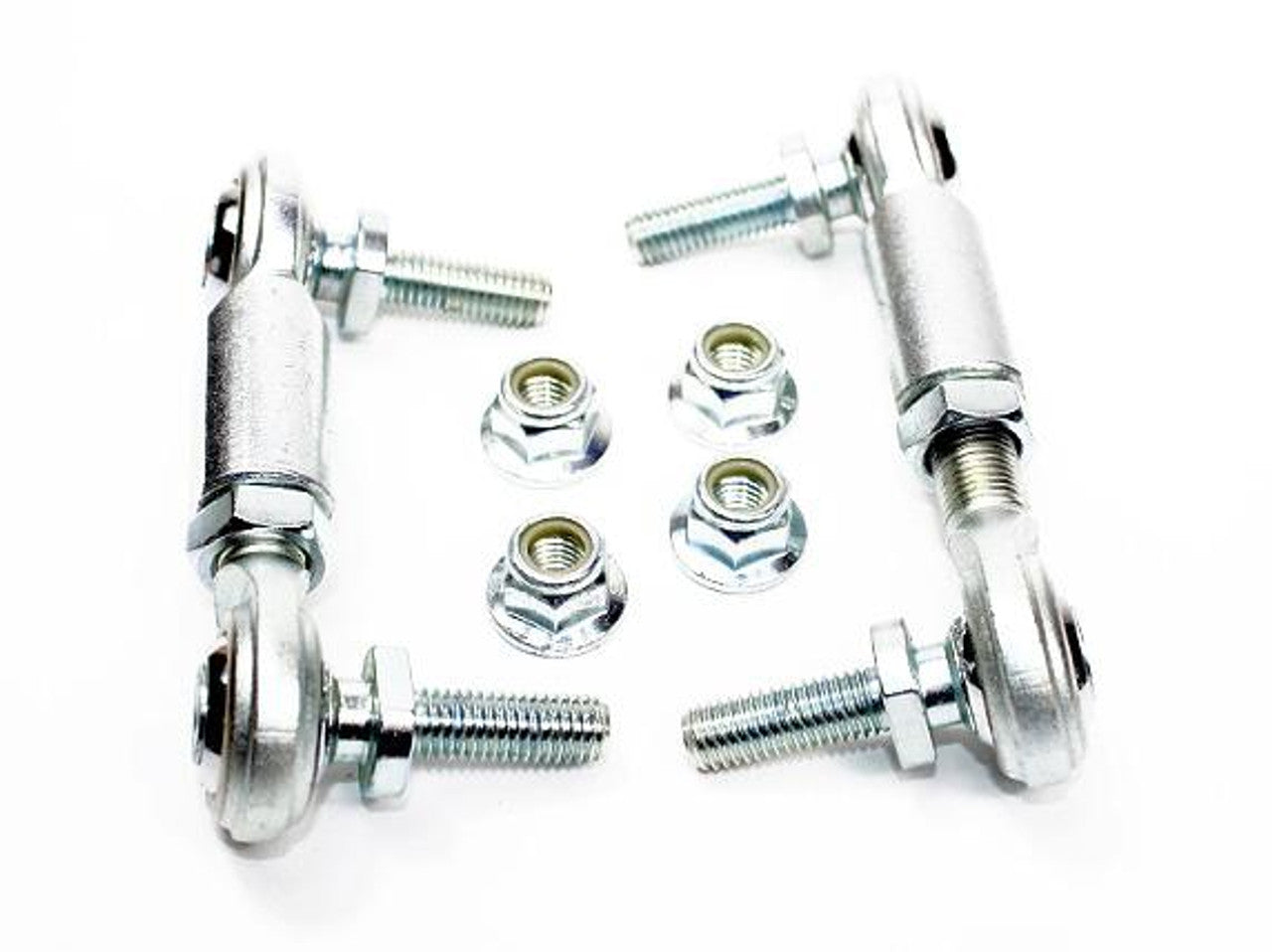
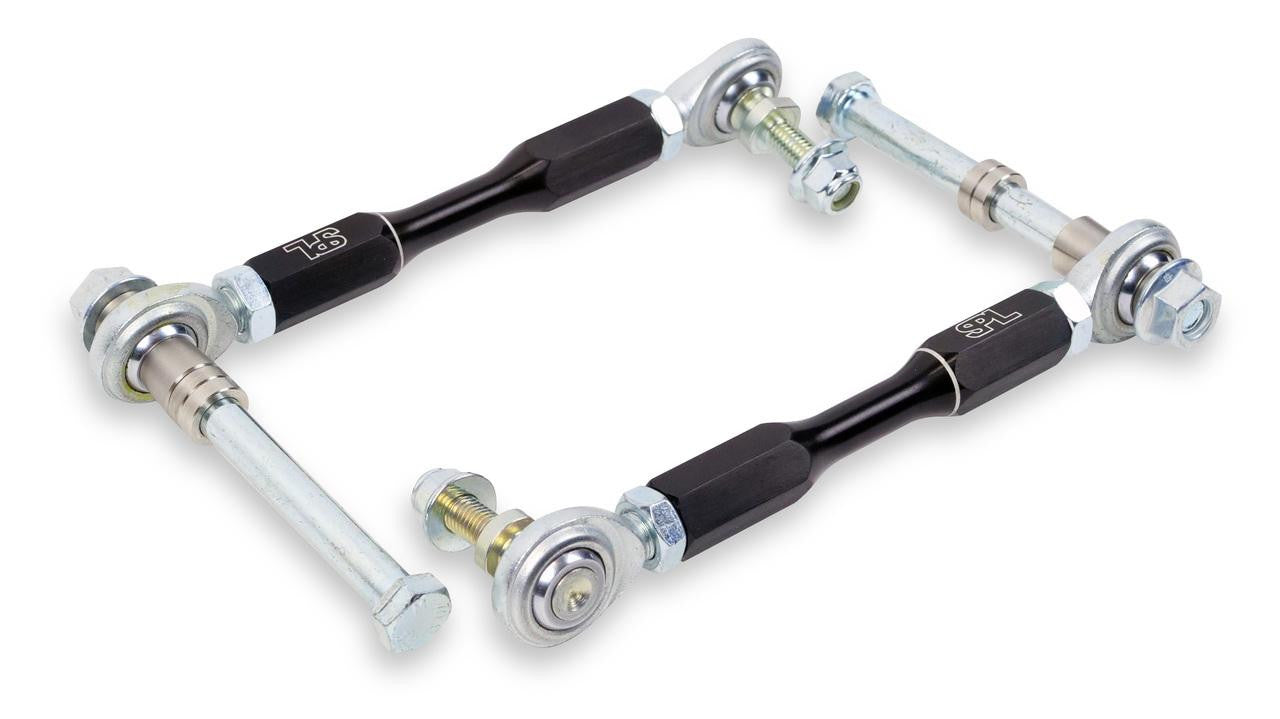
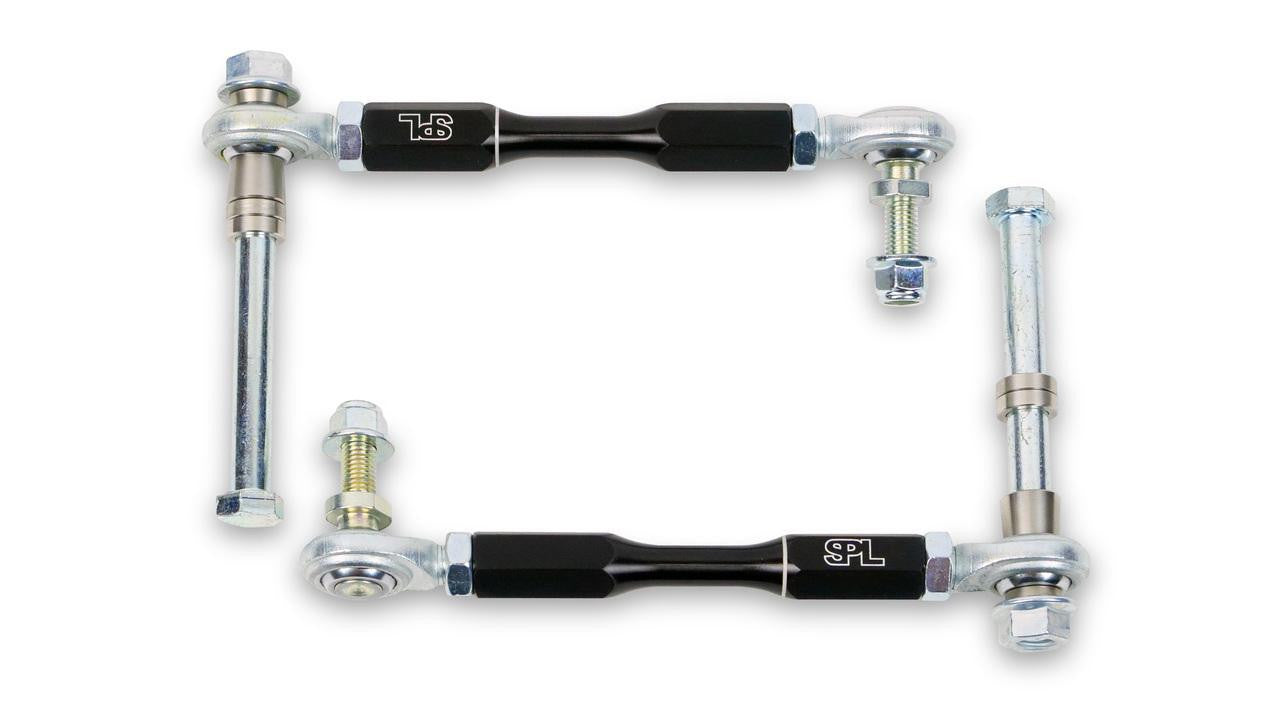
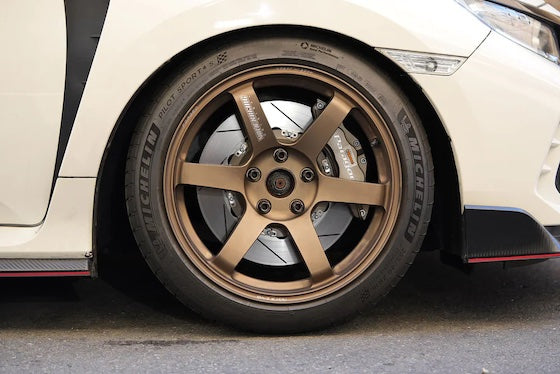
- Chassis: AST, MOTON and Öhlins coilovers, HARDRACE and SPL arms and bushings, Frenkit rebuild kits and Wavetrac diffs.
Choosing the Right Part
- Turbo or GT2: the GT2 is rear-drive with different suspension. Coilovers listed for the Carrera 4, 4S and Turbo fit this page.
- Front or rear diff: Wavetrac makes a front diff for the AWD front axle and a G50 rear diff. Pick the one for your axle.
- Fuel upgrades: the Radium pump kit comes without a pump, so choose a pump to suit your power target.
Installation
Have a qualified workshop fit suspension, brake, fuel and engine parts. Get a wheel alignment after any suspension change and bleed and road-test the brakes after brake work. Intercoolers, wastegates and ECU changes need a tune to suit; ask us if you're unsure.
Need help choosing? Contact our team at sales@chicaneaustralia.com.au.