
Honda Civic Type R FD2 Performance Parts & Upgrades
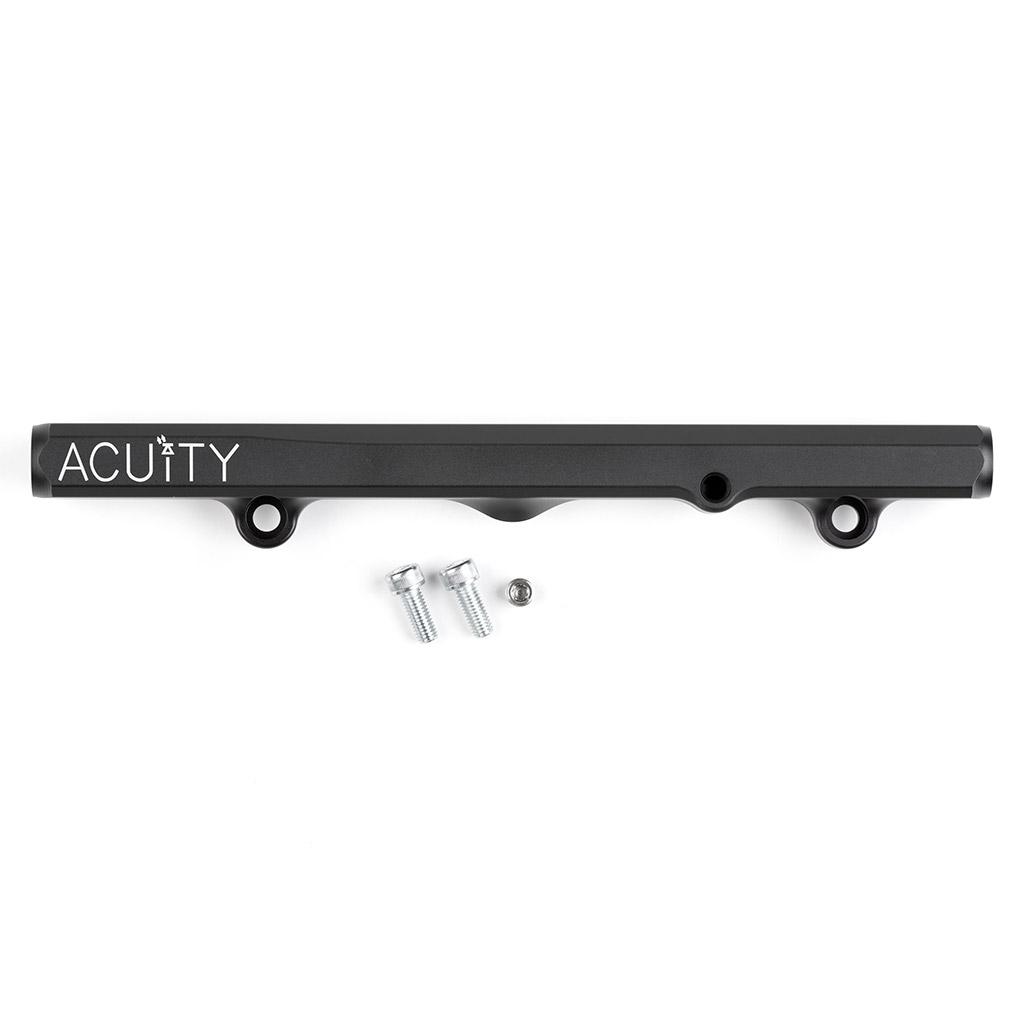
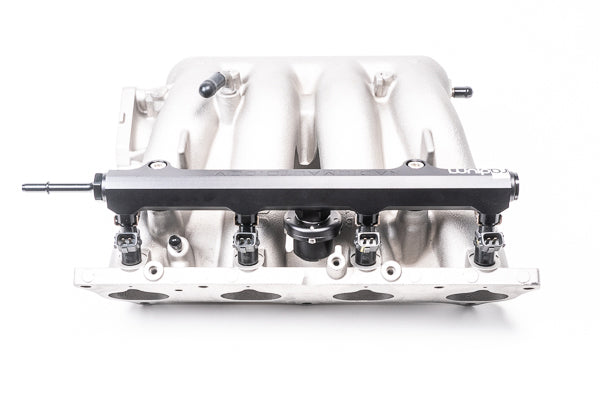
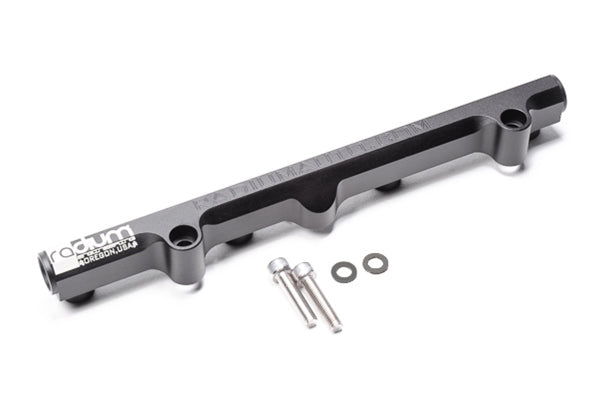
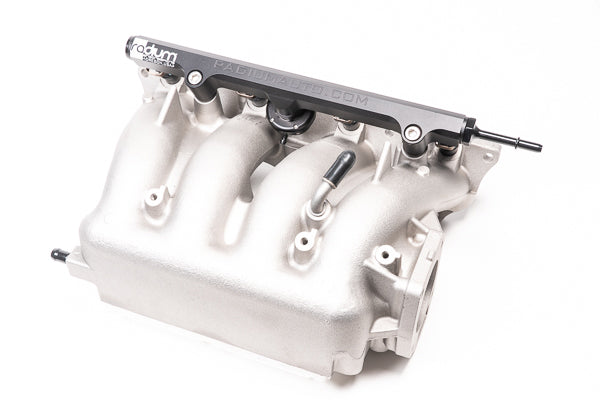
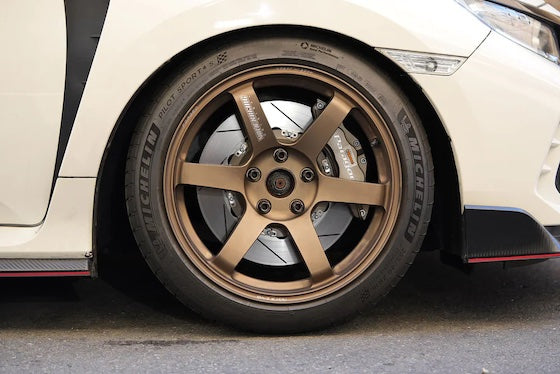
The Honda Civic Type R (FD2) is the Japanese-market sedan Type R, and it reached Australia as a Japanese import rather than being sold new here. It uses the 2.0L K20A i-VTEC four-cylinder with a 6-speed manual driving the front wheels. Many chassis parts are shared with the regular FD Civic sedan. This page lists the parts we stock for the FD2, including GSC Power-Division valvetrain, AST and Öhlins coilovers, Paragon 2-piece rotors, ACUITY shifters, Radium fuel rails and HARDRACE bushes and engine mounts.
Shop by Vehicle
- Honda Civic Type R (EP3): the K20A hatch before it
- Honda Civic Type R (FK8)
- Honda Civic Type R (FL5)
- Honda Integra Type R (DC5): also K20A powered
- Honda S2000 (AP1/AP2)
- View all brands
Popular upgrades for the FD2
- Suspension: AST coilovers and Öhlins Road & Track coilovers made for the FD2.
- Bushings and mounts: HARDRACE pillow ball front lower arm bushings and hardened engine mounts.
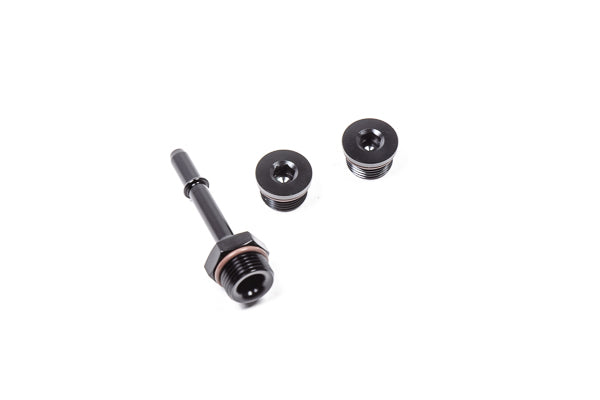
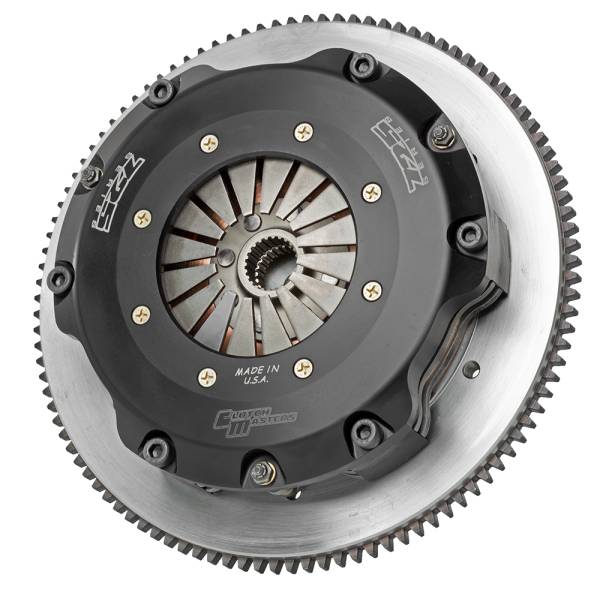
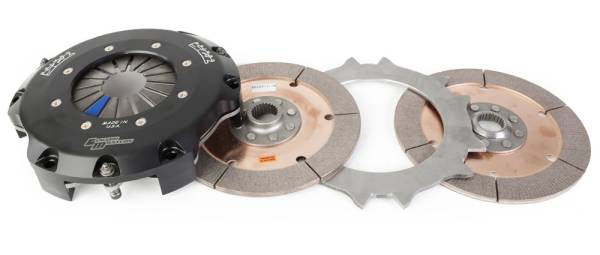
- Engine: GSC Power-Division valves and valve guides for K20/K24 heads, an ARP head stud kit, ACUITY and Radium fuel rails and plumbing, and a CLUTCHMASTERS twin disc clutch.
- Brakes: PARAGON 2-piece front and rear rotors.
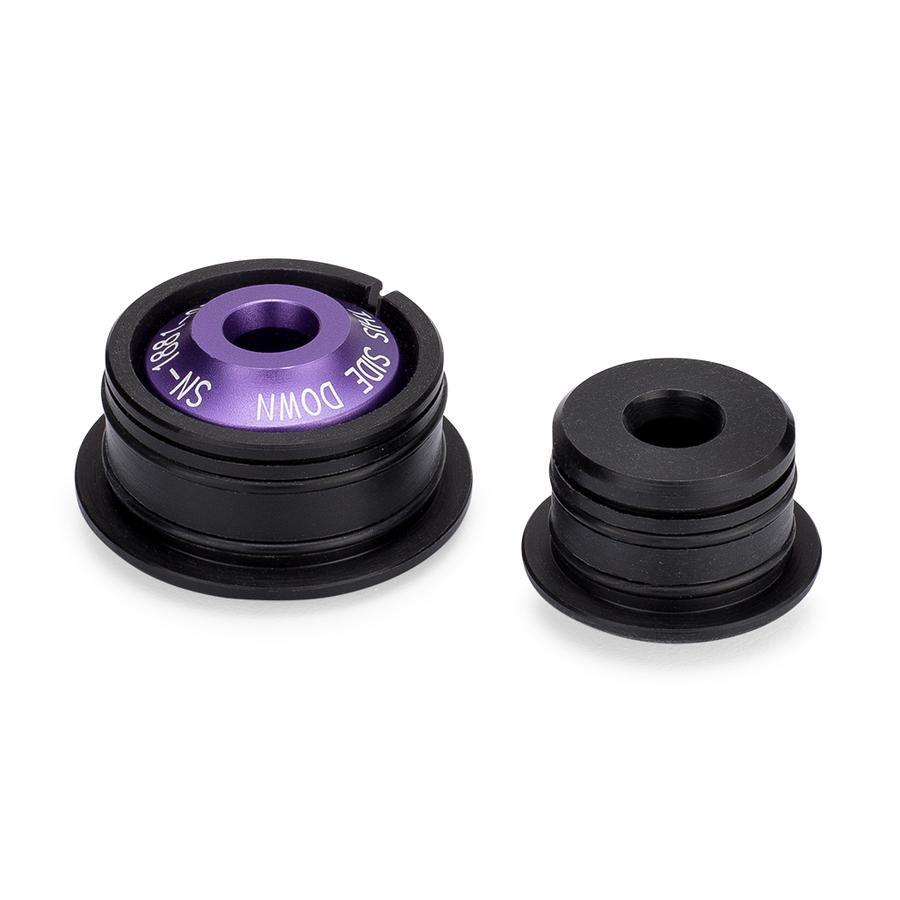
- Shifter: ACUITY adjustable shifter and shifter cable bushings.
Choosing the Right Part
- FD Civic or FD2 Type R: HARDRACE bushes and mounts are listed for the Honda Civic (FD). Check the title says the part suits the FD2 Type R before ordering.
- K20A, not K20C: the FD2 has the K20A. Parts made for the turbo K20C1 in the FK8 and FL5 won't fit, so check the engine code.
- Mixed parts from past owners: most FD2s here are imports with some history. Check what suspension and bushes are fitted now so new parts match.
Installation
Have a qualified workshop fit suspension, brake, clutch and engine parts. Get a wheel alignment after any suspension change, and bleed and road-test the brakes after brake work. Engine and fuel upgrades may need a tune to suit; ask us if you're unsure.
Need help choosing? Contact our team at sales@chicaneaustralia.com.au.


SKU: P2R.019.320.250.19600.08.03.01.F
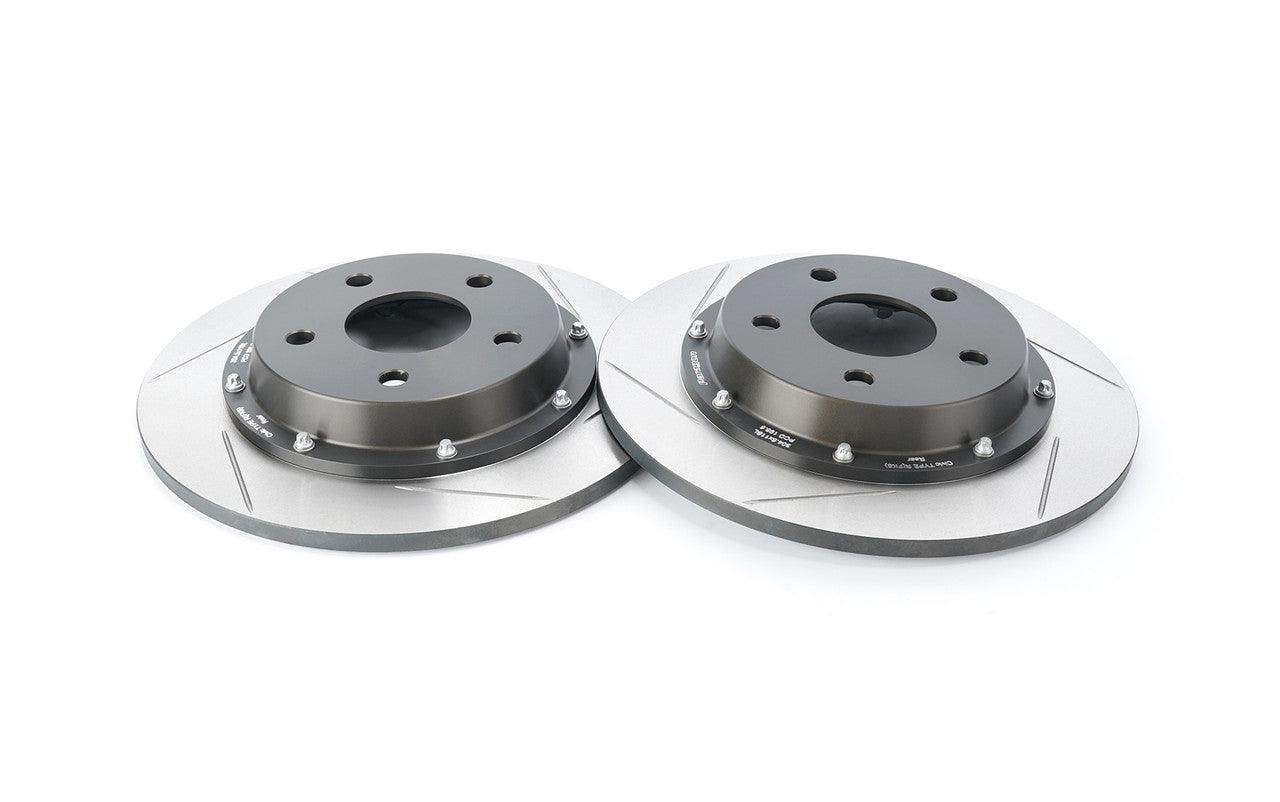
SKU: P2R.019.282.090.17600.07.03.01.R