
Radium Engineering Honda S2000
Radium Engineering makes fuel system and crankcase ventilation parts for the Honda S2000, covering the AP1 (F20C) and AP2 (F22C1). The range covers fuel rails and plumbing kits for larger injectors, fuel surge tank install kits for track use, Fluid Lock catch can kits and the adapter fittings that tie them together. Each part is listed by chassis code so you can match it to your car.
Shop by Product Type
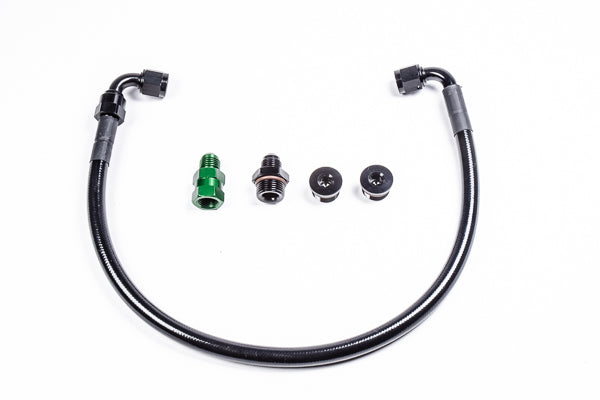
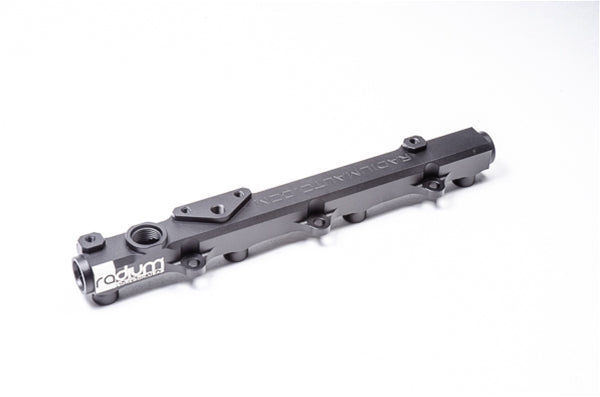
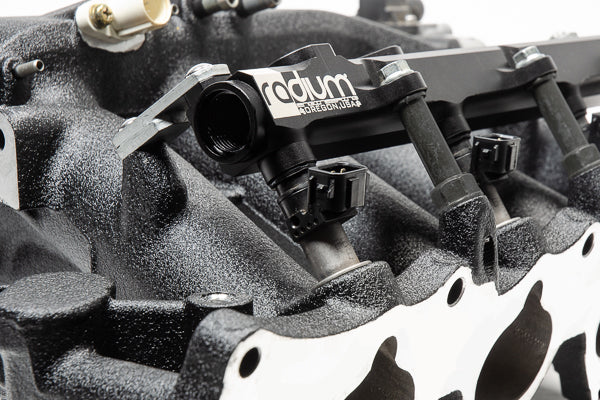
- Fuel rails and plumbing kits - CNC rails with AN ports and the kits that connect them to the factory lines.
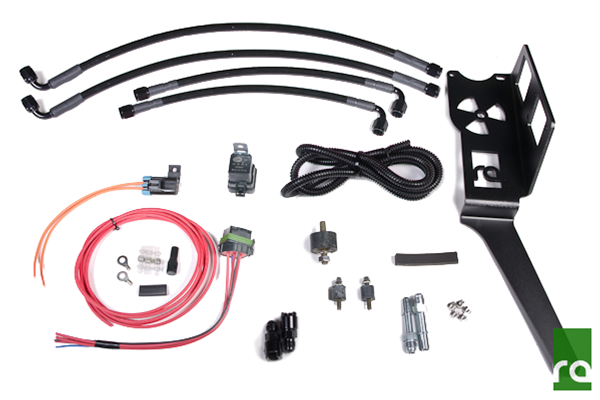
- Fuel surge tank install kits - brackets, hose and fittings to mount a Radium FST in the S2000 (surge tank sold separately where stated).
- Fluid Lock catch can kits - PCV, crankcase and dual kits with S2000-specific brackets.
- Fittings - the M14 x 1.5 inverted flare to 6AN adapter for Honda fuel lines.
Choosing the Right Part
Some parts suit both the AP1 and AP2, while others are AP2 only, because the fuel system changed between them. Check whether a listing says AP1 / AP2 or AP2 before ordering.
Installation & What You'll Need
Fuel rail and surge tank work means depressurising the fuel system and opening the fuel lines. Expect to need AN spanners, fresh seals where listed and a fuel pressure check afterwards. Installation by a professional workshop is recommended, and fuel system upgrades usually need a retune.
FAQ
Is the surge tank included in the install kit?
Not always. One kit is sold without the FST, so check the title.
Will an AP2 fuel rail fit an AP1?
Only where the listing says AP1 / AP2.
Do the catch cans suit a right-hand drive car?
Yes, these S2000 kits are not marked LHD only.
Need help choosing the right Radium part for your S2000? Contact our team at sales@chicaneaustralia.com.au.