
Radium Engineering Fuel Filters
Radium Engineering Fuel Filters in Australia
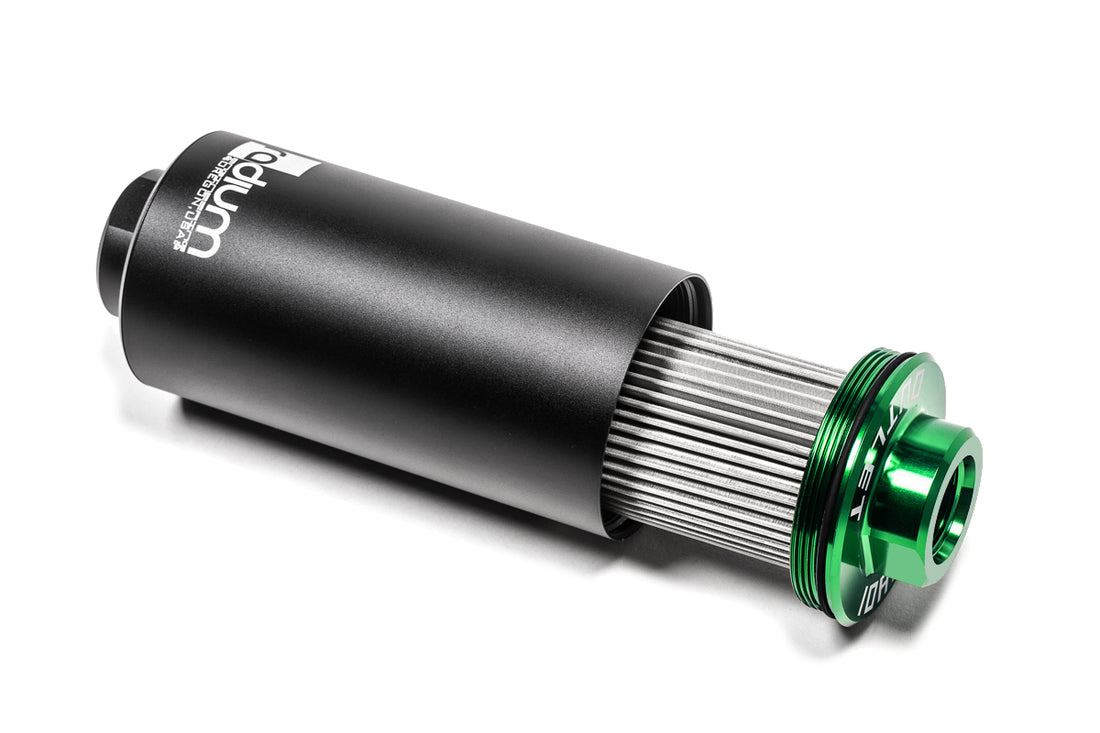
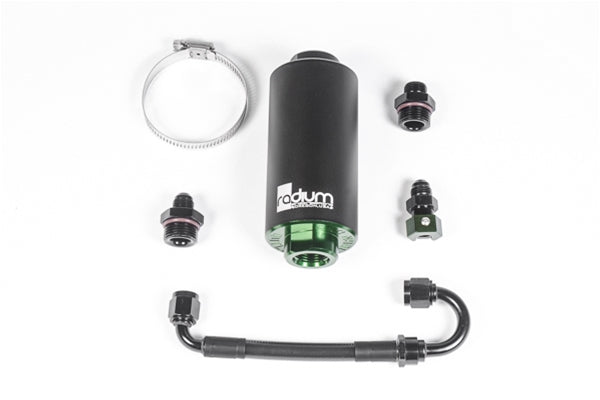
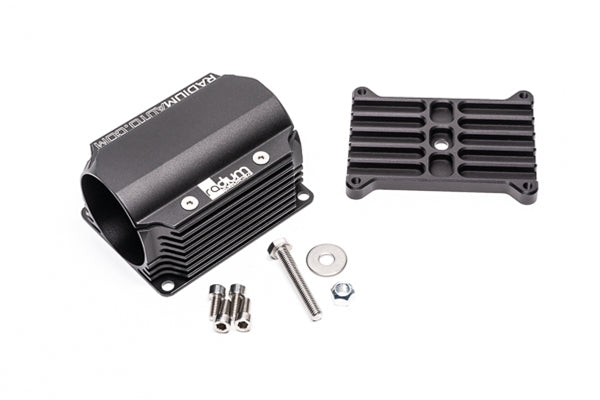
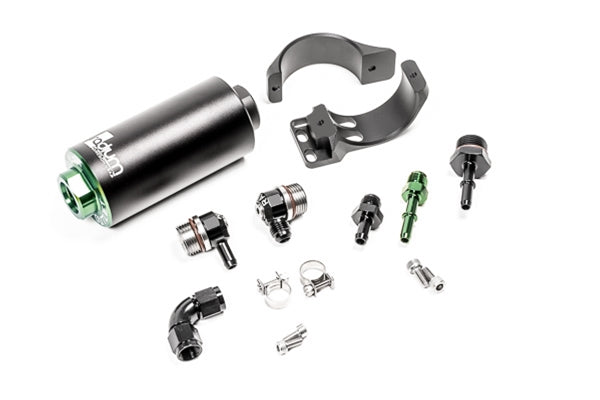
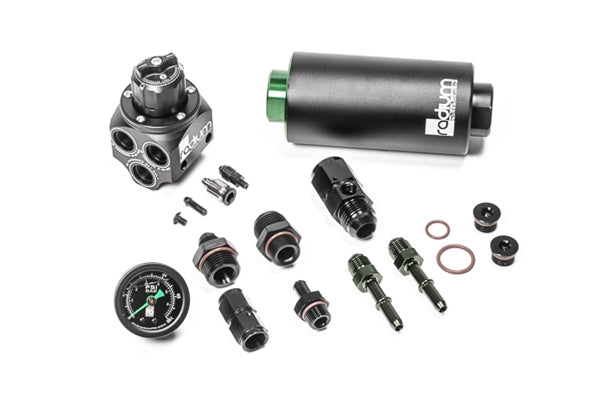
Radium Engineering fuel filters protect pumps, regulators and injectors from debris in high-flow fuel systems. The range covers high-flow inline filters, filters with a built-in check valve, complete filter kits, pump inlet filter socks and replacement elements, plus filter mounts made for specific cars.
Shop by Product Type
- High-flow inline fuel filters and replacement elements.
- Fuel filter with check valve and the check valve fuel filter conversion kit.
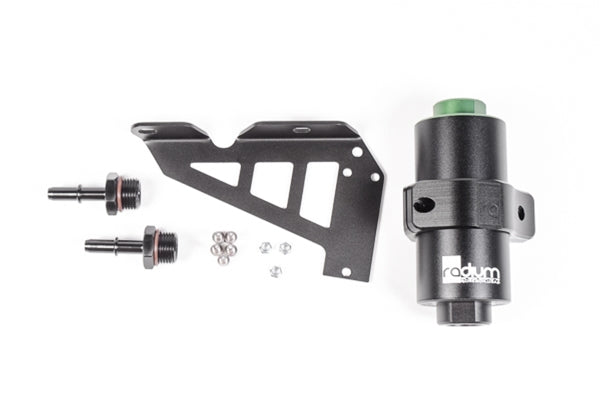
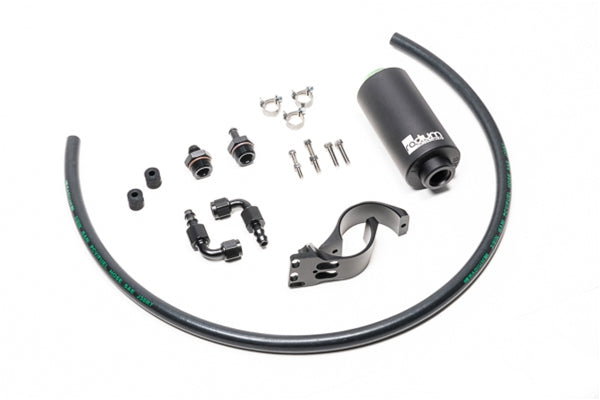
- Fuel filter kits, including a combined FPR and fuel filter kit.
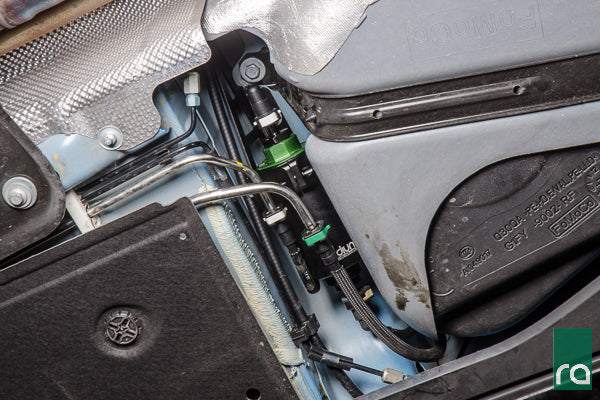
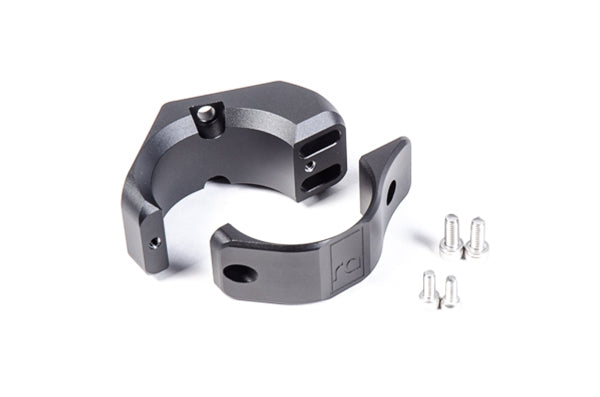
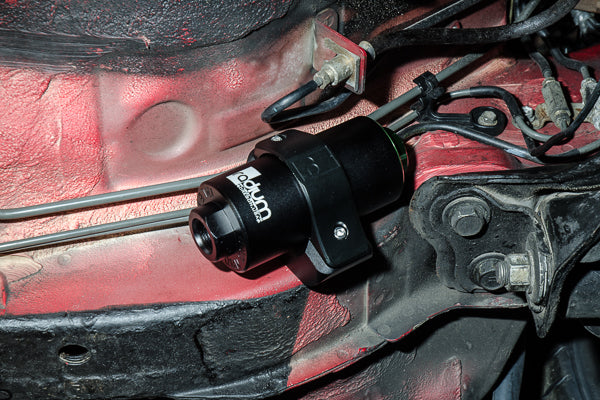
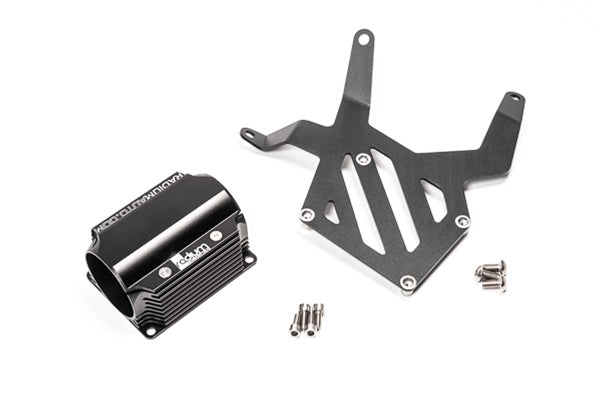
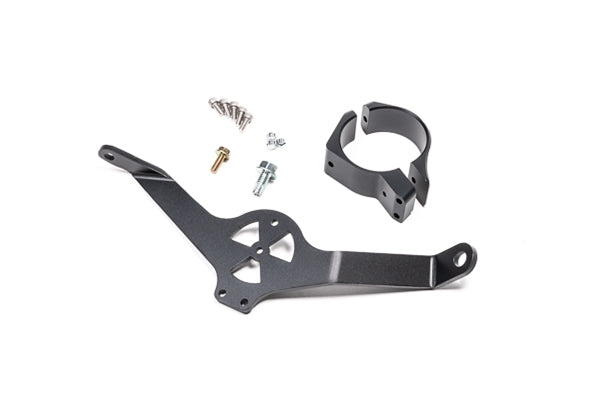
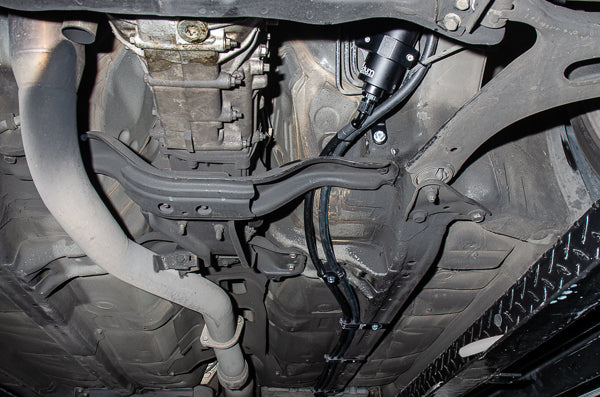
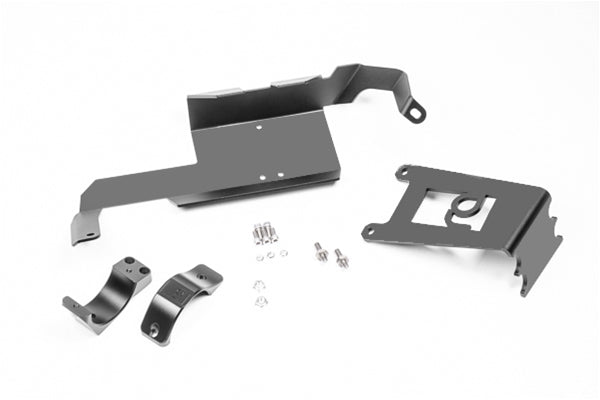
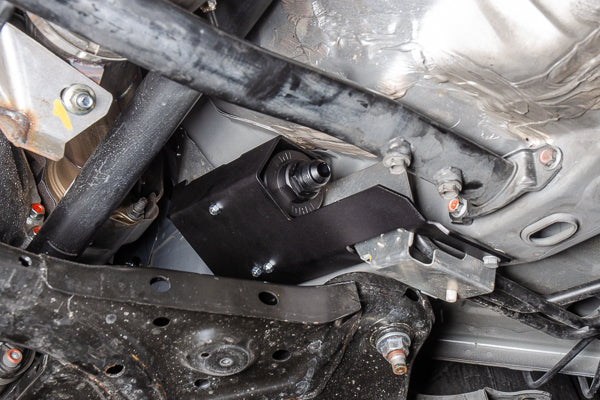
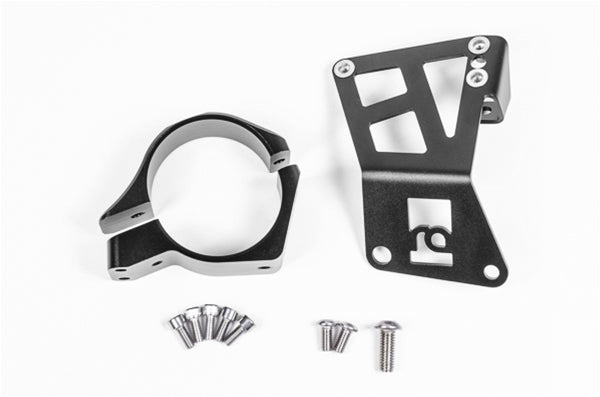
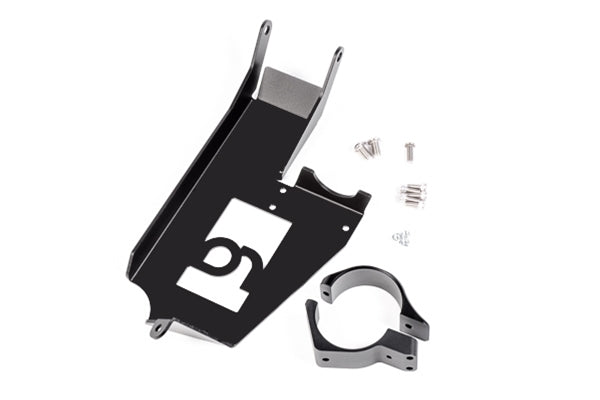
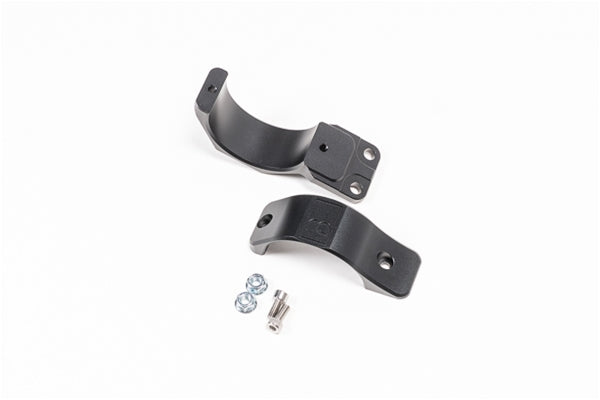
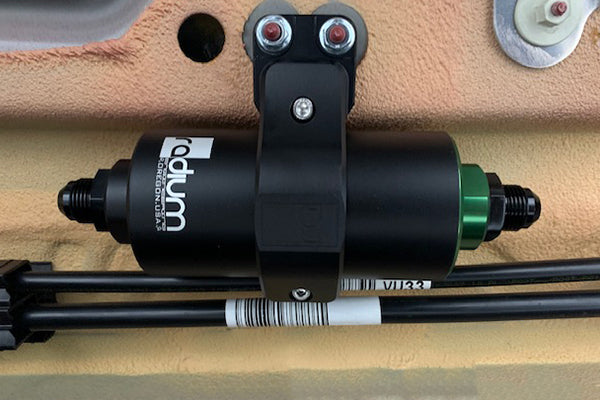
- Fuel filter mounts for cars such as the Toyota Supra, Mitsubishi Lancer Evolution, Nissan Silvia/Skyline, Subaru WRX/STI and Toyota 86/Subaru BRZ.
- Fuel pump inlet filter socks, clamp brackets and O-rings.
Choosing the Right Part
Put a filter after the pump and before the rail to protect the injectors, and use an inlet sock on each in-tank pump.
Match the filter port size to your fuel line, and check that its flow suits your pump setup.
If there's a mount listed for your car, use it, as it puts the filter where it is easy to service.
Installation & What You'll Need
Inline filters fit into the fuel line with AN fittings. Mount the filter securely, away from exhaust heat, with the flow arrow the right way. Depressurise the system first and check for leaks before driving. Replace the element as part of regular servicing.
FAQ
Where should the fuel filter go?
Between the pump and the fuel rail, so it catches debris before it reaches the regulator and injectors. Pump inlet socks protect the pump itself.
Are Radium filters E85 safe?
Yes. They are made for petrol, E85 and ethanol blends.
Can I buy just the element?
Yes. Replacement elements and O-rings are listed separately.
More Radium Engineering
Need help choosing? Contact our team at sales@chicaneaustralia.com.au.