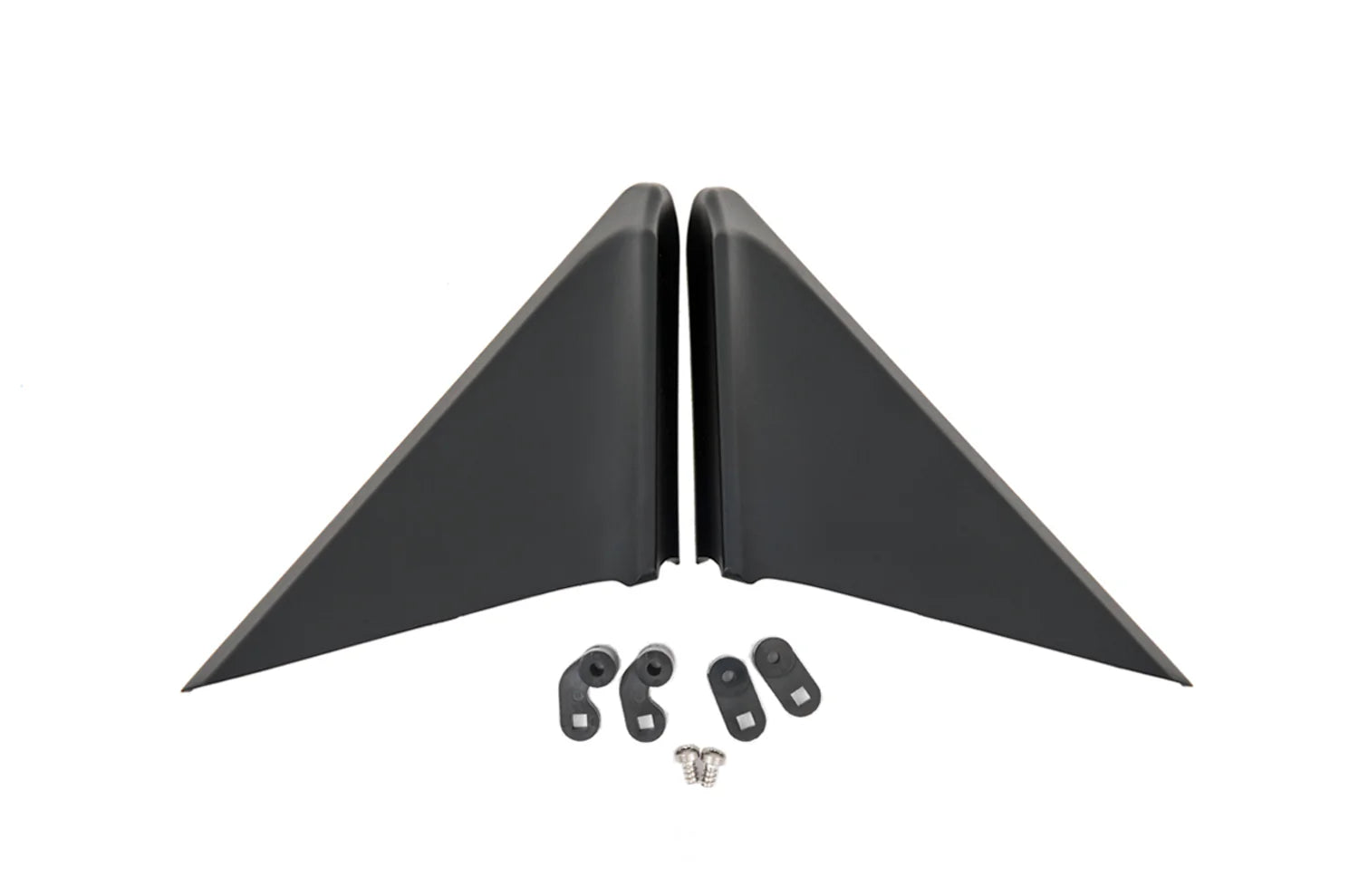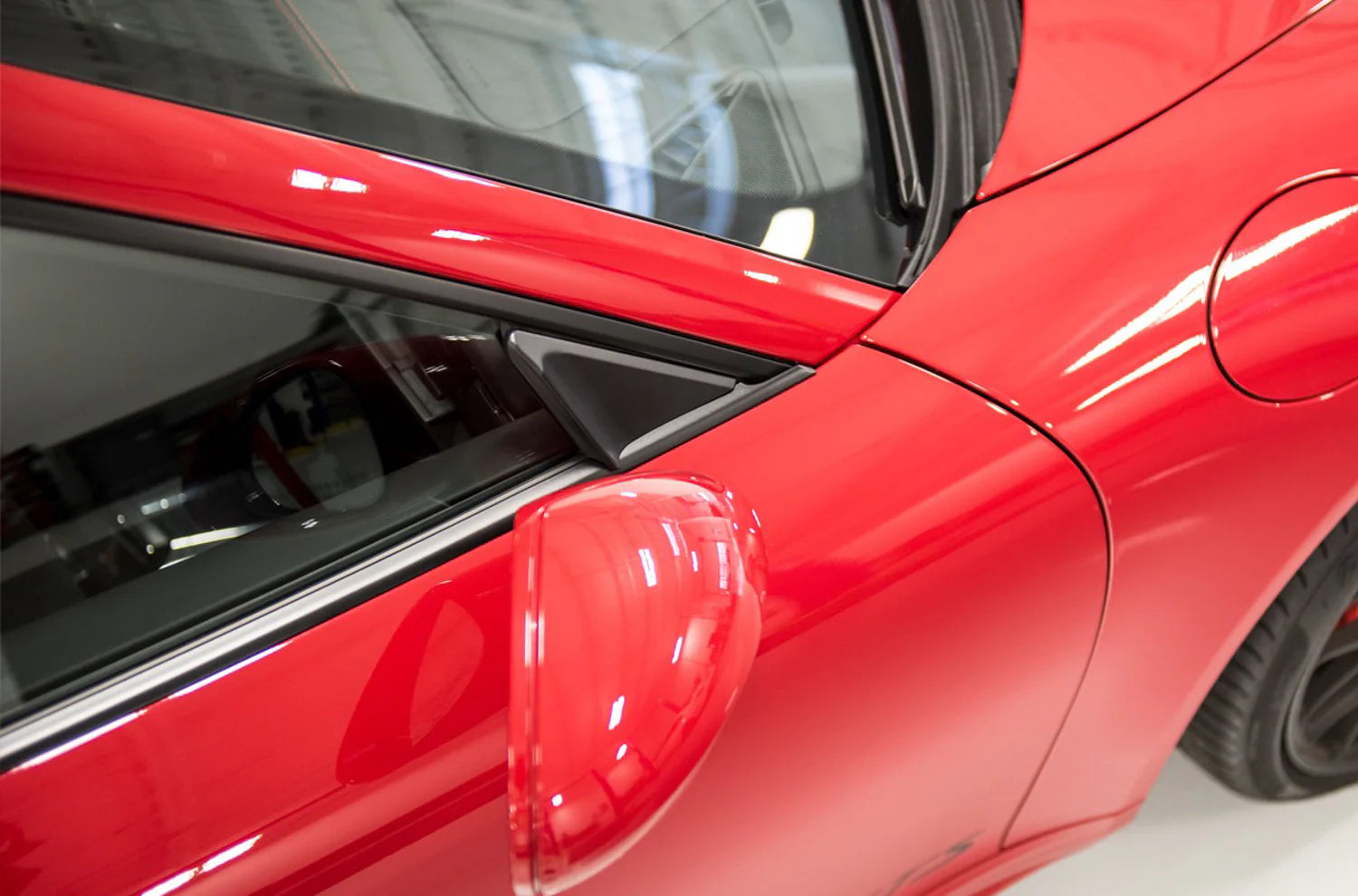
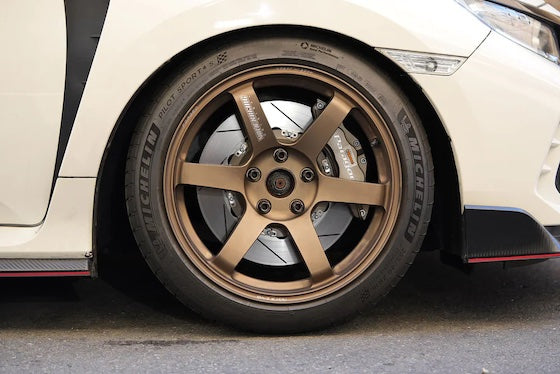

Porsche 911 Carrera 4 991.2 Performance Parts & Upgrades
The Porsche 911 Carrera 4 (991.2) was sold new in Australia from 2016 to 2018. It uses the 3.0L twin-turbo flat-six of the 991.2 Carrera, sending drive to all four wheels, with the wider rear body. This page lists the parts we stock for the Carrera 4, from the APR K04.3 GTS turbo system, COBB Accessport and AWE SwitchPath exhaust to Brembo and AP Racing brakes, Öhlins, AST and MOTON coilovers and Wavetrac PDK diffs.
Shop by Vehicle
- Porsche 911 Carrera 4S (991.2): the higher-output 4S
- Porsche 911 Targa 4 (991.2): the Targa version
- Porsche 911 Carrera S (991.2)
- Porsche 911 Carrera 4 (991.1): the earlier 3.4L car
- Porsche 911 Carrera 4 (997.2)
- View all brands
Popular upgrades for the 991.2 Carrera 4
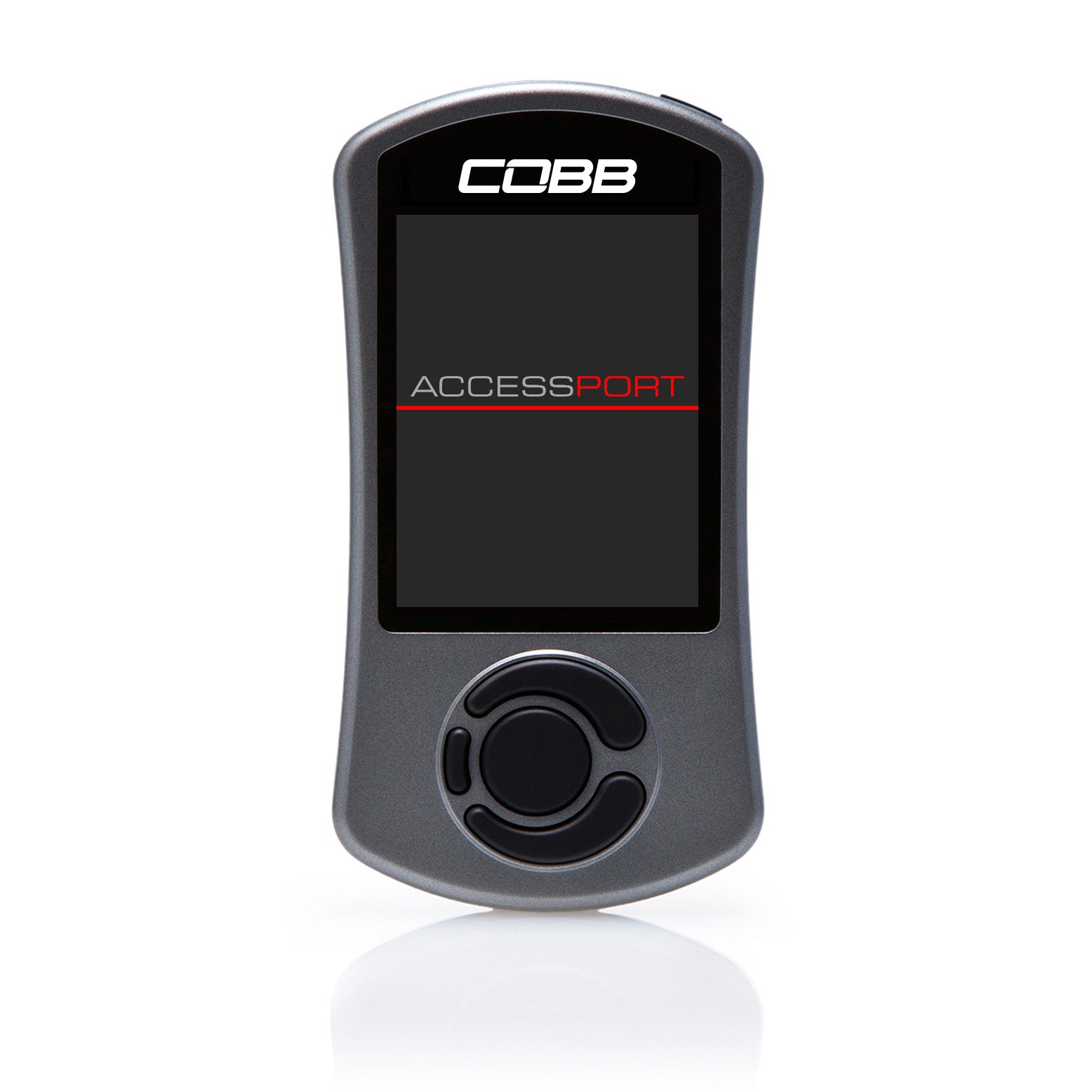
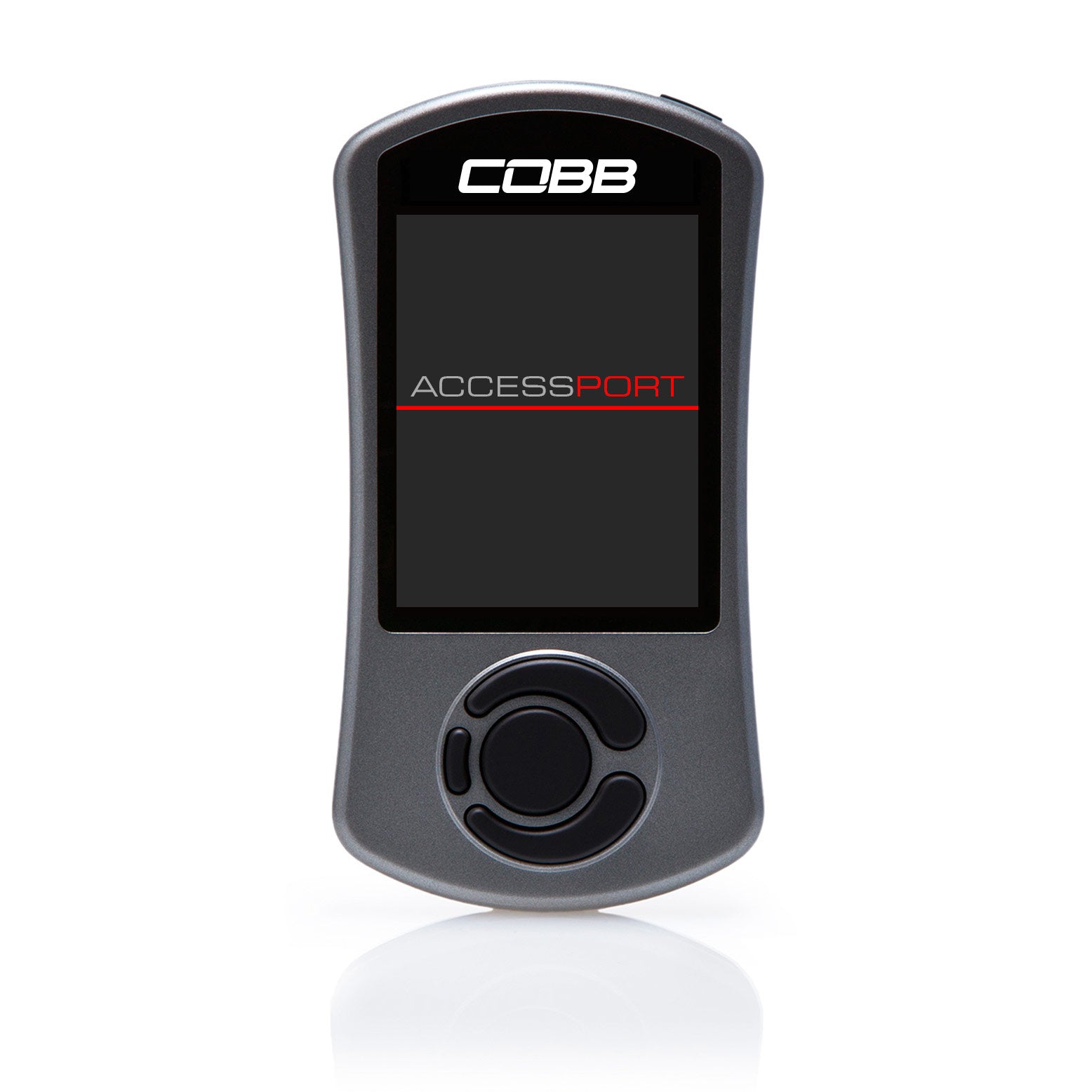
- Engine and tuning: the APR K04.3 GTS turbocharger system and the COBB Accessport V3, with a PDK flashing version.
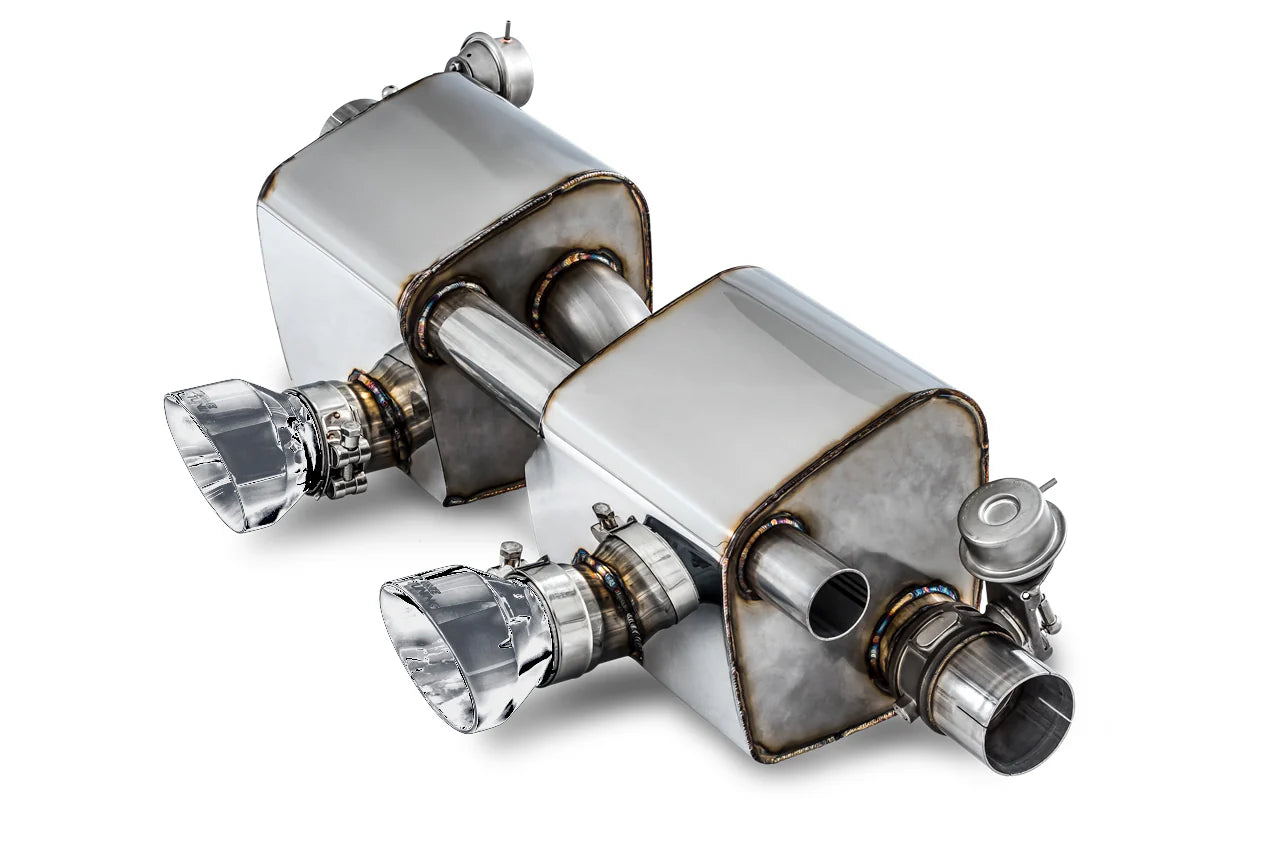
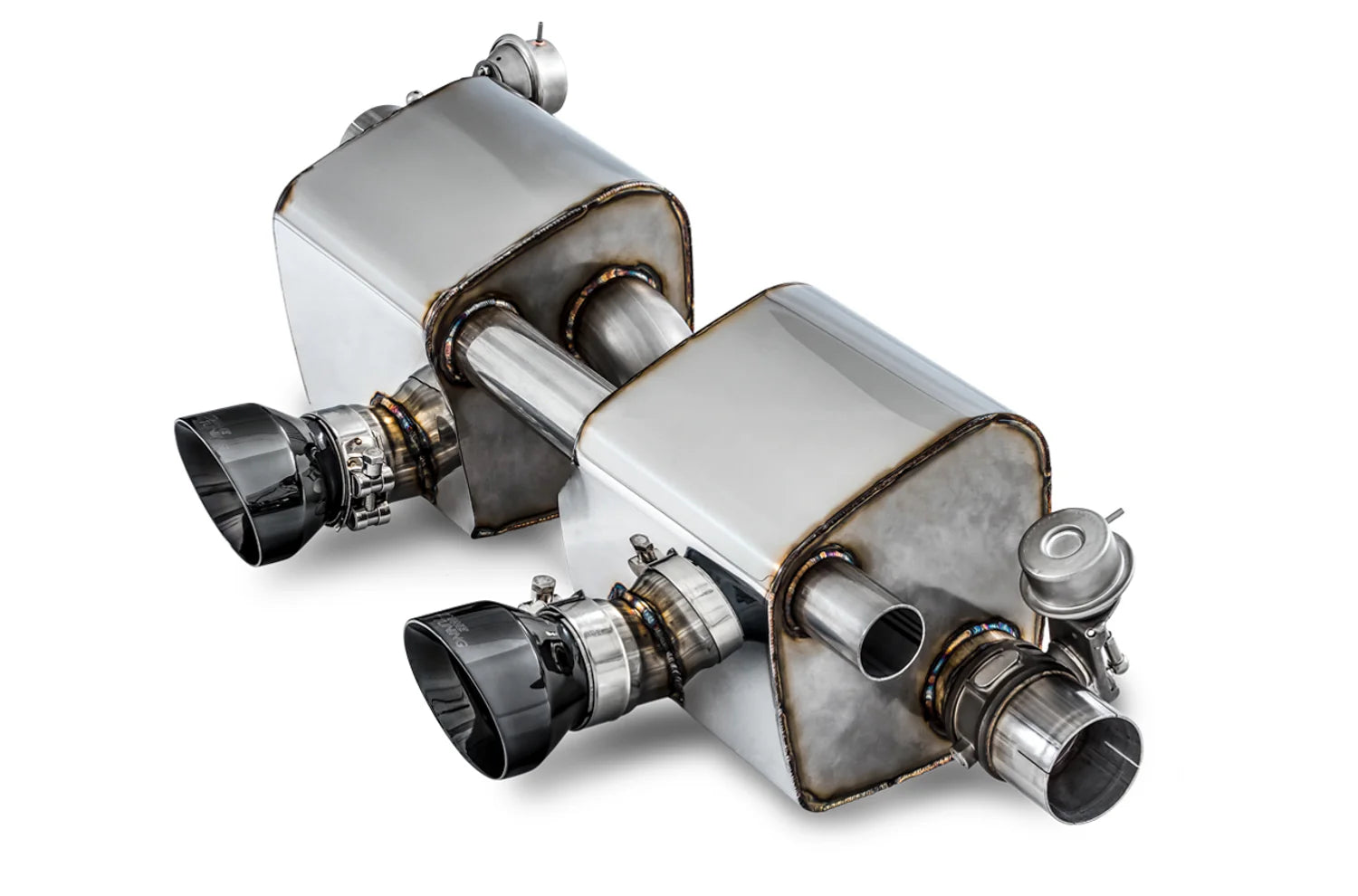
- Exhaust: the AWE SwitchPath exhaust for PSE-equipped cars and the AWE Foiler wind diffuser.
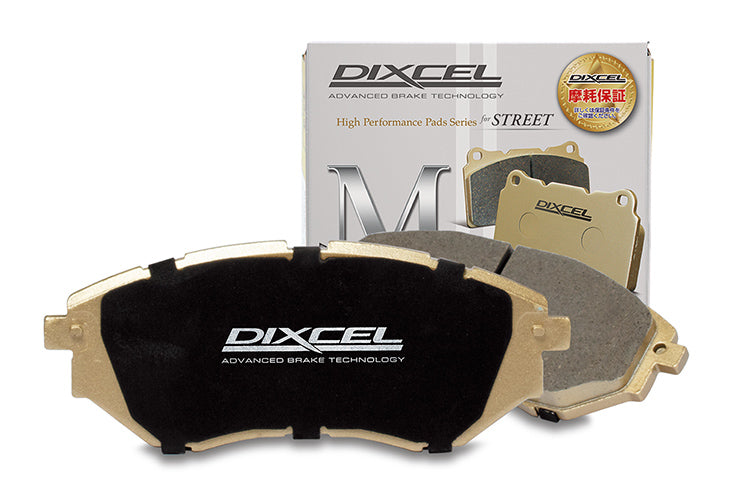
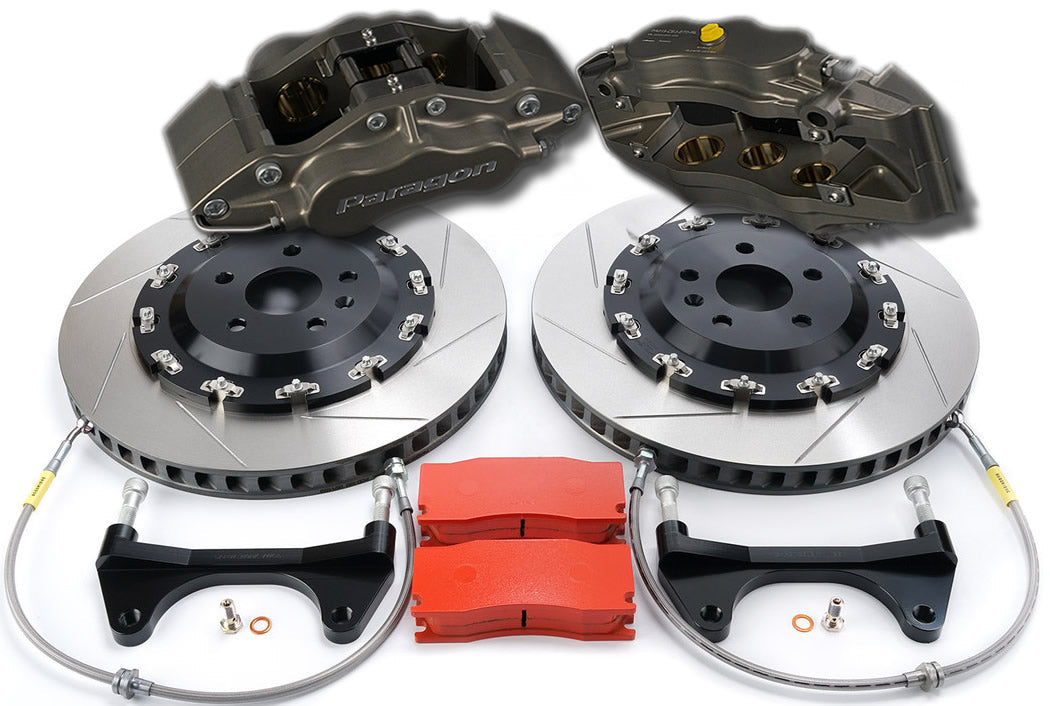
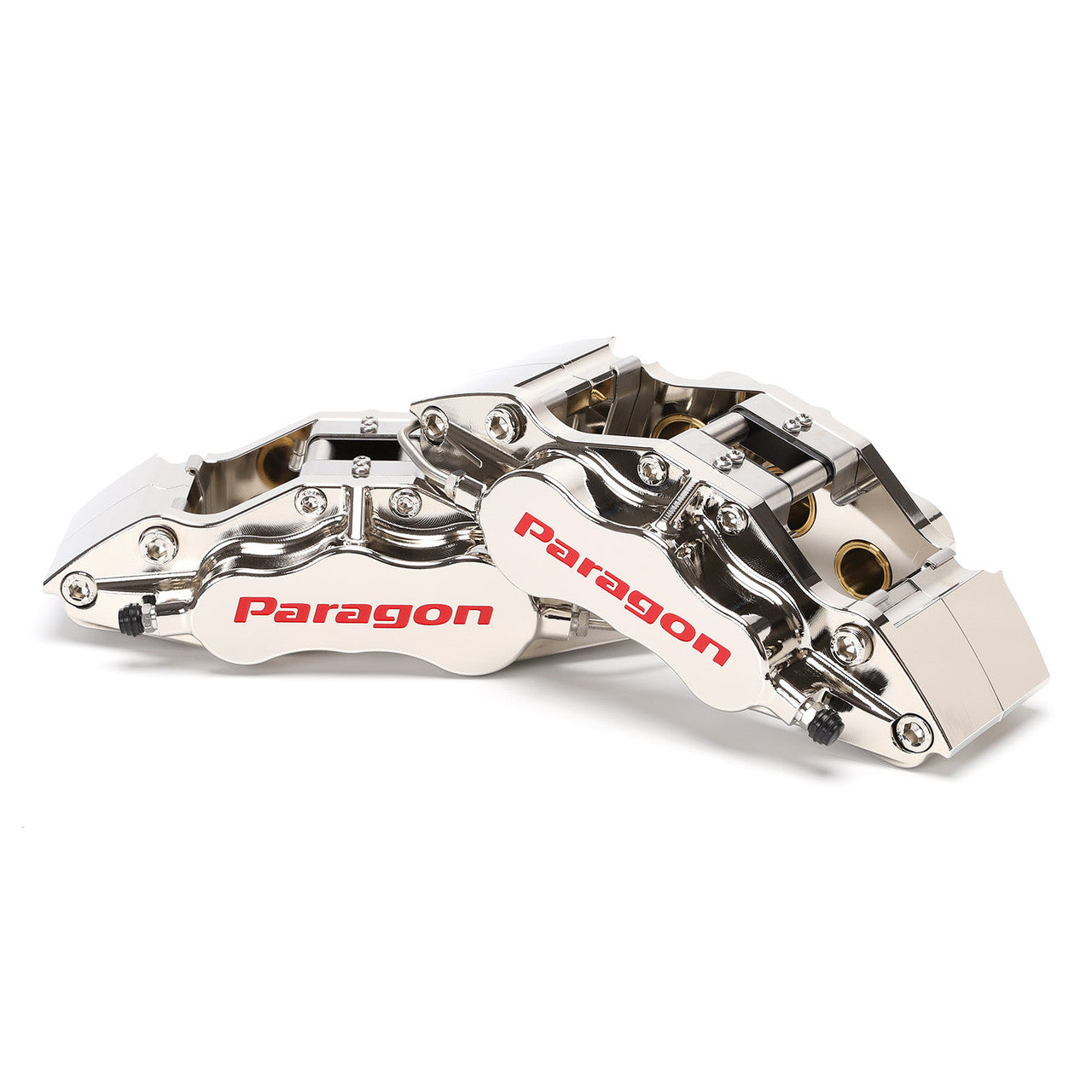
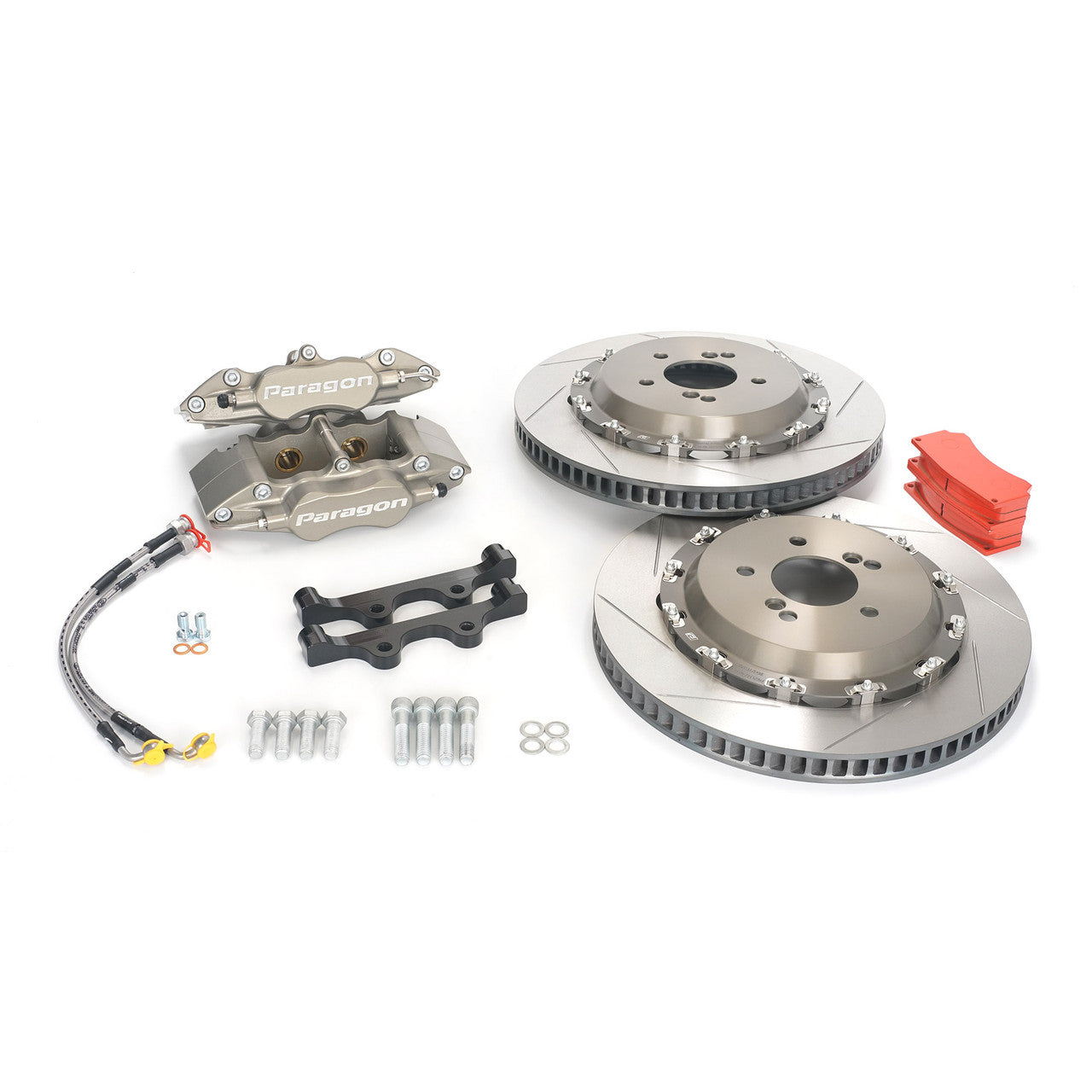
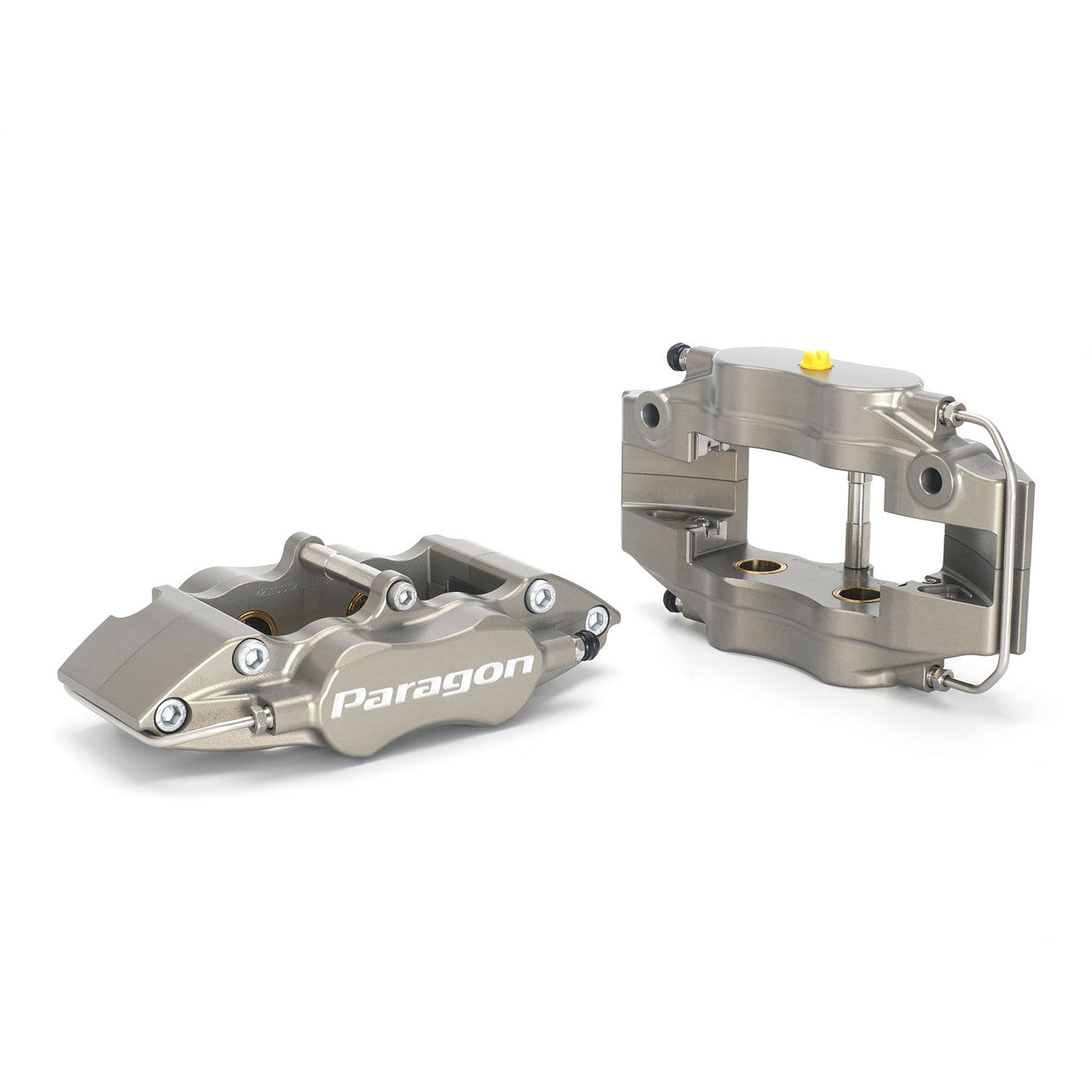
- Brakes: Brembo GT, GT-S and Pista front kits, the AP Racing CP9660 front kit and Paragon rear big brakes.
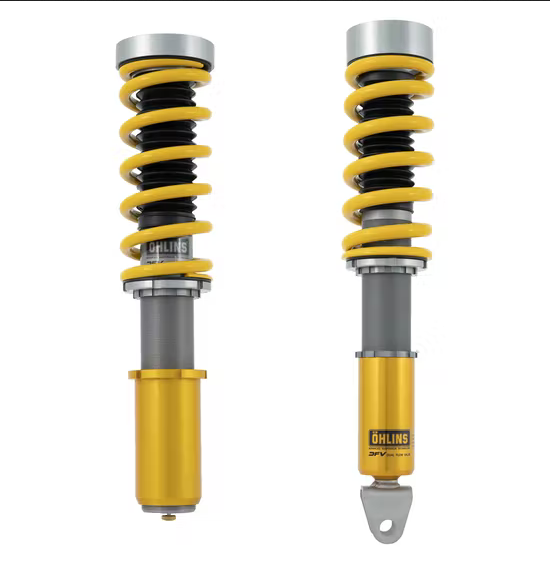
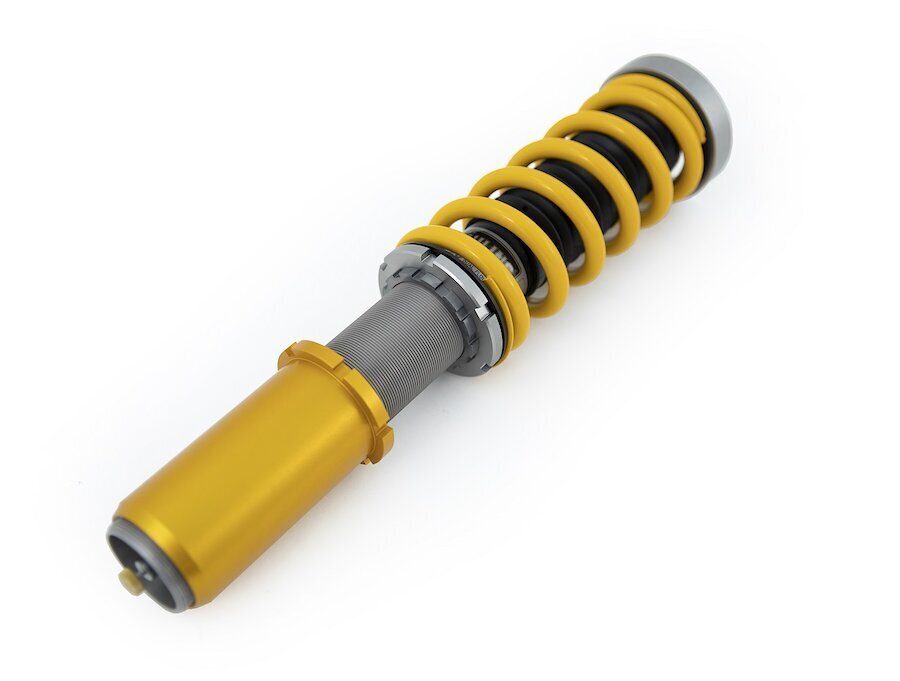
- Suspension: AST, MOTON and Öhlins R&T coilovers, plus SPL Parts lower control arms, trailing arms and tie rod ends.
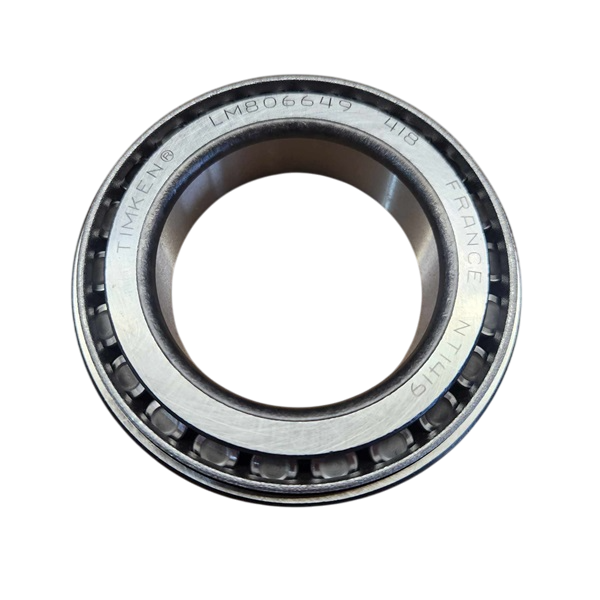
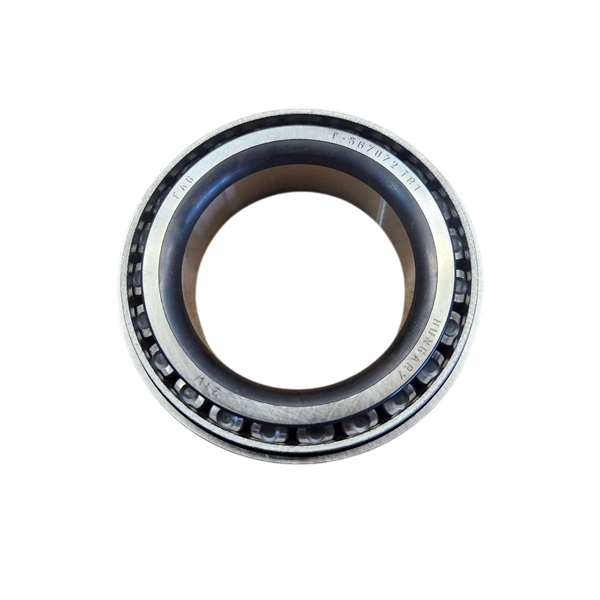
- Links and diff: HARDRACE and Torque Solution sway bar links and Wavetrac PDK limited slip diffs.
Choosing the Right Part
- All-wheel drive: pick coilovers whose fitment names the Carrera 4. Brake kits that list C4 in the title fit this car.
- 991.2 engine: the 3.0L twin-turbo is different from the 991.1's 3.4L, so tuning and engine parts are not shared between them.
- Exhaust option: the AWE SwitchPath exhaust is listed for cars with the Porsche Sports Exhaust. Check your car has it.
Installation
Have a qualified workshop fit turbo, exhaust, brake and suspension parts. A turbo upgrade needs the matching tune. Get a four-wheel alignment after suspension work and bleed and road-test the brakes after brake work.
Need help choosing? Contact our team at sales@chicaneaustralia.com.au.










SKU: APR-991-2-9660-356-32-ANO-DX


SKU: BREMBO-991-2-GT-355-32-PG

SKU: BREMBO-991-2-GTS-355-32-PG

SKU: BREMBO-991-2-PISTA-355-32-PG
SKU: AP3-POR-011-PDK


SKU: PBK.05.099.378.360.TL.01.02.P2.F


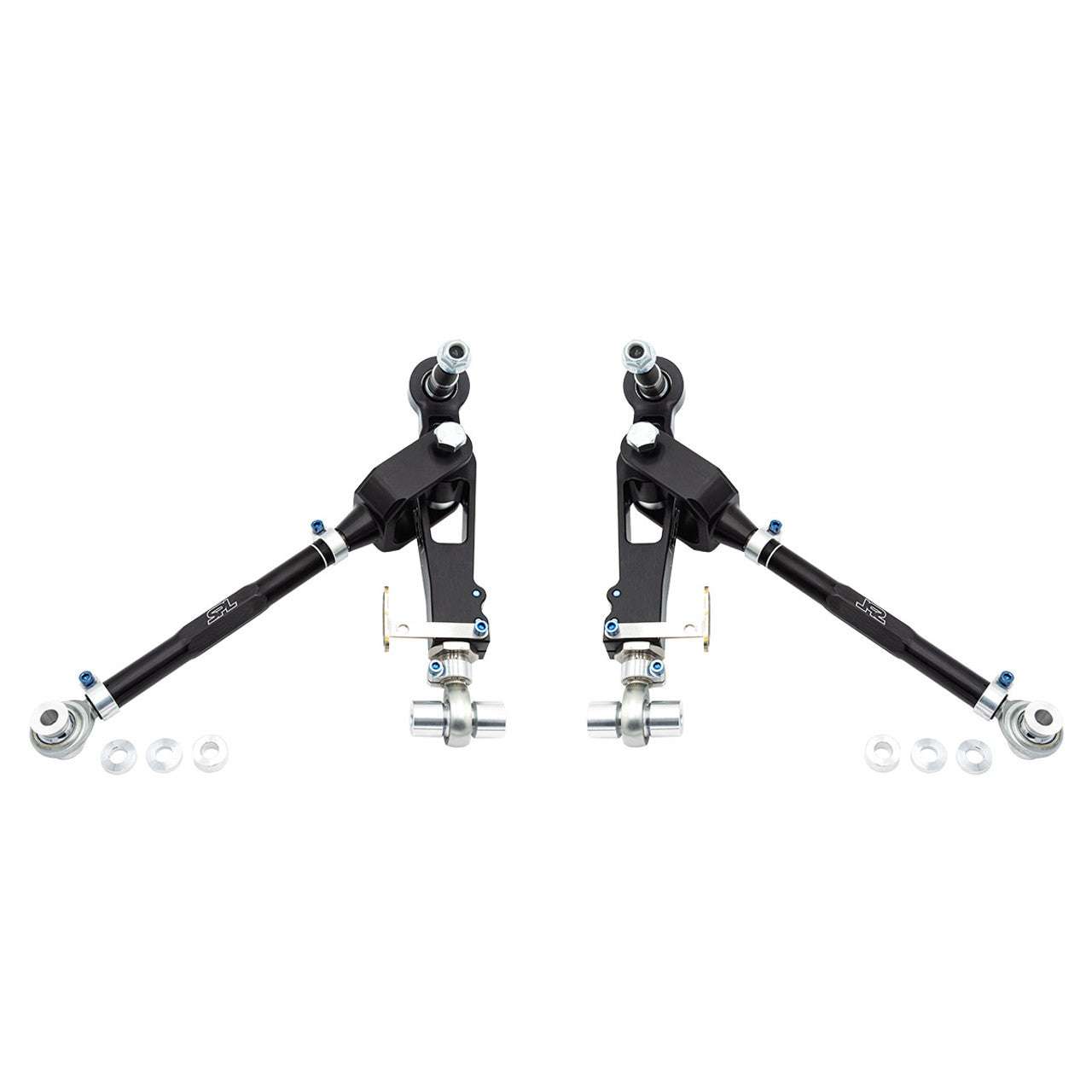
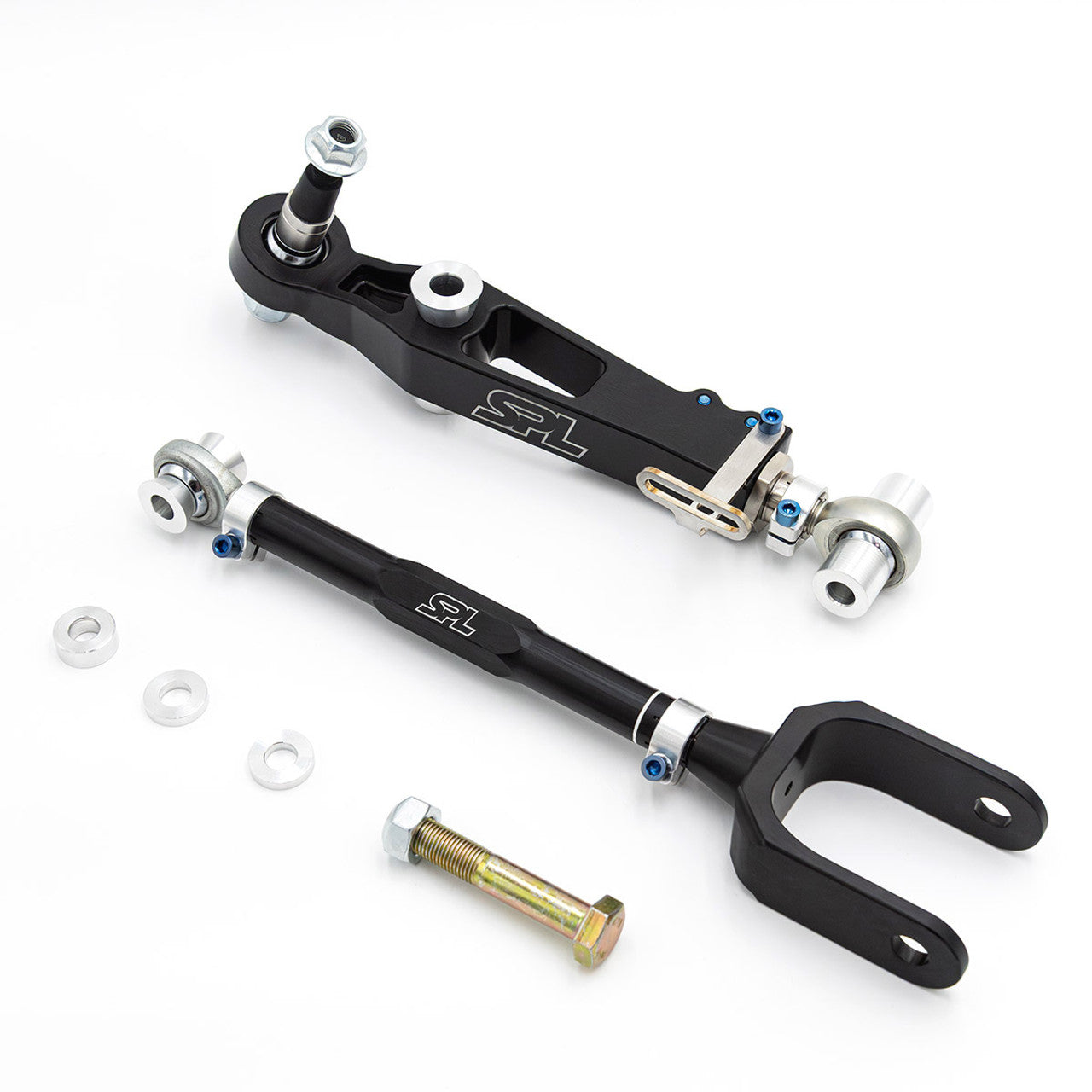
SKU: SPL FLCAK 981

SKU: PBK.04.169.355.320.TL.01.02.P2.R