
Porsche 911 Carrera 4S 991.1 Performance Parts & Upgrades
The Porsche 911 Carrera 4S (991.1) was sold new in Australia from late 2012 to early 2016. It combines the 3.8L naturally aspirated flat-six of the Carrera S with all-wheel drive and the wider rear body of the Carrera 4. This page shows the parts we stock for it, from Brembo and AP Racing front brake kits and Paragon rear brakes to Öhlins, AST and MOTON coilovers, SPL Parts arms, Wavetrac PDK diffs and COBB tuning.
Shop by Vehicle
- Porsche 911 Carrera 4 (991.1): the 3.4L all-wheel drive version
- Porsche 911 Targa 4S (991.1): the Targa with the same drivetrain
- Porsche 911 Carrera S (991.1): the rear-drive 3.8L
- Porsche 911 Carrera 4S (991.2)
- Porsche 911 Carrera 4S (997.1)
- View all brands
Popular upgrades for the 991.1 Carrera 4S
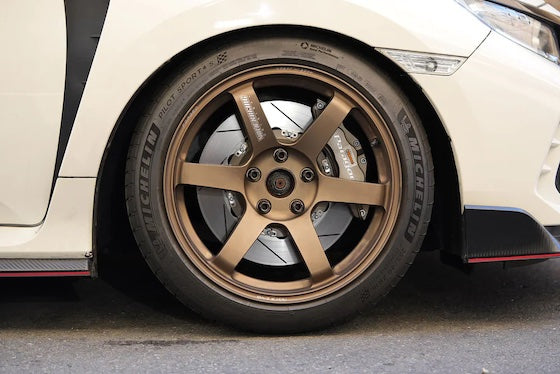
- Brake kits: Brembo GT, GT-S and Pista and AP Racing CP9660 front kits, plus Paragon 6-piston front and 4-piston rear kits.
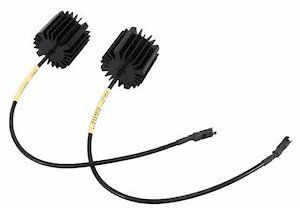
- Coilovers: Öhlins R&T, AST and MOTON kits, and the Öhlins EDC cancellation kit.
- Chassis: SPL Parts lower control arms, front trailing arms and bumpsteer tie rod ends, with HARDRACE and Torque Solution adjustable links.
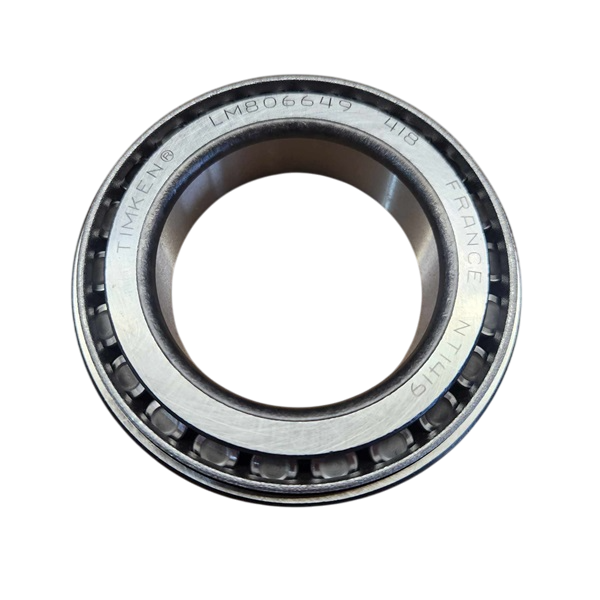
- Differential: Wavetrac limited slip diffs and inner and outer carrier bearings for PDK cars.
- Engine: the aFe Magnum FORCE Stage-2 intake, APR intake filters and the COBB Accessport V3, with or without PDK flashing.
Choosing the Right Part
- Engine: the 4S has the 3.8L. Intake parts listed for 3.4L/3.8L fit, but check that engine-specific parts list the 3.8L.
- All-wheel drive: choose coilovers that list the Carrera 4 or 4S, as some kits are made in rear-drive and all-wheel drive versions.
- Accessport: COBB sells the Accessport with and without PDK flashing. Pick the one that suits your car and plans.
Installation
Fitting should be done by a qualified workshop, especially brakes, suspension and differentials. Get an alignment after suspension work and bleed and road-test the brakes. Ask us if you're unsure what your car needs.
Need help choosing? Contact our team at sales@chicaneaustralia.com.au.


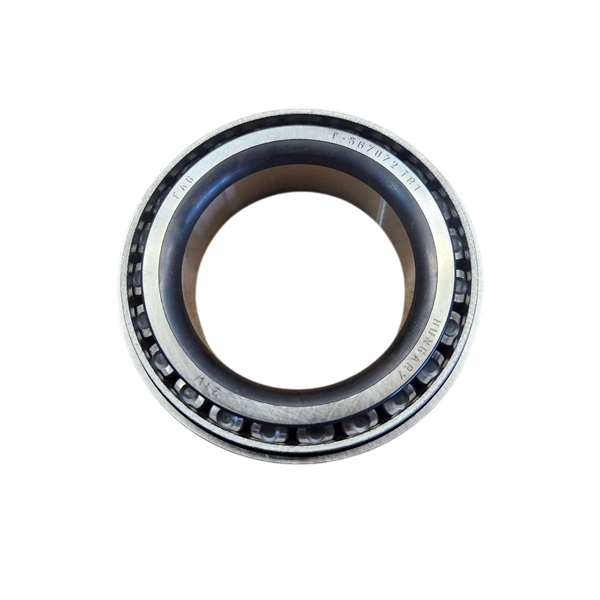





SKU: APR-991-1-9660-356-32-ANO-DX


SKU: BREMBO-991-1-GT-355-32-PG

SKU: BREMBO-991-1-GTS-355-32-PG

SKU: BREMBO-991-1-PISTA-355-32-PG
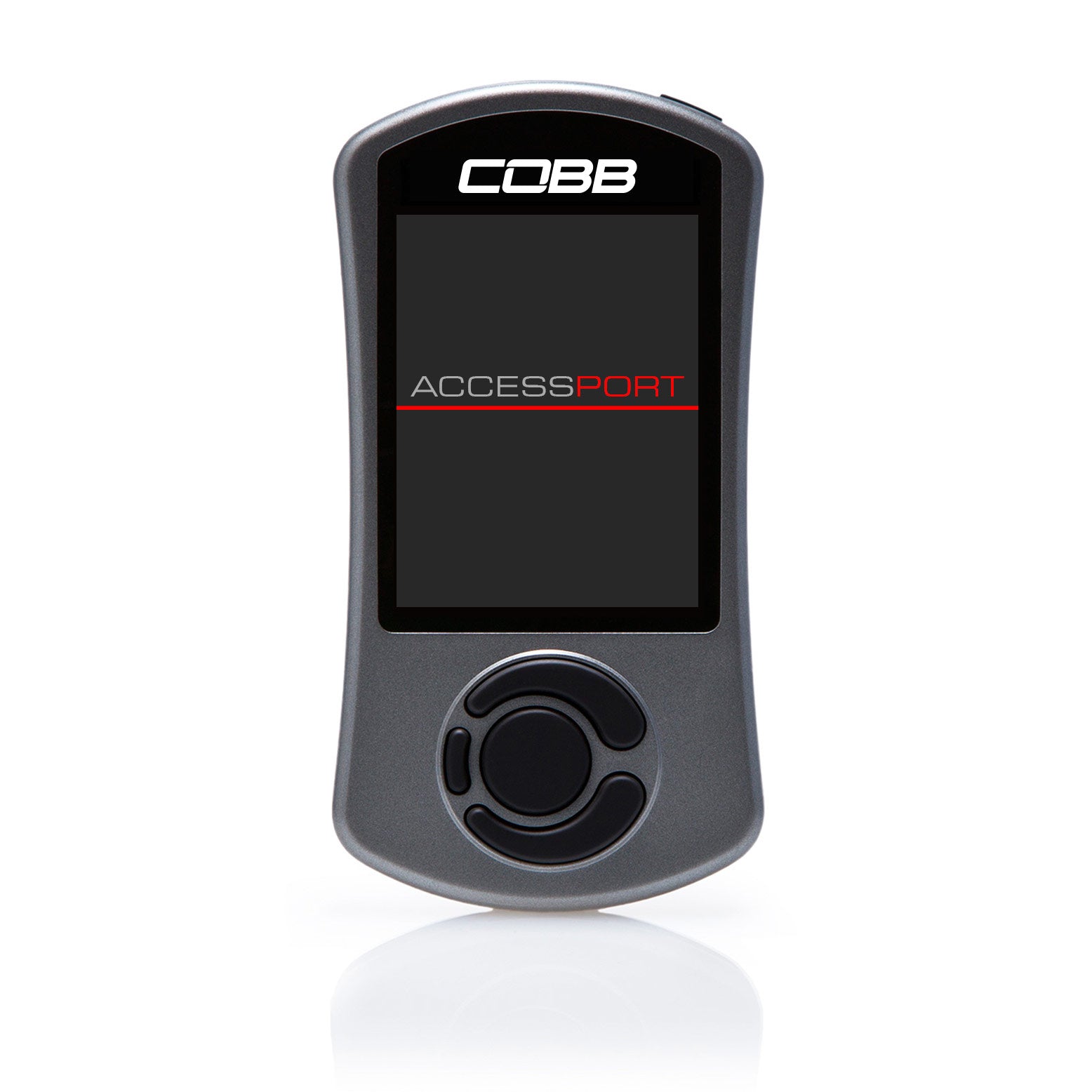



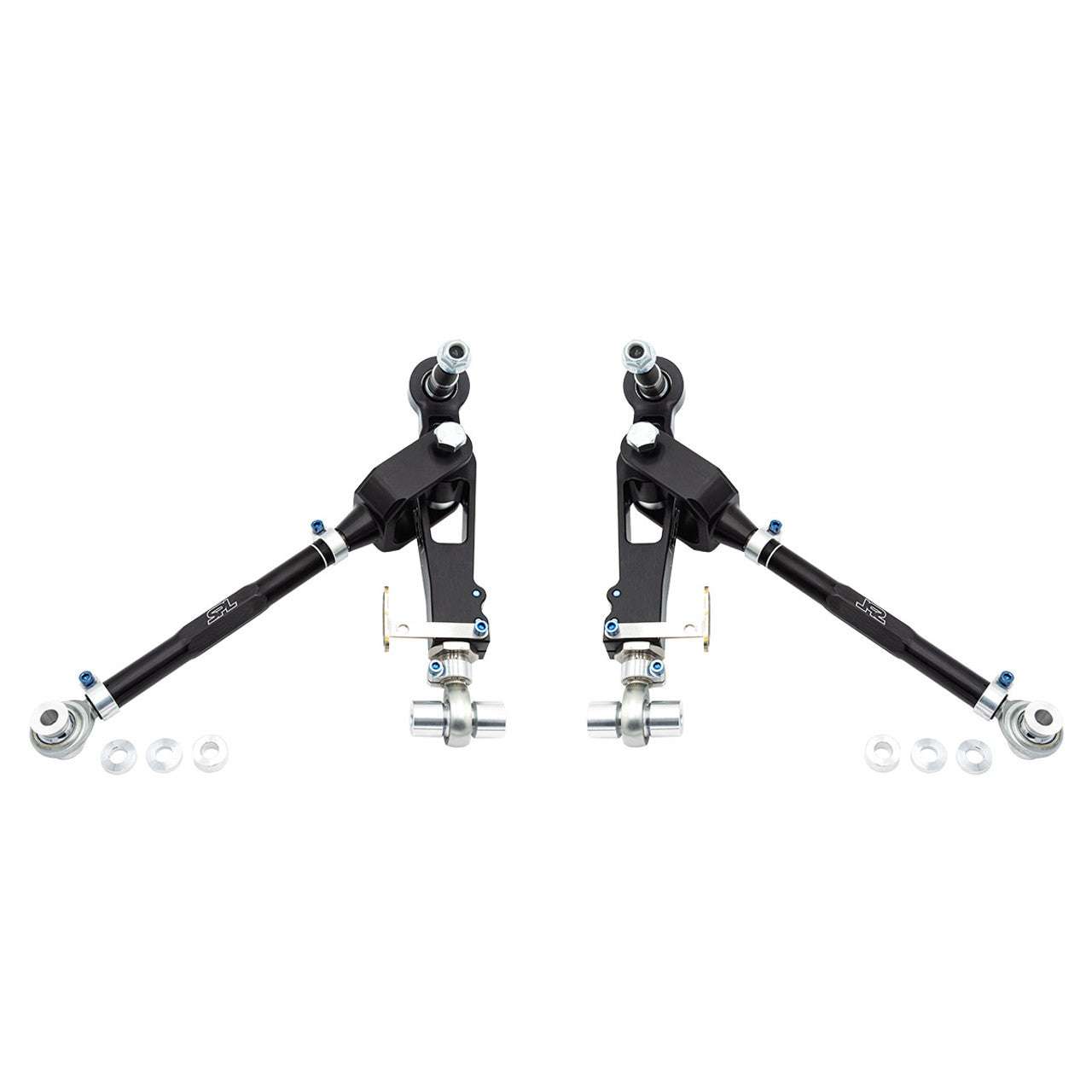
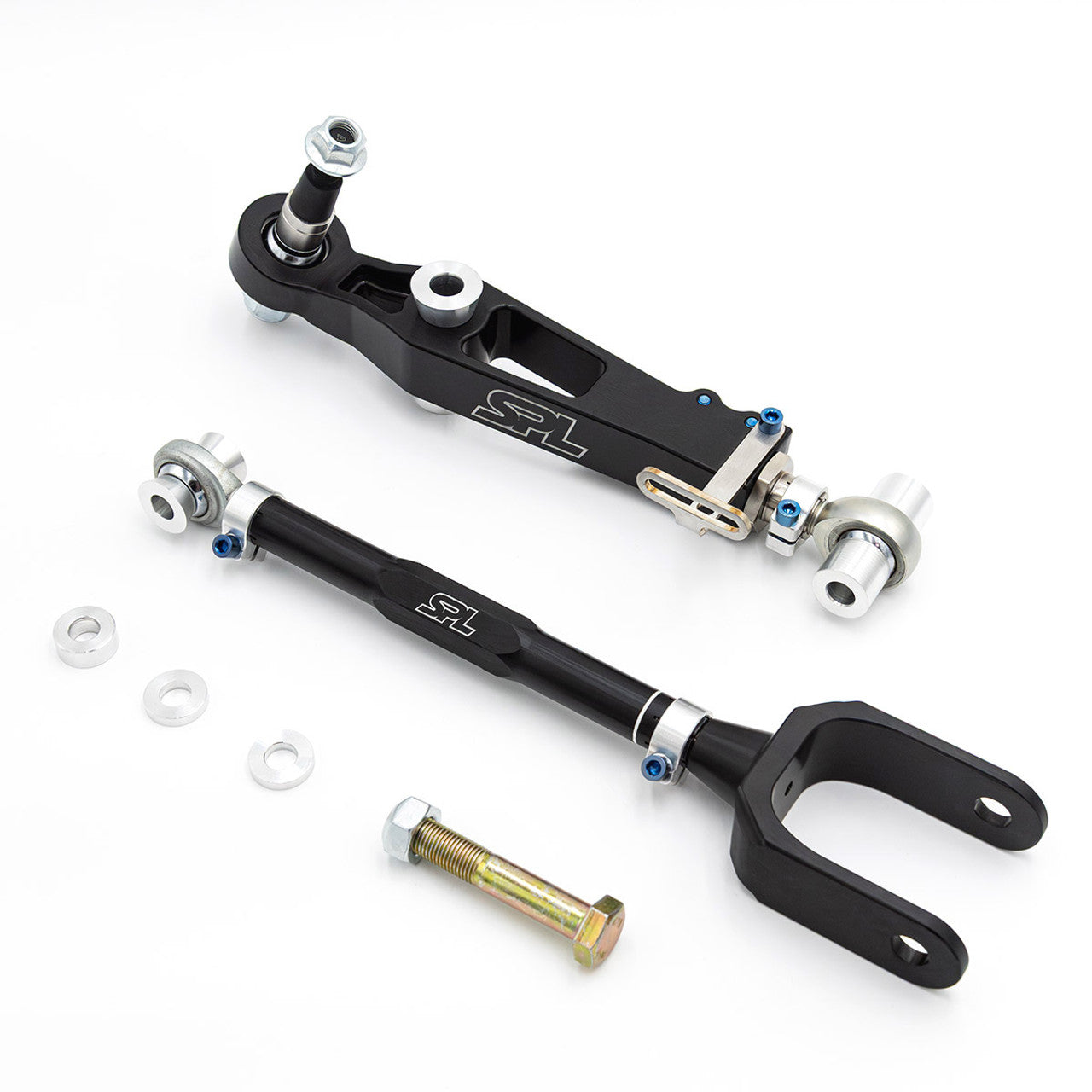
SKU: SPL FLCAK 981

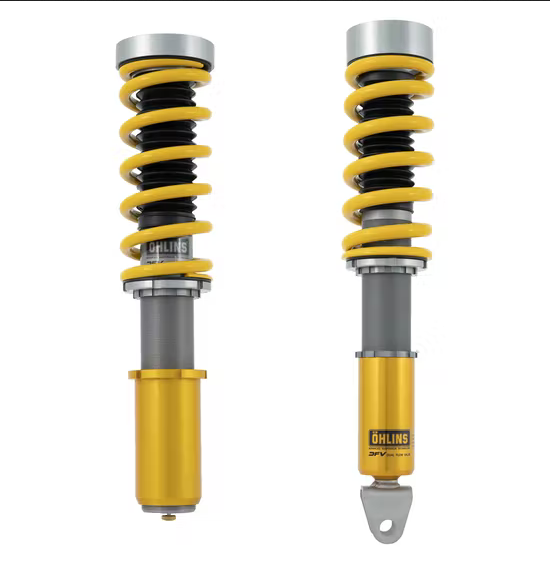
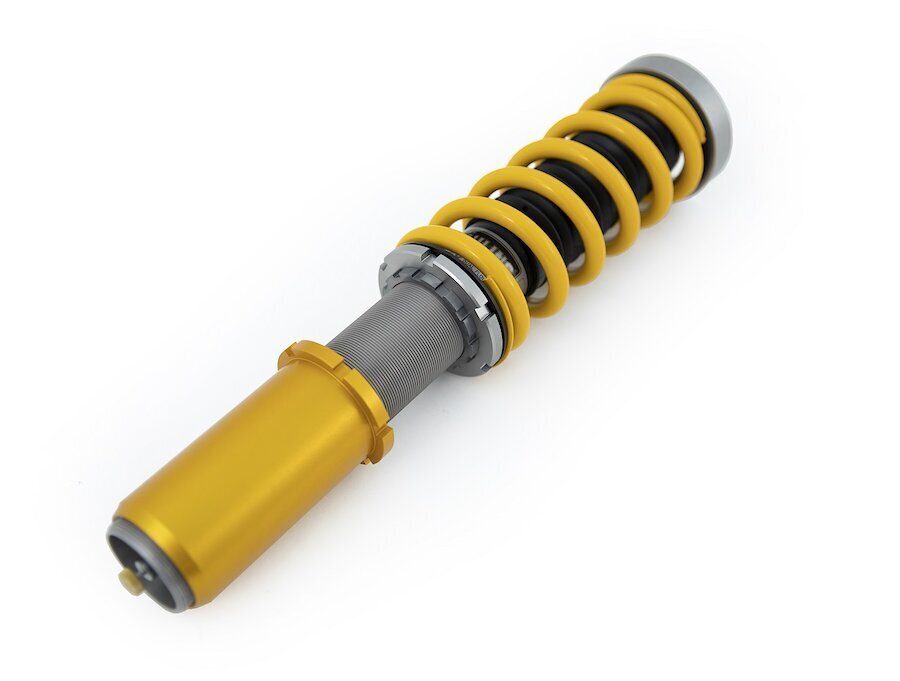
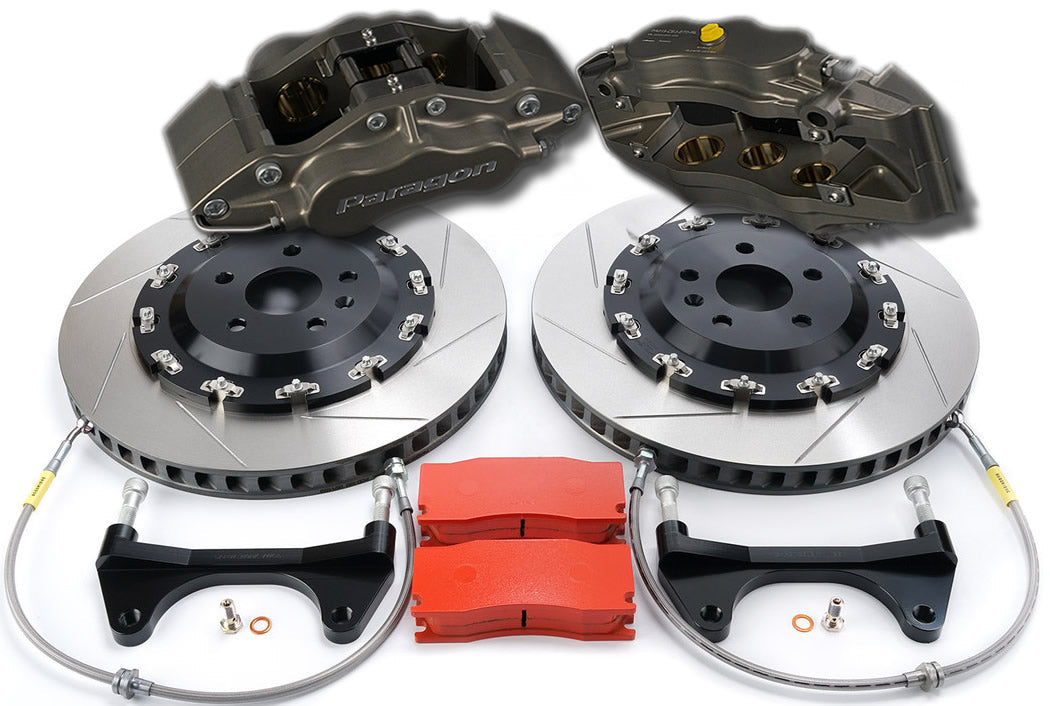
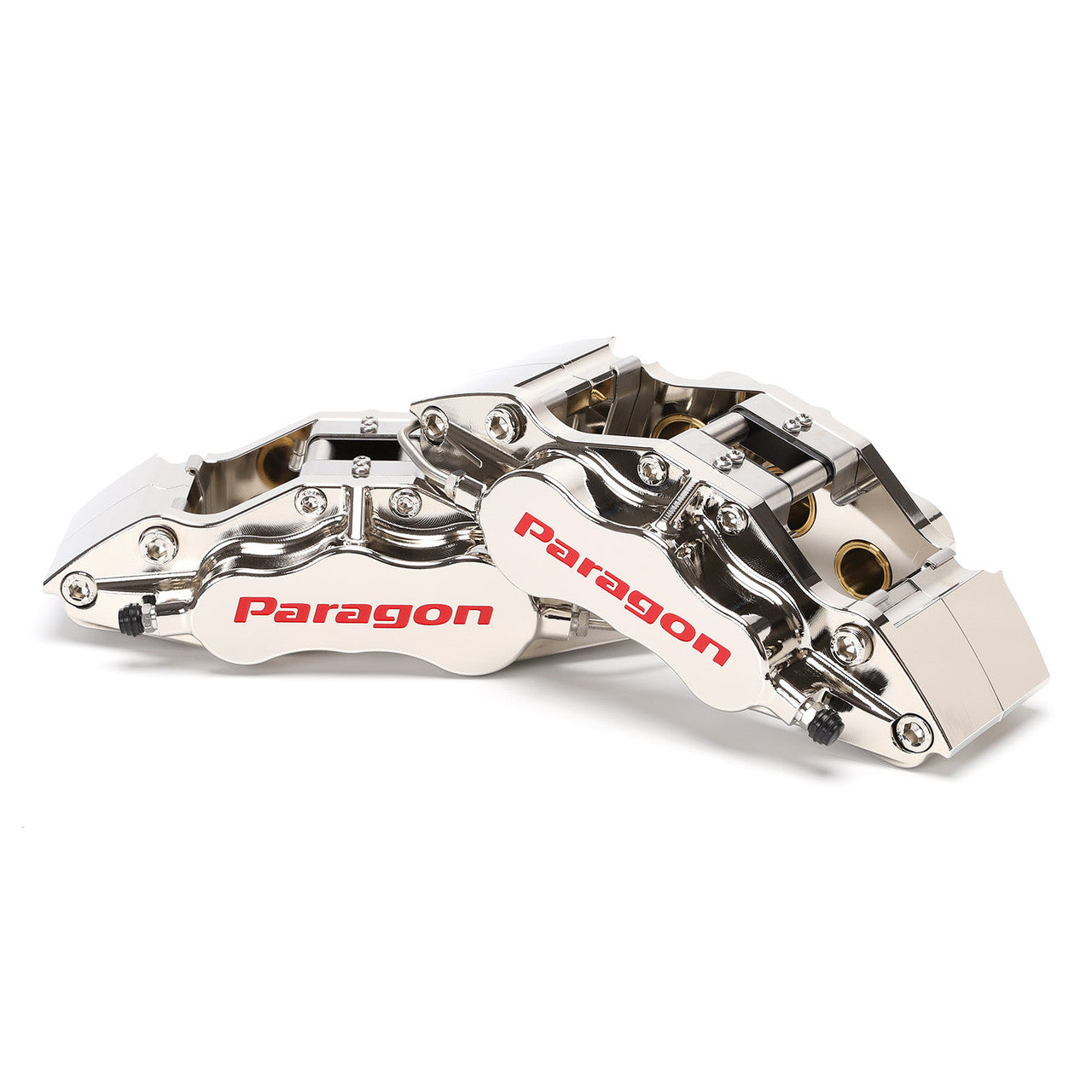

SKU: PBK.05.099.378.360.TL.01.02.P2.F
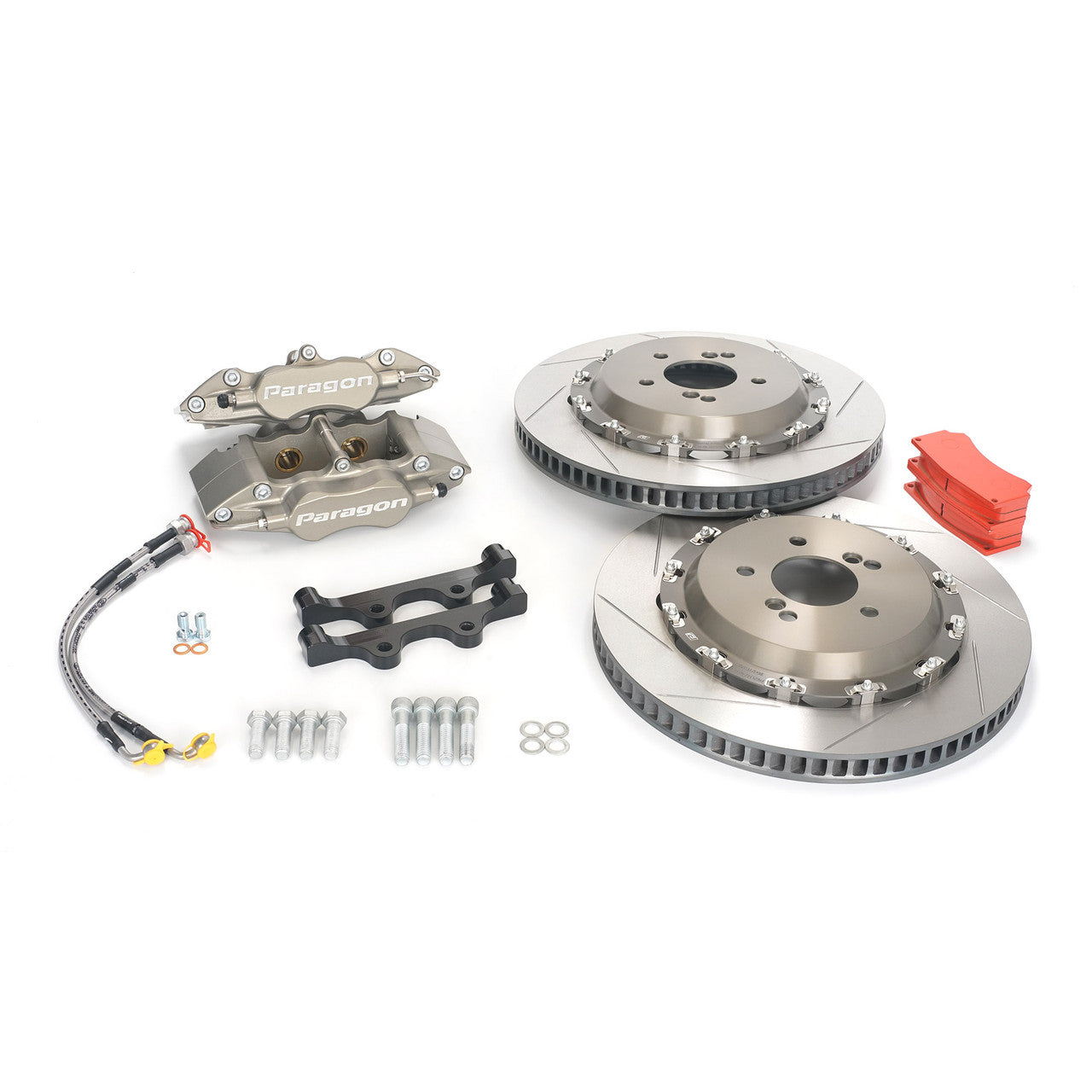
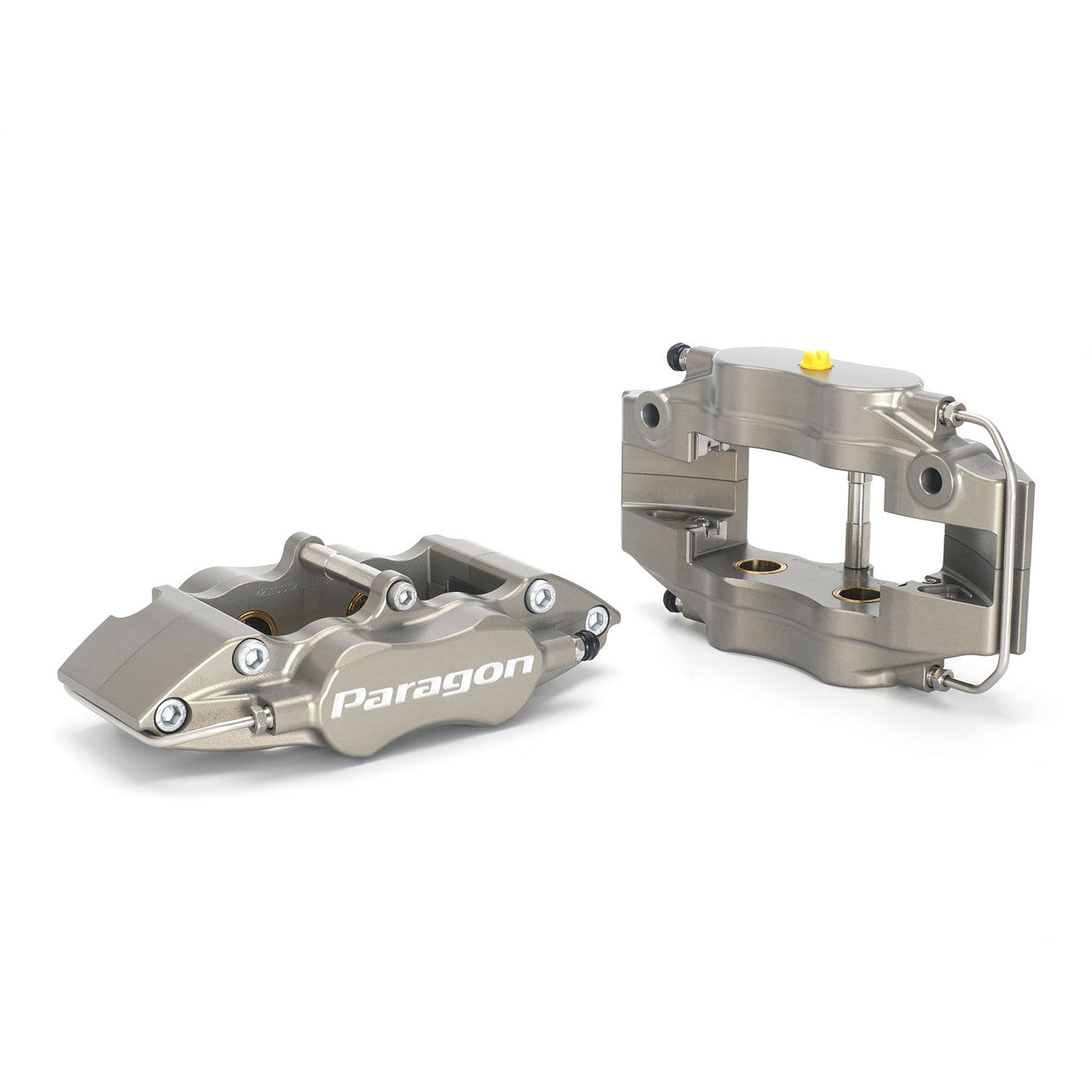
SKU: PBK.04.169.355.320.TL.01.02.P2.R