

Porsche 911 Carrera (997.1) 2004–2008 Performance Parts & Upgrades
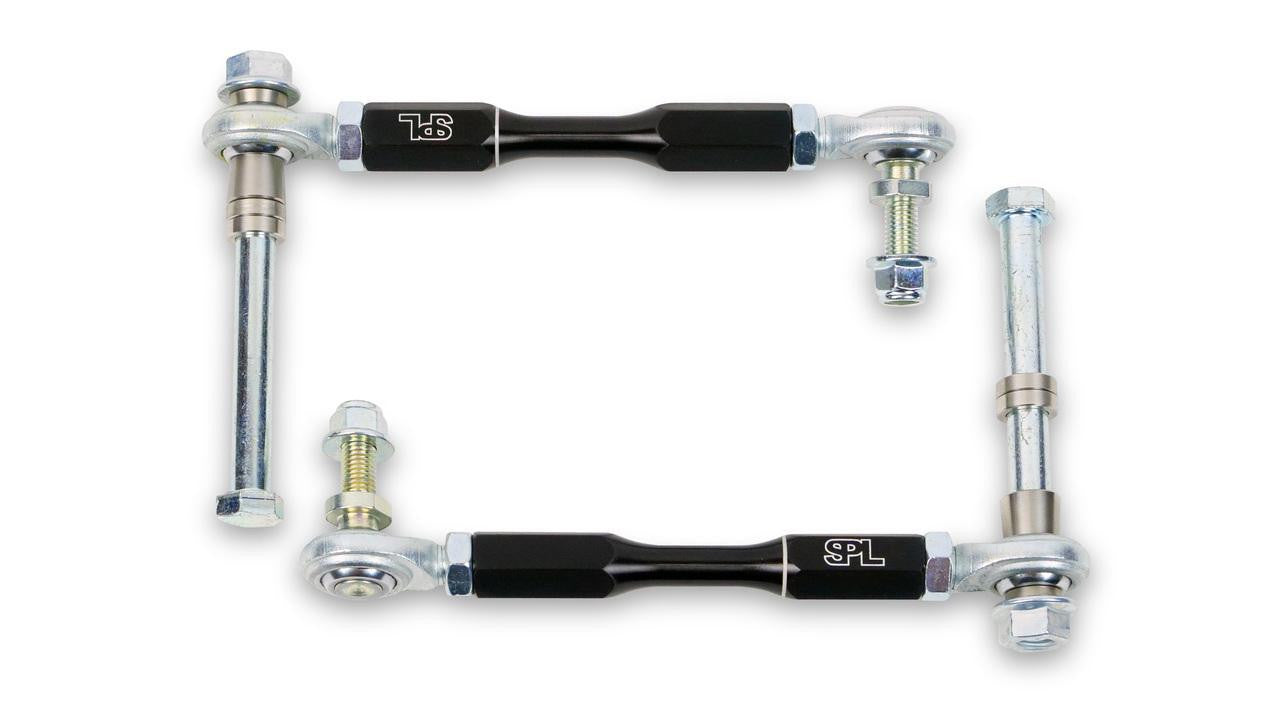
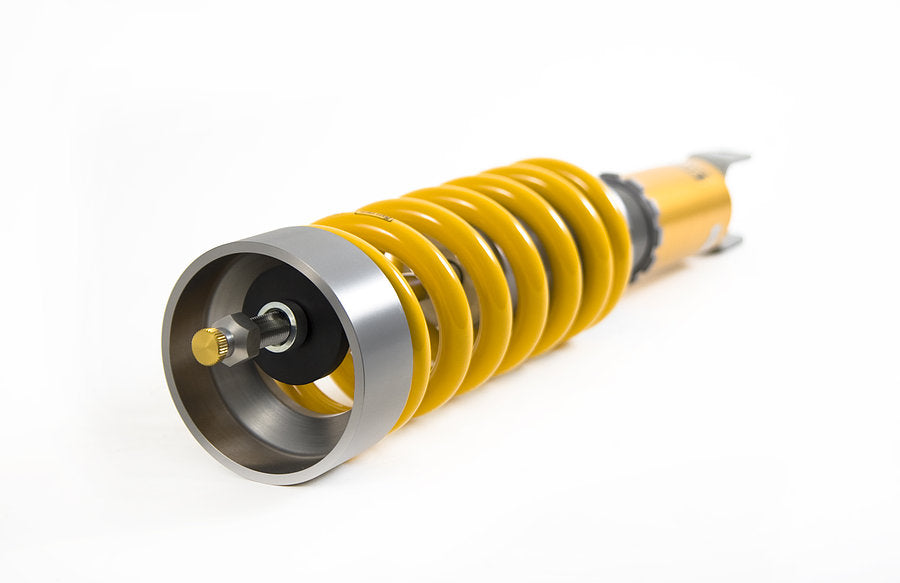
The Porsche 911 Carrera (997.1) was sold new in Australia from 2004 to 2008. It brought back round headlights and a cabin closer to the classic 911, with a 3.6L flat-six driving the rear wheels. This page lists the parts we stock for the base rear-drive Carrera, including Öhlins and AST coilovers and EDC cancellation kits, HARDRACE and SPL suspension arms, Brembo and AP Racing front big brake kits, an NRG short hub and a Wavetrac differential.
Shop by Vehicle
Popular upgrades for the Carrera 997.1
- Coilovers: Öhlins Road & Track and AST kits for the rear-drive 997, plus Öhlins EDC cancellation kits for cars with electronic dampers.
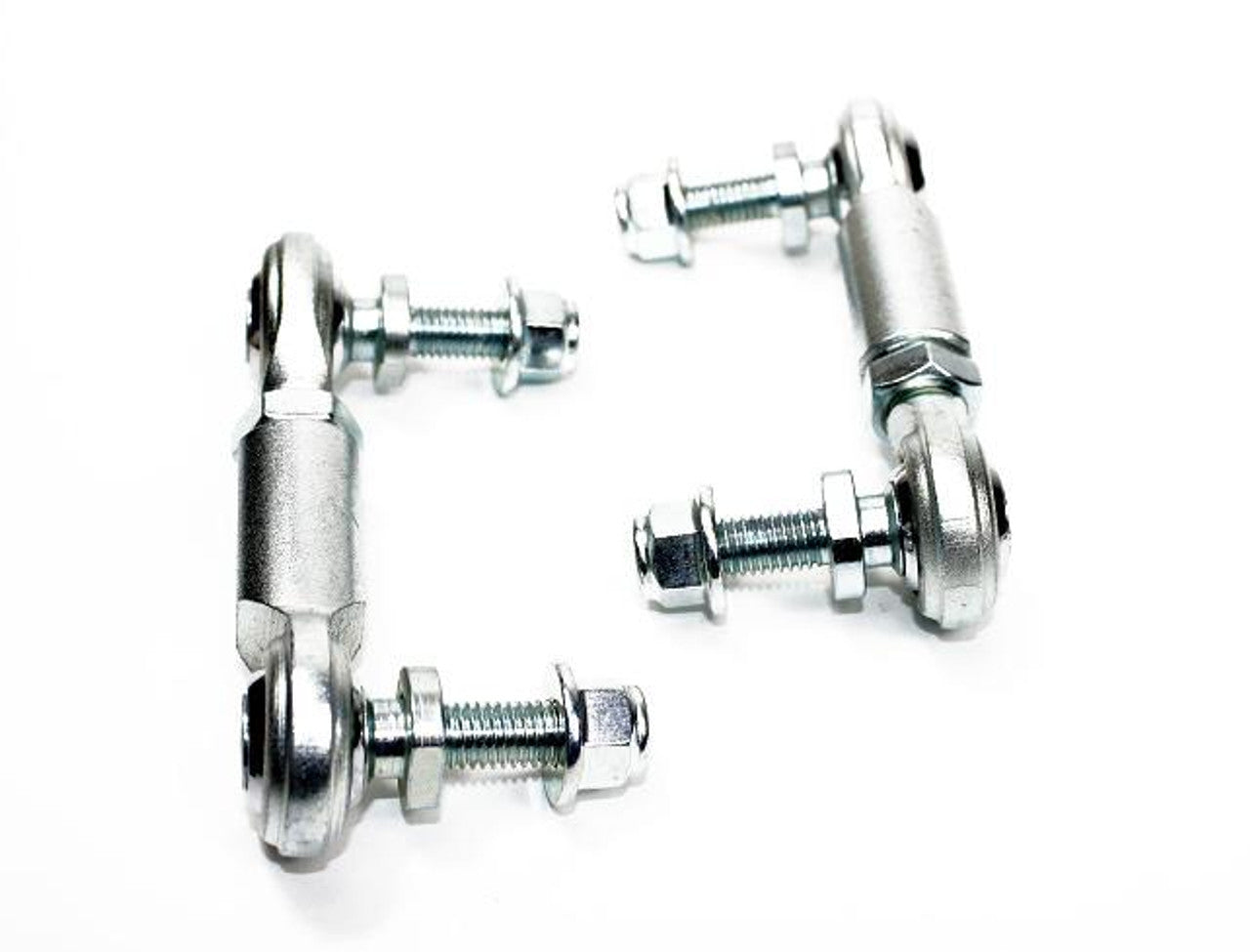
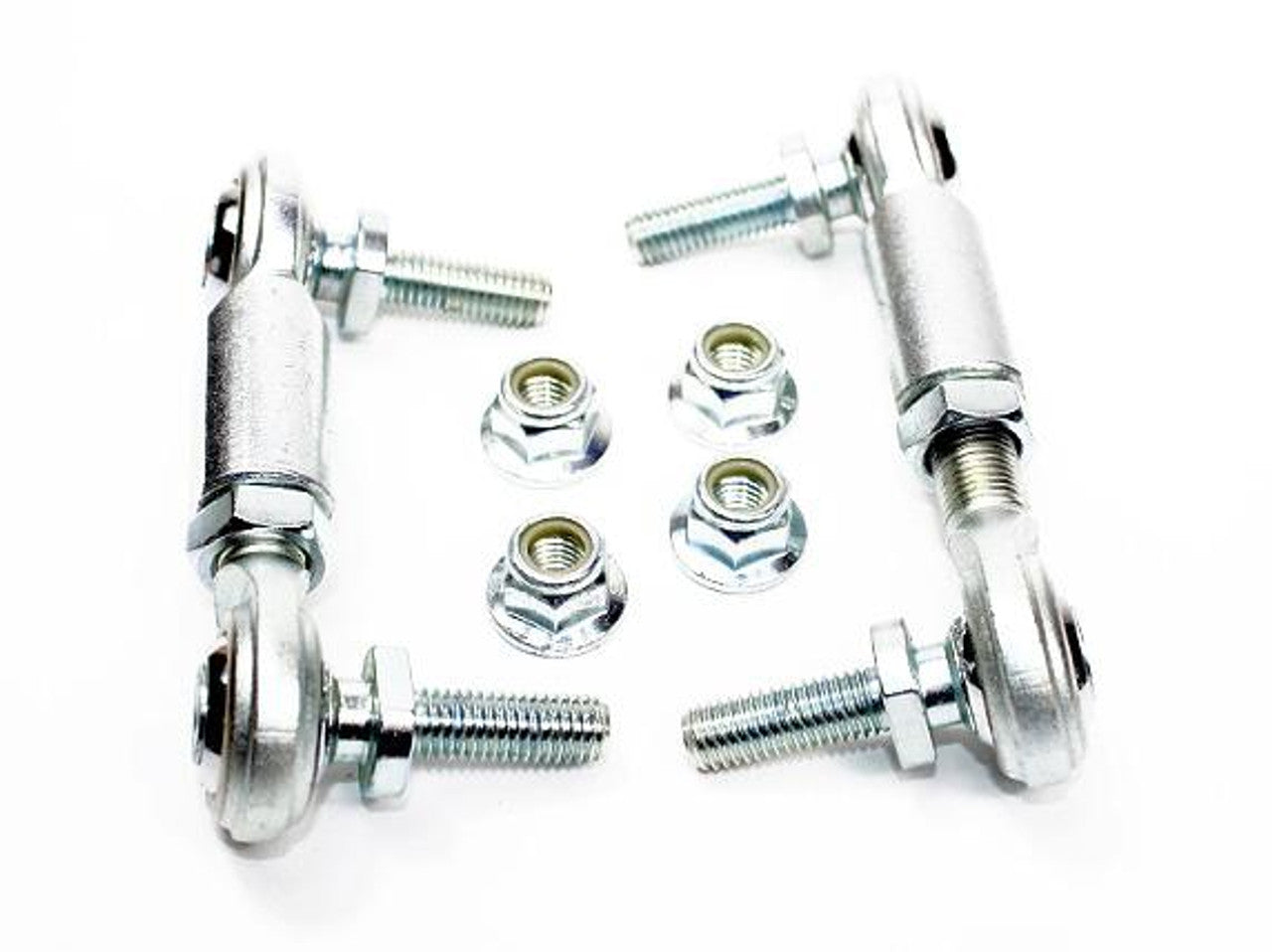
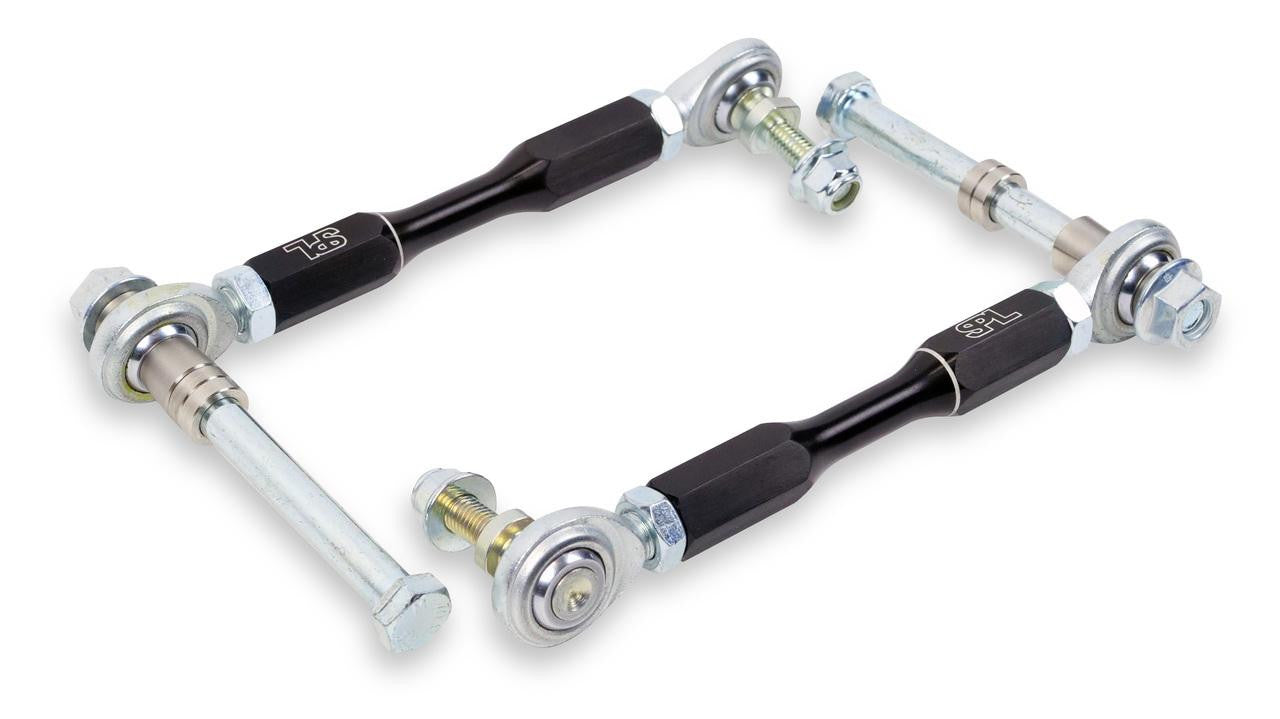
- Arms and bushings: HARDRACE caster, lower, toe and camber arms and SPL trailing arms, dogbone links and solid subframe bushings.
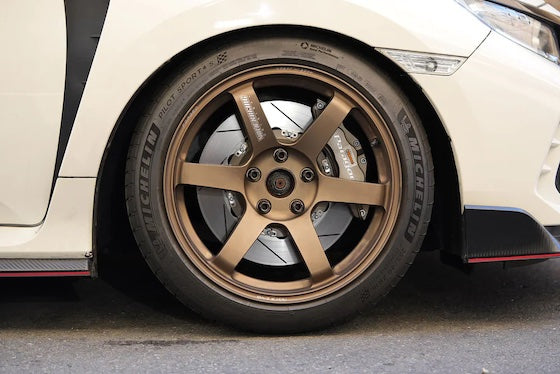
- Brakes: Brembo GT, GT-S and Pista front big brake kits, the AP Racing CP9660 kit and Frenkit rebuild kits.
- Drivetrain: Wavetrac limited slip differential for the G97 6-speed manual.
- Steering: NRG short hub adapter for aftermarket steering wheels.
Choosing the Right Part
- Carrera or Carrera S: the brakes differ. Brembo and AP Racing list the base Carrera (C2/C4) kit separately from the S, so pick the non-S kit.
- Coupe or Cabriolet: Öhlins makes separate EDC cancellation kits for the Cabriolet and the coupe. Check the body style in the title.
- Manual or Tiptronic: the Wavetrac diff suits the 6-speed manual only.
Installation
Have a qualified workshop fit suspension, brake and drivetrain parts. Get a wheel alignment after any suspension change, and bleed and road-test the brakes after brake work. Always follow the maker's instructions and torque settings.
Need help choosing? Contact our team at sales@chicaneaustralia.com.au.













SKU: APR-997-1-9660-356-32-ANO-DX


