
Mazda6 MPS GG Performance Parts & Upgrades
The Mazda6 MPS (GG) was sold new in Australia from 2005 to 2007. It pairs the 2.3L MZR turbo four-cylinder with a six-speed manual and all-wheel drive. Its engine is shared with the Mazda3 MPS, so many COBB, ARP and blow off valve parts fit both. This page lists the parts we stock for the Mazda6 MPS, including the COBB Accessport and COBB intake, boost and fuel pump parts, GFB and Turbosmart blow off valves, ARP head studs, Radium fuel parts, HARDRACE bushings and a Koyorad radiator.
Shop by Vehicle
- Mazda3 MPS (BL): same 2.3L turbo, front-wheel drive
- Mazda MX-5 (NC)
- Mazda RX-8 (SE3P)
- Mazda RX-7 (FD)
- Mazda MX-5 (NB)
- View all brands
Popular upgrades for the Mazda6 MPS
- Tuning and boost: the COBB Accessport V3, COBB boost control solenoid hardware and boost controllers.
- Intake: COBB SF intake hardware and filters and the COBB turbo inlet hose.
- Blow off valves: GFB and Turbosmart blow off and diverter valves and valve accessories.
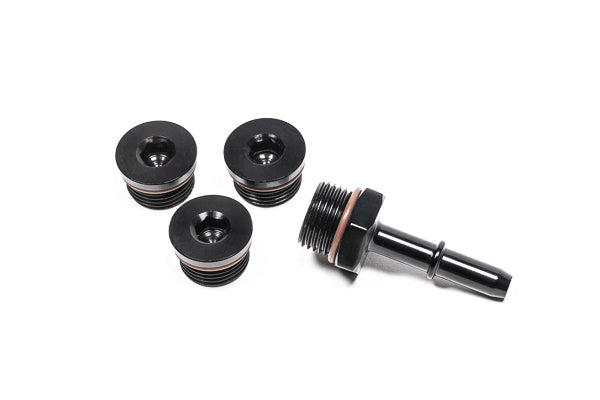
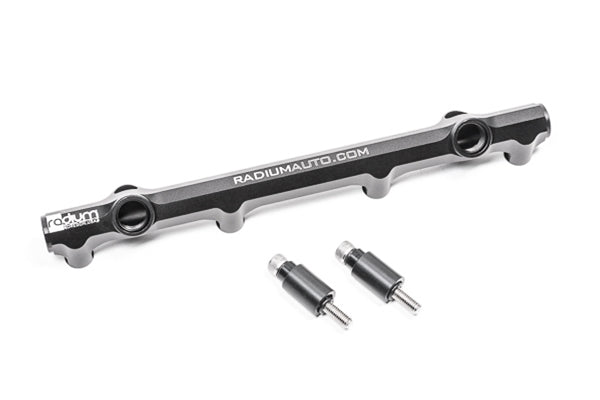
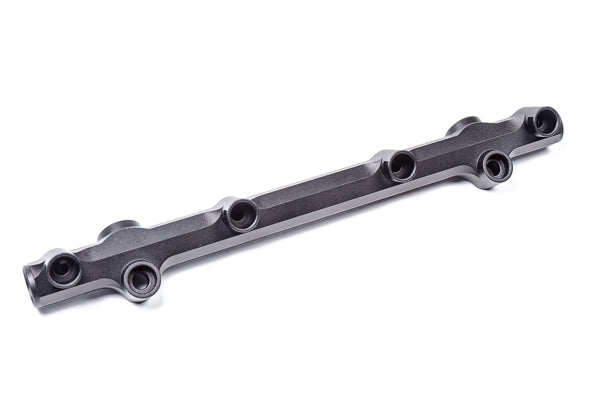
- Fuel: COBB high pressure fuel pump internals, plus Radium fuel rails and fuel line kits.
- Engine and chassis: ARP head studs, COBB shift knobs and shifter weights, HARDRACE bushes and camber arms, and a Koyorad radiator.
Choosing the Right Part
- Mazda6 or Mazda3 MPS: engine, tuning and fuel parts are often shared, but the Mazda6 is all-wheel drive, so suspension and exhaust parts are not.
- Tune first: pair intake, boost and fuel upgrades with a tune, such as the COBB Accessport.
- Older cars: check hoses, mounts and bushes when fitting new parts; many of these cars are now well over 15 years old.
Installation
Have a qualified workshop fit engine, fuel and suspension parts. Get a wheel alignment after any suspension change. Re-check the tune after fitting boost or fuel parts, and ask us if you're unsure.
Need help choosing? Contact our team at sales@chicaneaustralia.com.au.