
Lexus OEM Parts - LBX Morizo RR
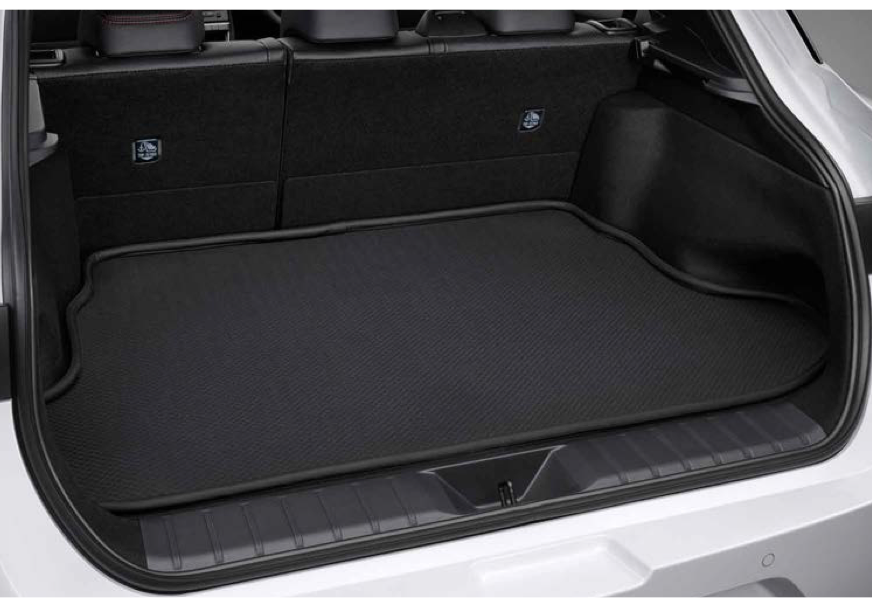
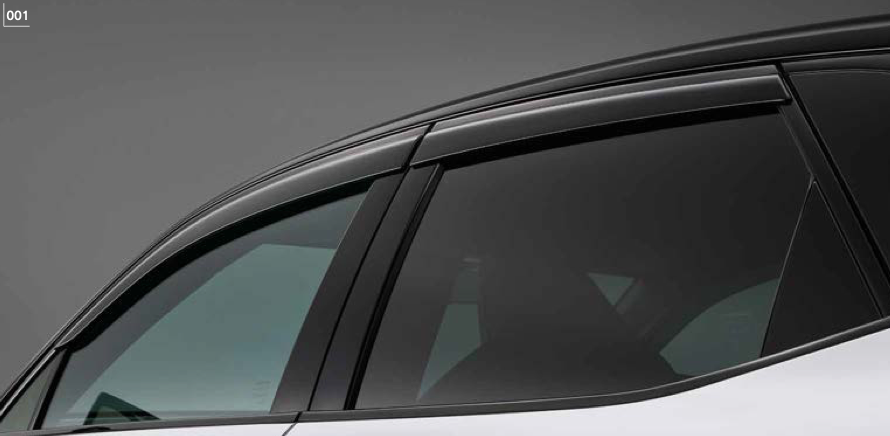
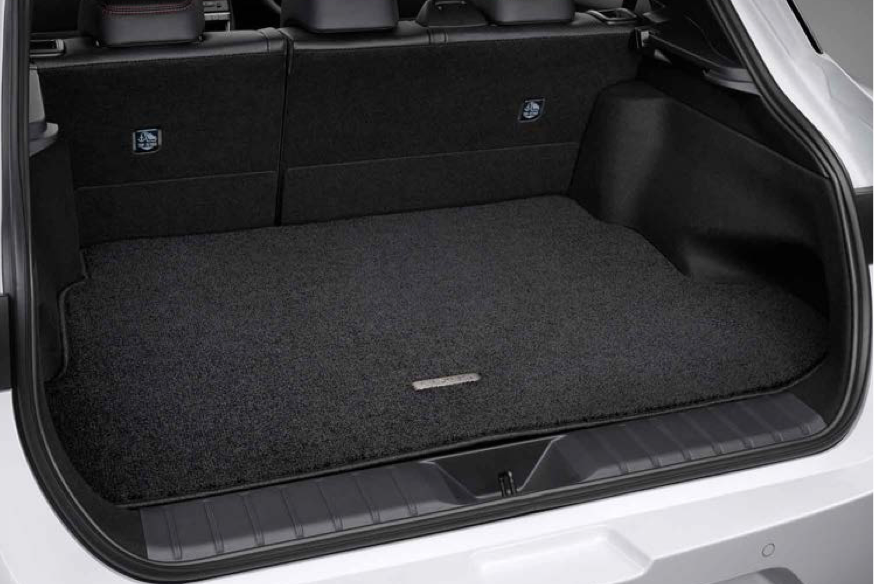
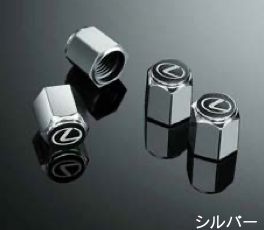
Where to buy genuine Lexus parts in Australia: Chicane Australia sells genuine Lexus accessories for the LBX Morizo RR from 2025 onwards: Floor Mats Type A, a carpeted cargo mat, a waterproof cargo mat, a snow and leisure mat, a wind visor and a Lexus valve cap set. Each listing shows a lead time of 14 - 21 Days. Every part is a direct fit for the LBX Morizo RR, with no modification needed. Chicane ships Australia-wide from the NSW Central Coast, and the LBX vehicle page below shows the performance parts we carry for the same car.
Shop by Vehicle
Shop by Product Type
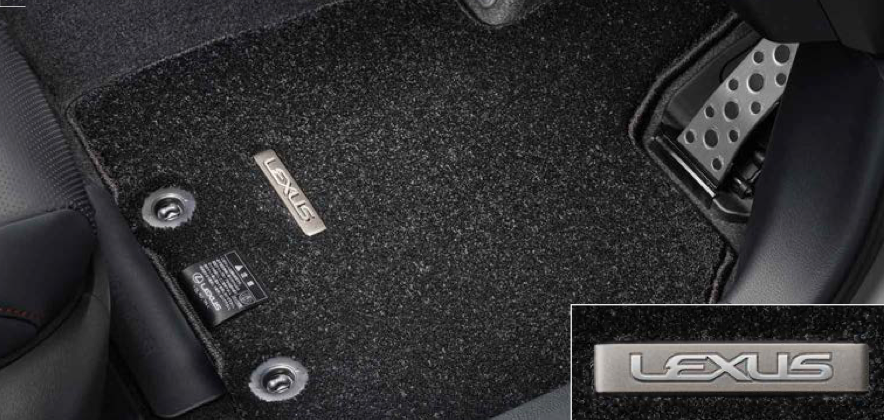
- Floor Mats Type A: Lexus-branded carpeted mats for the cabin
- Snow & Leisure Mat: all-weather mat that traps dirt, water and snow
- Waterproof Cargo Mat: heavy-duty liner for wet or messy loads
- Cargo Mat: carpeted boot mat for everyday use
- Wind Visor: lets you drive with the windows slightly open with less wind noise
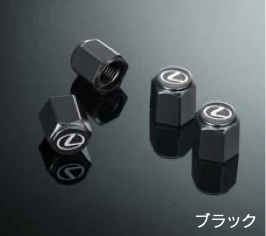
- Valve Cap Set: tyre valve caps with Lexus detailing
Choosing the Right Part
Every product here is listed for the Lexus LBX Morizo RR, 2025 onwards. For the boot, choose the Waterproof Cargo Mat for wet or messy loads, or the carpeted Cargo Mat for everyday use. In the cabin, the Snow & Leisure Mat handles dirt and water, while Floor Mats Type A give a carpeted Lexus finish.
Installation & What You'll Need
These genuine Lexus accessories are direct fit for the LBX Morizo RR and need no modification. Installation by a professional is recommended for the wind visor.
Pair with the rest of your build
FAQ
Where can I buy genuine Lexus parts in Australia?
Chicane Australia carries genuine Lexus accessories for the LBX Morizo RR and ships Australia-wide from the NSW Central Coast. Search by Lexus part number, or contact our team to confirm a part suits your car before you order.
Are these genuine Lexus parts?
Yes. They are genuine Lexus accessories made for the LBX Morizo RR.
Which vehicle do these parts fit?
They are listed for the Lexus LBX Morizo RR, 2025 onwards.
Do these accessories need any modification to fit?
No. Each part is a direct fit for the LBX Morizo RR with no modification required.
Need help choosing? Contact our team at sales@chicaneaustralia.com.au.