
Hardrace Honda Civic Type R
Hardrace Suspension Parts for Honda Civic Type R
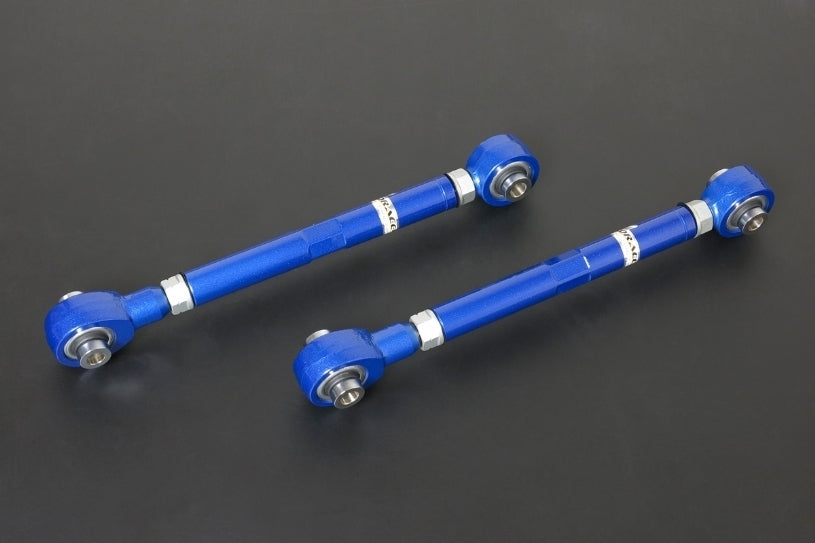
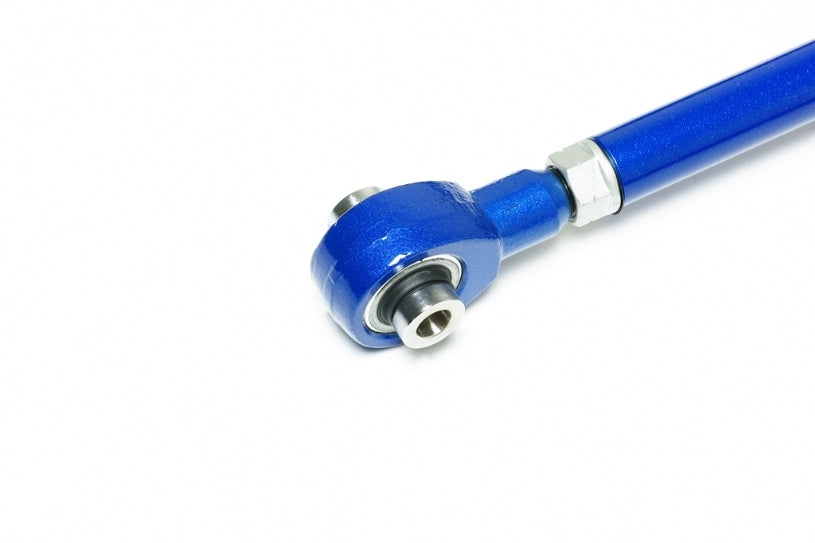
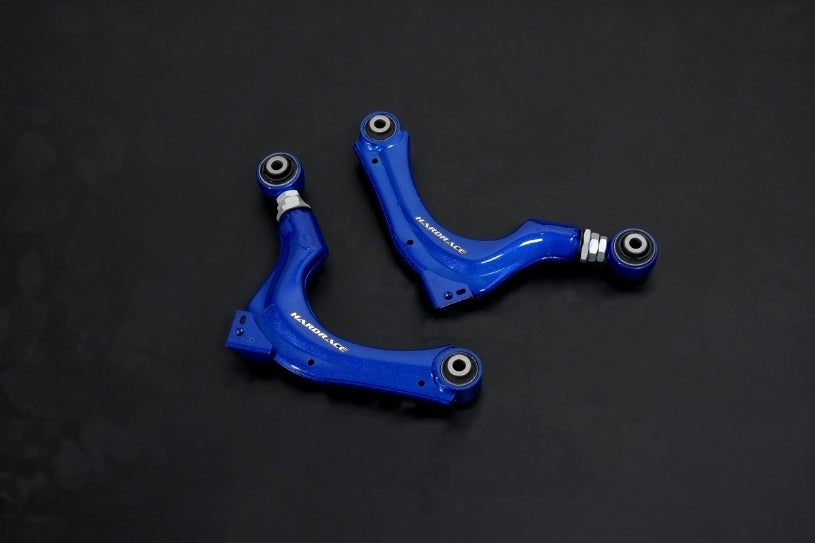
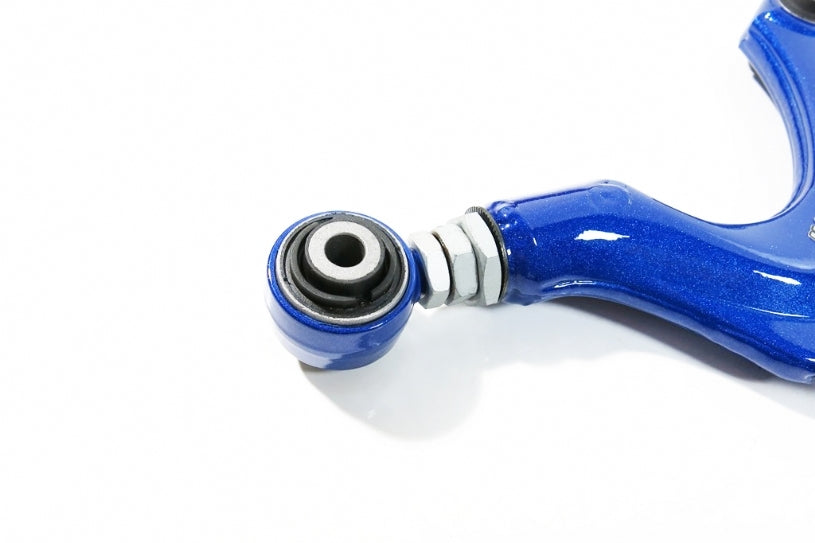
Hardrace camber kits, adjustable arms, reinforced bushings, stopper links and mounts for the Honda Civic Type R, including the FL5 and FK8.
Shop by Product Type
- Adjustable control arms, camber and toe kits
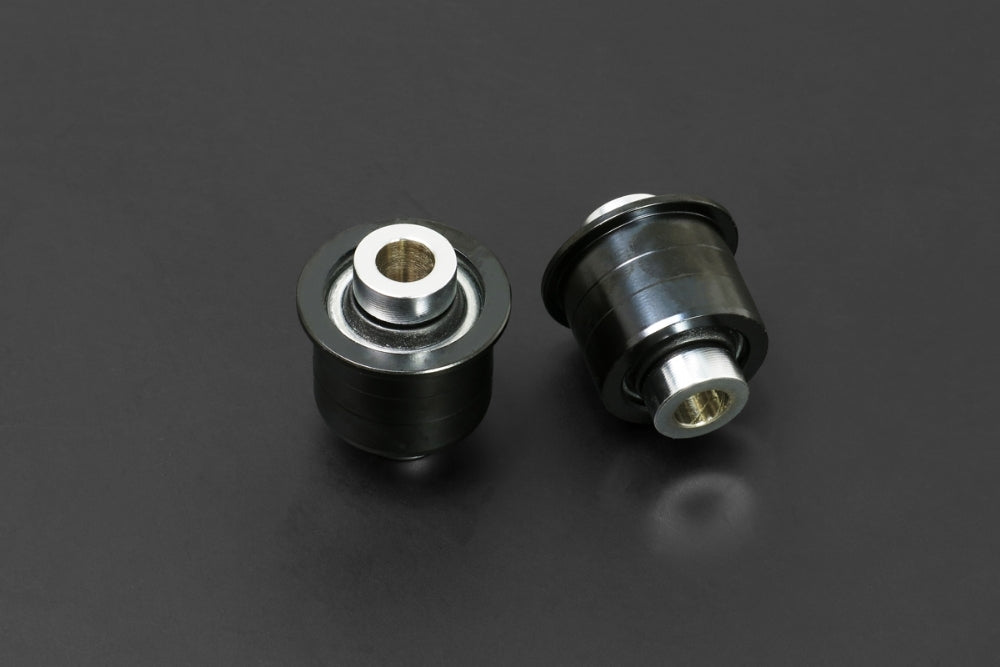
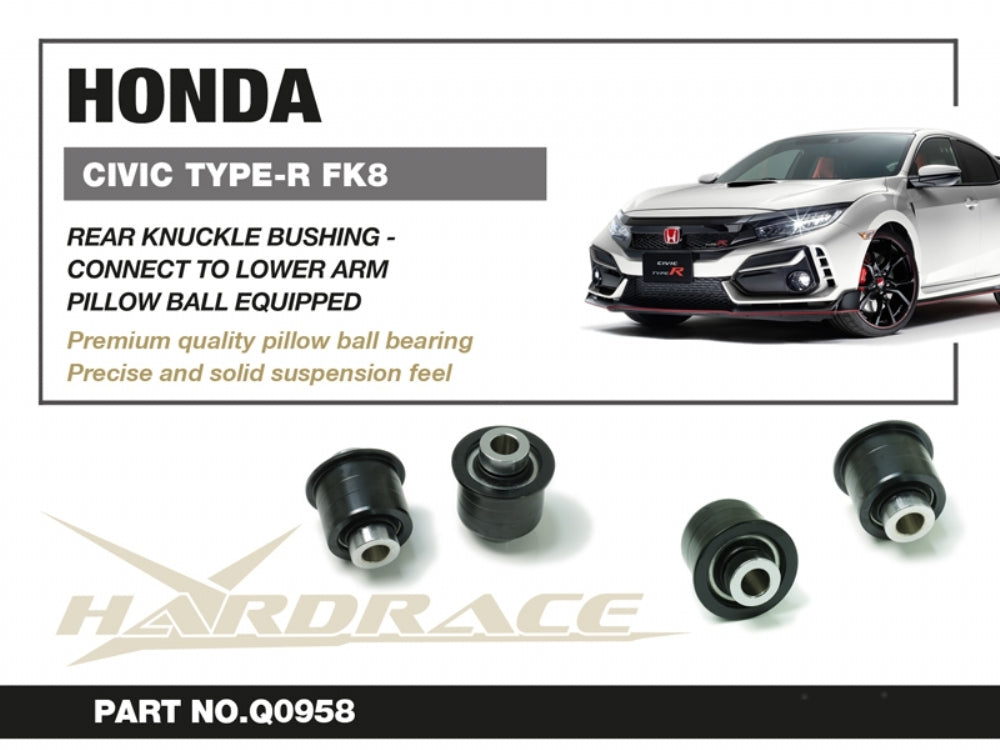
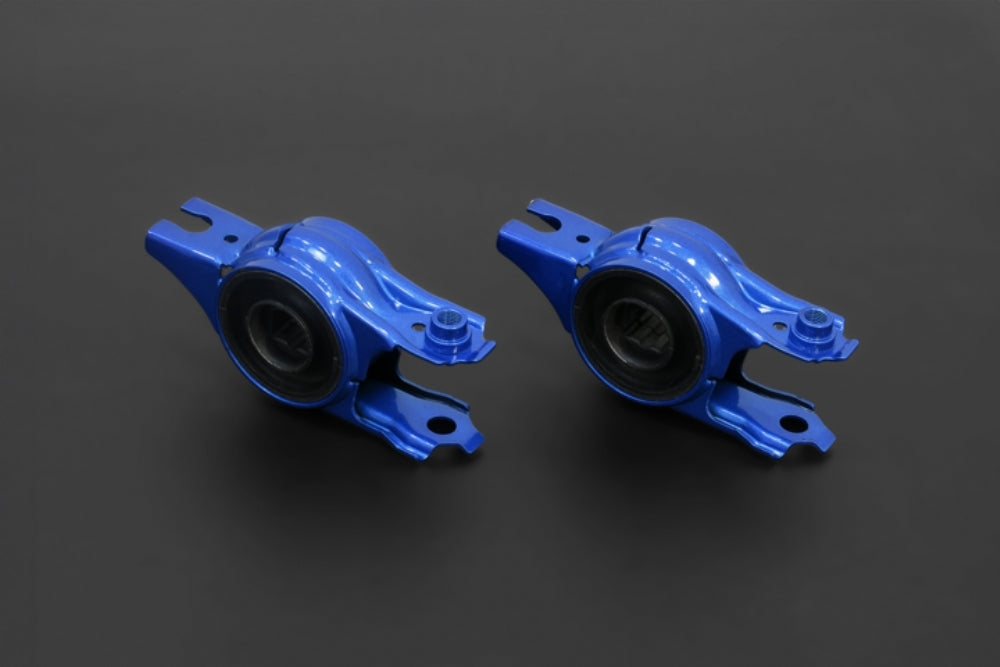
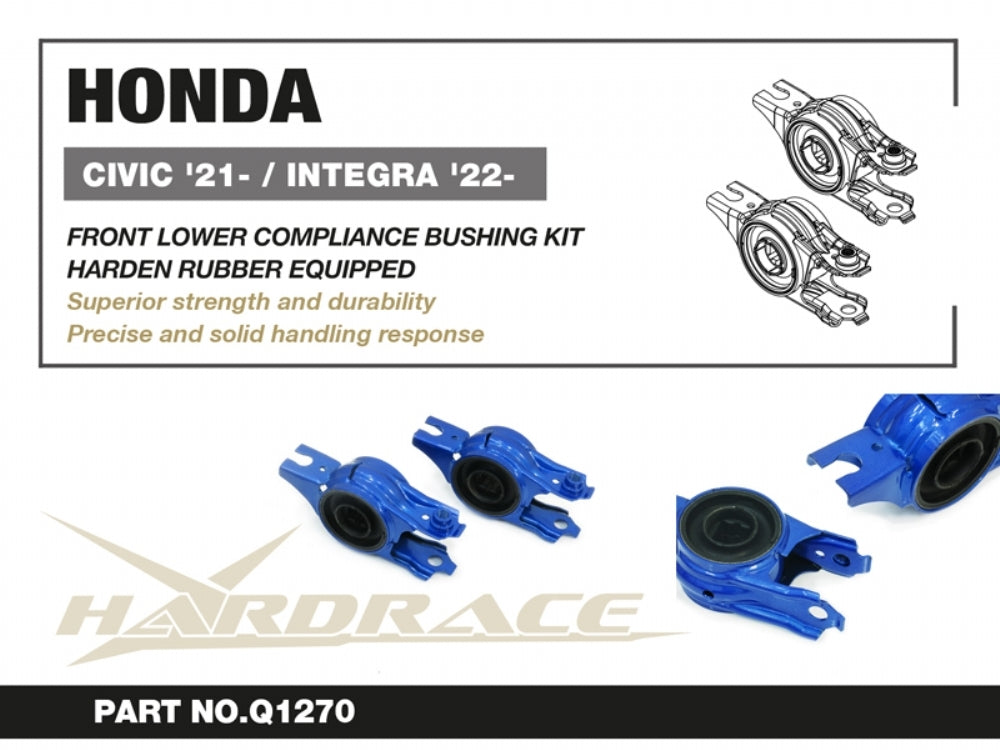
- Reinforced bushings (Hardened Rubber and Pillow Ball)
- Roll centre adjusters, tie rod ends and bump steer kits
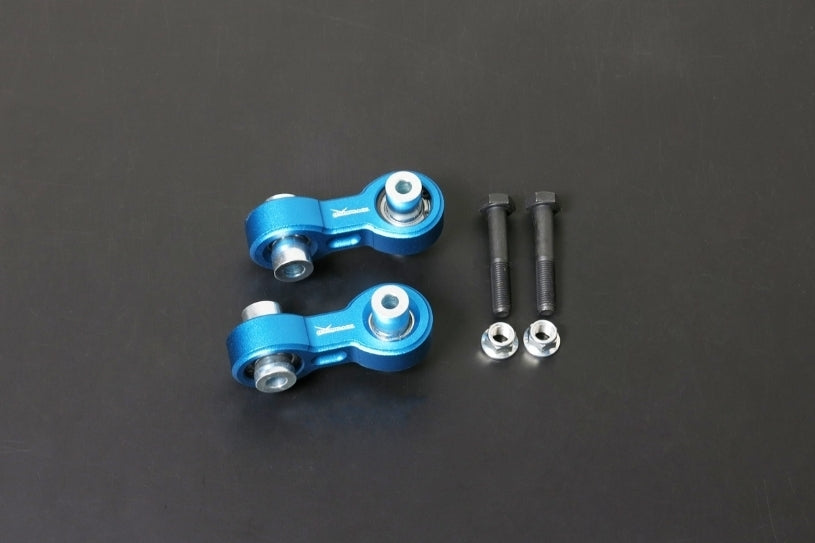
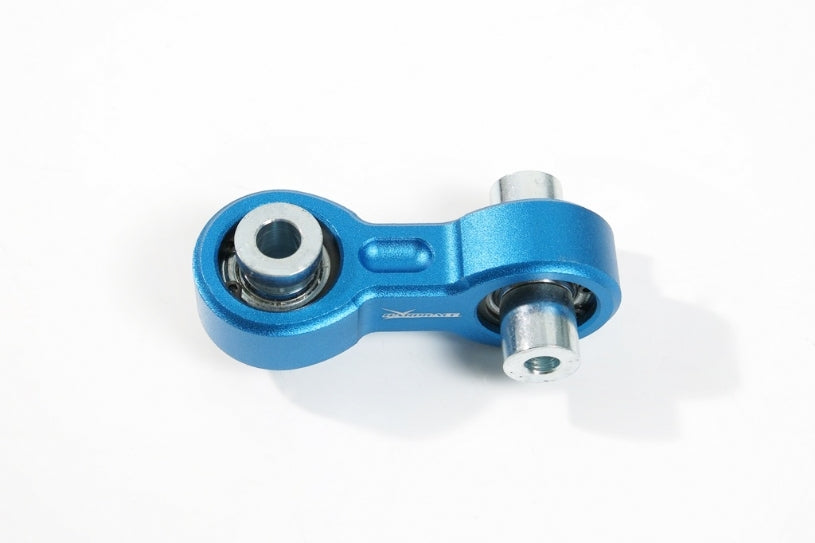
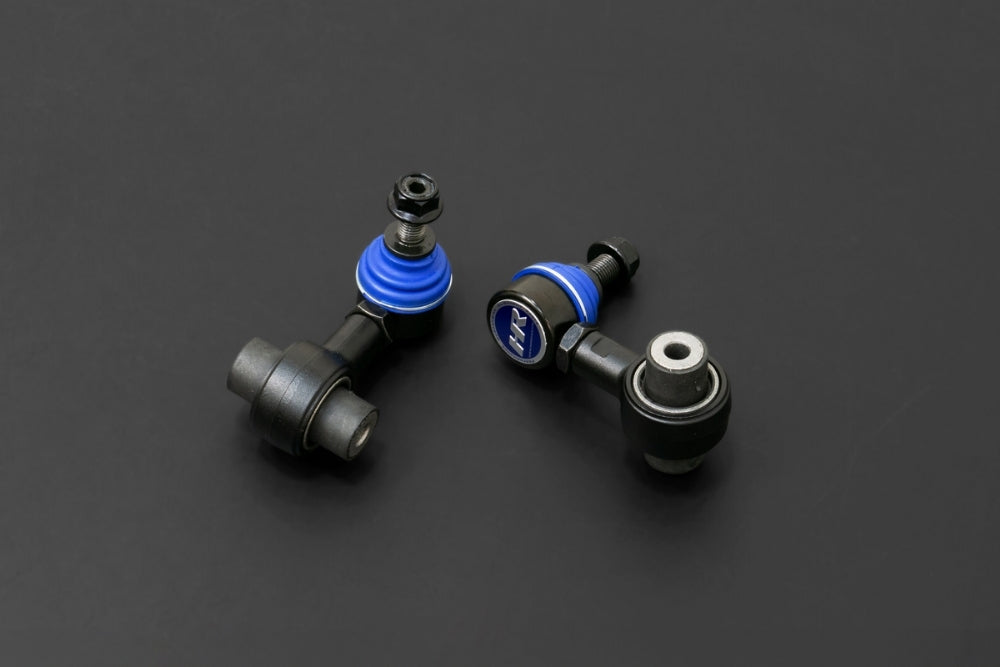
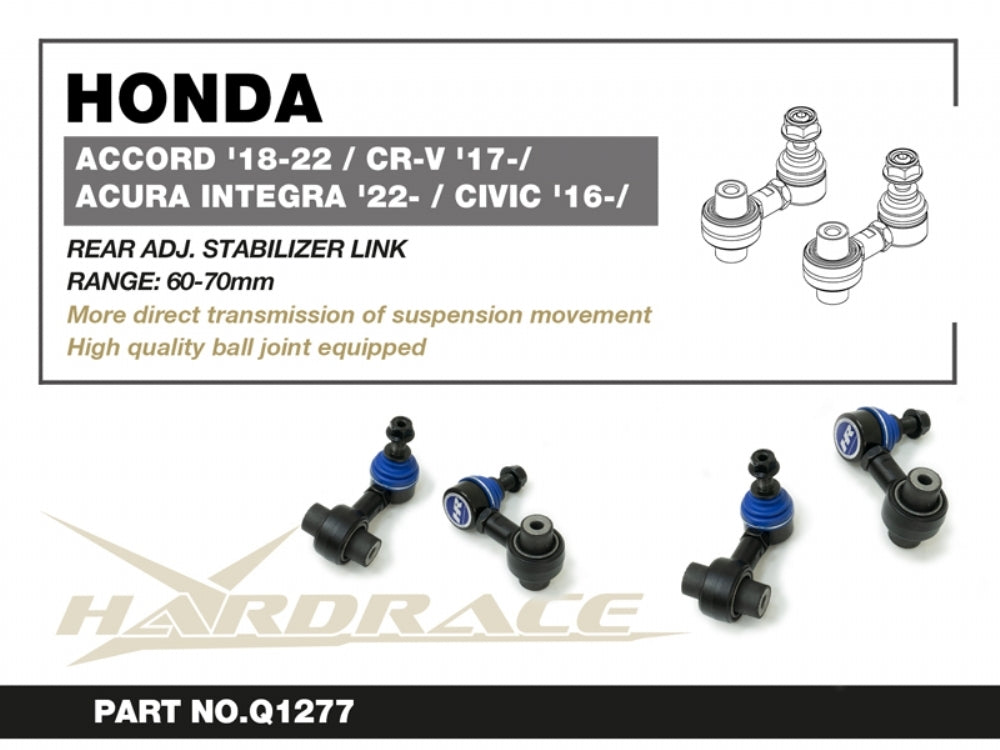
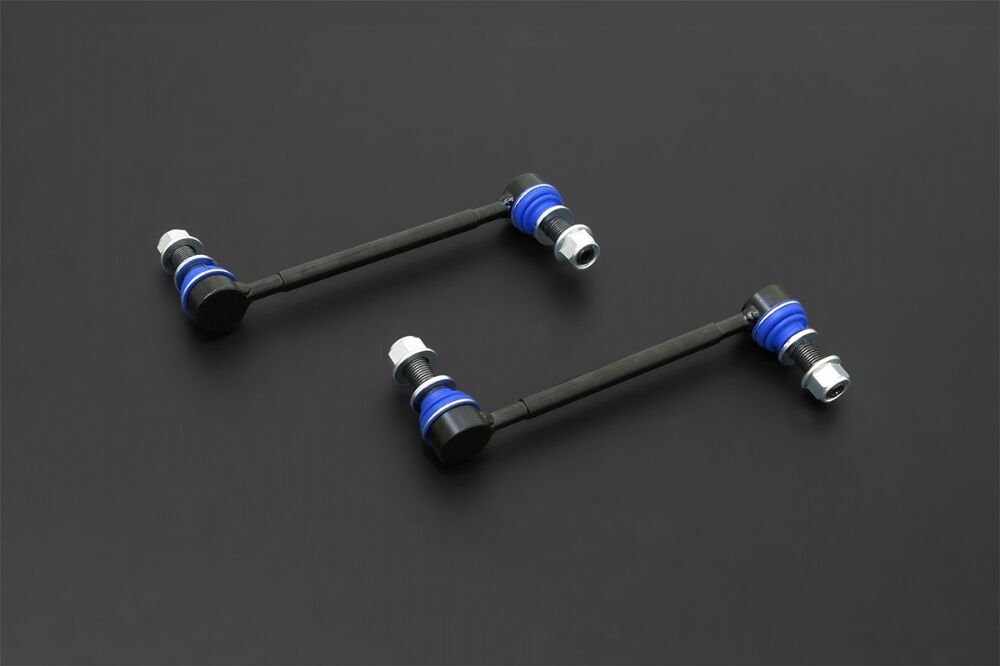
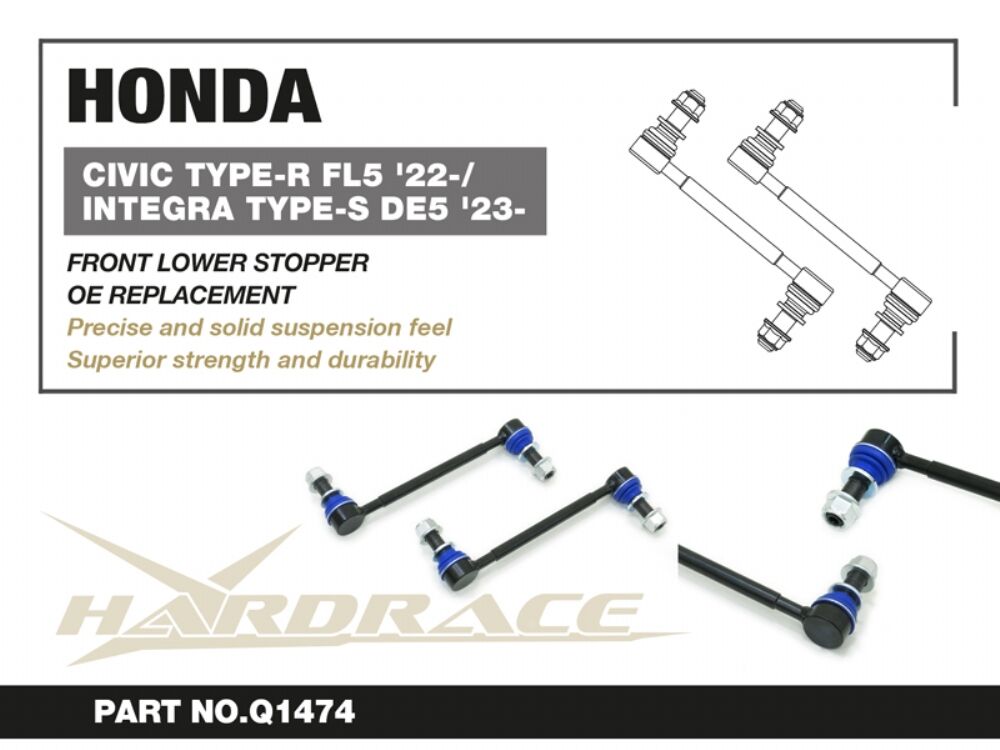
- Sway bars, sway bar links and bushings
- Engine, gearbox and differential mounts
- Chassis braces and subframe reinforcement
Choosing the Right Part
Parts are generation-specific. Many FK8 and FL5 parts are shared, while earlier generations use different suspension designs. Check the chassis code in each listing against your car.
Hardrace offers many parts in two materials. Hardened Rubber reduces deflection over factory rubber while staying quiet enough for the street; Pillow Ball (spherical) removes deflection entirely for the most direct feel, with more noise and harshness, and suits track-focused cars.
Installation & What You'll Need
Installation by a professional is recommended. Many bushings are press-fit and need the arm removed and a hydraulic press. Any adjustable arm, link or roll centre adjuster changes alignment, so book a wheel alignment straight after installation.
FAQ
Do FK8 and FL5 parts interchange?
Many Hardrace parts are listed for both the FK8 and FL5. Each listing names the chassis codes it suits.
Should I choose Hardened Rubber or Pillow Ball?
Hardened Rubber suits street-driven cars, giving more precision without much added noise. Pillow Ball suits track-focused cars where feedback matters more than comfort.
Do I need a wheel alignment after installing these?
Yes. Adjustable arms, links and roll centre adjusters change alignment, so book one straight after installation.
More Hardrace
Need help matching a part to your chassis code? Contact our team at sales@chicaneaustralia.com.au.