
Honda Prelude BF1 Performance Parts & Upgrades
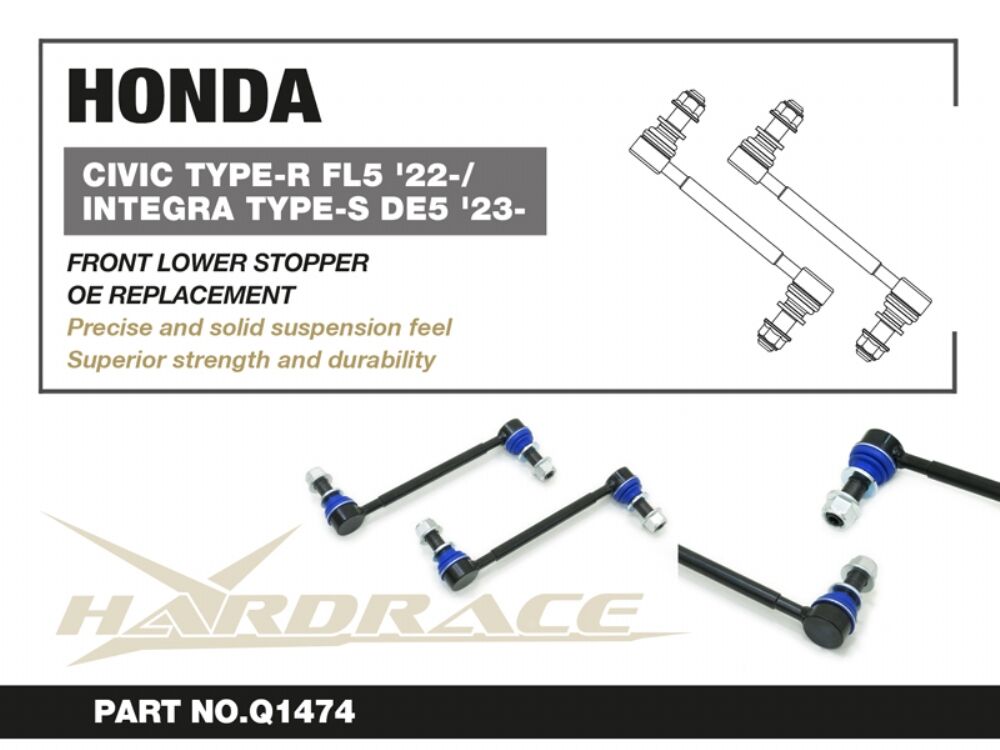
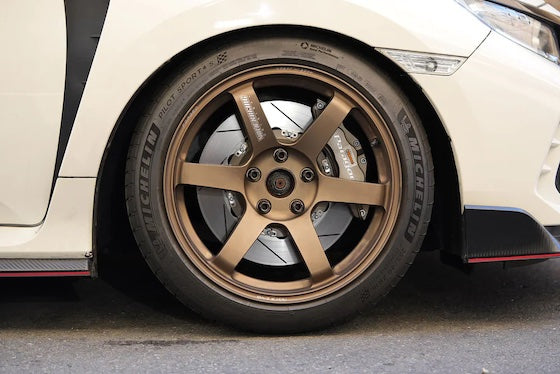
The sixth-generation Honda Prelude (BF1) arrived in Australia in 2026 as a 2.0L e:HEV hybrid coupe. It borrows its front suspension and brake hardware from the Civic Type R (FL5), so many Type R chassis and brake upgrades fit it too. This page lists the parts we stock for the BF1, from the Honda Genuine accessory range (grille moulding, front lower skirt, lighting, mats and visors) to HARDRACE suspension arms and bushings, Brembo, Alcon and Paragon big brake kits and Paragon 2-piece rotors.
Shop by Vehicle
- Honda Civic Type R (FL5): shares its front suspension and brakes
- Honda Civic Type R (FK8)
- Honda S2000 (AP1 / AP2)
- Honda Integra Type R (DC5)
- View all brands
Popular upgrades for the Prelude
- Honda Genuine styling: front grille moulding, front lower skirt, black emblem set, door visors and mud guards.
- Honda Genuine interior and lighting: console, foot and seat-under lights, illuminated side step garnish, LED tailgate light, logo projector and premium floor mats.
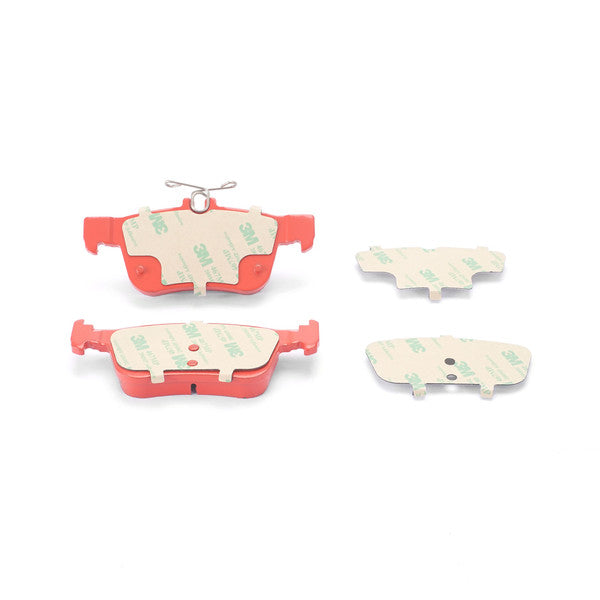
- Brakes: Brembo GT, GT-S and Pista front kits, Alcon and Paragon big brake kits, Paragon 2-piece rotors, rotor rings and shims.
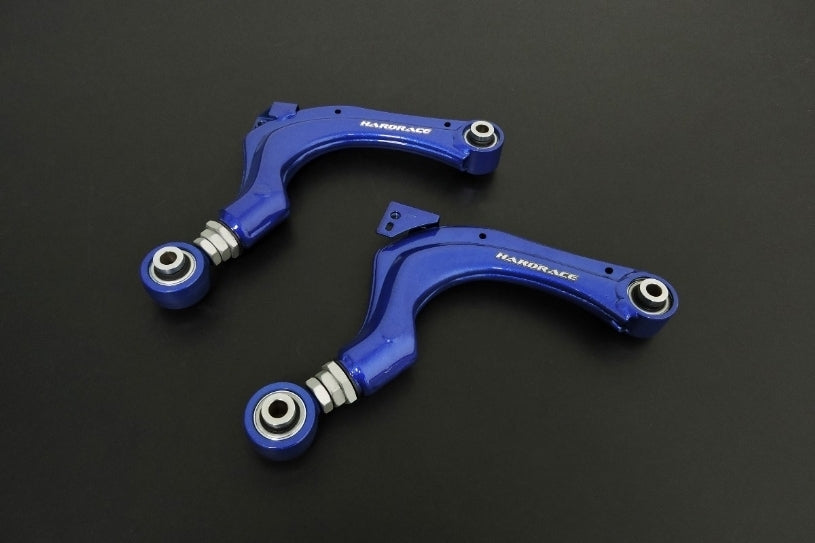
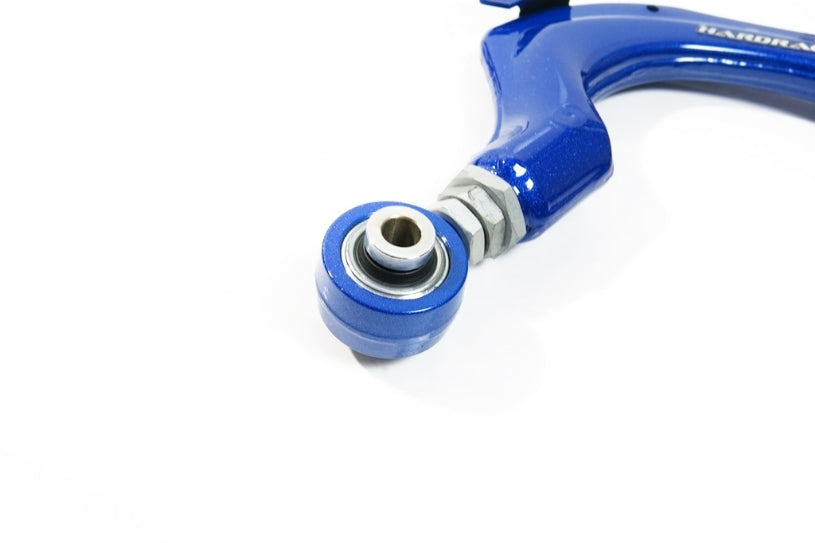
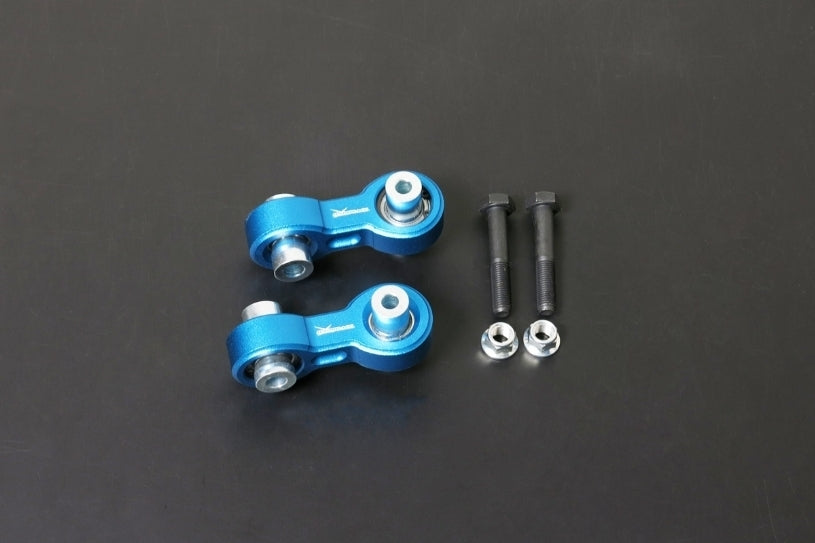
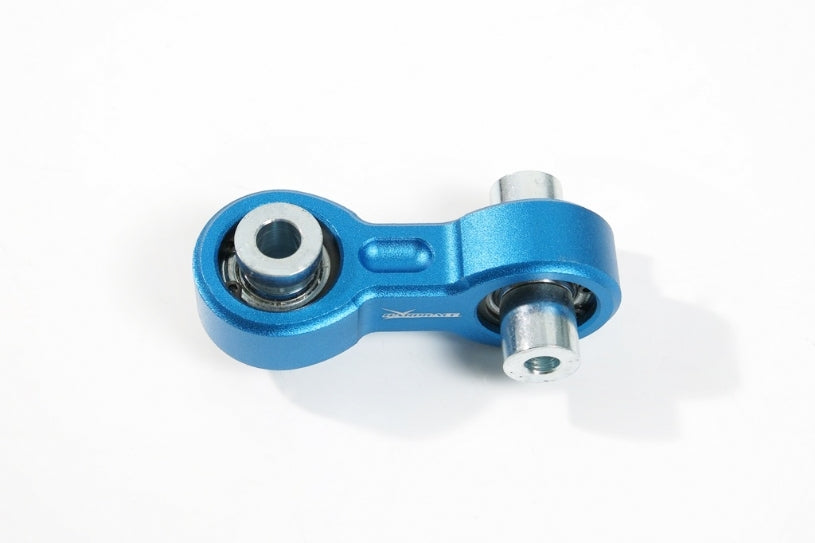
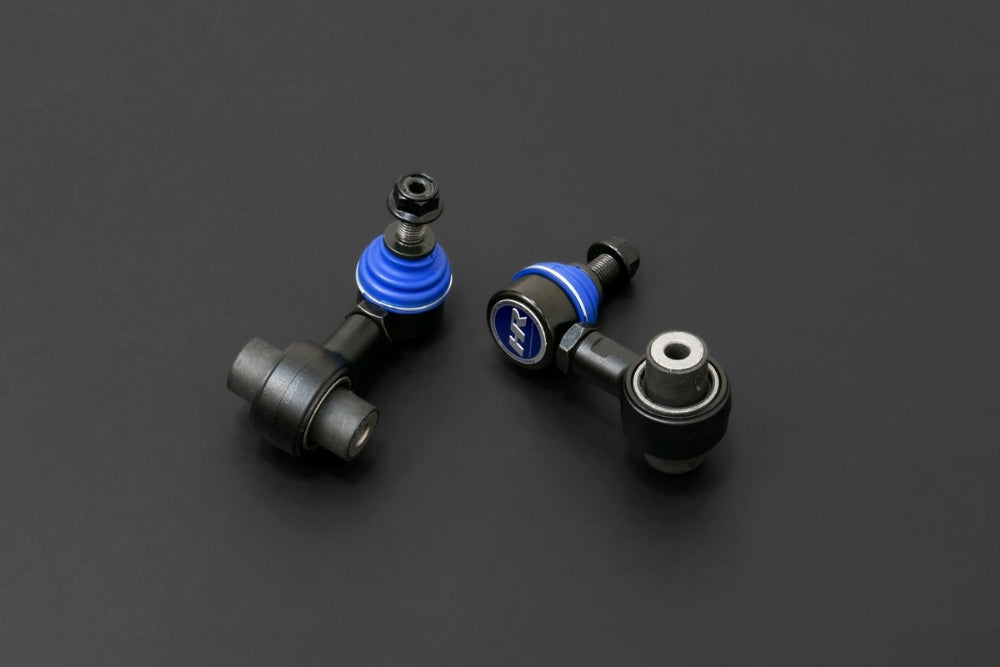
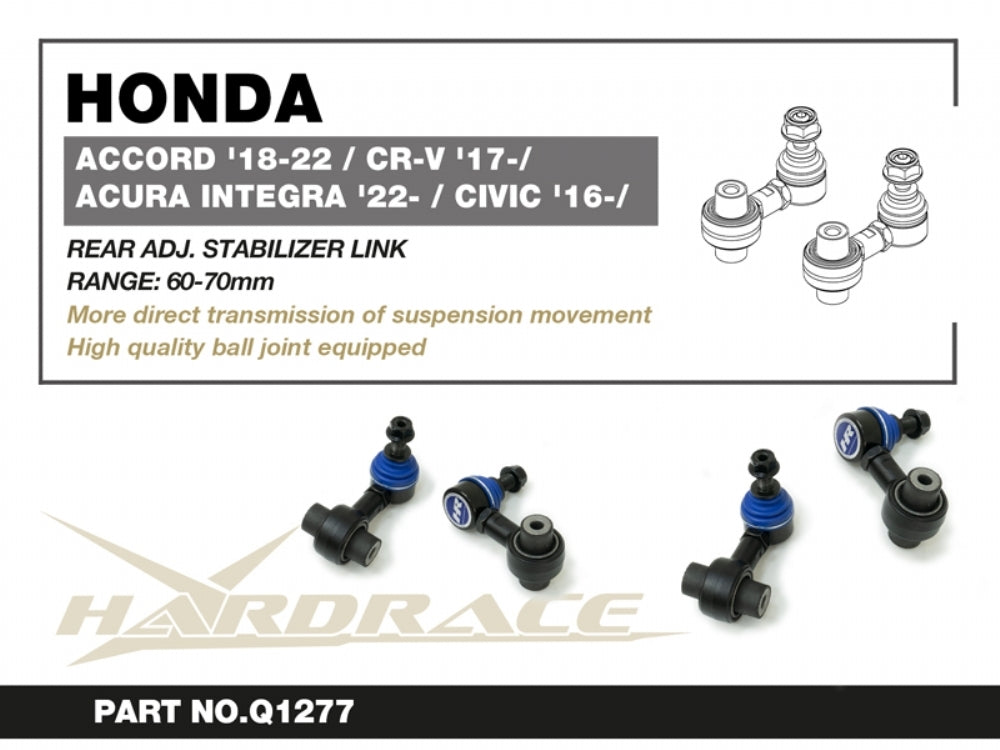
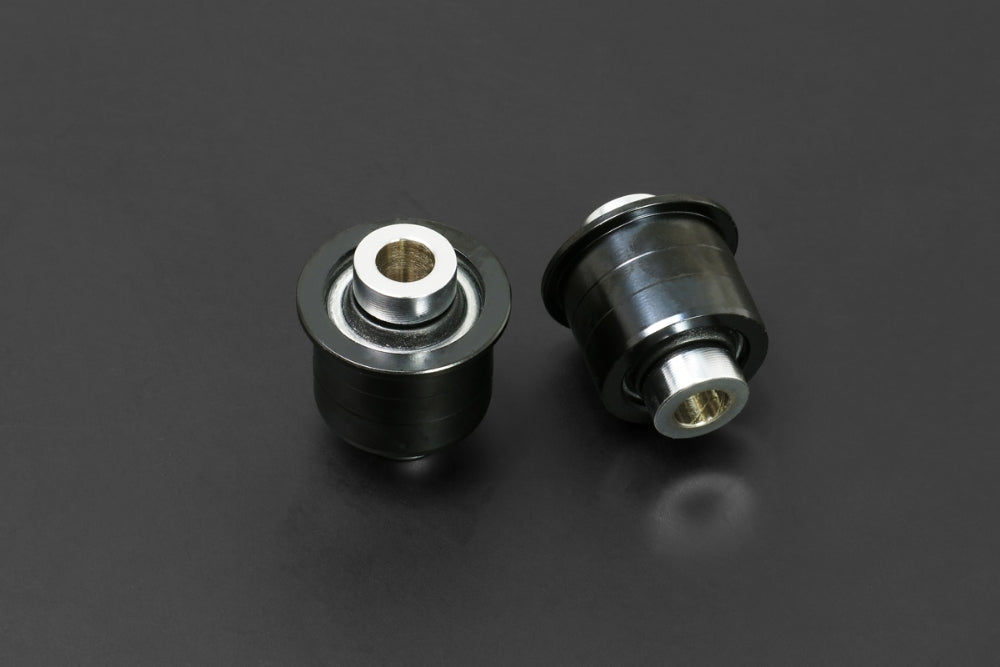
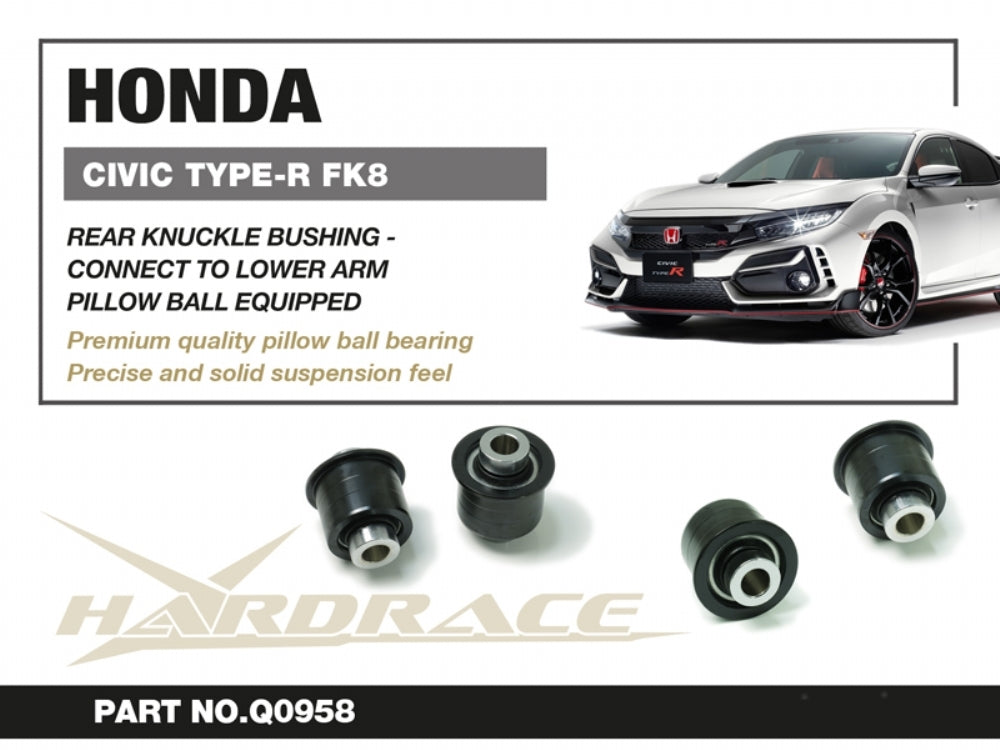
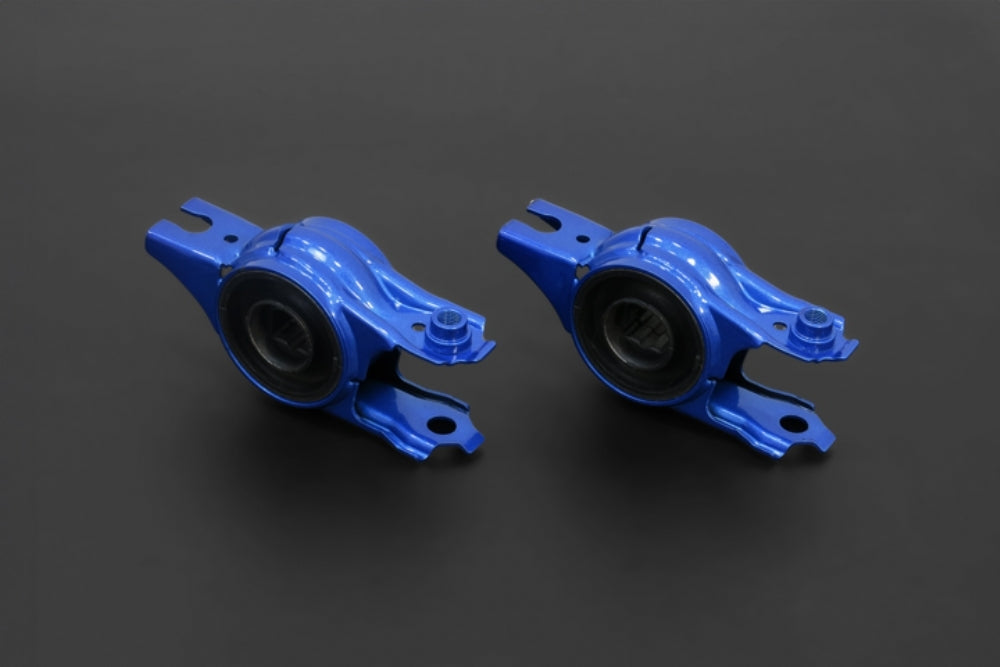
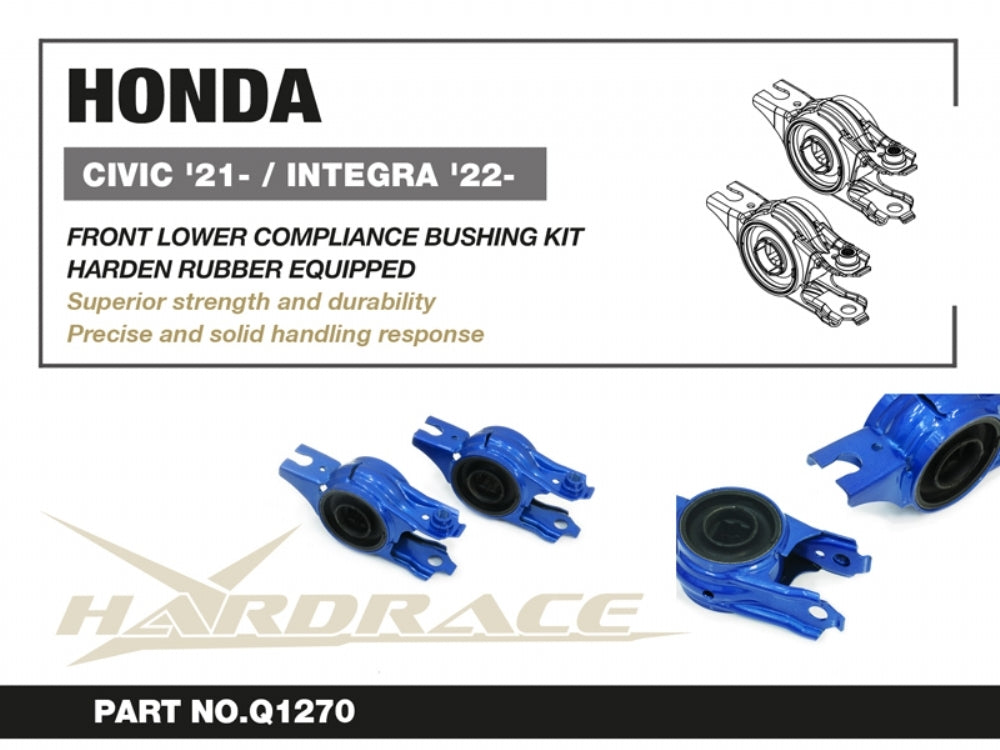
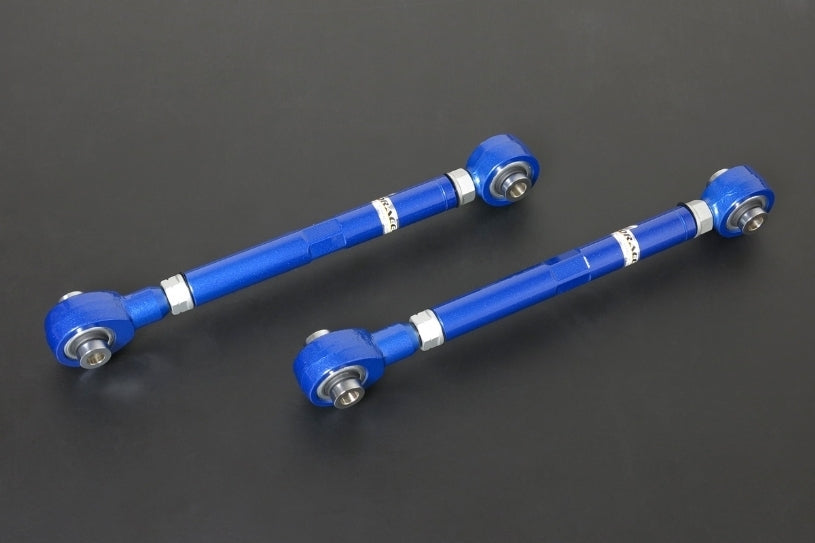
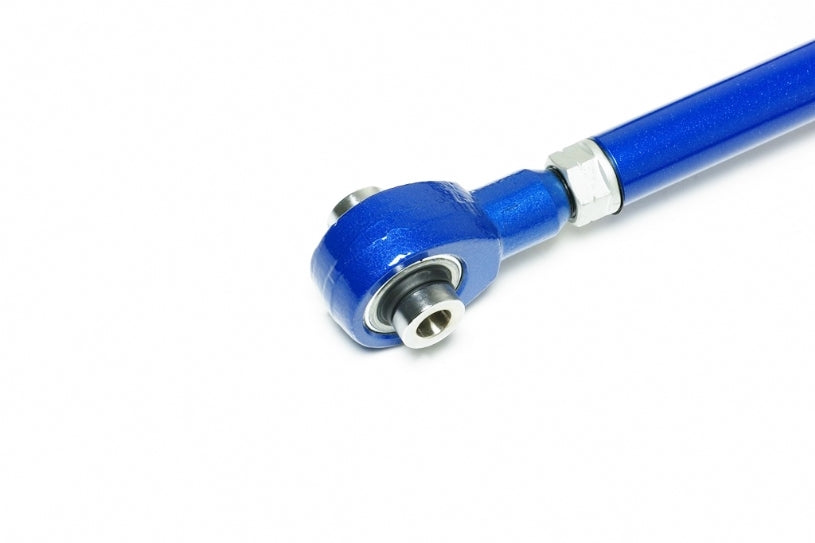
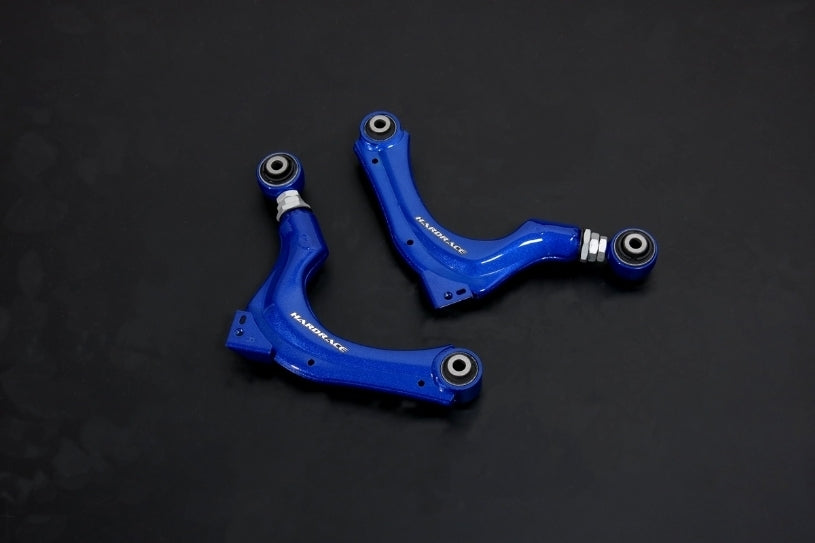
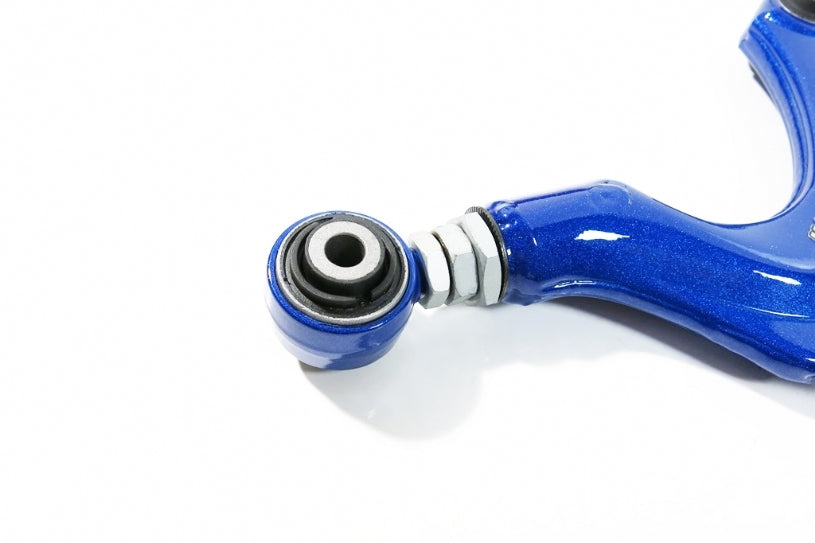
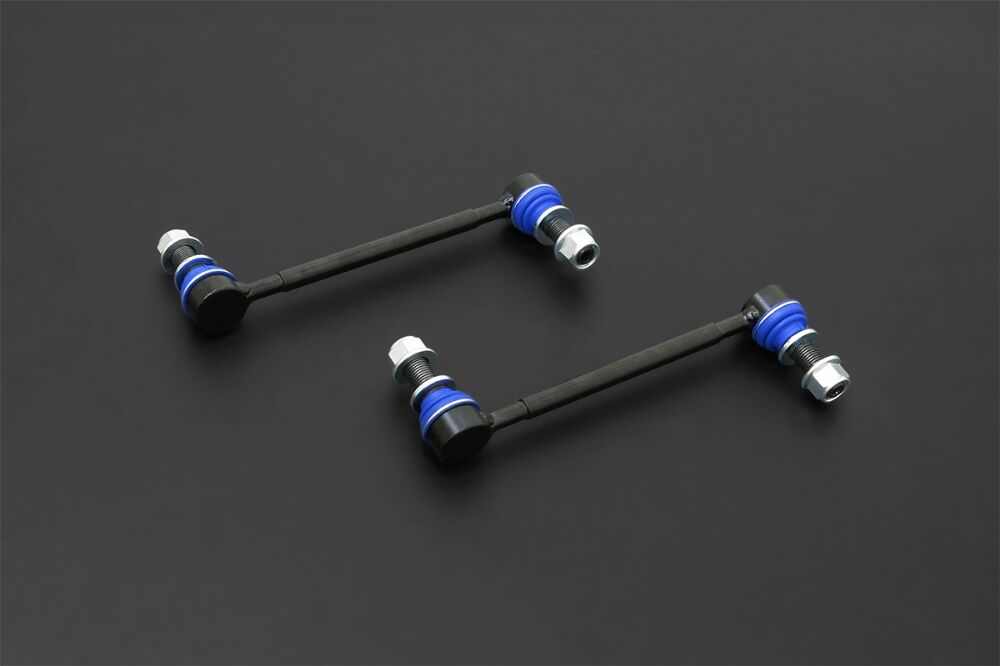
- Suspension: HARDRACE camber kits, toe arms, sway bar links, roll centre adjusters and bushings.
Choosing the Right Part
- Type R parts: parts listed for the FL5 Civic Type R often suit the Prelude, but only where the listing names the Prelude (BF1) or we've confirmed the fit. Ask us before ordering a Type R part that doesn't.
- Big brake kits: check the wheel clearance notes in each listing before ordering.
- Genuine accessories: some Honda Genuine parts come in several colours; choose the one that matches your paint code.
Installation
Have a qualified workshop fit suspension and brake parts, get a wheel alignment after any suspension change, and bleed and road-test the brakes after brake work. Honda Genuine accessories can be fitted by a Honda dealer or a trusted workshop.
Need help choosing? Contact our team at sales@chicaneaustralia.com.au.





SKU: BREMBO-FK8-FL5-GT-355-32-PG

SKU: BREMBO-FK8-FL5-GTS-355-32-PG

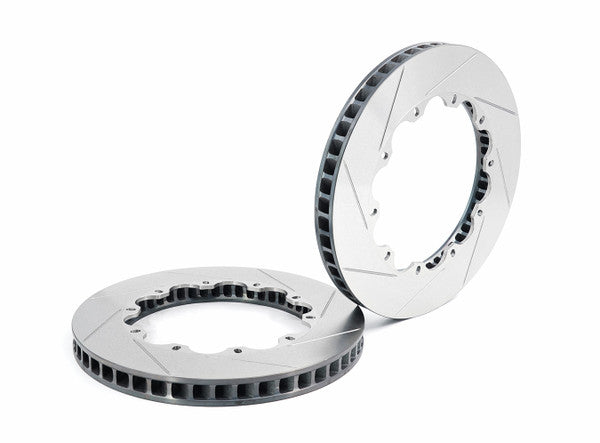
SKU: BREMBO-CTR-PISTA-355-32-PG