
COBB Honda Civic Type R (FL5)
COBB Honda Civic Type R (FL5)
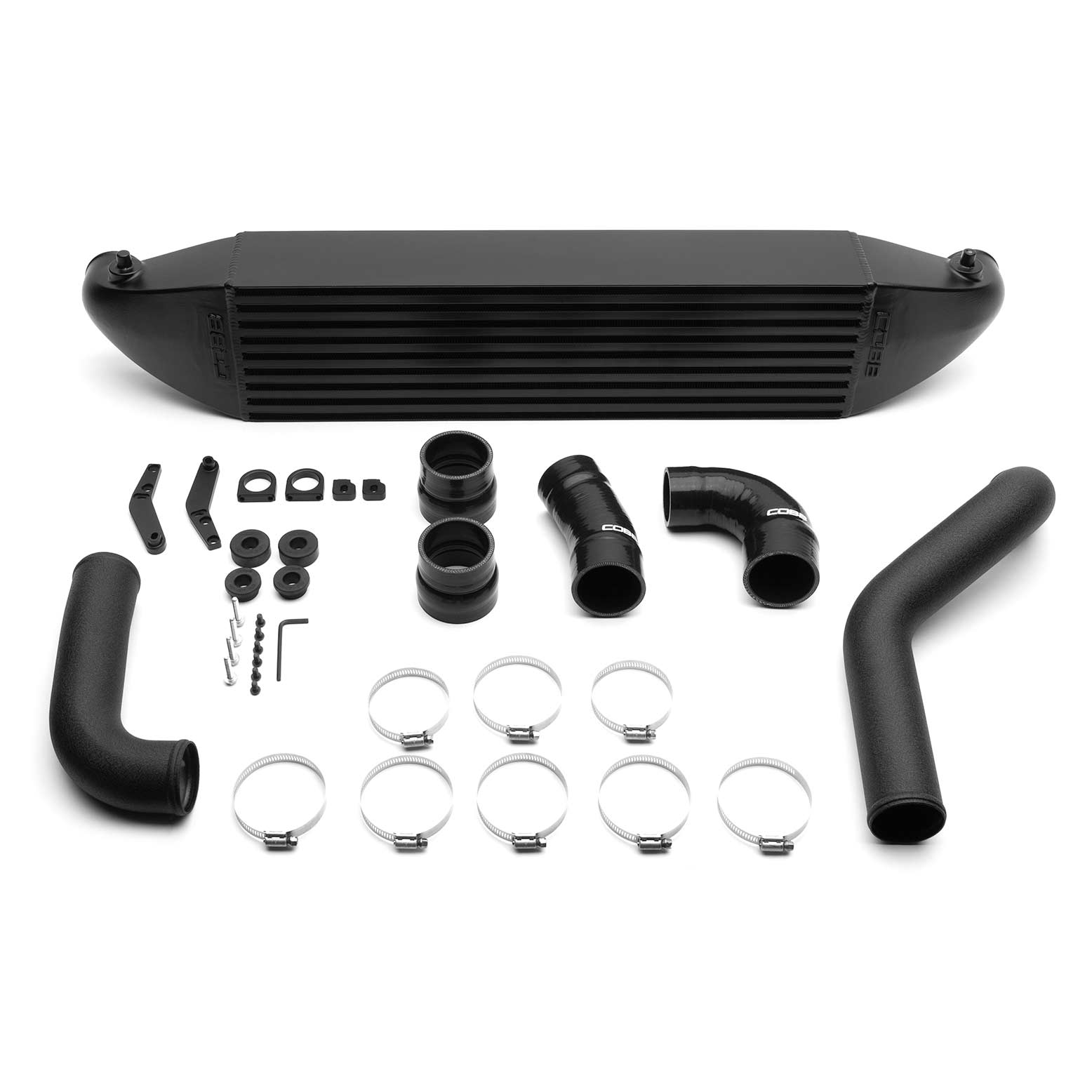
This collection brings together COBB Tuning parts listed for the Honda Civic Type R (FL5). The range covers intake and filtration, intercooler and radiator cooling upgrades, a rear motor mount and a shift knob. Each product title shows the FL5 chassis code so you can shop with confidence.
Shop by Product Type
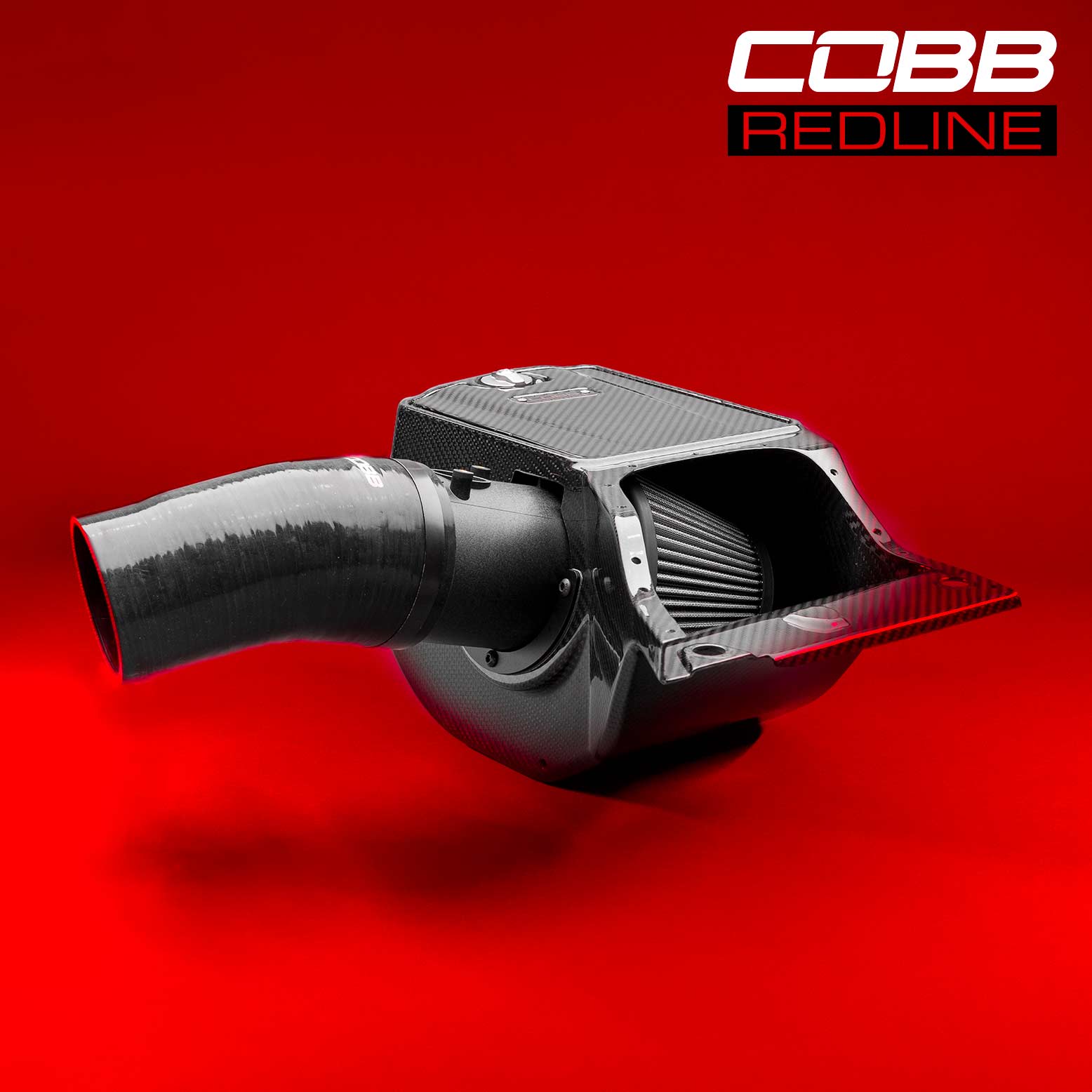
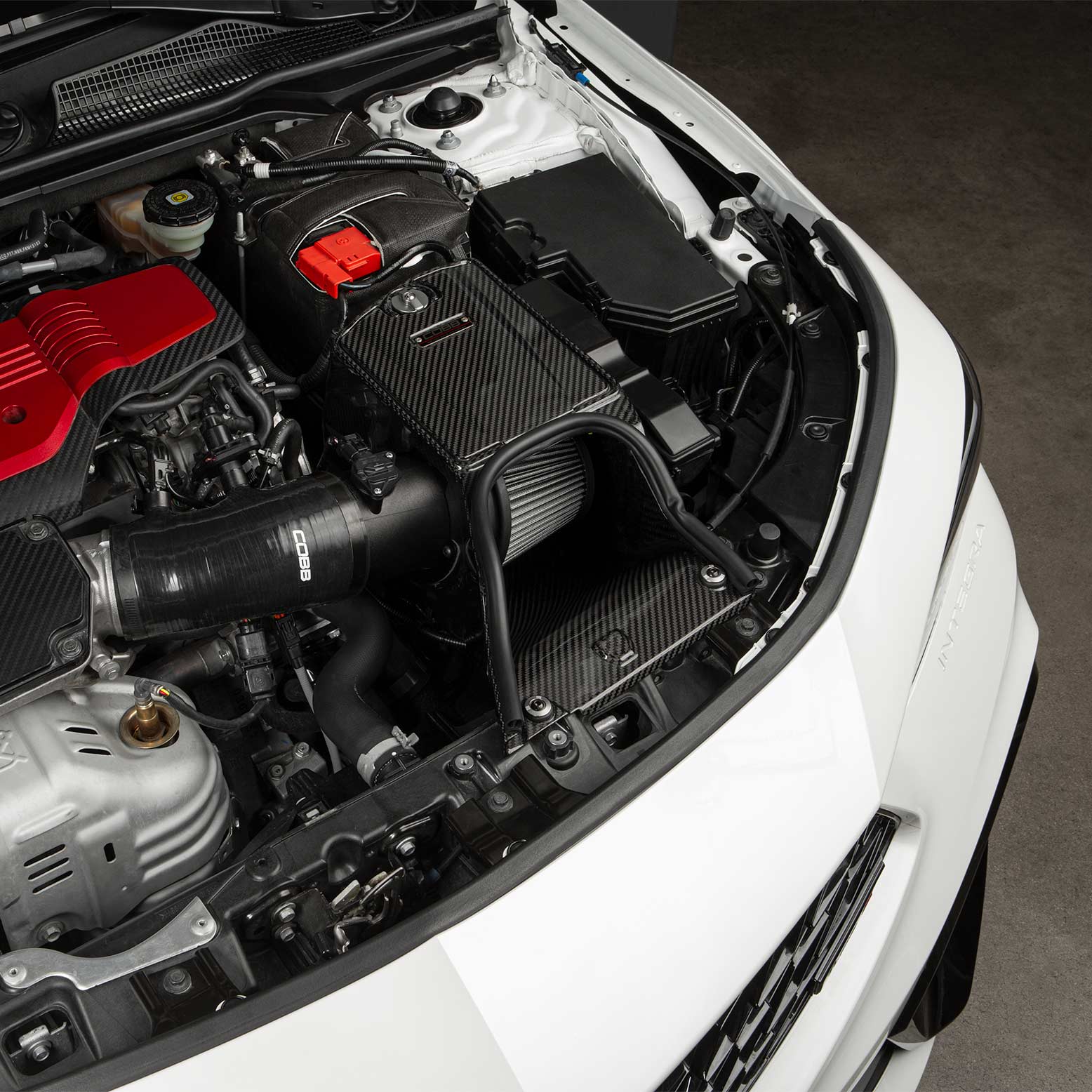
- Intake and filters: COBB Redline Carbon Fibre Intake, Replacement Filter for Redline Intake and High Flow Filter.
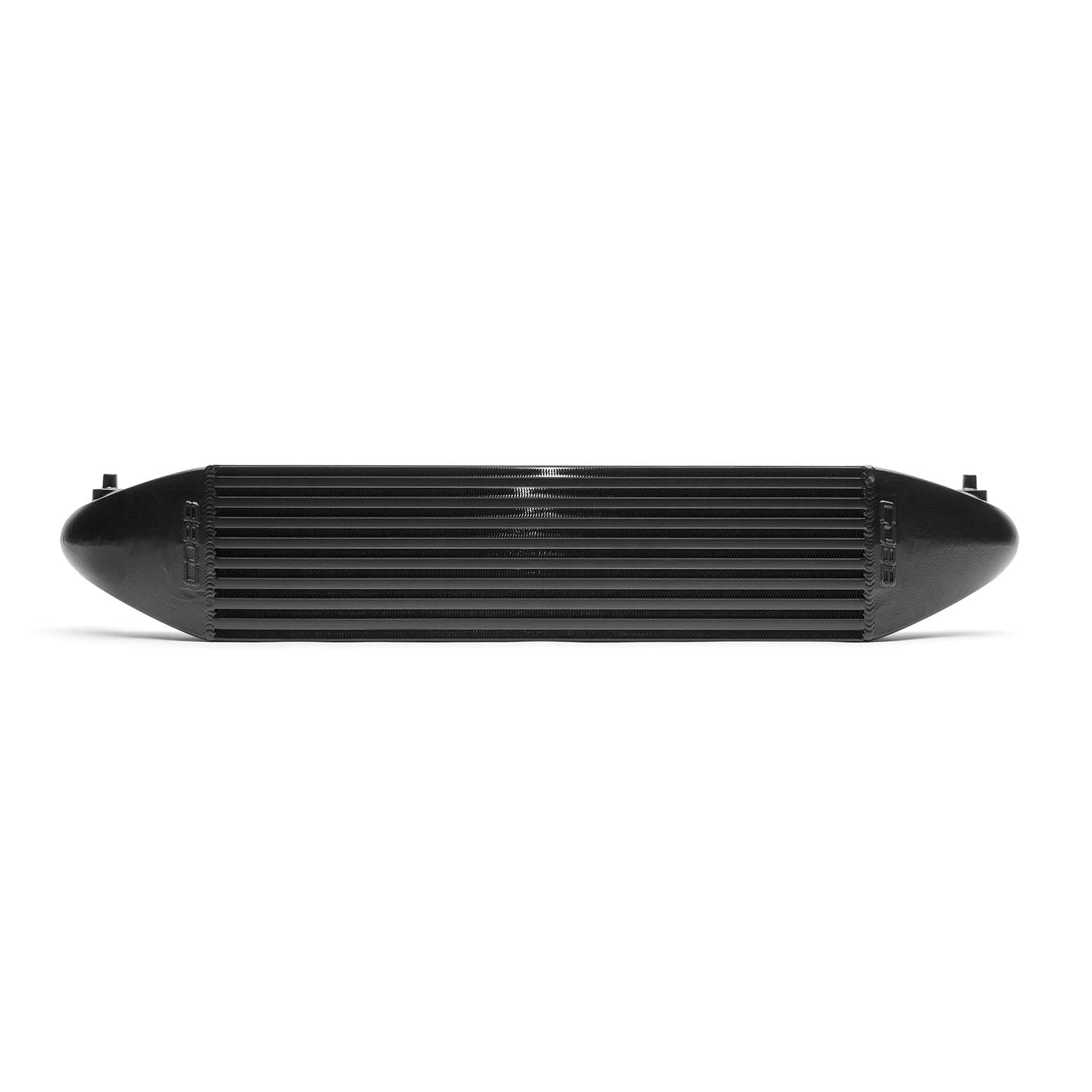
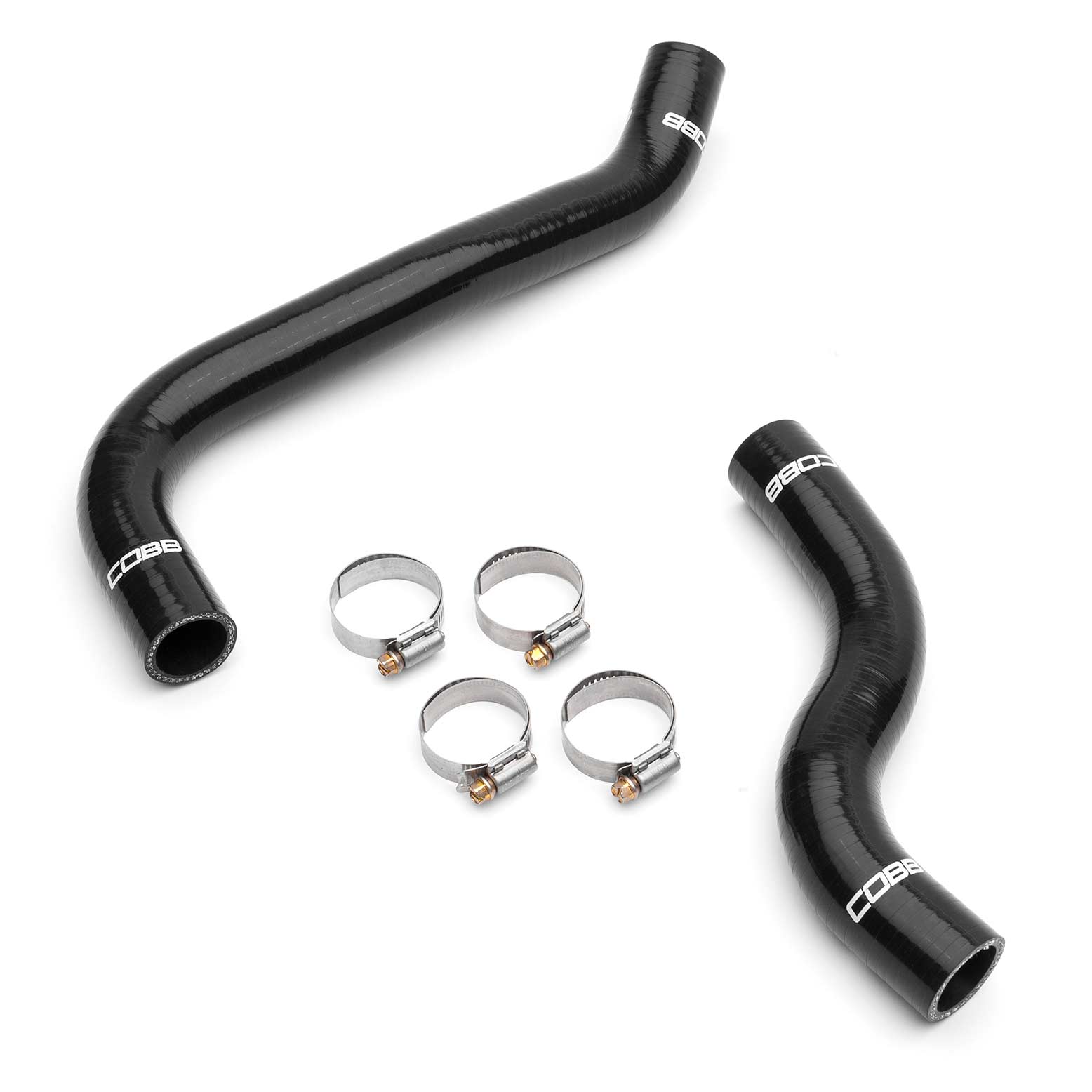
- Cooling: COBB Intercooler Kit, CSF 2-Row Aluminium Radiator and Silicone Radiator Hoses.
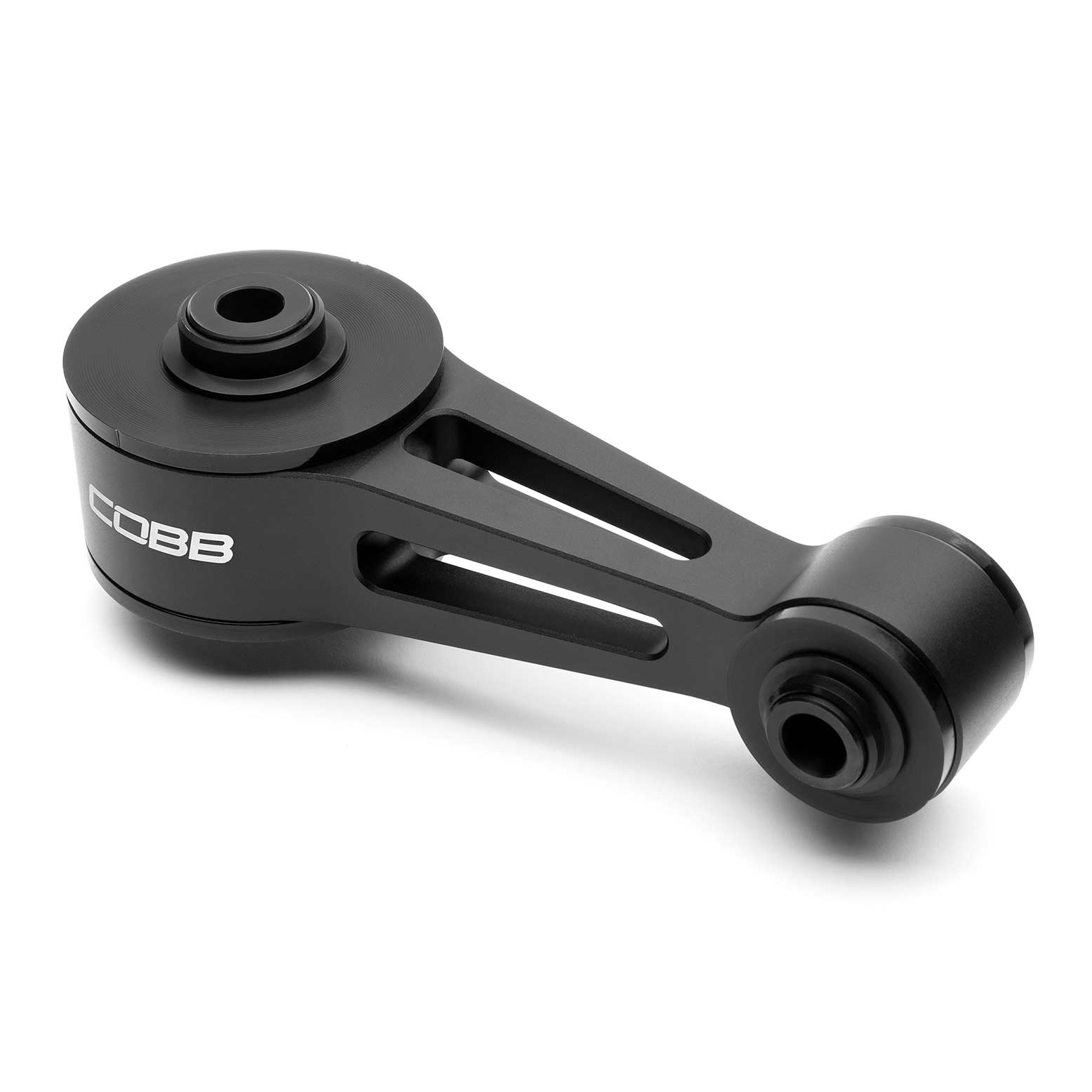
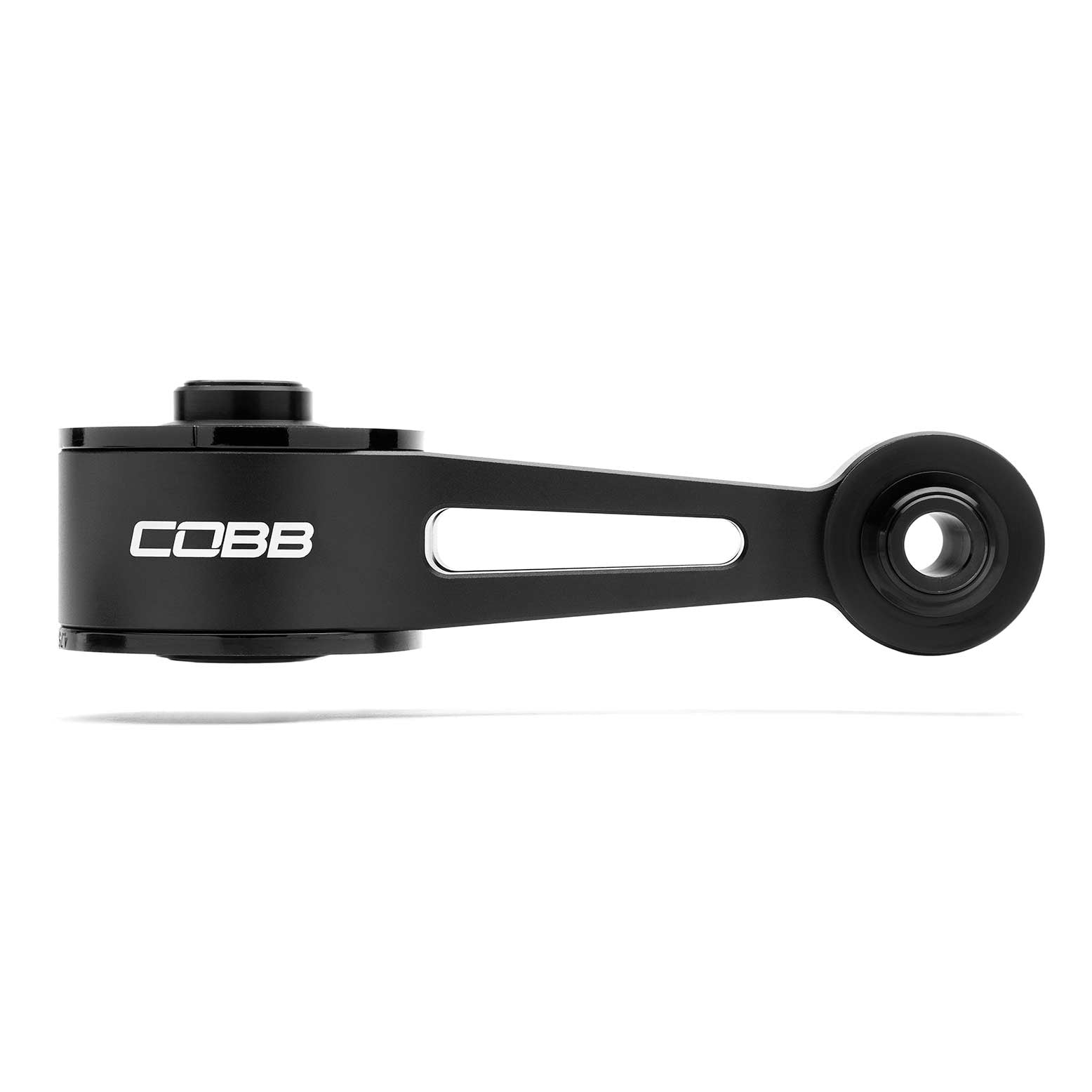
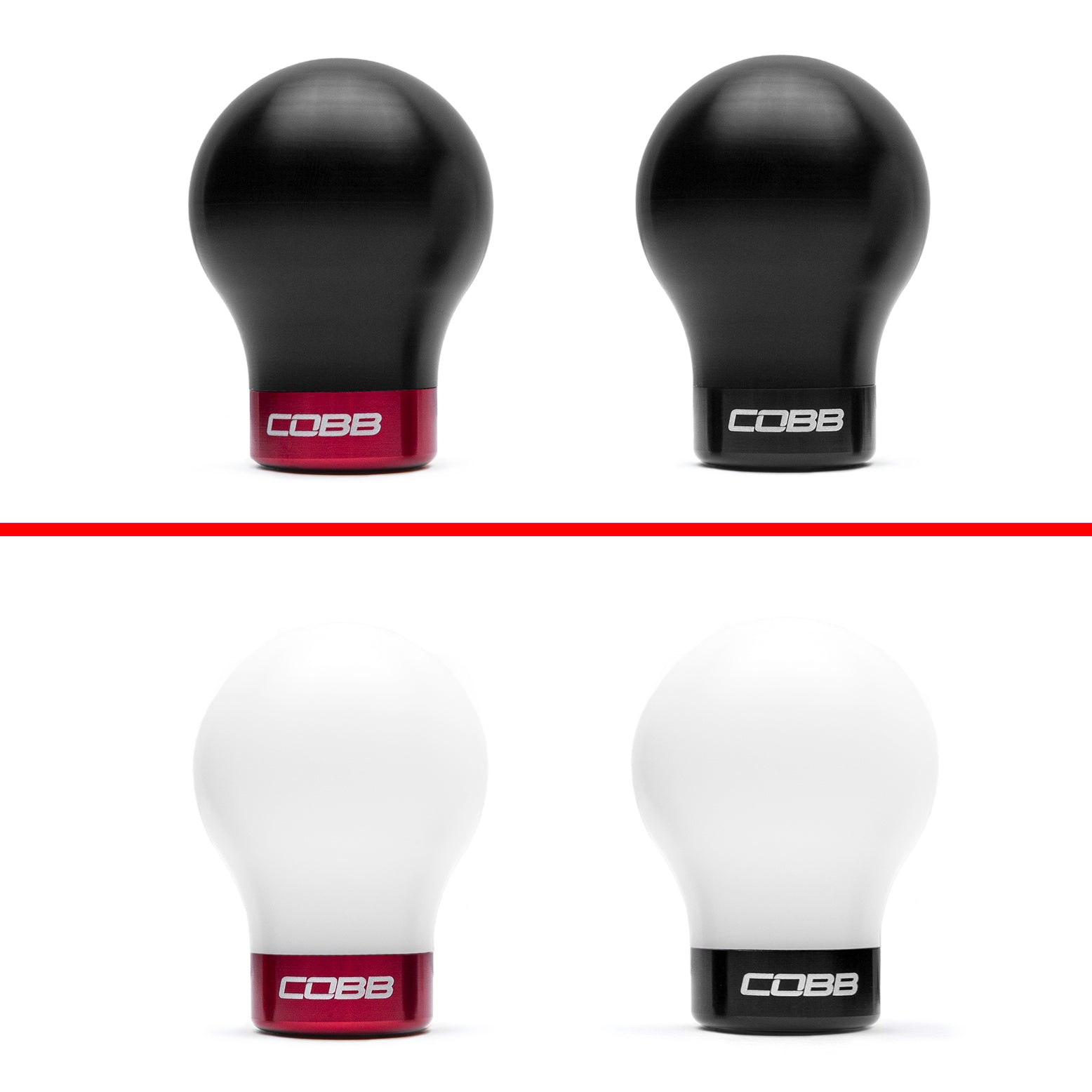
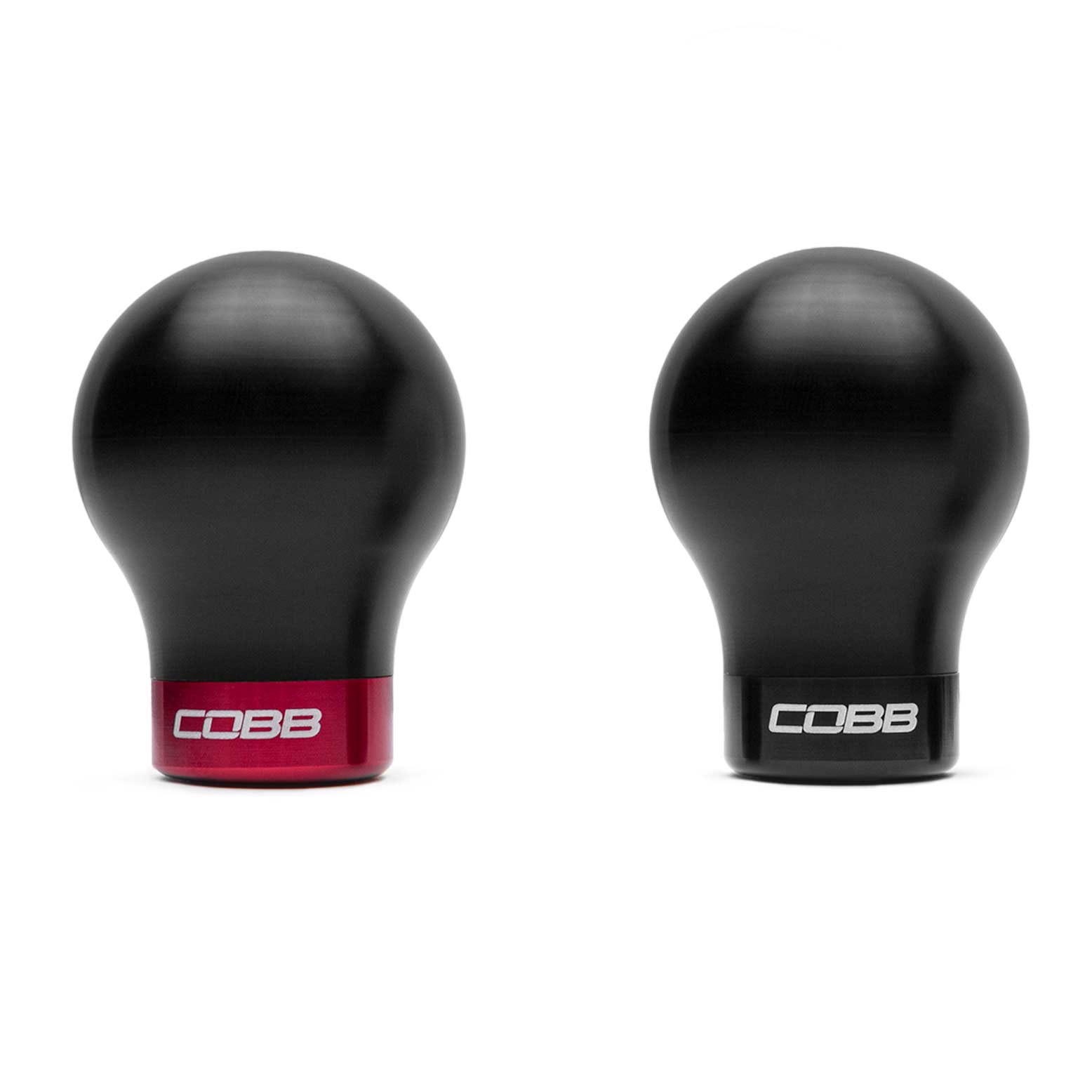
- Drivetrain and interior: COBB Rear Motor Mount and Short Weighted Shift Knob.
Choosing the Right Part
Every part in this collection is listed for the Honda Civic Type R with the FL5 chassis code. The previous-generation Civic Type R (FK8) has its own separate COBB listings, so check that the chassis code in the product title matches your car before ordering. If you are unsure which model you have, confirm it from your vehicle documentation or contact our team.
Installation & What You'll Need
Installation by a professional is recommended. Cooling parts such as the radiator and radiator hoses involve draining and refilling the coolant system. Check each product listing for kit contents and any fitment notes before you start.
FAQ
Do FK8 Civic Type R parts fit the FL5?
Only parts listed for the FL5 are shown here. FK8 parts are listed separately, so always match the chassis code in the product title.
Can I buy a replacement filter for the COBB Redline intake?
Yes, the COBB Replacement Filter for Redline Intake is listed for the Civic Type R (FL5).
Should I install these parts myself?
Installation by a professional is recommended for all parts in this collection.
Need help choosing the right COBB part for your Civic Type R? Contact our team at sales@chicaneaustralia.com.au.